
Work Shift Calendar PC
LRHSoft
گیم لوپ ایمولیٹر کے ساتھ PC پر Work Shift Calendar ڈاؤن لوڈ کریں۔
پی سی پر Work Shift Calendar
Work Shift Calendar، جو ڈویلپر LRHSoft سے آرہا ہے، ماضی میں اینڈرائیڈ سسٹم پر چل رہا ہے۔
اب، آپ پی سی پر Work Shift Calendar آسانی سے GameLoop کے ساتھ چلا سکتے ہیں۔
اسے GameLoop لائبریری یا تلاش کے نتائج میں ڈاؤن لوڈ کریں۔ مزید غلط وقت پر بیٹری یا مایوس کن کالوں پر نظر نہیں ڈالی جائے گی۔
بس بڑی سکرین پر Work Shift Calendar PC کا مفت میں لطف اٹھائیں!
Work Shift Calendar تعارف
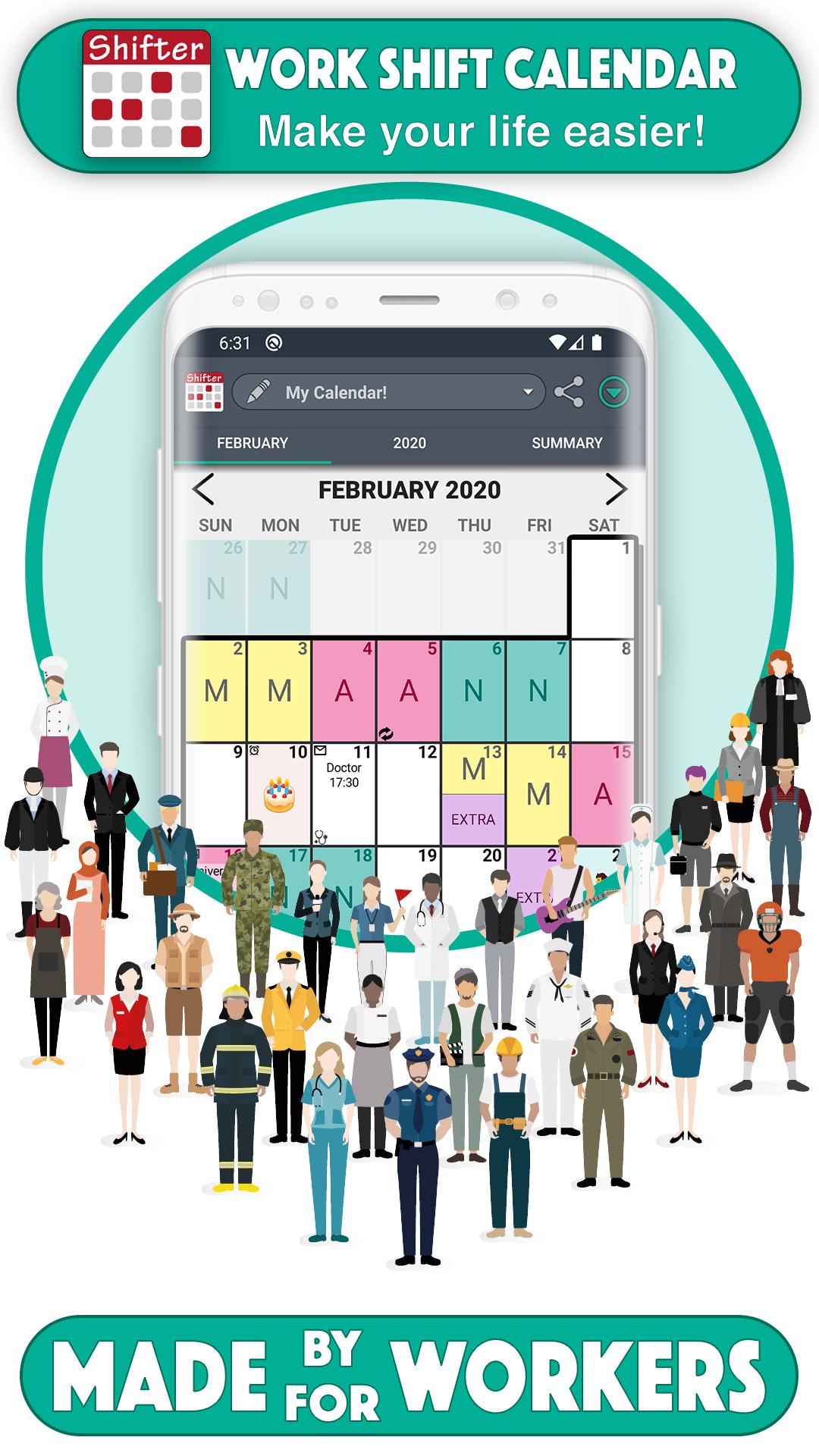
This app is designed for shift workers and people who need to organize their day to day basis and thus not to miss any appointments.
You can carry out an exhaustive control of your working day and your income quick and easily thanks to our statistics system.
SHIFTS 📆
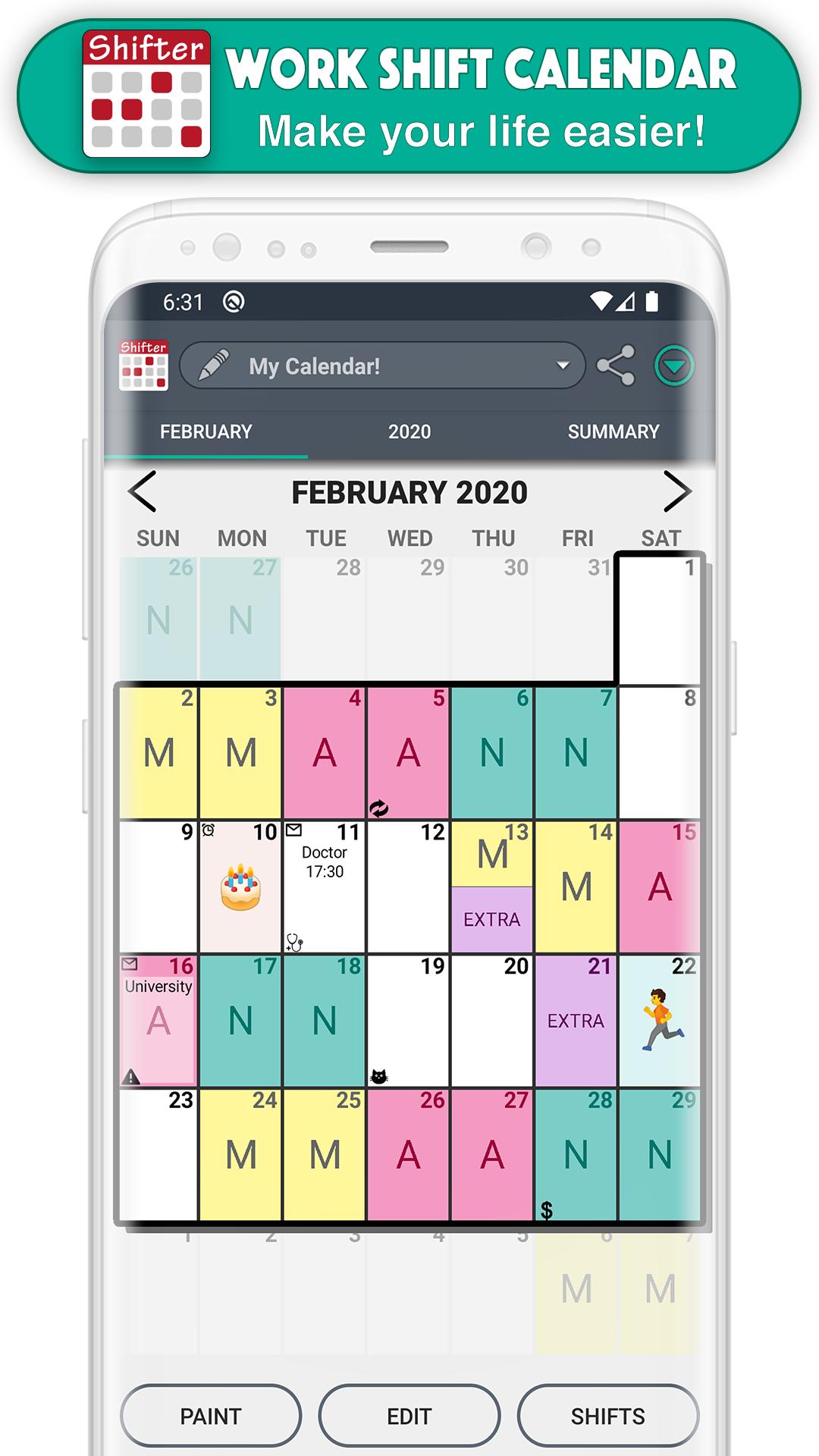
- Create fully configurable shifts ✏️
- Add your workday, with option to include split shift and rest time. Keep track of your schedules 📊
- Enter your income, overtime and early exit. Set up earnings and control working time easily 💰
- Create alarms associated with that shift (for that day or for the previous day) and customize its sound 🔔
- Include actions at the beginning or end of the schedule of each shift (WIFI, sound mode, Bluetooth) 🔇
- Paint up to two shifts per day.
- Import your shifts from one calendar to another.
- Add customizable icons associated with a date 🐱
NOTES 📝
- Create notes on each day and add reminders with alarms. Don't ever forget important appointments or notes 🔔
- Customize the sound of alarms.
- Include images and handmade drawings in your notes ️🖼️
WIDGETS 📲
- Create a widget for your desktop and view your calendar even without opening the app.
- Choose between weekly and monthly Widget.
- Choose the size you like more.
TOP FUNCTIONS 🚀
- Enjoy the Monthly and Annual View (which allows you to see all months of the year just by sliding the screen, as well as Annual Statistics).
- Export your calendar to Google calendar.
- Add national holidays directly from Google Calendar 🌴
- Control working time and earnings by selecting a range of dates in the Statistics section.
- View upcoming notes at a glance.
- Compare different calendars.
- Share your calendar (monthly, annual view or comparison of calendars) with your friends via WhatsApp, email, Telegram ... 📧
- Create backups easily.
- Set up to ten different calendars.
- Import other calendars simply.
- Use the icon search to find them quickly 🔎
EASY TO USE
- Modify your calendar in two ways:
(1) Quick mode or Paint: Select an event from the drop-down list and click on the days to paint them with that event 🎨
(2) Edit Mode: Select one or more days and perform actions in the selected day range (repeat, copy, cut, paste, delete or assign shifts) ✂️
- Shifts menu: you can see all the shifts of that calendar, create new ones, edit, reorder or import them.
FEATURED FEATURES ⭐️
- Easy to use.
- Clear interface.
- Customizable.
- PRO version that unlocks great advantages.
- Tutorial with the basic functions of the app and help section (FAQs)
- Fast and personalized customer service ℹ️
- Social networks 👍 enjoy explanatory videos, information about new updates and more visual content by joining our Shifter community.
SUPPORT OUR WORK 💜
We are a very small team of people who make a great effort to develop Shifter. If you like this app, you can help us improving it and continue adding new features. Buying PRO version not only activates all its advantages, but also greatly support the continuous development of the app.
FACEBOOK & INSTAGRAM: @ShifterCalendar
پیش نظارہ
ٹیگز
پیداواری صلاحیتمعلومات
ڈویلپر
LRHSoft
تازہ ترین ورژن
2.0.7.8
آخری تازہ کاری
2025-09-28
قسم
پیداواری صلاحیت
پر دستیاب ہے۔
Google Play
مزید دکھائیں
پی سی پر گیم لوپ کے ساتھ Work Shift Calendar کیسے کھیلا جائے۔
1. آفیشل ویب سائٹ سے گیم لوپ ڈاؤن لوڈ کریں، پھر گیم لوپ انسٹال کرنے کے لیے exe فائل چلائیں۔
2. گیم لوپ کھولیں اور "Work Shift Calendar" تلاش کریں، تلاش کے نتائج میں Work Shift Calendar تلاش کریں اور "انسٹال کریں" پر کلک کریں۔
3. گیم لوپ پر Work Shift Calendar کھیلنے کا لطف اٹھائیں۔
Minimum requirements
OS
Windows 8.1 64-bit or Windows 10 64-bit
GPU
GTX 1050
CPU
i3-8300
Memory
8GB RAM
Storage
1GB available space
Recommended requirements
OS
Windows 8.1 64-bit or Windows 10 64-bit
GPU
GTX 1050
CPU
i3-9320
Memory
16GB RAM
Storage
1GB available space