Leo Chat & Keyboard Translator PC
Leo Legaltech Limited
گیم لوپ ایمولیٹر کے ساتھ PC پر Leo Chat & Keyboard Translator ڈاؤن لوڈ کریں۔
پی سی پر Leo Chat & Keyboard Translator
Leo Chat & Keyboard Translator، جو ڈویلپر Leo Legaltech Limited سے آرہا ہے، ماضی میں اینڈرائیڈ سسٹم پر چل رہا ہے۔
اب، آپ پی سی پر Leo Chat & Keyboard Translator آسانی سے GameLoop کے ساتھ چلا سکتے ہیں۔
اسے GameLoop لائبریری یا تلاش کے نتائج میں ڈاؤن لوڈ کریں۔ مزید غلط وقت پر بیٹری یا مایوس کن کالوں پر نظر نہیں ڈالی جائے گی۔
بس بڑی سکرین پر Leo Chat & Keyboard Translator PC کا مفت میں لطف اٹھائیں!
Leo Chat & Keyboard Translator تعارف
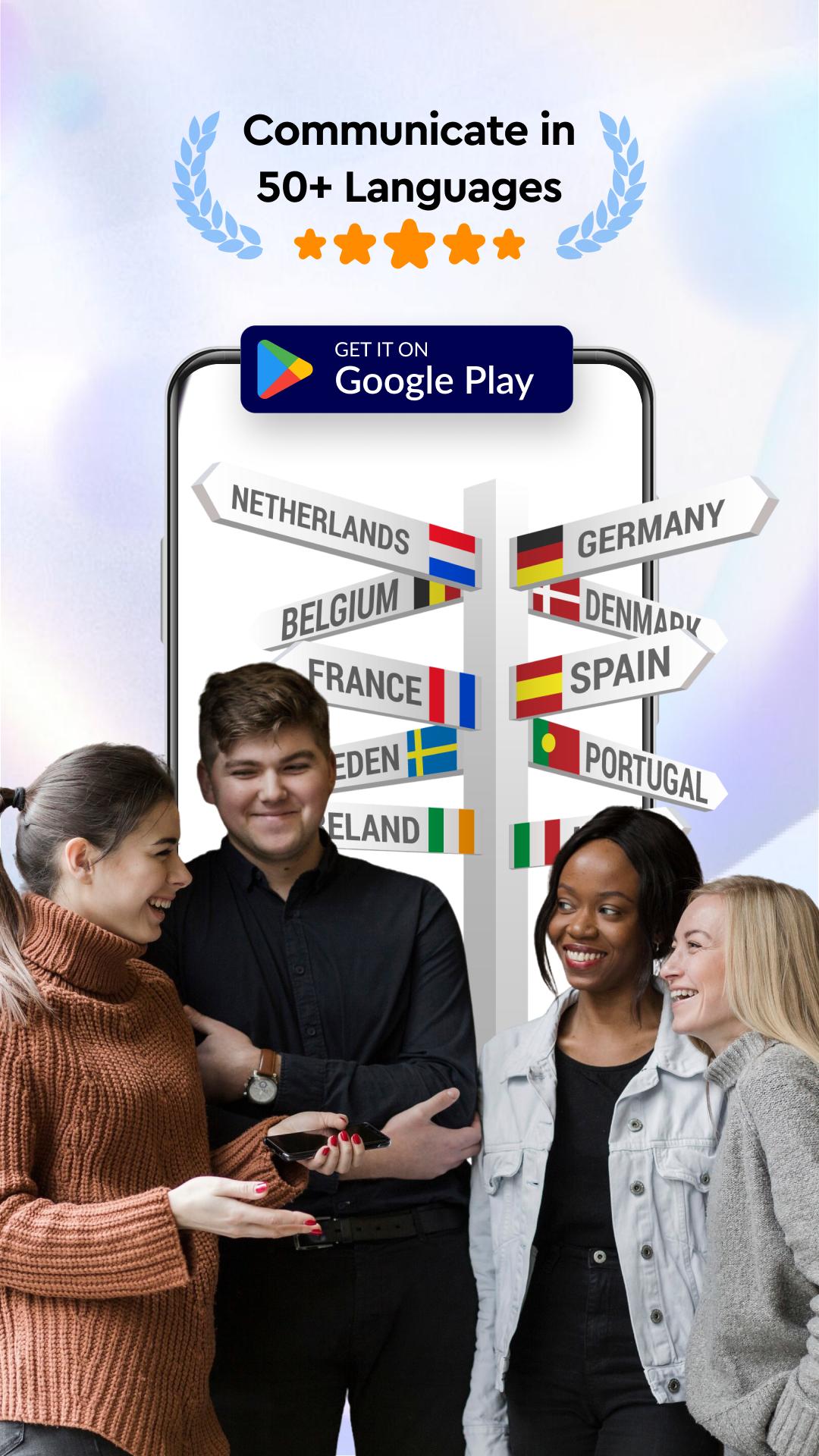
Leo Chat & Keyboard Translator App will be your biggest companion to break the language barrier while talking, chatting, and communicating in your social life.
Chat Keyboard Translator App lets you translate all languages, learn a new language, and chat in a foreign language. Besides, it includes the most popular and trendy features such as stickers, gifs, emojis, and charging animation to customize and make your phone stylish.
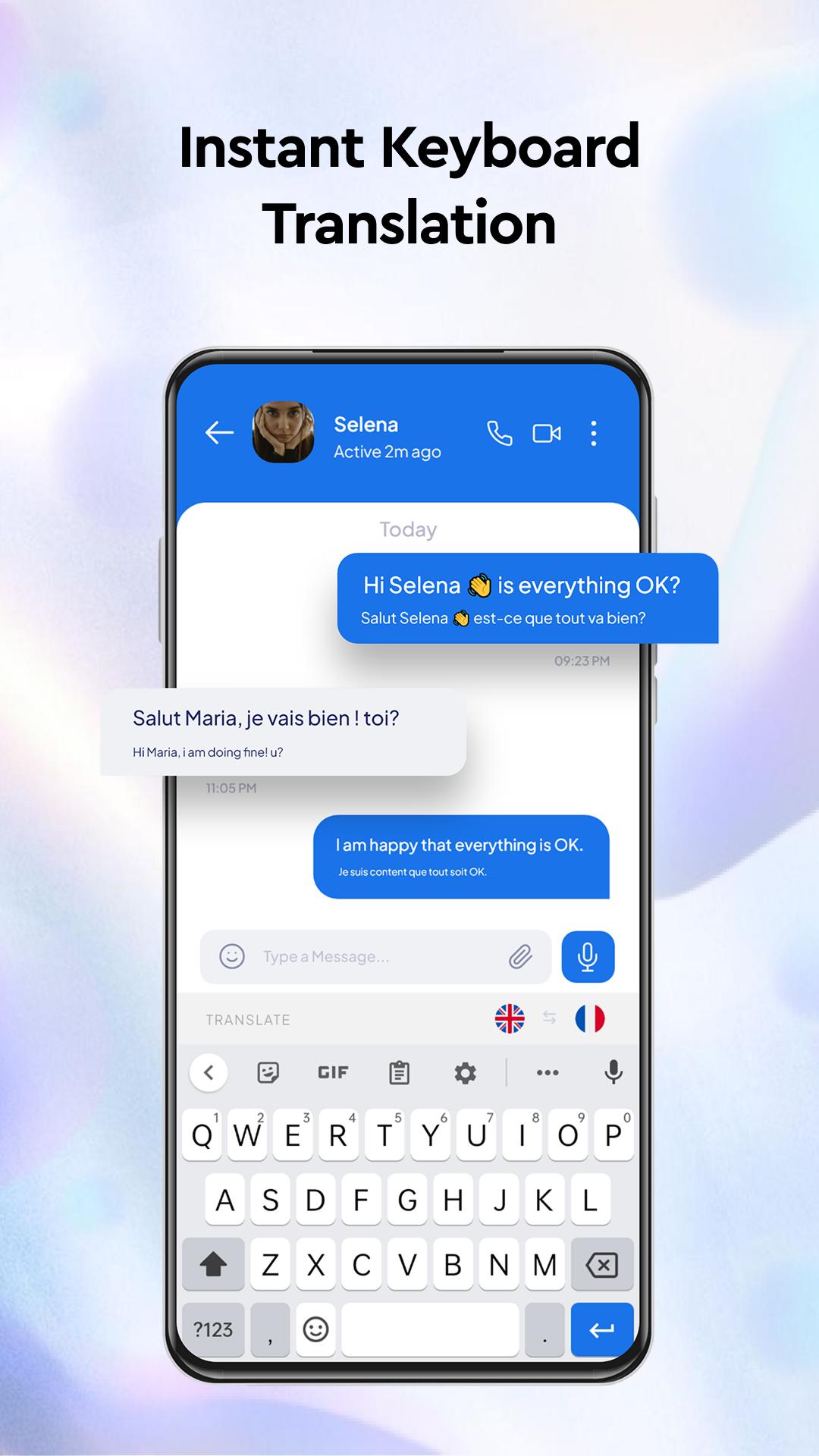
With the instant message translation feature, you can instantly translate your incoming and sending messages into the language you want on popular social media and messenger applications like WhatsApp, Instagram, Facebook, and many more.
Your keyboard is now a professional translator. By setting the ultimate chat translator keyboard feature, which we developed for you, on your phone, you can translate what you type into the language you want with a single click.
We’ve also integrated a unique charging animation! Every time you plug in your phone, you'll be greeted by a delightful animation that turns a mundane task into a moment of joy.
With our innovative voice typing feature, you can effortlessly communicate in any language. Simply speak into your phone and watch as the voice typing keyboard converts your voice into text in real time. The voice translations are perfect for those moments when you're on the go or when typing is inconvenient. Speech to text feature is also a great way to practice pronunciation in different languages!
Camera Translator - Photo Translator goes beyond text translation. With object translator, you can use your phone's camera to identify and translate objects in real time. Just point your camera at any object, and the app will recognize it and provide you with its translation. This feature is especially handy when traveling or when you're curious about objects in a different language.
Web Search Module: Now, your Leo Chat & Keyboard Translator App goes beyond just translation! With the new Web Search feature, you can instantly search the web for any word, phrase, or topic directly from your keyboard. No need to switch apps—translate, chat, and explore information seamlessly in any language, all in one place. Stay informed and connected while chatting globally!
Use the chat translator for messenger and your favorite social media apps to chat without language barriers with the Chat keyboard translator app. Translator keyboard by typing is a very practical and useful function for your Android device. You can use Leo Chat & Keyboard Translator App as a language translator and chat translator keyboard for all languages.
Chat translate from keyboard function translates their messages to your language and translates your messages to their language such as English to French, English to Hindi, English to Spanish, and English to Bengali, etc... The chat translate menu makes it feel like you are chatting in the same language on your messenger app.
All these features, combined with our already robust chat translation capabilities, make the Chat Translator Keyboard app an indispensable tool for communication in today's globalized world. Download Leo All Language Keyboard Translator App to break the language barrier and chat freely. Enjoy unlimited useful chat translator keyboard and fun content.
پیش نظارہ
ٹیگز
پیداواری صلاحیتمعلومات
ڈویلپر
Leo Legaltech Limited
تازہ ترین ورژن
43.0
آخری تازہ کاری
2025-10-15
قسم
پیداواری صلاحیت
پر دستیاب ہے۔
Google Play
مزید دکھائیں
پی سی پر گیم لوپ کے ساتھ Leo Chat & Keyboard Translator کیسے کھیلا جائے۔
1. آفیشل ویب سائٹ سے گیم لوپ ڈاؤن لوڈ کریں، پھر گیم لوپ انسٹال کرنے کے لیے exe فائل چلائیں۔
2. گیم لوپ کھولیں اور "Leo Chat & Keyboard Translator" تلاش کریں، تلاش کے نتائج میں Leo Chat & Keyboard Translator تلاش کریں اور "انسٹال کریں" پر کلک کریں۔
3. گیم لوپ پر Leo Chat & Keyboard Translator کھیلنے کا لطف اٹھائیں۔
Minimum requirements
OS
Windows 8.1 64-bit or Windows 10 64-bit
GPU
GTX 1050
CPU
i3-8300
Memory
8GB RAM
Storage
1GB available space
Recommended requirements
OS
Windows 8.1 64-bit or Windows 10 64-bit
GPU
GTX 1050
CPU
i3-9320
Memory
16GB RAM
Storage
1GB available space