
Story Writer - Write Novels PC
Futuretech Apps
گیم لوپ ایمولیٹر کے ساتھ PC پر Story Writer - Write Novels ڈاؤن لوڈ کریں۔
پی سی پر Story Writer - Write Novels
Story Writer - Write Novels، جو ڈویلپر Futuretech Apps سے آرہا ہے، ماضی میں اینڈرائیڈ سسٹم پر چل رہا ہے۔
اب، آپ پی سی پر Story Writer - Write Novels آسانی سے GameLoop کے ساتھ چلا سکتے ہیں۔
اسے GameLoop لائبریری یا تلاش کے نتائج میں ڈاؤن لوڈ کریں۔ مزید غلط وقت پر بیٹری یا مایوس کن کالوں پر نظر نہیں ڈالی جائے گی۔
بس بڑی سکرین پر Story Writer - Write Novels PC کا مفت میں لطف اٹھائیں!
Story Writer - Write Novels تعارف
Story Writer - Write Novels, Scripts & Screenplays
Story Writer - Write Novels is the ultimate writing companion for authors, screenwriters, and storytellers. Whether you're drafting a novel, screenplay, character notes, or just quick ideas, this free and lightweight app helps you write, edit, and organize with ease.
📝 Start writing your book, screenplay, or story anytime – even offline.
Perfect for novelists, short story writers, and anyone looking for a clean, distraction-free writing environment. Story Writer supports Markdown formatting, rich text editing, and even character building for structured storytelling.
🔥 Top Features:
✅ AI-Ready Story Structure
Start with an idea and build your plot, chapters, and characters with intuitive organization tools.
✅ Markdown & Rich Text Editor
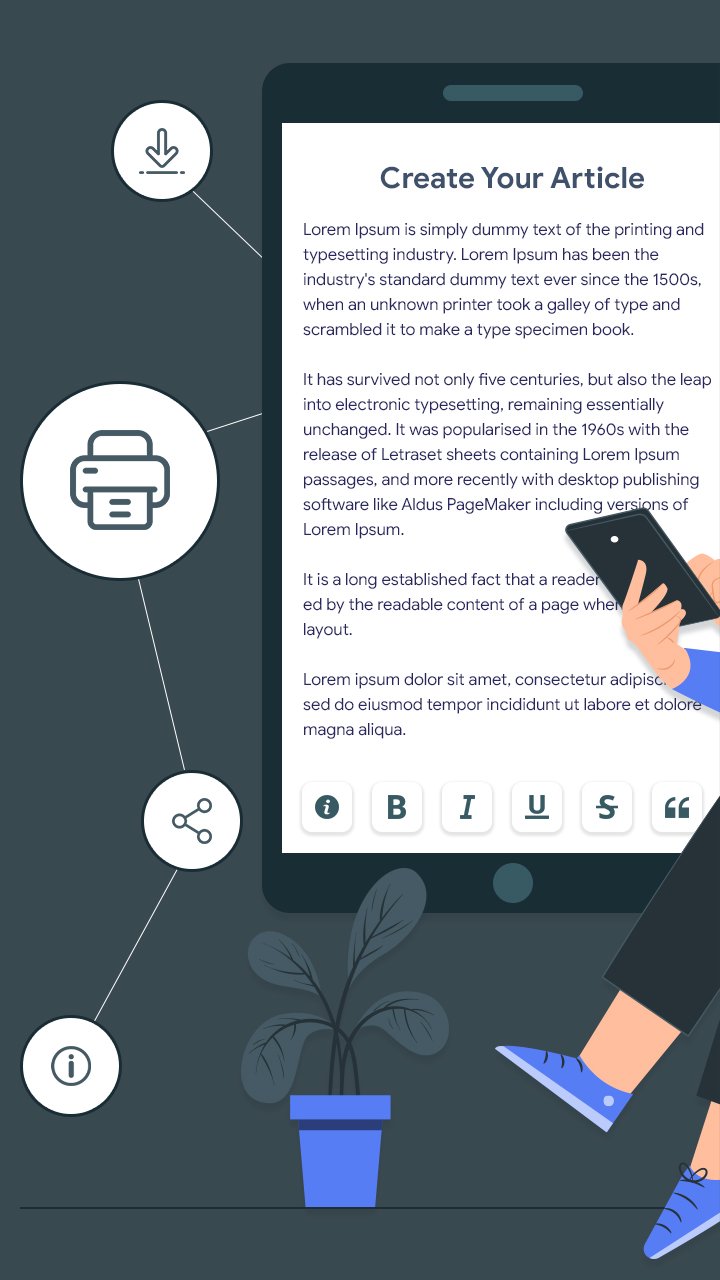
Write with full formatting options—bold, italic, underline, strike-through, headers, bullets, and more.
✅ Organize with Folders & Projects
Create multiple projects, group chapters, scenes, and character bios in neatly structured folders.
✅ Import/Export Easily
Import text or Markdown files and export your work as PDF, TXT, or Markdown—great for sharing or backup.
✅ Word Count & Writing Stats
Track your progress with live stats like word count, character count, reading time, and paragraph count.
✅ Customizable Appearance
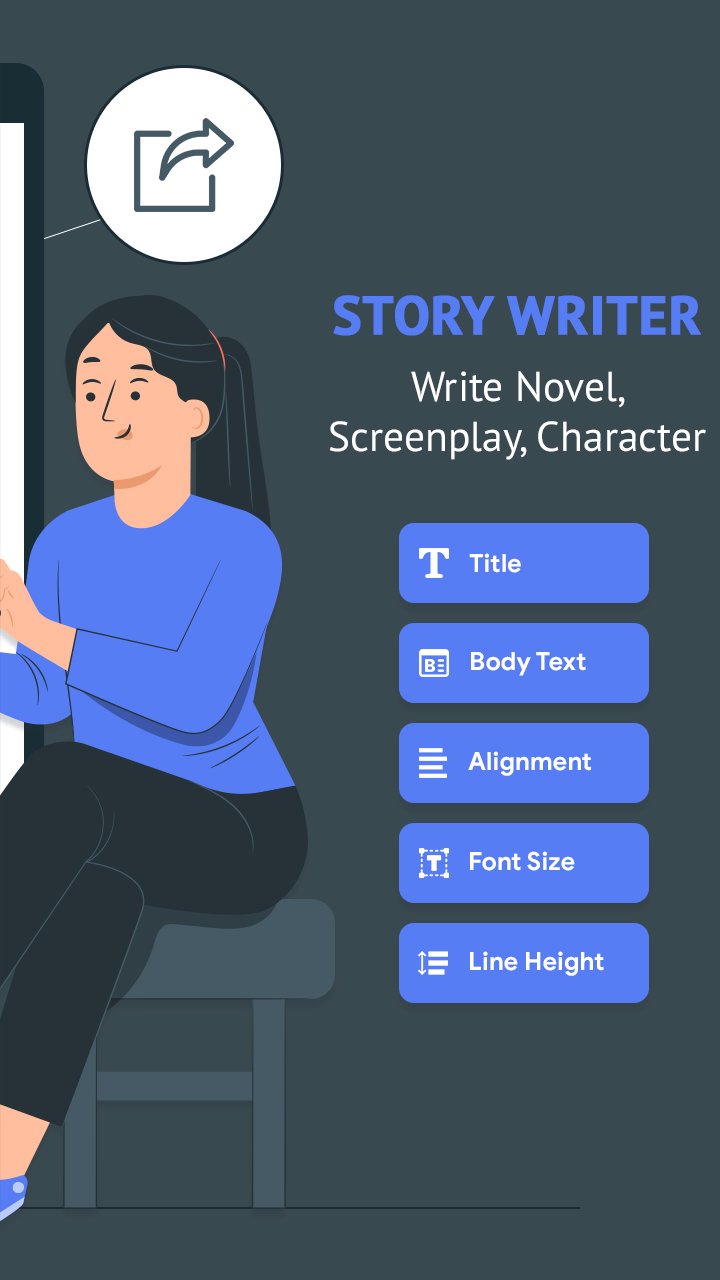
Choose from light or dark themes, set your preferred font size, text alignment, and line spacing.
✅ Offline Mode
Write wherever you are. All features work offline, no internet required.
✅ Cloud Backup & Restore
Keep your stories safe with Google Drive backup and restore functionality.
🌟 Why Writers Love Story Writer:
🧠 Great for plotting novels and screenplays
📖 Minimal, clean, distraction-free design
🎭 Ideal for character creation and worldbuilding
📚 Works well as a daily writing tracker
✍️ No ads, no sign-up required
Whether you're a beginner author, professional screenwriter, or just love writing stories, Story Writer - Write Novels helps turn your imagination into reality—anytime, anywhere.
پیش نظارہ
ٹیگز
پیداواری صلاحیتمعلومات
ڈویلپر
Futuretech Apps
تازہ ترین ورژن
1.10
آخری تازہ کاری
2025-12-18
قسم
پیداواری صلاحیت
پر دستیاب ہے۔
Google Play
مزید دکھائیں
پی سی پر گیم لوپ کے ساتھ Story Writer - Write Novels کیسے کھیلا جائے۔
1. آفیشل ویب سائٹ سے گیم لوپ ڈاؤن لوڈ کریں، پھر گیم لوپ انسٹال کرنے کے لیے exe فائل چلائیں۔
2. گیم لوپ کھولیں اور "Story Writer - Write Novels" تلاش کریں، تلاش کے نتائج میں Story Writer - Write Novels تلاش کریں اور "انسٹال کریں" پر کلک کریں۔
3. گیم لوپ پر Story Writer - Write Novels کھیلنے کا لطف اٹھائیں۔
Minimum requirements
OS
Windows 8.1 64-bit or Windows 10 64-bit
GPU
GTX 1050
CPU
i3-8300
Memory
8GB RAM
Storage
1GB available space
Recommended requirements
OS
Windows 8.1 64-bit or Windows 10 64-bit
GPU
GTX 1050
CPU
i3-9320
Memory
16GB RAM
Storage
1GB available space