
Cloud Admin - Panel for Vultr PC
NotionBit Mobile
گیم لوپ ایمولیٹر کے ساتھ PC پر Cloud Admin - Panel for Vultr ڈاؤن لوڈ کریں۔
پی سی پر Cloud Admin - Panel for Vultr
Cloud Admin - Panel for Vultr، جو ڈویلپر NotionBit Mobile سے آرہا ہے، ماضی میں اینڈرائیڈ سسٹم پر چل رہا ہے۔
اب، آپ پی سی پر Cloud Admin - Panel for Vultr آسانی سے GameLoop کے ساتھ چلا سکتے ہیں۔
اسے GameLoop لائبریری یا تلاش کے نتائج میں ڈاؤن لوڈ کریں۔ مزید غلط وقت پر بیٹری یا مایوس کن کالوں پر نظر نہیں ڈالی جائے گی۔
بس بڑی سکرین پر Cloud Admin - Panel for Vultr PC کا مفت میں لطف اٹھائیں!
Cloud Admin - Panel for Vultr تعارف
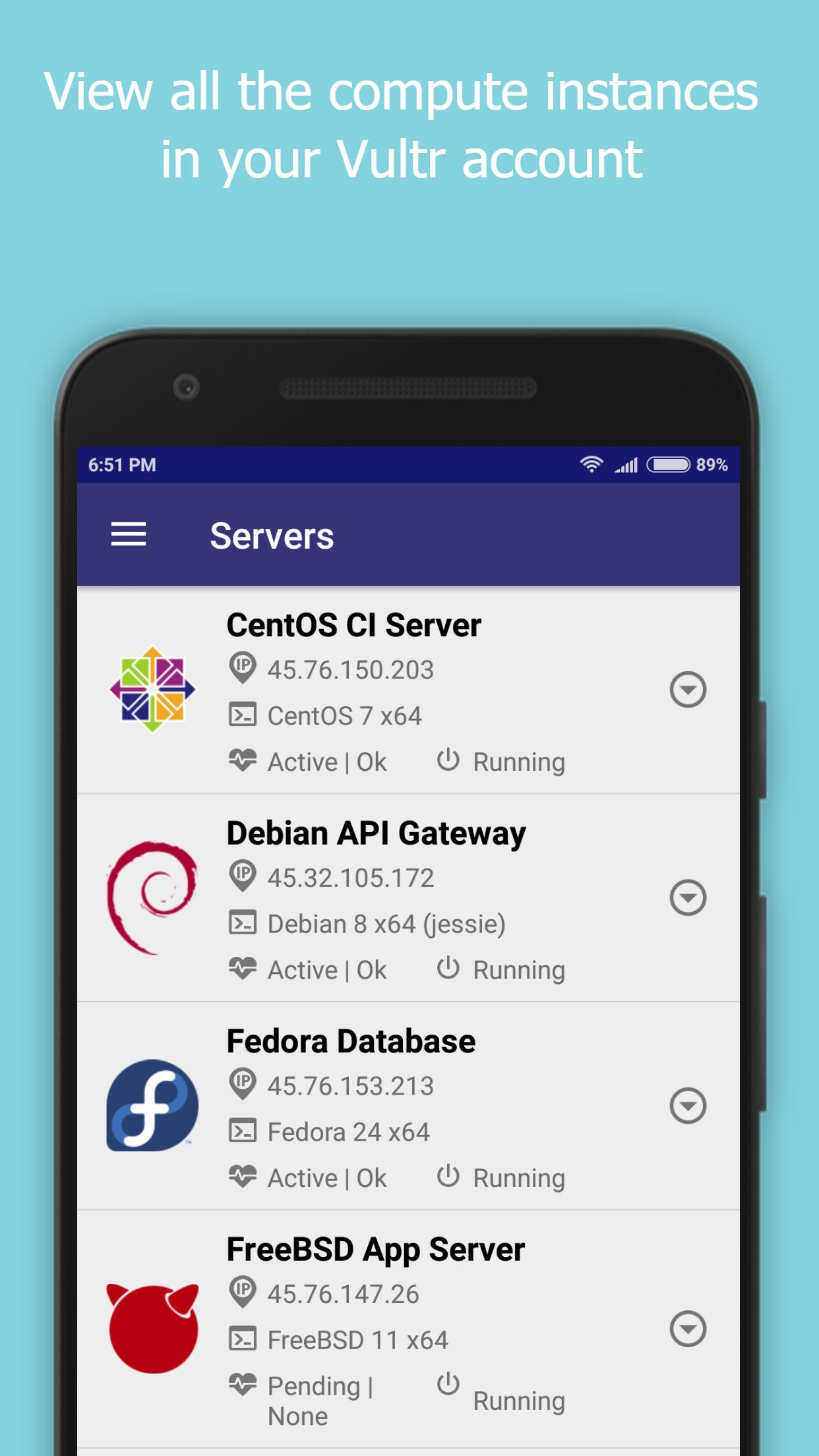
Cloud Admin for Vultr provides a control panel to manage your Vultr Cloud Account, instances and snapshots.
Vultr Cloud functionality currently supported are -
- Create/View servers
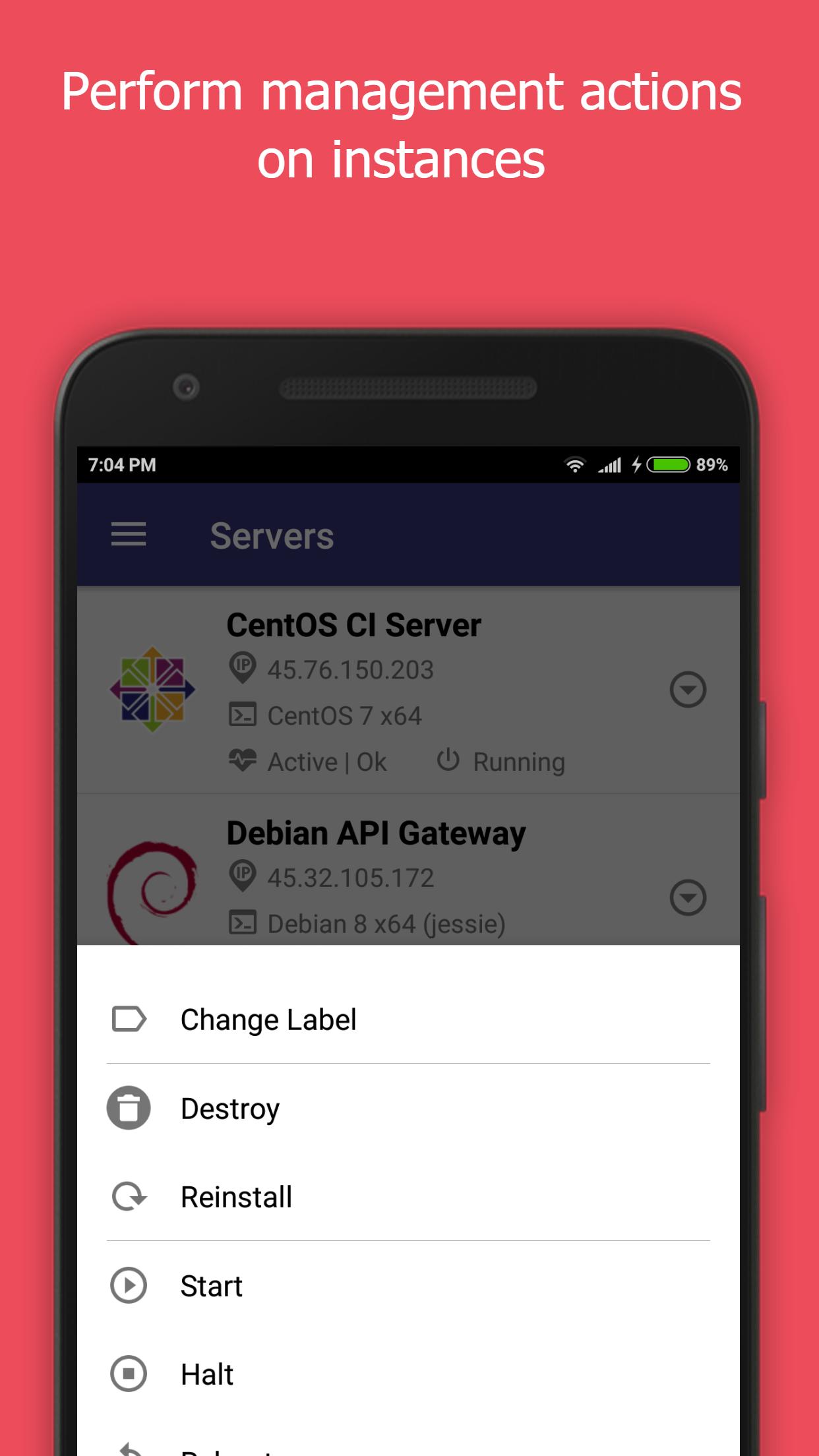
- Start/Stop/Restart/Reinstall/Destroy servers
- Enable/Disable Server backups
- Create/Delete/View snapshots
- Create/Edit/View users
- Experimental support for viewing bandwidth usage.
Notes -
- The IP Address of your mobile device will have to be white listed in the Vultr Admin Console for this application to function. This can be set at the following location.
https://my.vultr.com/settings/#settingsapi
- You can also allow access to all IP Addresses at the above link.
We would really appreciate it if you could provide us with your feedback, criticisms and problems encountered for us to be able to make this app better.
Also, please let us know the features that you would like the see the most in the app.
What is Vultr? - https://www.vultr.com/features/
New Vultr accounts can be created by registering here - http://www.vultr.com/?ref=7042741-3B
Disclaimer -
This is an unofficial app, we are not associated with Vultr.
We do not own any rights to the Vultr name or the logo.
پیش نظارہ
ٹیگز
پیداواری صلاحیتمعلومات
ڈویلپر
NotionBit Mobile
تازہ ترین ورژن
0.9.8.2
آخری تازہ کاری
2018-12-19
قسم
پیداواری صلاحیت
پر دستیاب ہے۔
Google Play
مزید دکھائیں
پی سی پر گیم لوپ کے ساتھ Cloud Admin - Panel for Vultr کیسے کھیلا جائے۔
1. آفیشل ویب سائٹ سے گیم لوپ ڈاؤن لوڈ کریں، پھر گیم لوپ انسٹال کرنے کے لیے exe فائل چلائیں۔
2. گیم لوپ کھولیں اور "Cloud Admin - Panel for Vultr" تلاش کریں، تلاش کے نتائج میں Cloud Admin - Panel for Vultr تلاش کریں اور "انسٹال کریں" پر کلک کریں۔
3. گیم لوپ پر Cloud Admin - Panel for Vultr کھیلنے کا لطف اٹھائیں۔
Minimum requirements
OS
Windows 8.1 64-bit or Windows 10 64-bit
GPU
GTX 1050
CPU
i3-8300
Memory
8GB RAM
Storage
1GB available space
Recommended requirements
OS
Windows 8.1 64-bit or Windows 10 64-bit
GPU
GTX 1050
CPU
i3-9320
Memory
16GB RAM
Storage
1GB available space