
BrightLab – Lab Inventory and PC
Merck KGaA, Darmstadt, Germany
گیم لوپ ایمولیٹر کے ساتھ PC پر BrightLab – Lab Inventory and ڈاؤن لوڈ کریں۔
پی سی پر BrightLab – Lab Inventory and
BrightLab – Lab Inventory and ، جو ڈویلپر Merck KGaA, Darmstadt, Germany سے آرہا ہے، ماضی میں اینڈرائیڈ سسٹم پر چل رہا ہے۔
اب، آپ پی سی پر BrightLab – Lab Inventory and آسانی سے GameLoop کے ساتھ چلا سکتے ہیں۔
اسے GameLoop لائبریری یا تلاش کے نتائج میں ڈاؤن لوڈ کریں۔ مزید غلط وقت پر بیٹری یا مایوس کن کالوں پر نظر نہیں ڈالی جائے گی۔
بس بڑی سکرین پر BrightLab – Lab Inventory and PC کا مفت میں لطف اٹھائیں!
BrightLab – Lab Inventory and تعارف
FIND YOUR STUFF. FAST.
Reduce manual overhead in your lab by up to 96% with a seamless solution for locating, deducting, and requesting materials.
BrightLab is the only mobile and web-based lab management platform backed by a leading life science and technology company. Designed for use in the laboratory or on the go, BrightLab makes it easy to see how much you have in stock, where items are located, and when they will expire.
******
"BrightLab has transformed our chemical management processes. We now have complete oversight of our chemical inventory across multiple sites, including hazard identification and safety documentation, as well as the ability to reorder at the touch of a button. BrightLab is the complete system for the modern laboratory."
-Emmet Campion, Lab Manager, RCSI
******
KEY FEATURES:
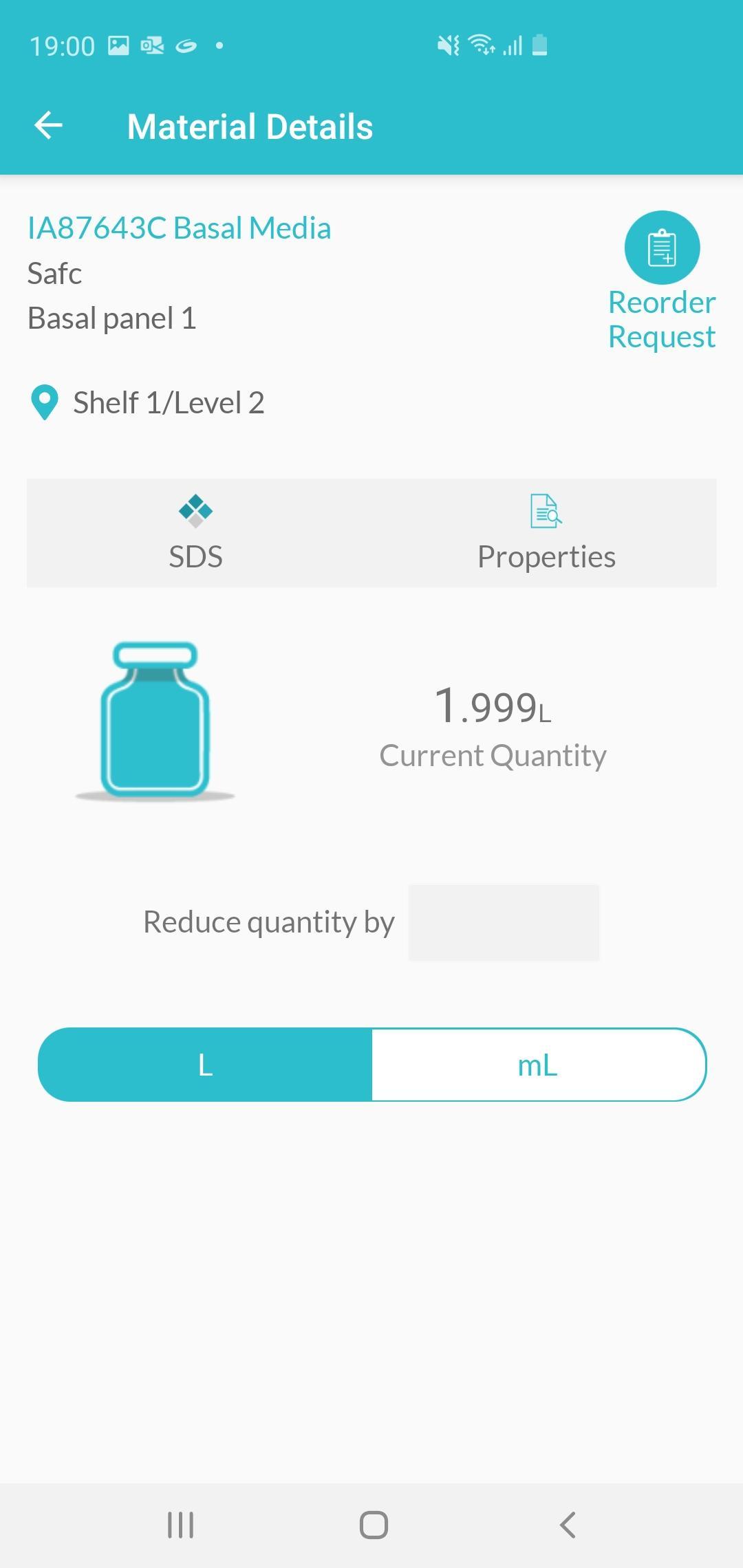
-View a complete list of all the products and materials in your lab's inventory
-Scan 2D Data Matrix barcode labels, SKUs, and Sigma-Aldrich product labels
-Request materials that are running low
-Deduct materials as they are consumed
-View locations and sub-locations of inventory items
LEARN MORE
To find out more about BrightLab, or to create an account, visit https://www.brightlab.com.
پیش نظارہ
ٹیگز
پیداواری صلاحیتمعلومات
ڈویلپر
Merck KGaA, Darmstadt, Germany
تازہ ترین ورژن
2.0
آخری تازہ کاری
2020-09-27
قسم
پیداواری صلاحیت
پر دستیاب ہے۔
Google Play
مزید دکھائیں
پی سی پر گیم لوپ کے ساتھ BrightLab – Lab Inventory and کیسے کھیلا جائے۔
1. آفیشل ویب سائٹ سے گیم لوپ ڈاؤن لوڈ کریں، پھر گیم لوپ انسٹال کرنے کے لیے exe فائل چلائیں۔
2. گیم لوپ کھولیں اور "BrightLab – Lab Inventory and " تلاش کریں، تلاش کے نتائج میں BrightLab – Lab Inventory and تلاش کریں اور "انسٹال کریں" پر کلک کریں۔
3. گیم لوپ پر BrightLab – Lab Inventory and کھیلنے کا لطف اٹھائیں۔
Minimum requirements
OS
Windows 8.1 64-bit or Windows 10 64-bit
GPU
GTX 1050
CPU
i3-8300
Memory
8GB RAM
Storage
1GB available space
Recommended requirements
OS
Windows 8.1 64-bit or Windows 10 64-bit
GPU
GTX 1050
CPU
i3-9320
Memory
16GB RAM
Storage
1GB available space