
Brella – Card Manager PC
SHAZAM
گیم لوپ ایمولیٹر کے ساتھ PC پر Brella – Card Manager ڈاؤن لوڈ کریں۔
پی سی پر Brella – Card Manager
Brella – Card Manager، جو ڈویلپر SHAZAM سے آرہا ہے، ماضی میں اینڈرائیڈ سسٹم پر چل رہا ہے۔
اب، آپ پی سی پر Brella – Card Manager آسانی سے GameLoop کے ساتھ چلا سکتے ہیں۔
اسے GameLoop لائبریری یا تلاش کے نتائج میں ڈاؤن لوڈ کریں۔ مزید غلط وقت پر بیٹری یا مایوس کن کالوں پر نظر نہیں ڈالی جائے گی۔
بس بڑی سکرین پر Brella – Card Manager PC کا مفت میں لطف اٹھائیں!
Brella – Card Manager تعارف
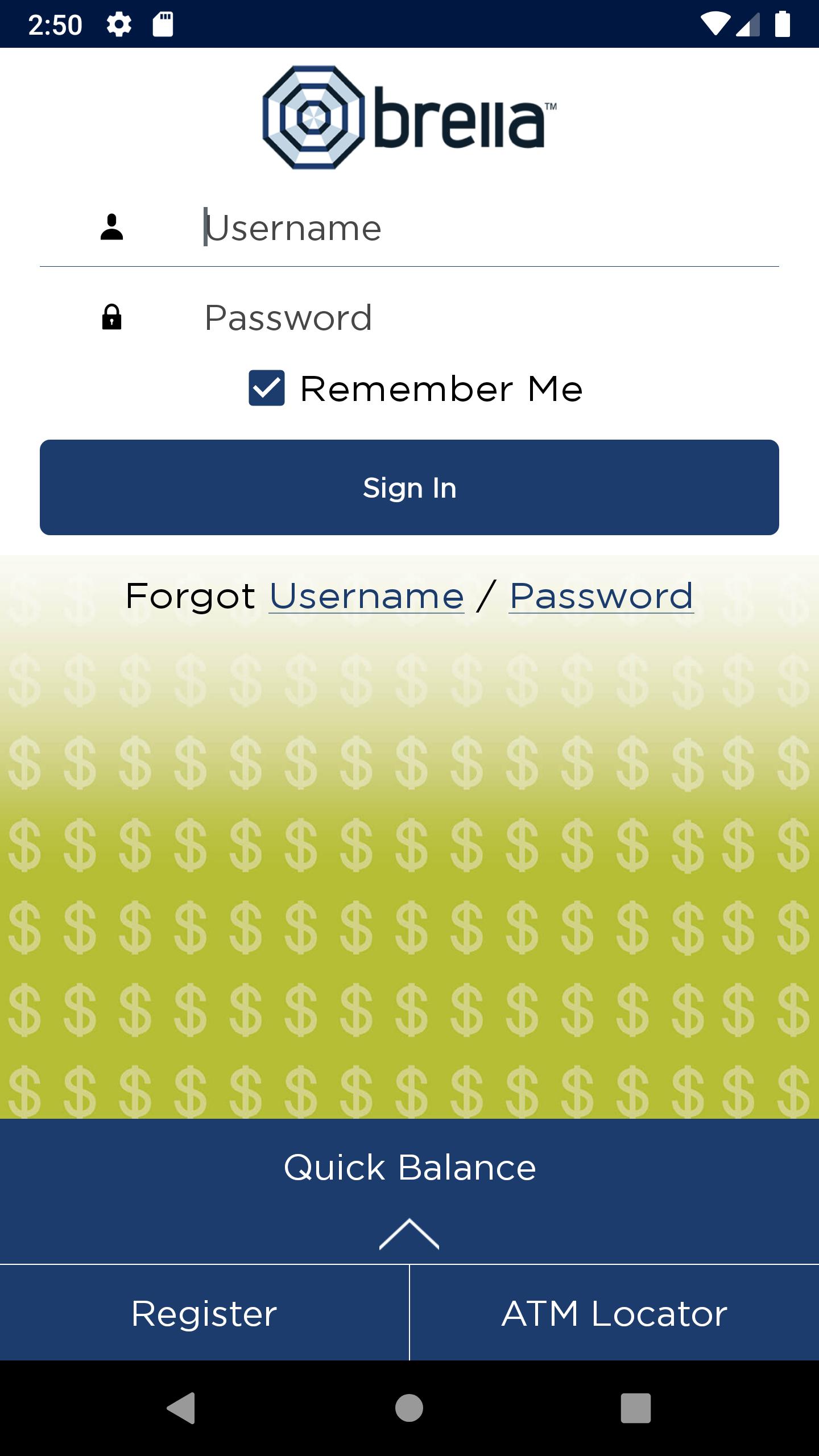
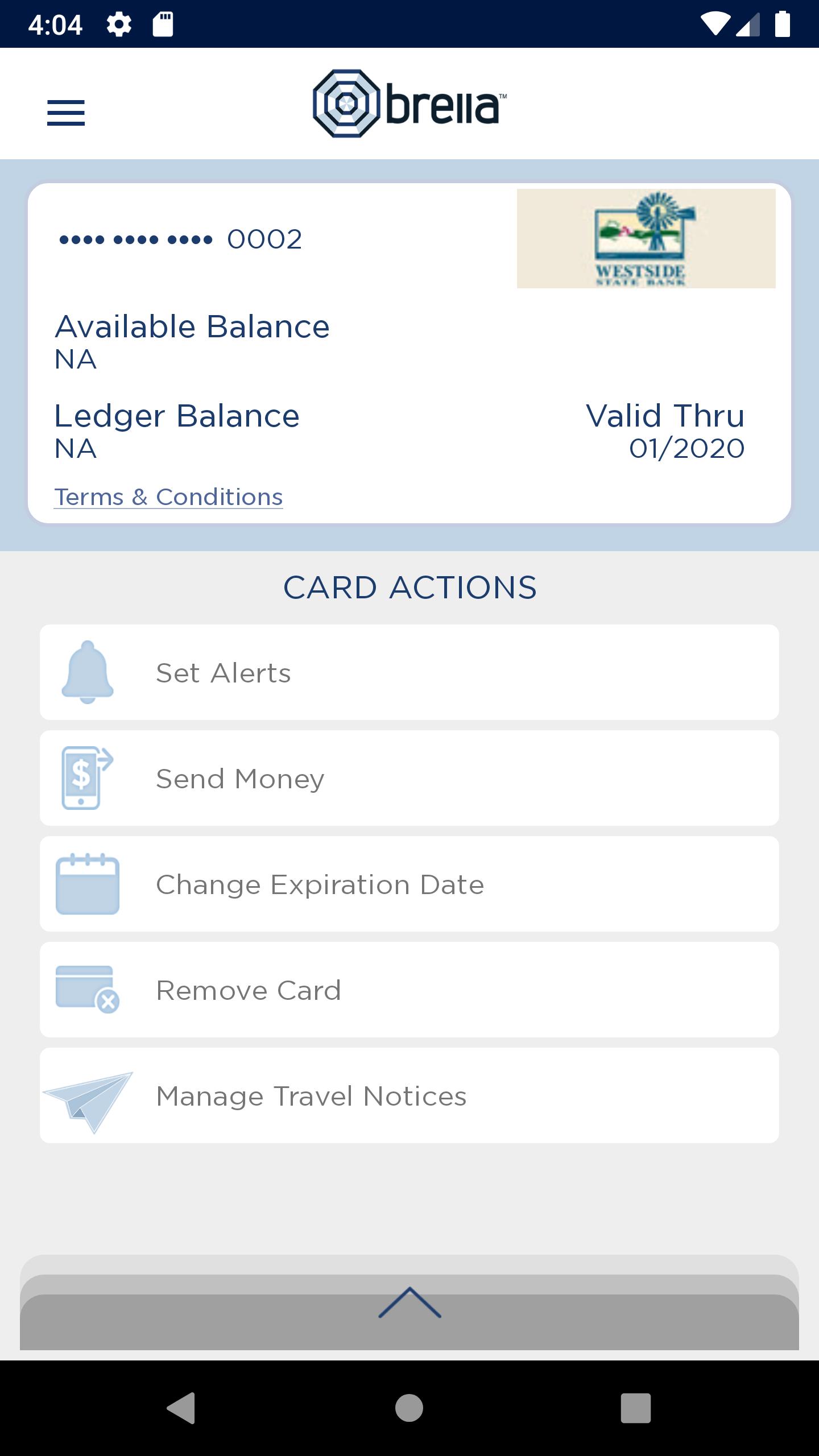
Brella helps you protect your debit card by sending you alerts when your card is used so you can quickly detect unauthorized or fraudulent activity on your account. Users have the option to receive text or email alerts. You can also check your account balance anytime, turn your card off and on, send money to other users and find nearby ATMs.
Alerts are provided for:
• Purchases exceeding dollar amounts you set
• Card-not-present purchases
• Suspicious or high-risk transactions
With this app, you have the ability to define when, where and how your debit card can be used. Users can set blocks for:
• Transactions exceeding a specific dollar amount
• Internet and phone transactions
• Transactions conducted outside of the U.S.
Turn your debit card off/on
This control can be used to disable a lost or stolen card, prevent fraudulent activity and control spending.
More great features
- Users can check their balance without logging into the app with the Quick Balance feature
- Users can choose to enable Touch ID, a secure and quick way to sign on with your fingerprint so you don’t have to type in a password
- Users can submit a Travel Notice to inform their financial institution of any scheduled travel
NOTE: This application is powered by SHAZAM and is activated through specific financial institutions. Check with your financial institution to ensure they subscribe to Brella prior to downloading and if they participate in optional features.
پیش نظارہ
ٹیگز
پیداواری صلاحیتمعلومات
ڈویلپر
SHAZAM
تازہ ترین ورژن
Version 1.5
آخری تازہ کاری
2023-03-30
قسم
پیداواری صلاحیت
پر دستیاب ہے۔
Google Play
مزید دکھائیں
پی سی پر گیم لوپ کے ساتھ Brella – Card Manager کیسے کھیلا جائے۔
1. آفیشل ویب سائٹ سے گیم لوپ ڈاؤن لوڈ کریں، پھر گیم لوپ انسٹال کرنے کے لیے exe فائل چلائیں۔
2. گیم لوپ کھولیں اور "Brella – Card Manager" تلاش کریں، تلاش کے نتائج میں Brella – Card Manager تلاش کریں اور "انسٹال کریں" پر کلک کریں۔
3. گیم لوپ پر Brella – Card Manager کھیلنے کا لطف اٹھائیں۔
Minimum requirements
OS
Windows 8.1 64-bit or Windows 10 64-bit
GPU
GTX 1050
CPU
i3-8300
Memory
8GB RAM
Storage
1GB available space
Recommended requirements
OS
Windows 8.1 64-bit or Windows 10 64-bit
GPU
GTX 1050
CPU
i3-9320
Memory
16GB RAM
Storage
1GB available space