
BigMIND - Cloud Backup PC
Genie9 LTD
گیم لوپ ایمولیٹر کے ساتھ PC پر BigMIND - Cloud Backup ڈاؤن لوڈ کریں۔
پی سی پر BigMIND - Cloud Backup
BigMIND - Cloud Backup، جو ڈویلپر Genie9 LTD سے آرہا ہے، ماضی میں اینڈرائیڈ سسٹم پر چل رہا ہے۔
اب، آپ پی سی پر BigMIND - Cloud Backup آسانی سے GameLoop کے ساتھ چلا سکتے ہیں۔
اسے GameLoop لائبریری یا تلاش کے نتائج میں ڈاؤن لوڈ کریں۔ مزید غلط وقت پر بیٹری یا مایوس کن کالوں پر نظر نہیں ڈالی جائے گی۔
بس بڑی سکرین پر BigMIND - Cloud Backup PC کا مفت میں لطف اٹھائیں!
BigMIND - Cloud Backup تعارف
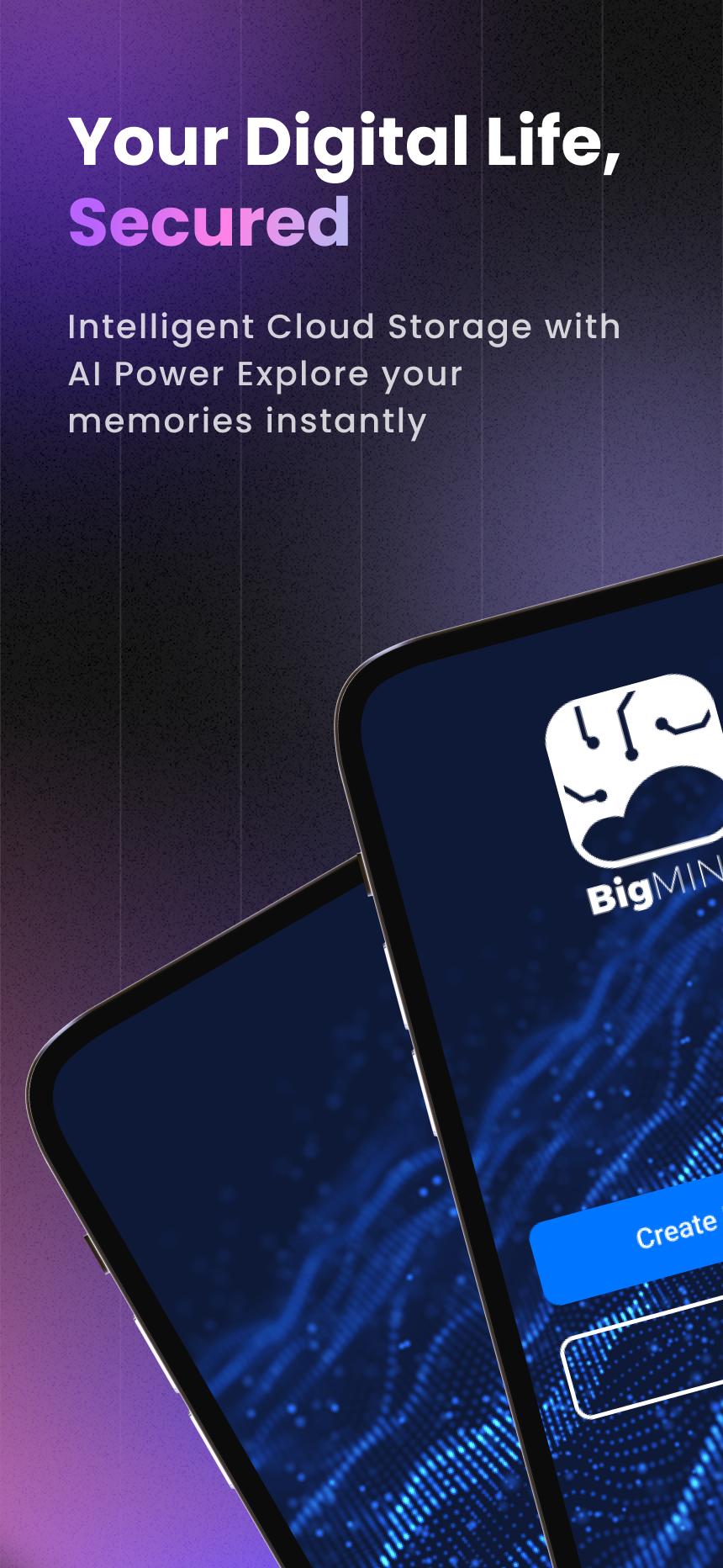
Your Smart, Secure Cloud Backup—Powered by AI
📸 Never lose a memory. 🎥 Always find what matters.
Start with 1GB FREE + earn 50MB daily bonus storage!
BigMIND goes beyond basic cloud storage—it uses AI to protect, organize, and make every file instantly searchable across your devices.
💡 Why You'll Love BigMIND
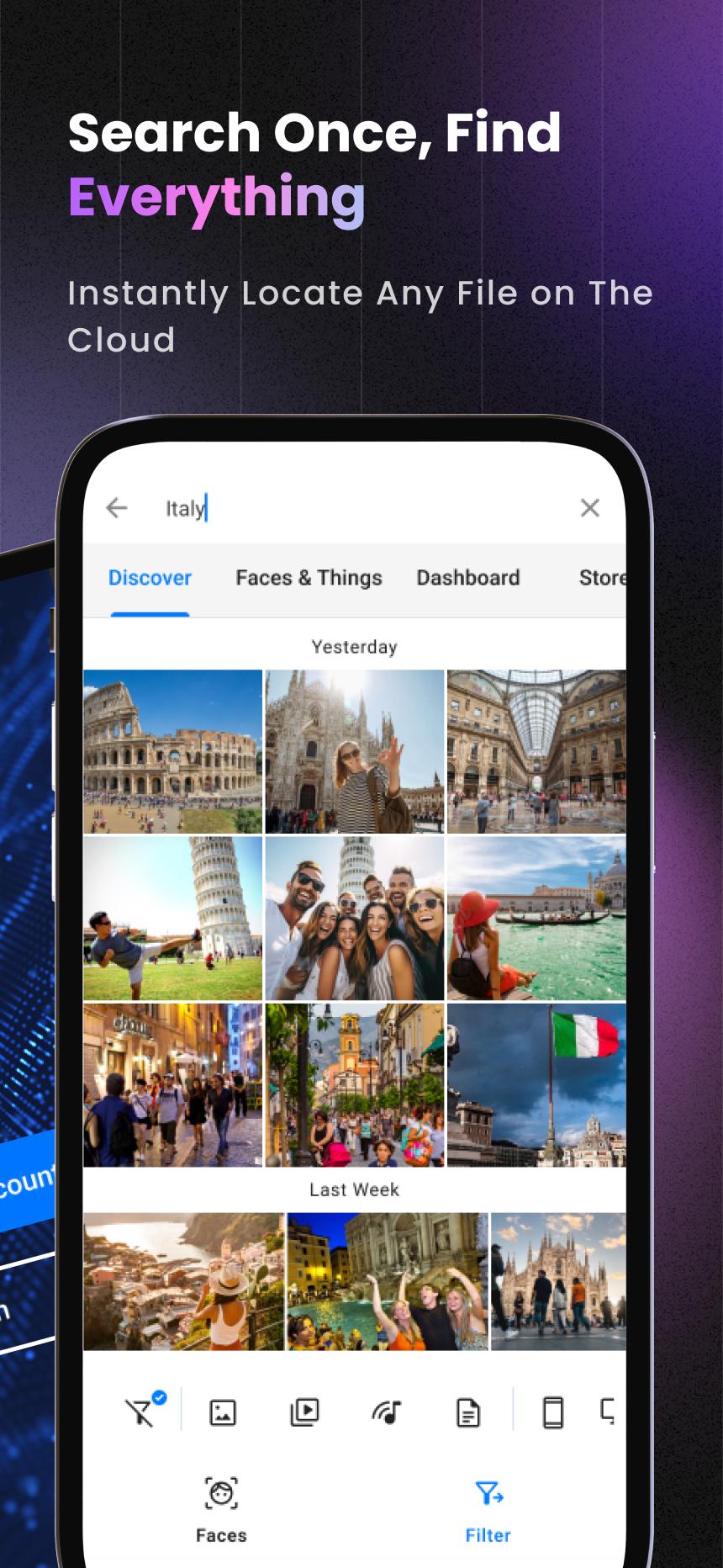
🔍Smart Search & Organization
- Find faces in seconds with advanced facial recognition
- Instantly search photos by objects (cars, pets, food & more)
- Let AI organize your files automatically—never lose track again
- Set daily, weekly, or custom backup schedules
📱 Cross-Device Protection
- Sync Android, iOS, Windows, and Mac—everything in one account
- Import from Google Drive, Dropbox, social media & more
🚀 Easy Sharing & Access
- Share with anyone in one tap—even without a BigMIND account
- Watch HD videos or view documents without downloading
- Control who sees or manages your content with advanced permissions
💰 Plans for Everyone
- 16GB – $0.99/month
- 100GB – $2.99/month
- 500GB – $6.99/month
- 1TB – $12.99/month
Join 100,000+ users who trust BigMIND to secure their digital lives. Download now and start protecting your memories—get 1GB free + daily bonuses!
Learn more about BigMIND: https://www.genie9.com/bigmind/
Terms and policies, please visit: https://www.genie9.com/bigmind/privacy-policy/
پیش نظارہ
ٹیگز
پیداواری صلاحیتمعلومات
ڈویلپر
Genie9 LTD
تازہ ترین ورژن
3.0.9.8.6
آخری تازہ کاری
2025-10-05
قسم
پیداواری صلاحیت
پر دستیاب ہے۔
Google Play
مزید دکھائیں
پی سی پر گیم لوپ کے ساتھ BigMIND - Cloud Backup کیسے کھیلا جائے۔
1. آفیشل ویب سائٹ سے گیم لوپ ڈاؤن لوڈ کریں، پھر گیم لوپ انسٹال کرنے کے لیے exe فائل چلائیں۔
2. گیم لوپ کھولیں اور "BigMIND - Cloud Backup" تلاش کریں، تلاش کے نتائج میں BigMIND - Cloud Backup تلاش کریں اور "انسٹال کریں" پر کلک کریں۔
3. گیم لوپ پر BigMIND - Cloud Backup کھیلنے کا لطف اٹھائیں۔
Minimum requirements
OS
Windows 8.1 64-bit or Windows 10 64-bit
GPU
GTX 1050
CPU
i3-8300
Memory
8GB RAM
Storage
1GB available space
Recommended requirements
OS
Windows 8.1 64-bit or Windows 10 64-bit
GPU
GTX 1050
CPU
i3-9320
Memory
16GB RAM
Storage
1GB available space