APK Export - Share APK file PC
SefanaTech4u Studio
گیم لوپ ایمولیٹر کے ساتھ PC پر APK Export - Share APK file ڈاؤن لوڈ کریں۔
پی سی پر APK Export - Share APK file
APK Export - Share APK file، جو ڈویلپر SefanaTech4u Studio سے آرہا ہے، ماضی میں اینڈرائیڈ سسٹم پر چل رہا ہے۔
اب، آپ پی سی پر APK Export - Share APK file آسانی سے GameLoop کے ساتھ چلا سکتے ہیں۔
اسے GameLoop لائبریری یا تلاش کے نتائج میں ڈاؤن لوڈ کریں۔ مزید غلط وقت پر بیٹری یا مایوس کن کالوں پر نظر نہیں ڈالی جائے گی۔
بس بڑی سکرین پر APK Export - Share APK file PC کا مفت میں لطف اٹھائیں!
APK Export - Share APK file تعارف
APK Export - Share APK is an app to extract and generate APK files of your installed Android games and applications with ease.
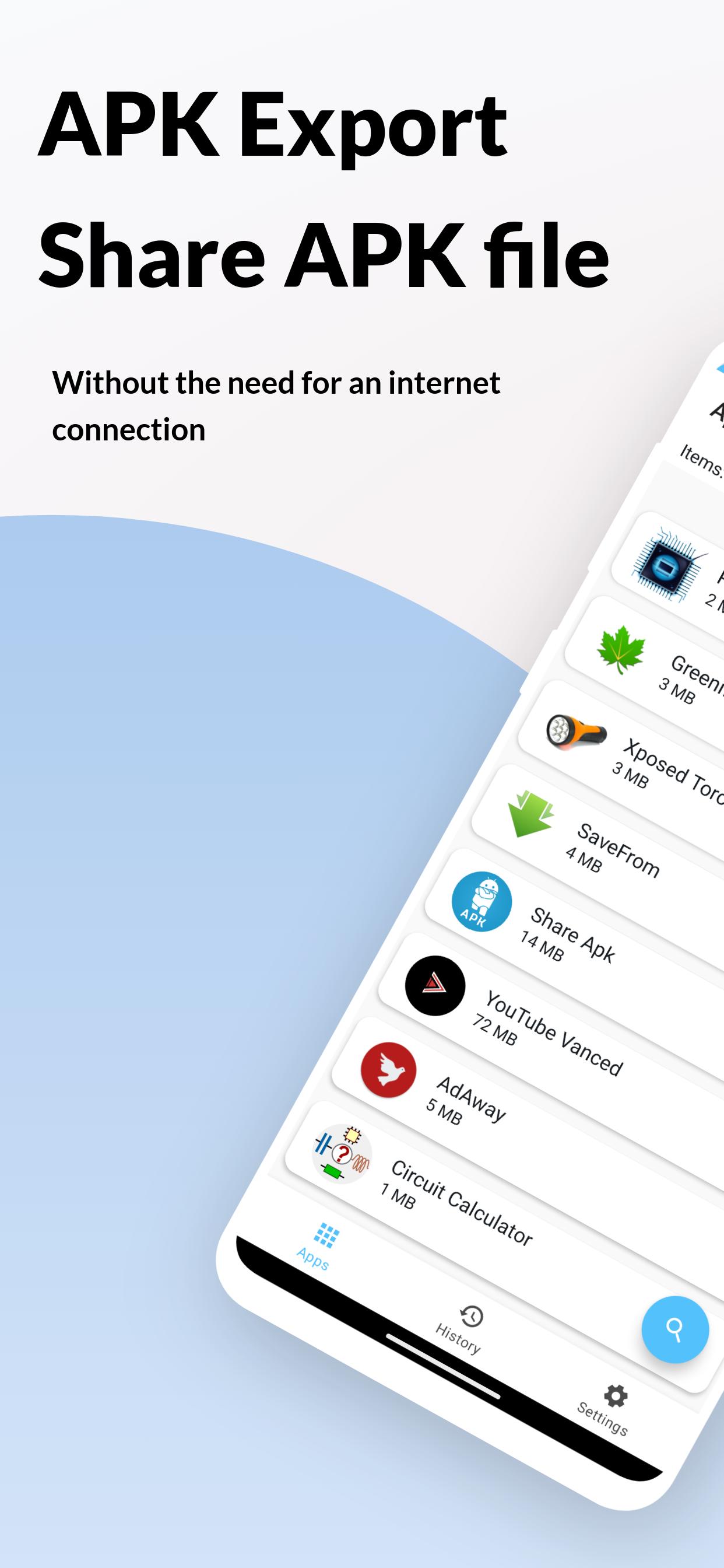
Want to share your applications with friends? APK Export - Share APK file makes it easy to share application links and APK files with your friends using wifi or any internet connection, by Email, Bluetooth, Facebook, Drop box cloud, Google Drive cloud, etc.
No wifi or network connection? No problem!
You can easily transfer your applications anywhere by Bluetooth or cm. Simply place the phones 1 cm away from each other, and may the sharing begin!
Download APK Export - Share APK files now, and send your app files anywhere, faster and easier than ever before!
Sharing system apps and user apps is made simpler with this app. Just tap on the app and you just need to tap the Extract App button.
Here's what makes APK Export the ultimate sharing companion:
★ Offline Sharing: Can't find a network? No sweat! Transfer apps directly between devices using Bluetooth with a simple tap.
★ Share via Multiple Channels: No matter your connection, share apps through Wi-Fi, Bluetooth, Email, Facebook, Dropbox, Google Drive, and more!
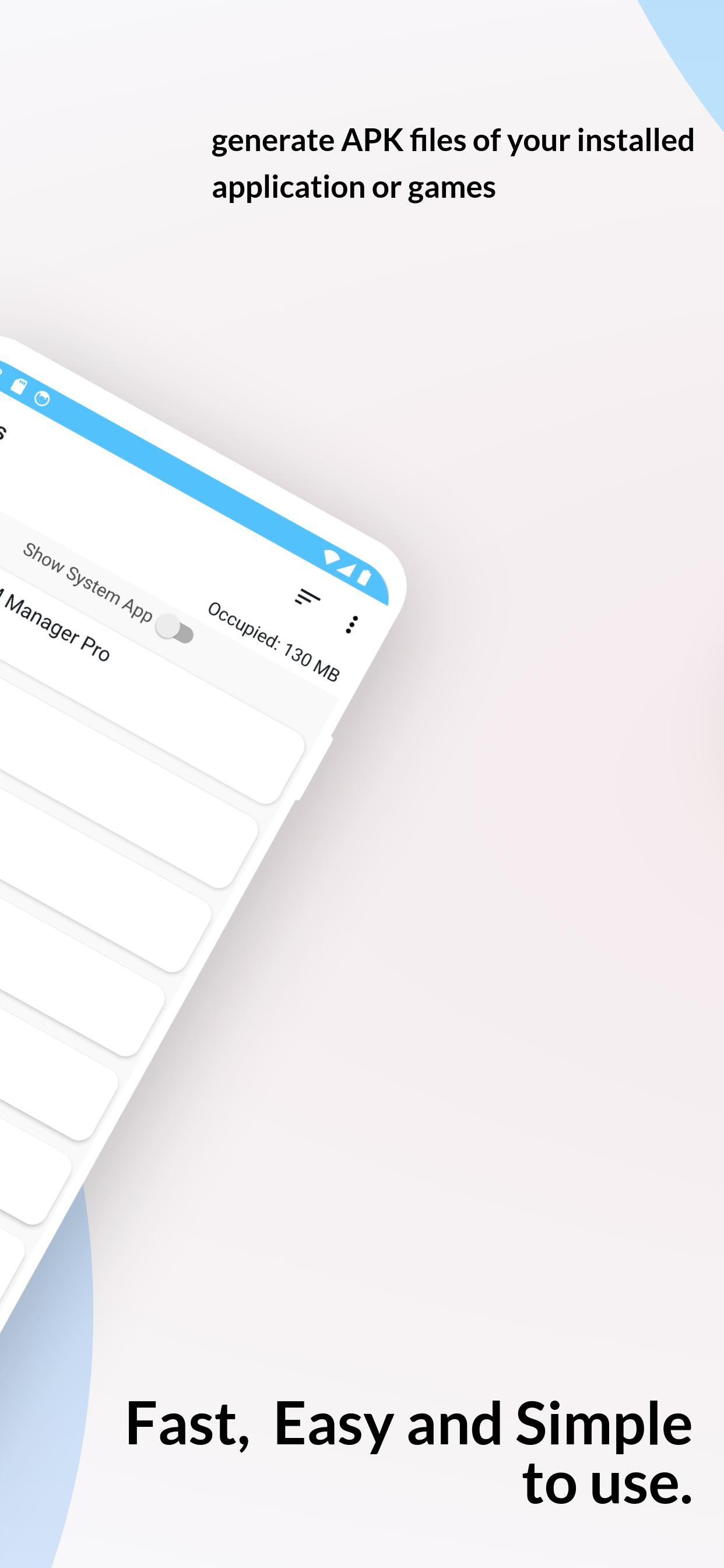
★ Extract with Ease: Our user-friendly interface lets you quickly find and extract APK files of any installed app, including system apps.
★ Extract all the applications & games, including system applications & user applications.
★ No Root Required: No complex setups are needed! APK Export works seamlessly on your device without root access.
★ On Android 10+ devices by default APKs will be saved in /Downloads.
★ On devices lower than Android 10 by default APKs will be saved in the /APKExport folder.
★ Bonus Features: View app details on the Google Play Store with a single tap, search for specific apps within your library, and access app info settings – all within APK Export!
★ Quickly search your favorite app and Extract APK.
★ APK Export also gives the option to check the App Info Settings page.
★ Apk Extractor is created with Material Design with an embedded dark theme
If you encounter any issues with the exported APK file, here are some troubleshooting steps to resolve them:
1- Complete the Exporting Process: Ensure that the exporting process is allowed to finish entirely before attempting to open the exported APK file. Interrupting the process prematurely may result in an incomplete APK file.
2- Use an Alternative File Manager: If the exported APK file does not open or install correctly, try using an alternative file manager or APK installer. Applications such as WinRAR or Explorer Manager can sometimes resolve issues with opening or installing APK files.
3-Contact Support: If you continue to experience difficulties or have any questions, please don't hesitate to contact our support team directly within the app. We're here to assist you and ensure that your experience with APK Export - Share APK is as smooth and seamless as possible.
پیش نظارہ
ٹیگز
پیداواری صلاحیتمعلومات
ڈویلپر
SefanaTech4u Studio
تازہ ترین ورژن
Share-export apps 7
آخری تازہ کاری
2024-03-18
قسم
پیداواری صلاحیت
پر دستیاب ہے۔
Google Play
مزید دکھائیں
پی سی پر گیم لوپ کے ساتھ APK Export - Share APK file کیسے کھیلا جائے۔
1. آفیشل ویب سائٹ سے گیم لوپ ڈاؤن لوڈ کریں، پھر گیم لوپ انسٹال کرنے کے لیے exe فائل چلائیں۔
2. گیم لوپ کھولیں اور "APK Export - Share APK file" تلاش کریں، تلاش کے نتائج میں APK Export - Share APK file تلاش کریں اور "انسٹال کریں" پر کلک کریں۔
3. گیم لوپ پر APK Export - Share APK file کھیلنے کا لطف اٹھائیں۔
Minimum requirements
OS
Windows 8.1 64-bit or Windows 10 64-bit
GPU
GTX 1050
CPU
i3-8300
Memory
8GB RAM
Storage
1GB available space
Recommended requirements
OS
Windows 8.1 64-bit or Windows 10 64-bit
GPU
GTX 1050
CPU
i3-9320
Memory
16GB RAM
Storage
1GB available space