
ActiveMap Mobile GS PC
ГрадоСервис
گیم لوپ ایمولیٹر کے ساتھ PC پر ActiveMap Mobile GS ڈاؤن لوڈ کریں۔
پی سی پر ActiveMap Mobile GS
ActiveMap Mobile GS، جو ڈویلپر ГрадоСервис سے آرہا ہے، ماضی میں اینڈرائیڈ سسٹم پر چل رہا ہے۔
اب، آپ پی سی پر ActiveMap Mobile GS آسانی سے GameLoop کے ساتھ چلا سکتے ہیں۔
اسے GameLoop لائبریری یا تلاش کے نتائج میں ڈاؤن لوڈ کریں۔ مزید غلط وقت پر بیٹری یا مایوس کن کالوں پر نظر نہیں ڈالی جائے گی۔
بس بڑی سکرین پر ActiveMap Mobile GS PC کا مفت میں لطف اٹھائیں!
ActiveMap Mobile GS تعارف
A mobile tool for the ActiveMap GS system. It is used to gather information, to obtain tasks remotely, and to view the reports. The app helps to improve the efficiency of mobile workers. It is a coordinator between the office and the onsite staff.
Data collection in the real time mode. The workers send photos and video from the work scene to the dispatcher. The files are georeferenced and show where the shot was made.
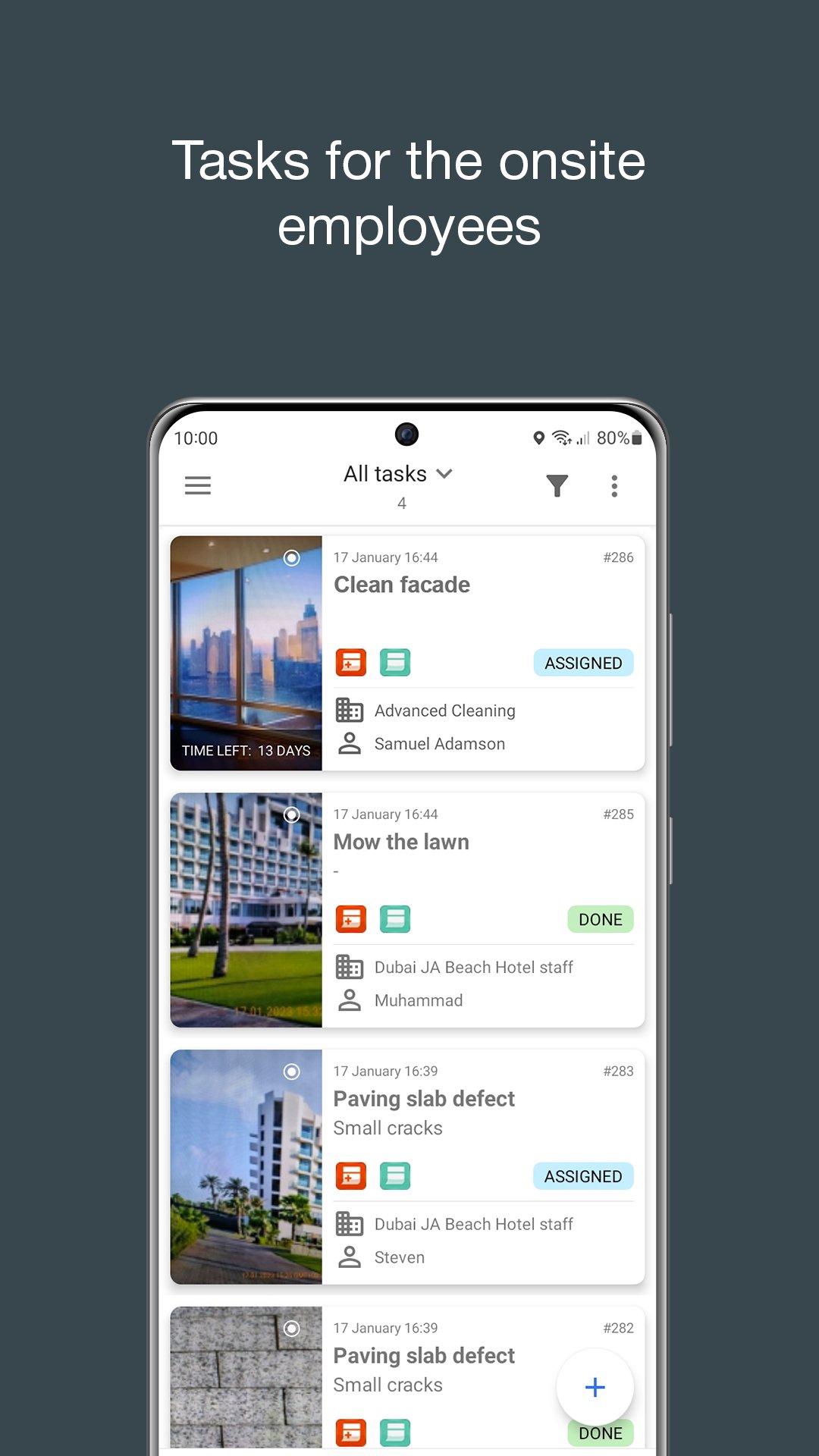
Tasks. The mobile workers receive the tasks through the program. The dispatcher sends the tasks and monitors the work process. Prompt task setting increases the mobile team efficiency.
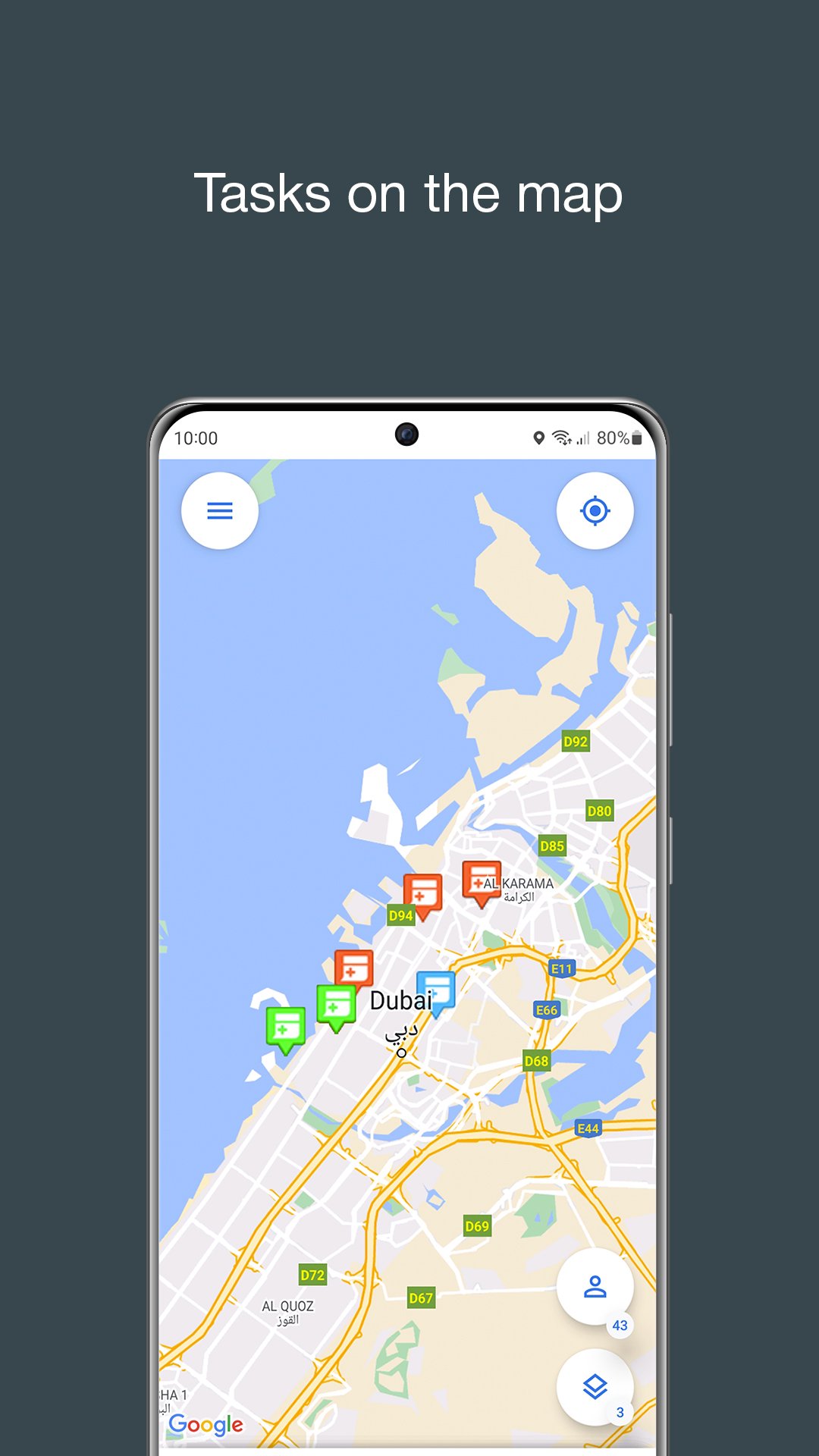
Interactive maps. ActiveMap Mobile GS gives access to the corporate maps. The app works with information layers. Layers – are the geo-referenced data arrays. The companies tag their property items, clients, communication, etc on the map.
Offline maps and information layers. Map of Russia always available, just download your region. Information layers also work without the Internet. MapMobile GS is ready to work at regions where is no connection.
Attention:
The application works if you have the access to the ActiveMap GS program. To receive the access follow the link: http://gradoservice.ru/activemap
Send your questions and suggestions on our mail support@gradoservice.ru
پیش نظارہ
ٹیگز
پیداواری صلاحیتمعلومات
ڈویلپر
ГрадоСервис
تازہ ترین ورژن
21.14
آخری تازہ کاری
2025-08-22
قسم
پیداواری صلاحیت
پر دستیاب ہے۔
Google Play
مزید دکھائیں
پی سی پر گیم لوپ کے ساتھ ActiveMap Mobile GS کیسے کھیلا جائے۔
1. آفیشل ویب سائٹ سے گیم لوپ ڈاؤن لوڈ کریں، پھر گیم لوپ انسٹال کرنے کے لیے exe فائل چلائیں۔
2. گیم لوپ کھولیں اور "ActiveMap Mobile GS" تلاش کریں، تلاش کے نتائج میں ActiveMap Mobile GS تلاش کریں اور "انسٹال کریں" پر کلک کریں۔
3. گیم لوپ پر ActiveMap Mobile GS کھیلنے کا لطف اٹھائیں۔
Minimum requirements
OS
Windows 8.1 64-bit or Windows 10 64-bit
GPU
GTX 1050
CPU
i3-8300
Memory
8GB RAM
Storage
1GB available space
Recommended requirements
OS
Windows 8.1 64-bit or Windows 10 64-bit
GPU
GTX 1050
CPU
i3-9320
Memory
16GB RAM
Storage
1GB available space