
一太郎Pad PC
JustSystems Corporation
گیم لوپ ایمولیٹر کے ساتھ PC پر 一太郎Pad ڈاؤن لوڈ کریں۔
پی سی پر 一太郎Pad
一太郎Pad، جو ڈویلپر JustSystems Corporation سے آرہا ہے، ماضی میں اینڈرائیڈ سسٹم پر چل رہا ہے۔
اب، آپ پی سی پر 一太郎Pad آسانی سے GameLoop کے ساتھ چلا سکتے ہیں۔
اسے GameLoop لائبریری یا تلاش کے نتائج میں ڈاؤن لوڈ کریں۔ مزید غلط وقت پر بیٹری یا مایوس کن کالوں پر نظر نہیں ڈالی جائے گی۔
بس بڑی سکرین پر 一太郎Pad PC کا مفت میں لطف اٹھائیں!
一太郎Pad تعارف
You can easily create notes by keying smoothly with the input-saving tool!
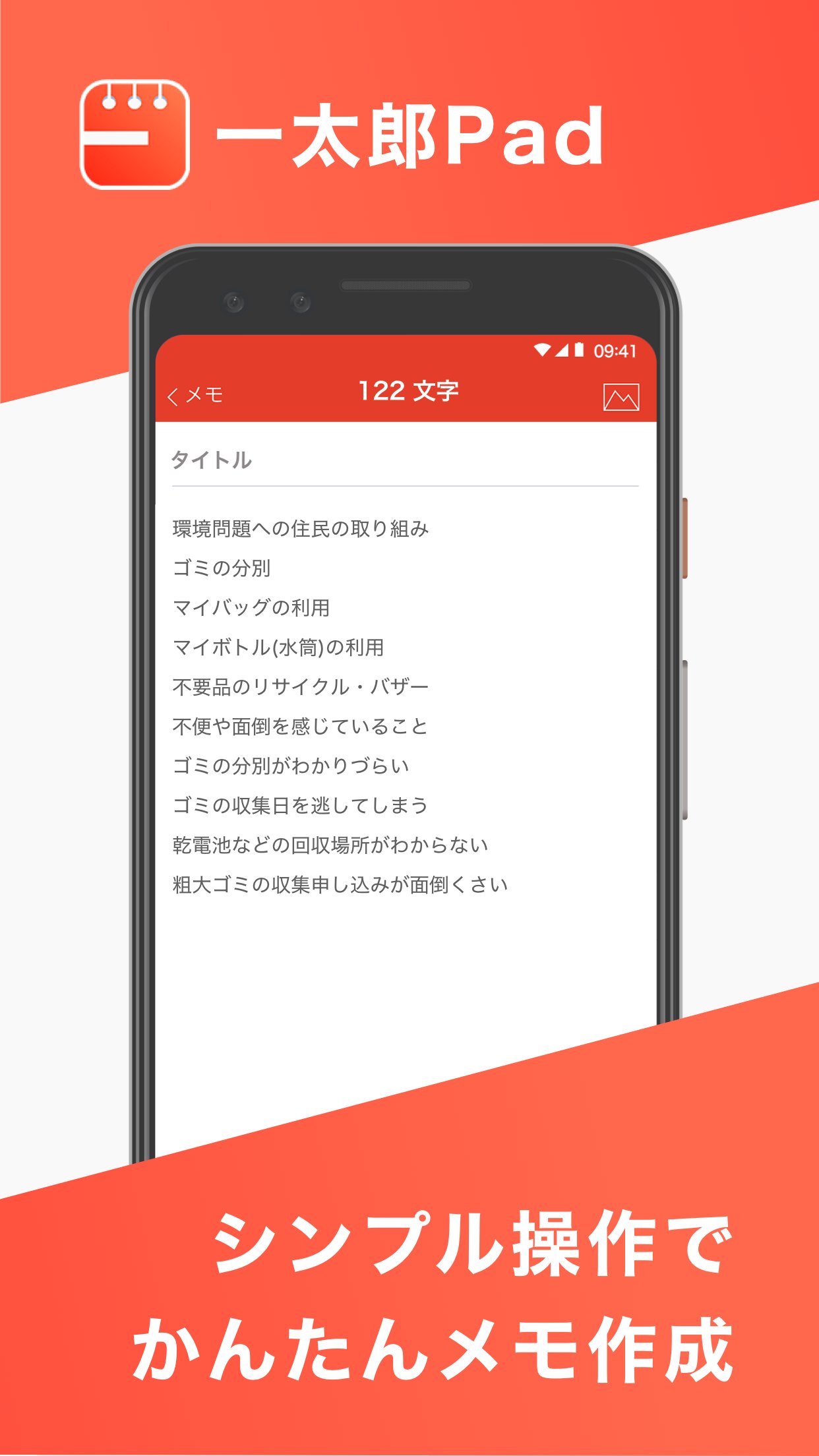
This is a memo app that features simple operations and time-saving input.
■Recommended usage
・Whenever and wherever you think of something, make a note immediately.
・Current date and time with one touch. For diaries and daily reports.
・Conversational text, ..., -- is also smooth. For writing novels and research notes.
・Enter headings #. For chapter-based documents.
■Ichitaro Pad functions
・The "input-saving tool" assists with keying, allowing you to input in less time.
■Input-saving tool
You can choose from five different button sets.
・Current date and time
Enter the current date and time, such as "2021/02/05 12:34".
・Full-width space
Enter a full-width space.
・Single brackets " "
・Round brackets ()
・Double brackets " "
Enter "", (), and "", and move the cursor after ", (, and ".
Assists with entering parentheses such as dialogue.
・Ellipses (……)
・Dashes (--)
Enter two ... and -.
Assists with entering novels and articles.
・Headings (#)
Enter # at the beginning of a paragraph to create a heading.
You can also specify the level of the heading, such as # for a main heading and ## for a subheading.
■Character count
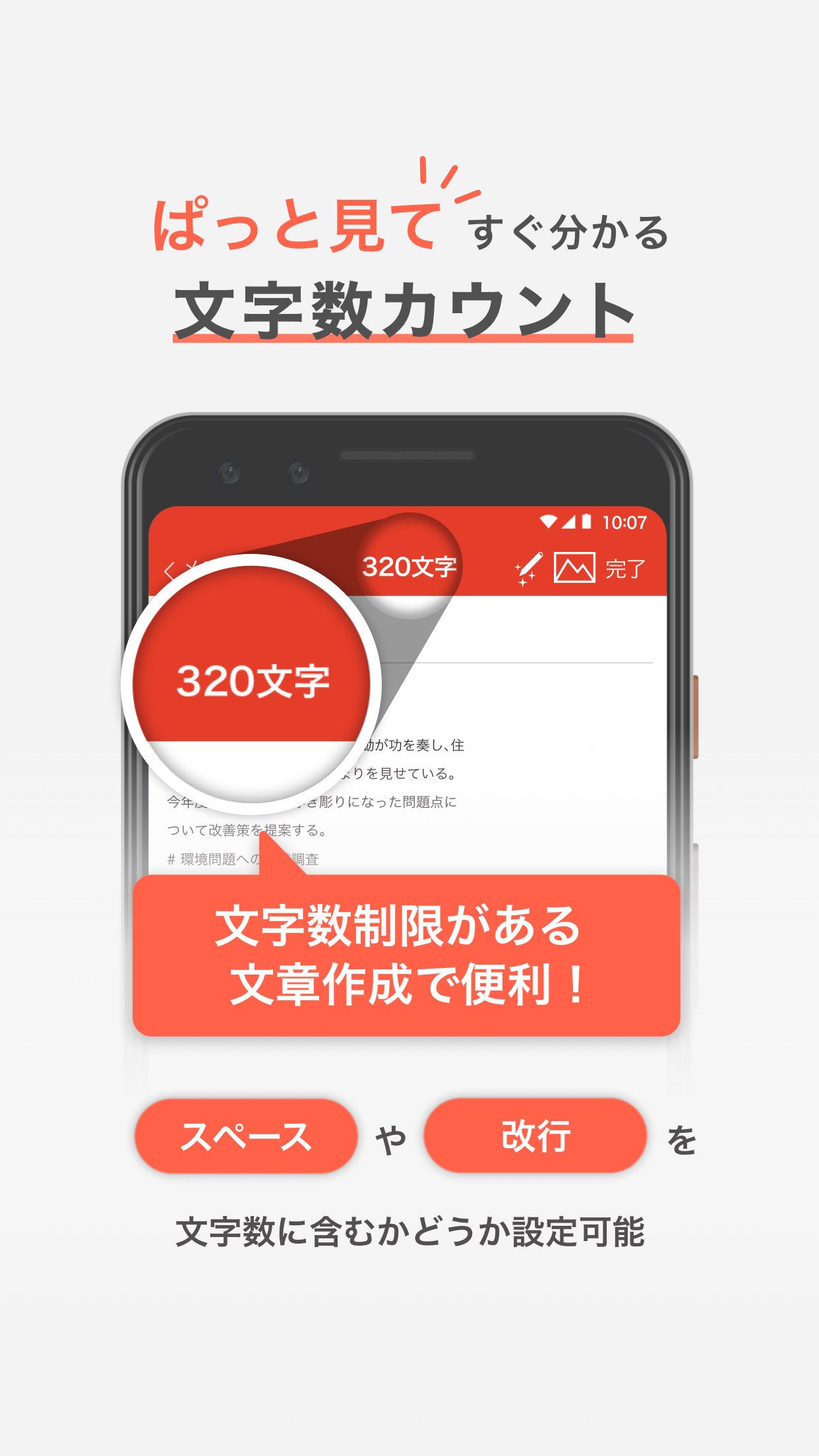
・Displays the number of characters in the memo body.
You can set whether to include full-width/half-width spaces and line breaks in the character count.
■Links with "Ichitaro" on PC
You can transfer your memo to your PC and use it with the Japanese word processing software "Ichitaro". You can transfer it wirelessly and create documents.
You can also transfer your memo from your PC with "Ichitaro 2021".
# will be automatically converted to a heading.
■Help
Please see the app settings screen.
・Privacy Policy
・Terms of Use
・License Information
・Help
・Operation Status
Click here for the latest information
https://www.justsystems.com/jp/products/ichitaropad/features/spec.html
پیش نظارہ
ٹیگز
پیداواری صلاحیتمعلومات
ڈویلپر
JustSystems Corporation
تازہ ترین ورژن
2.0.4
آخری تازہ کاری
2025-06-01
قسم
پیداواری صلاحیت
پر دستیاب ہے۔
Google Play
مزید دکھائیں
پی سی پر گیم لوپ کے ساتھ 一太郎Pad کیسے کھیلا جائے۔
1. آفیشل ویب سائٹ سے گیم لوپ ڈاؤن لوڈ کریں، پھر گیم لوپ انسٹال کرنے کے لیے exe فائل چلائیں۔
2. گیم لوپ کھولیں اور "一太郎Pad" تلاش کریں، تلاش کے نتائج میں 一太郎Pad تلاش کریں اور "انسٹال کریں" پر کلک کریں۔
3. گیم لوپ پر 一太郎Pad کھیلنے کا لطف اٹھائیں۔
Minimum requirements
OS
Windows 8.1 64-bit or Windows 10 64-bit
GPU
GTX 1050
CPU
i3-8300
Memory
8GB RAM
Storage
1GB available space
Recommended requirements
OS
Windows 8.1 64-bit or Windows 10 64-bit
GPU
GTX 1050
CPU
i3-9320
Memory
16GB RAM
Storage
1GB available space