Passport Photo - PhotoAiD PC
Passport Photo Online
گیم لوپ ایمولیٹر کے ساتھ PC پر Passport Photo - PhotoAiD ڈاؤن لوڈ کریں۔
پی سی پر Passport Photo - PhotoAiD
Passport Photo - PhotoAiD، جو ڈویلپر Passport Photo Online سے آرہا ہے، ماضی میں اینڈرائیڈ سسٹم پر چل رہا ہے۔
اب، آپ پی سی پر Passport Photo - PhotoAiD آسانی سے GameLoop کے ساتھ چلا سکتے ہیں۔
اسے GameLoop لائبریری یا تلاش کے نتائج میں ڈاؤن لوڈ کریں۔ مزید غلط وقت پر بیٹری یا مایوس کن کالوں پر نظر نہیں ڈالی جائے گی۔
بس بڑی سکرین پر Passport Photo - PhotoAiD PC کا مفت میں لطف اٹھائیں!
Passport Photo - PhotoAiD تعارف
Create Perfect Passport Photos with Ease!
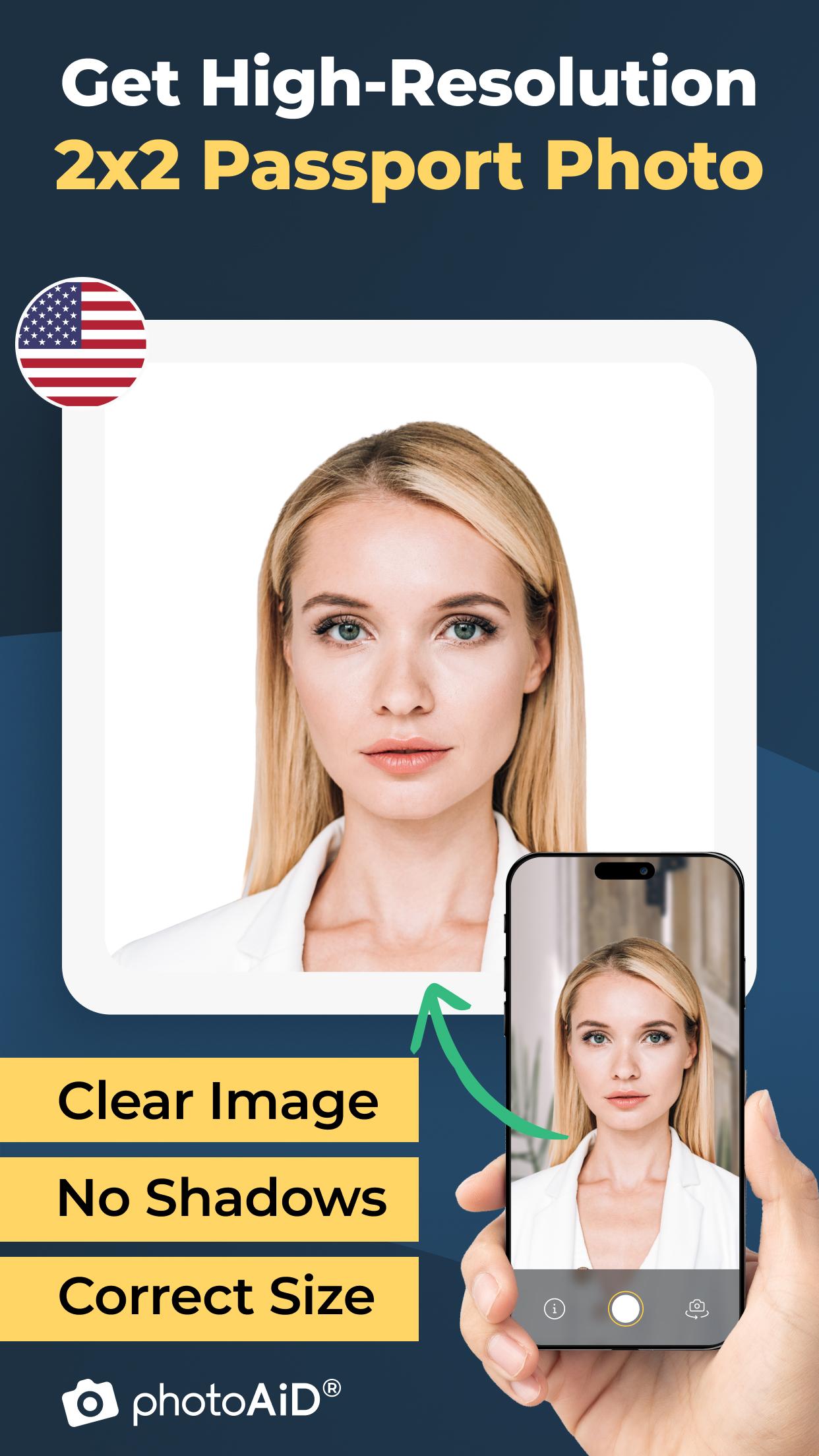
Looking for a fast, reliable, and affordable way to take your passport photo? With our Passport Photo Maker, you can generate professional, biometric passport size photos that meet all official standards - right from your smartphone.
Why choose our app to create your passport photo?
100% Compliant with Official Passport Photo Requirements
Our app ensures that your passport size photo follows the latest biometric standards. From correct sizing and background color to precise face alignment, your passport photo will always meet the necessary guidelines.
Instant Results
Generate your passport photo in seconds. Simply upload a selfie and let our advanced AI technology create the perfect passport size photo for you - effortlessly and quickly.
No Professional Equipment Needed
You don’t need a studio setup. All you need is your smartphone to create high-quality passport photos anytime, anywhere.
Smart Background Removal
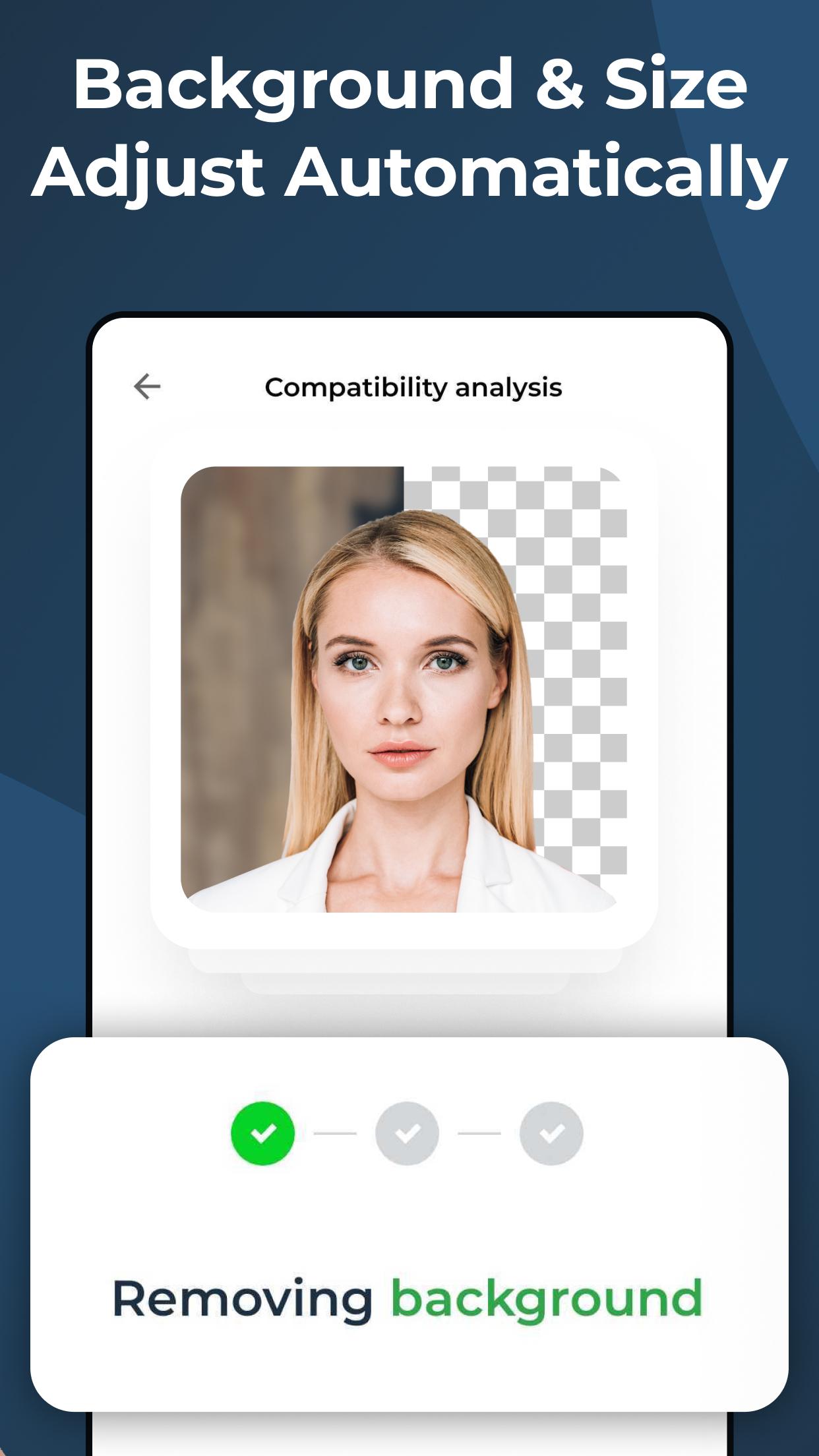
Say goodbye to messy or distracting backgrounds. Our Passport Photo Maker automatically removes the background and replaces it with the right one.
Save Time and Money
Avoid traveling to photo studios or paying expensive fees. Our app offers a cost-effective solution to create professional passport photos from home.
Key Features for the Perfect Passport Photo
Precise Face Alignment
Using AI technology, our app aligns your face according to official requirements for lighting, expression, and positioning, so your passport photo is always compliant.
Templates for All Countries
Need a passport photo for the USA or another country? Our Passport Photo Maker includes country-specific templates to meet every requirement.
High-Resolution Output
Get crisp, clear passport size photos in high resolution that are guaranteed to meet the quality needed for passport applications and renewals.
JPG File or Printable Formats
Download your passport photo as a high-quality JPG file or ready-to-print sheet in sizes like 2x2 inches (US standard) or 35x45 mm (international standard). Whether it’s for an online form or a physical submission, we’ve got you covered.
Preview Before You Download
See your passport photo before saving to ensure everything looks perfect and meets all biometric rules.
How It Works
1. Take or upload a photo with your smartphone.
2. Let our AI process and adjust your image to create a compliant passport size photo.
3. Download your professionally formatted passport photo instantly.
More Than Just Passport Photos: Our app also helps you create photos for:
- ID cards
- Visa applications
- Driver’s licenses
Whether you need a passport photo, a visa photo, or a new picture for your driver’s license, our app provides the tools to get it done quickly and easily.
Who Is This App For?
- Travelers preparing for their next trip
- Professionals needing ID photos for work
- Students applying for study visas
If you need an official photo, our Passport Photo Maker is the fastest and most reliable way to create it.
Start Creating Your Passport Photo Today!
Download our app now and experience the easiest way to create a compliant passport size photo from your phone. Whether it's for a passport, visa, ID, or driver’s license, we’ve got your photo needs covered.
پیش نظارہ
ٹیگز
فوٹوگرافیبورڈمعلومات
ڈویلپر
Passport Photo Online
تازہ ترین ورژن
1.16.4
آخری تازہ کاری
2025-06-25
قسم
فوٹوگرافی
پر دستیاب ہے۔
Google Play
مزید دکھائیں
پی سی پر گیم لوپ کے ساتھ Passport Photo - PhotoAiD کیسے کھیلا جائے۔
1. آفیشل ویب سائٹ سے گیم لوپ ڈاؤن لوڈ کریں، پھر گیم لوپ انسٹال کرنے کے لیے exe فائل چلائیں۔
2. گیم لوپ کھولیں اور "Passport Photo - PhotoAiD" تلاش کریں، تلاش کے نتائج میں Passport Photo - PhotoAiD تلاش کریں اور "انسٹال کریں" پر کلک کریں۔
3. گیم لوپ پر Passport Photo - PhotoAiD کھیلنے کا لطف اٹھائیں۔
Minimum requirements
OS
Windows 8.1 64-bit or Windows 10 64-bit
GPU
GTX 1050
CPU
i3-8300
Memory
8GB RAM
Storage
1GB available space
Recommended requirements
OS
Windows 8.1 64-bit or Windows 10 64-bit
GPU
GTX 1050
CPU
i3-9320
Memory
16GB RAM
Storage
1GB available space