Ultra Zoom Telescope Editor PC
Bino Tech
گیم لوپ ایمولیٹر کے ساتھ PC پر Ultra Zoom Telescope Editor ڈاؤن لوڈ کریں۔
پی سی پر Ultra Zoom Telescope Editor
Ultra Zoom Telescope Editor، جو ڈویلپر Bino Tech سے آرہا ہے، ماضی میں اینڈرائیڈ سسٹم پر چل رہا ہے۔
اب، آپ پی سی پر Ultra Zoom Telescope Editor آسانی سے GameLoop کے ساتھ چلا سکتے ہیں۔
اسے GameLoop لائبریری یا تلاش کے نتائج میں ڈاؤن لوڈ کریں۔ مزید غلط وقت پر بیٹری یا مایوس کن کالوں پر نظر نہیں ڈالی جائے گی۔
بس بڑی سکرین پر Ultra Zoom Telescope Editor PC کا مفت میں لطف اٹھائیں!
Ultra Zoom Telescope Editor تعارف
Ultra Zoom Telescope Editor is the latest technology zooming camera built-in radius application that allows you to see and record the faraway objects easily. There are many filters available for shooting night vision items in contrast. With a flashlight and autofocus, you may use it as a monocular, microscope, binoculars, magnifier, ultra zoom, and much more.
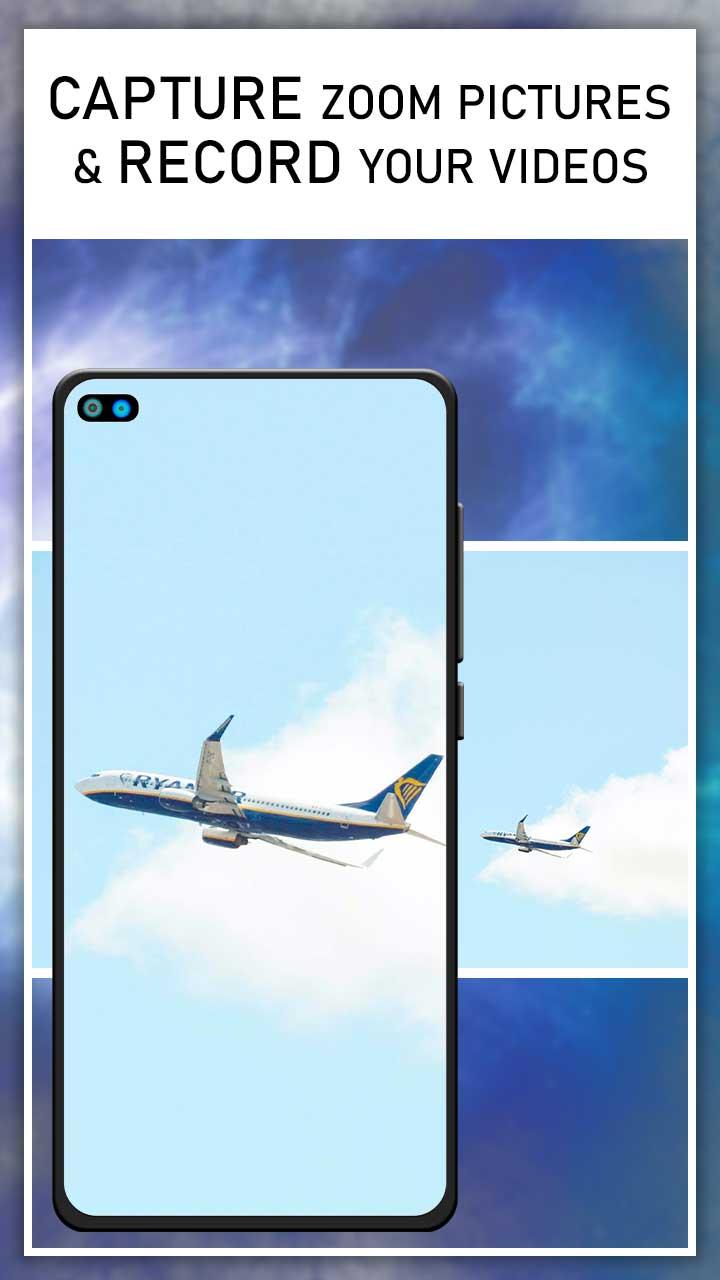
Use your device's 100 percent zoom capacity to take photos and record videos in extremely high resolution. The user interface is designed to seem like a digital telescope. The app may be used as a magnifying glass to see small text and far away things that aren't visible with the naked eye.
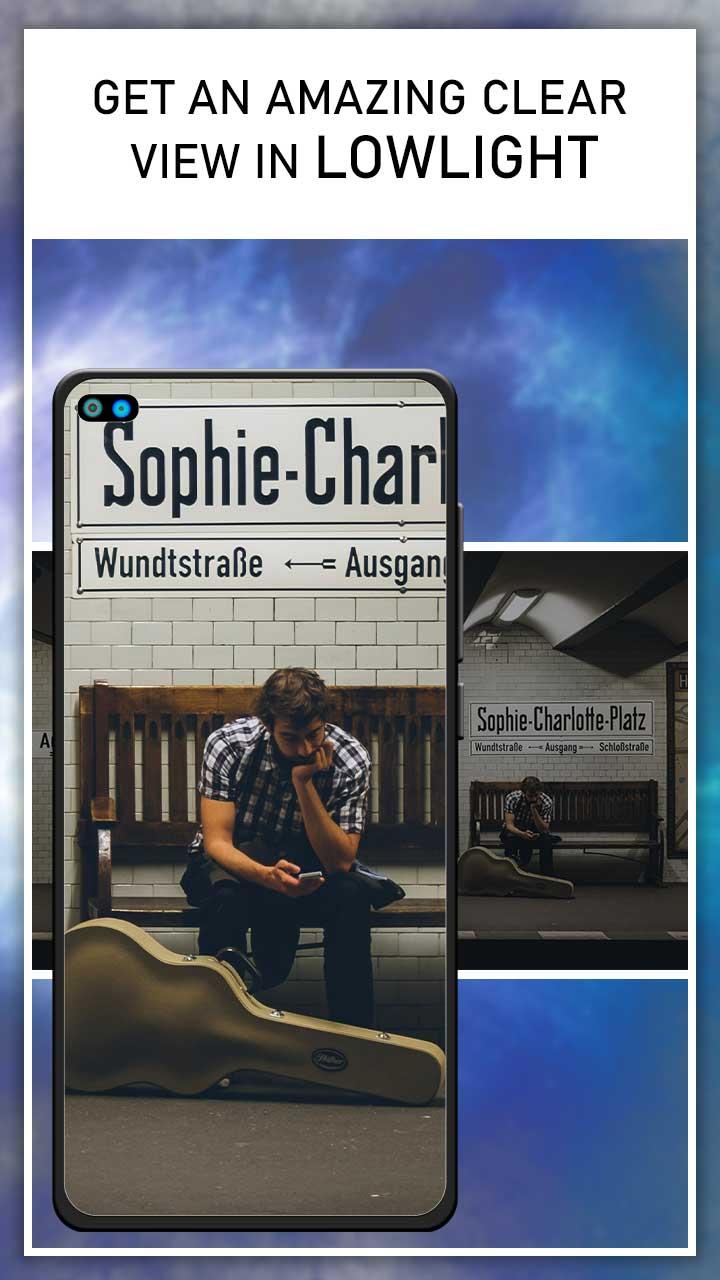
There are three main features: the first is night mode, which allows you to use this application at night for a brighter and clearer image; the second is brightness, which allows you to change the camera's brightness; and the third is optical and digital zoom, which allows you to zoom the camera up to the maximum zoom, which allows for more accurate visibility of far away objects.
"""" TOP FEATURES """"
- Capture clips and photos with both the front and back cameras.
- Depending on the external environment, adjust the brightness
- The zoom in and out functions are quite smooth and effective.
- A clever algorithm maintains the image's resolution at high zoom.
- Adjust lighting to suit the occasion
- To brighten the item, choose the flashlight option.
- Press the shutter button to take images and store them.
- It may be used as a magnifier.
پیش نظارہ
ٹیگز
فوٹوگرافیمعلومات
ڈویلپر
Bino Tech
تازہ ترین ورژن
1.0.2
آخری تازہ کاری
2022-07-18
قسم
فوٹوگرافی
پر دستیاب ہے۔
Google Play
مزید دکھائیں
پی سی پر گیم لوپ کے ساتھ Ultra Zoom Telescope Editor کیسے کھیلا جائے۔
1. آفیشل ویب سائٹ سے گیم لوپ ڈاؤن لوڈ کریں، پھر گیم لوپ انسٹال کرنے کے لیے exe فائل چلائیں۔
2. گیم لوپ کھولیں اور "Ultra Zoom Telescope Editor" تلاش کریں، تلاش کے نتائج میں Ultra Zoom Telescope Editor تلاش کریں اور "انسٹال کریں" پر کلک کریں۔
3. گیم لوپ پر Ultra Zoom Telescope Editor کھیلنے کا لطف اٹھائیں۔
Minimum requirements
OS
Windows 8.1 64-bit or Windows 10 64-bit
GPU
GTX 1050
CPU
i3-8300
Memory
8GB RAM
Storage
1GB available space
Recommended requirements
OS
Windows 8.1 64-bit or Windows 10 64-bit
GPU
GTX 1050
CPU
i3-9320
Memory
16GB RAM
Storage
1GB available space