Syrp PC
Syrp Lab
گیم لوپ ایمولیٹر کے ساتھ PC پر Syrp ڈاؤن لوڈ کریں۔
پی سی پر Syrp
Syrp، جو ڈویلپر Syrp Lab سے آرہا ہے، ماضی میں اینڈرائیڈ سسٹم پر چل رہا ہے۔
اب، آپ پی سی پر Syrp آسانی سے GameLoop کے ساتھ چلا سکتے ہیں۔
اسے GameLoop لائبریری یا تلاش کے نتائج میں ڈاؤن لوڈ کریں۔ مزید غلط وقت پر بیٹری یا مایوس کن کالوں پر نظر نہیں ڈالی جائے گی۔
بس بڑی سکرین پر Syrp PC کا مفت میں لطف اٹھائیں!
Syrp تعارف
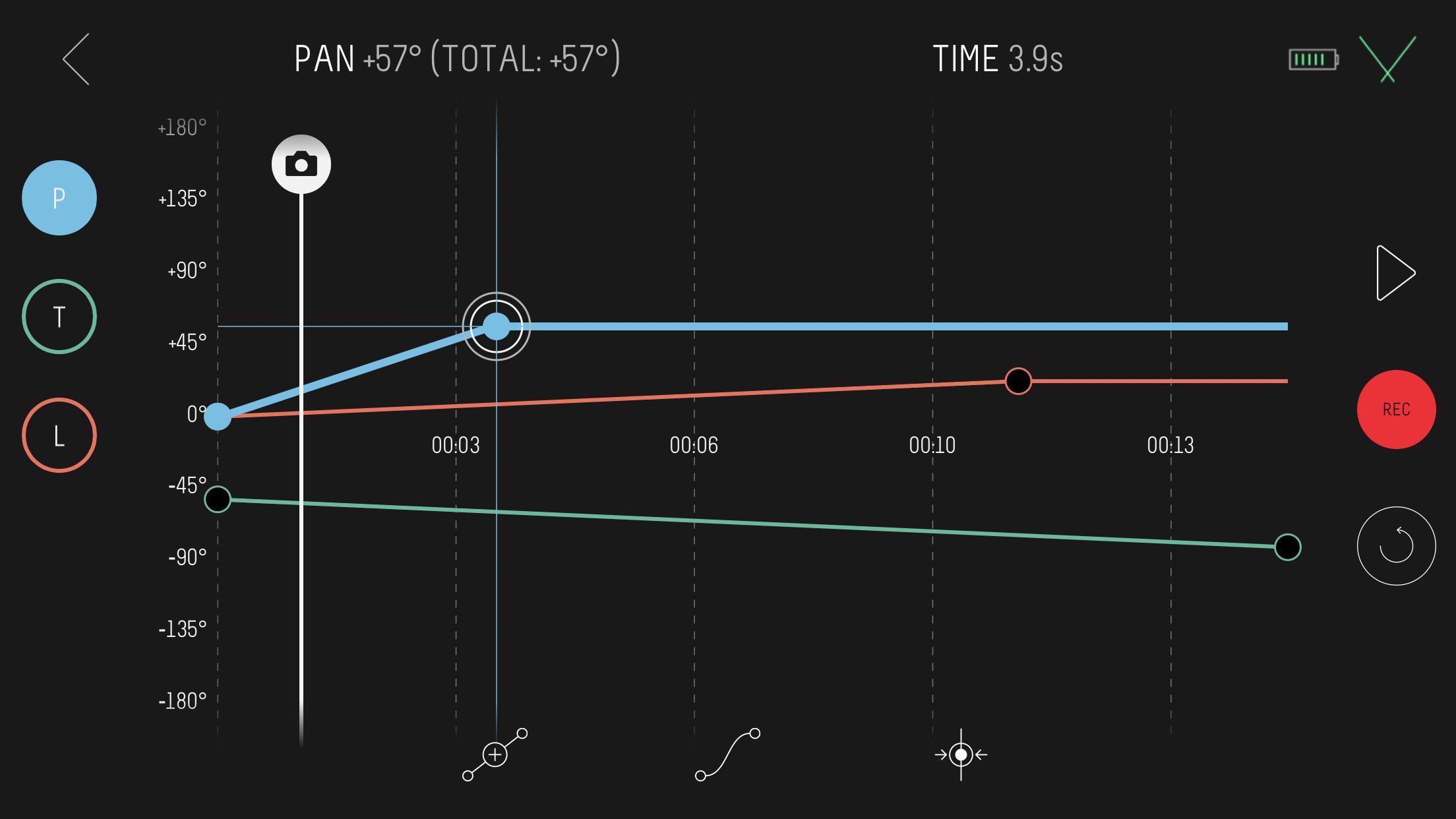
Connect wirelessly to a Syrp motion control product with the Syrp App, a beautifully simple mobile app that accommodates both beginners through to experienced filmmakers and photographers. The app is extremely easy to use and allows you to sync multiple devices together for shooting motion control of up to 3-axis. Also included are quick setup tutorials and help screens to help make sure you are up and running as quickly as possible.
Compatibility.
Motion Control: Genie Mini, Genie Micro, Genie Mini II, Genie II Linear, Genie II Pan Tilt and Genie One.
Cameras: Compatible with 100's of cameras including mirror-less, DSLR's, video cameras and smartphones. Refer to specific motion control product details for more.
Features in the current release:
- Motion time-lapse and video
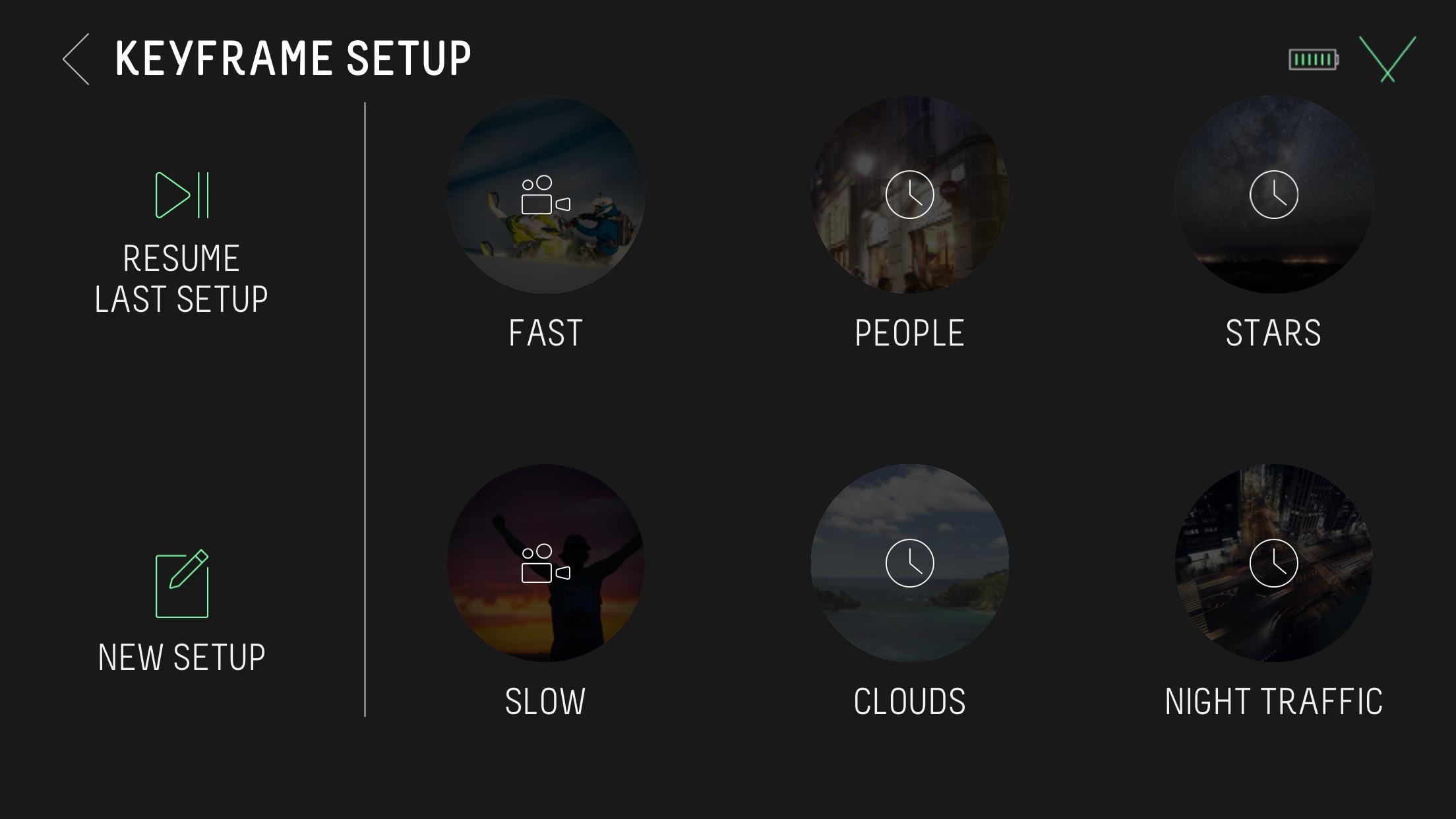
- Keyframe motion setup
- Bounce back for video (repeat)
- Control camera settings like ISO, Shutter and Aperture from the app when connected via USB. Check camera compatibility at syrp.co
- Multi-row Panorama for high resolution 'Gigapixel' images
- Turntable mode for automating product photography and videography
- Stop Motion
- HDR support
- Time-lapse: Customize move shoot delay, interval, record time and playback time
- Set time-lapse movement to move-shoot-move or continuous movement
- Save your own presets or select from our built-in options
- Set your ease in / ease out for smoothly ramping movement
- Quick Setup modes for simpler timelapse and video moves
- Live Drive mode for live axis control using the built-in app joystick
- Regular free firmware upgrades for new features
پیش نظارہ
ٹیگز
فوٹوگرافیمعلومات
ڈویلپر
Syrp Lab
تازہ ترین ورژن
2.1.7
آخری تازہ کاری
2023-12-23
قسم
فوٹوگرافی
پر دستیاب ہے۔
Google Play
مزید دکھائیں
پی سی پر گیم لوپ کے ساتھ Syrp کیسے کھیلا جائے۔
1. آفیشل ویب سائٹ سے گیم لوپ ڈاؤن لوڈ کریں، پھر گیم لوپ انسٹال کرنے کے لیے exe فائل چلائیں۔
2. گیم لوپ کھولیں اور "Syrp" تلاش کریں، تلاش کے نتائج میں Syrp تلاش کریں اور "انسٹال کریں" پر کلک کریں۔
3. گیم لوپ پر Syrp کھیلنے کا لطف اٹھائیں۔
Minimum requirements
OS
Windows 8.1 64-bit or Windows 10 64-bit
GPU
GTX 1050
CPU
i3-8300
Memory
8GB RAM
Storage
1GB available space
Recommended requirements
OS
Windows 8.1 64-bit or Windows 10 64-bit
GPU
GTX 1050
CPU
i3-9320
Memory
16GB RAM
Storage
1GB available space