
Recolor - Photo Color Changer PC
kalisohn
گیم لوپ ایمولیٹر کے ساتھ PC پر Recolor - Photo Color Changer ڈاؤن لوڈ کریں۔
پی سی پر Recolor - Photo Color Changer
Recolor - Photo Color Changer، جو ڈویلپر kalisohn سے آرہا ہے، ماضی میں اینڈرائیڈ سسٹم پر چل رہا ہے۔
اب، آپ پی سی پر Recolor - Photo Color Changer آسانی سے GameLoop کے ساتھ چلا سکتے ہیں۔
اسے GameLoop لائبریری یا تلاش کے نتائج میں ڈاؤن لوڈ کریں۔ مزید غلط وقت پر بیٹری یا مایوس کن کالوں پر نظر نہیں ڈالی جائے گی۔
بس بڑی سکرین پر Recolor - Photo Color Changer PC کا مفت میں لطف اٹھائیں!
Recolor - Photo Color Changer تعارف
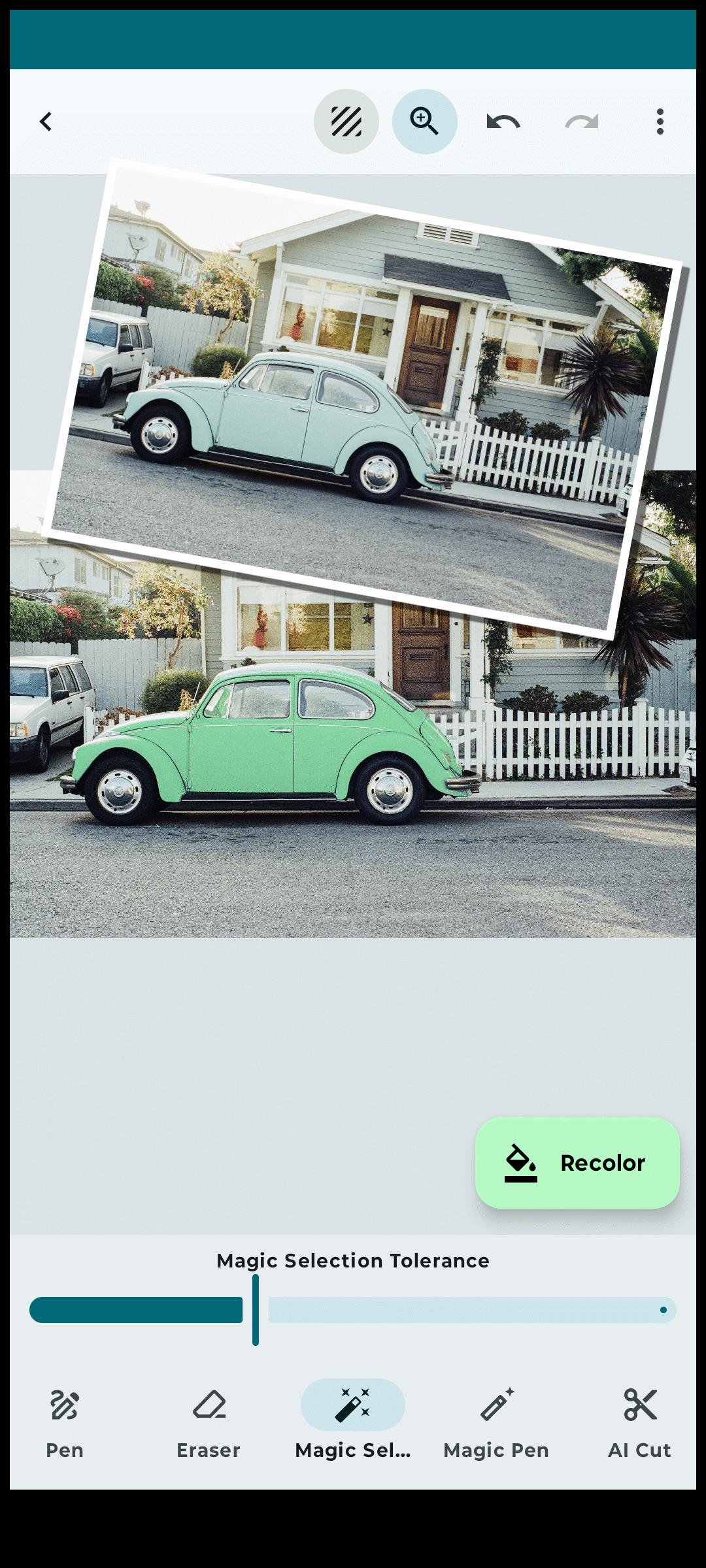
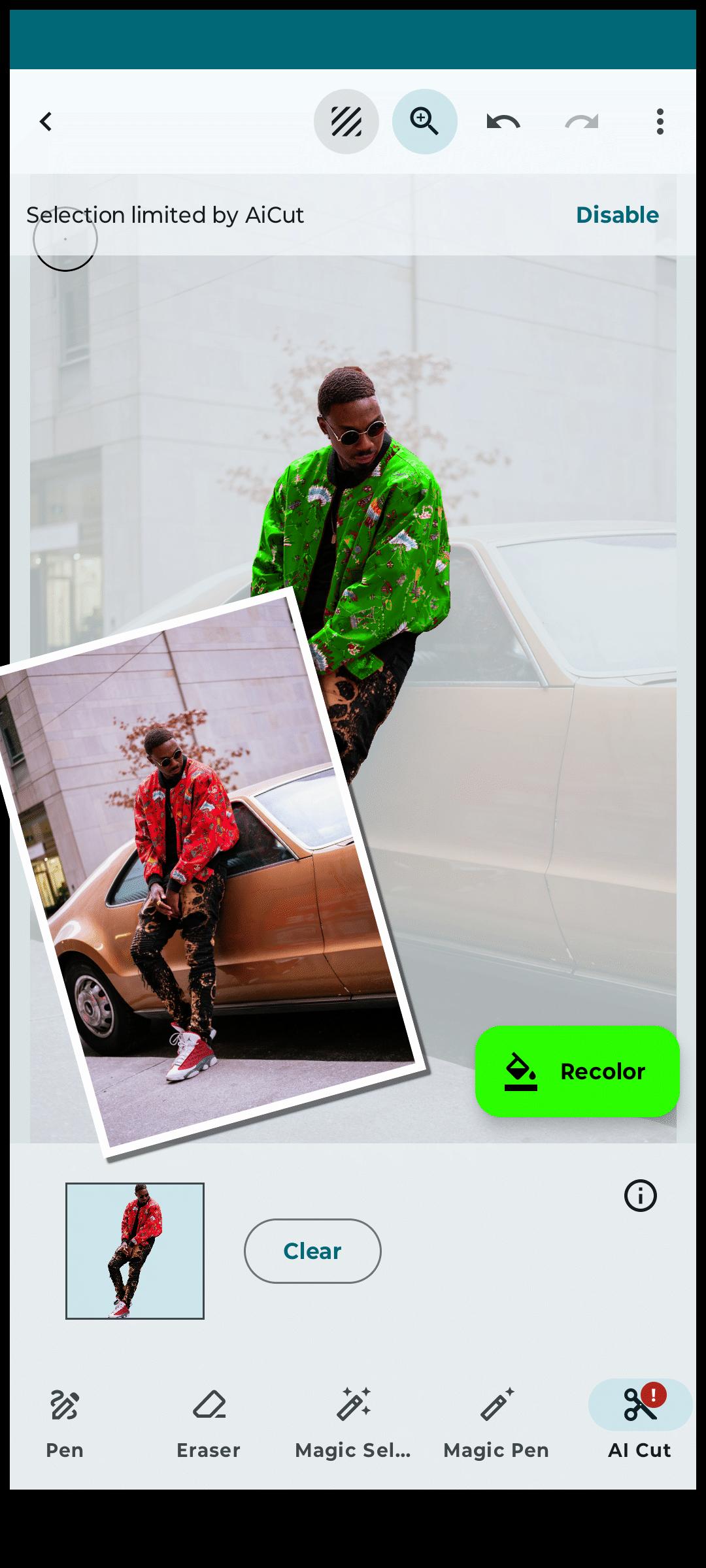
With Recolor, changing the colors of things and objects in your photos has never been easier. Select parts of your photos and recolor them with precision using a variety of advanced tools, including AI-powered selection, a magic wand, and a manual pen tool.
Fine-tune your new colors with brightness and hue sliders or select from a comprehensive color palette. The results are incredibly realistic, preserving shadows, highlights, and reflections for a natural look. For bright elements, use different blend modes to intensify colors while maintaining light integrity. Adjust tonal levels to perfect lighting and shading.
Key Features:
AI Object Preselection:
- Let AI automatically highlight prominent elements in your photo for quick edits.
Layer Editor:
- Work on multiple layers to recolor various parts of your image separately.
Selection Tools:
- Magic Wand: Quickly select areas with similar colors.
- Magic Pen: Similar to the magic wand but with manual control.
- Pen Tool: Manually define details for precise recoloring.
- Selection Magnifier: Zoom in for detailed selection adjustments in manual mode.
- Erasers: Use manual or magic erasers to refine your selection.
Recoloring Tools:
- Replace colors on any element with ease.
- Choose from the RAL color palette for accurate shades.
- Fine-tune colors with hue and brightness sliders.
- Adjust tones for realistic color changes.
- Use various blending modes like "Color," "Multiply," and "Burn" for nuanced transitions.
Project Management:
- Organize and access all your recolor projects easily in the Projects View.
Additional Features:
- Undo/Redo for all selection and color adjustments.
- Save and share your beautifully recolored photos.
Why Choose Recolor?
- Experiment with new paint colors before committing to real-life changes.
- Preview home or wall color changes.
- Modify clothing, hair, skin, eye color, or even the sky.
- Add creative color splash effects manually.
- Perfect for designers and creatives wanting to explore fresh ideas with color.
Download Now and Get Creative!
Upgrade to the Pro Version for an ad-free experience.
پیش نظارہ
ٹیگز
فوٹوگرافیمعلومات
ڈویلپر
kalisohn
تازہ ترین ورژن
2.1.16
آخری تازہ کاری
2025-08-15
قسم
فوٹوگرافی
پر دستیاب ہے۔
Google Play
مزید دکھائیں
پی سی پر گیم لوپ کے ساتھ Recolor - Photo Color Changer کیسے کھیلا جائے۔
1. آفیشل ویب سائٹ سے گیم لوپ ڈاؤن لوڈ کریں، پھر گیم لوپ انسٹال کرنے کے لیے exe فائل چلائیں۔
2. گیم لوپ کھولیں اور "Recolor - Photo Color Changer" تلاش کریں، تلاش کے نتائج میں Recolor - Photo Color Changer تلاش کریں اور "انسٹال کریں" پر کلک کریں۔
3. گیم لوپ پر Recolor - Photo Color Changer کھیلنے کا لطف اٹھائیں۔
Minimum requirements
OS
Windows 8.1 64-bit or Windows 10 64-bit
GPU
GTX 1050
CPU
i3-8300
Memory
8GB RAM
Storage
1GB available space
Recommended requirements
OS
Windows 8.1 64-bit or Windows 10 64-bit
GPU
GTX 1050
CPU
i3-9320
Memory
16GB RAM
Storage
1GB available space