
Pixel Image Viewer PC
Andrey Skobtsov
گیم لوپ ایمولیٹر کے ساتھ PC پر Pixel Image Viewer ڈاؤن لوڈ کریں۔
پی سی پر Pixel Image Viewer
Pixel Image Viewer، جو ڈویلپر Andrey Skobtsov سے آرہا ہے، ماضی میں اینڈرائیڈ سسٹم پر چل رہا ہے۔
اب، آپ پی سی پر Pixel Image Viewer آسانی سے GameLoop کے ساتھ چلا سکتے ہیں۔
اسے GameLoop لائبریری یا تلاش کے نتائج میں ڈاؤن لوڈ کریں۔ مزید غلط وقت پر بیٹری یا مایوس کن کالوں پر نظر نہیں ڈالی جائے گی۔
بس بڑی سکرین پر Pixel Image Viewer PC کا مفت میں لطف اٹھائیں!
Pixel Image Viewer تعارف
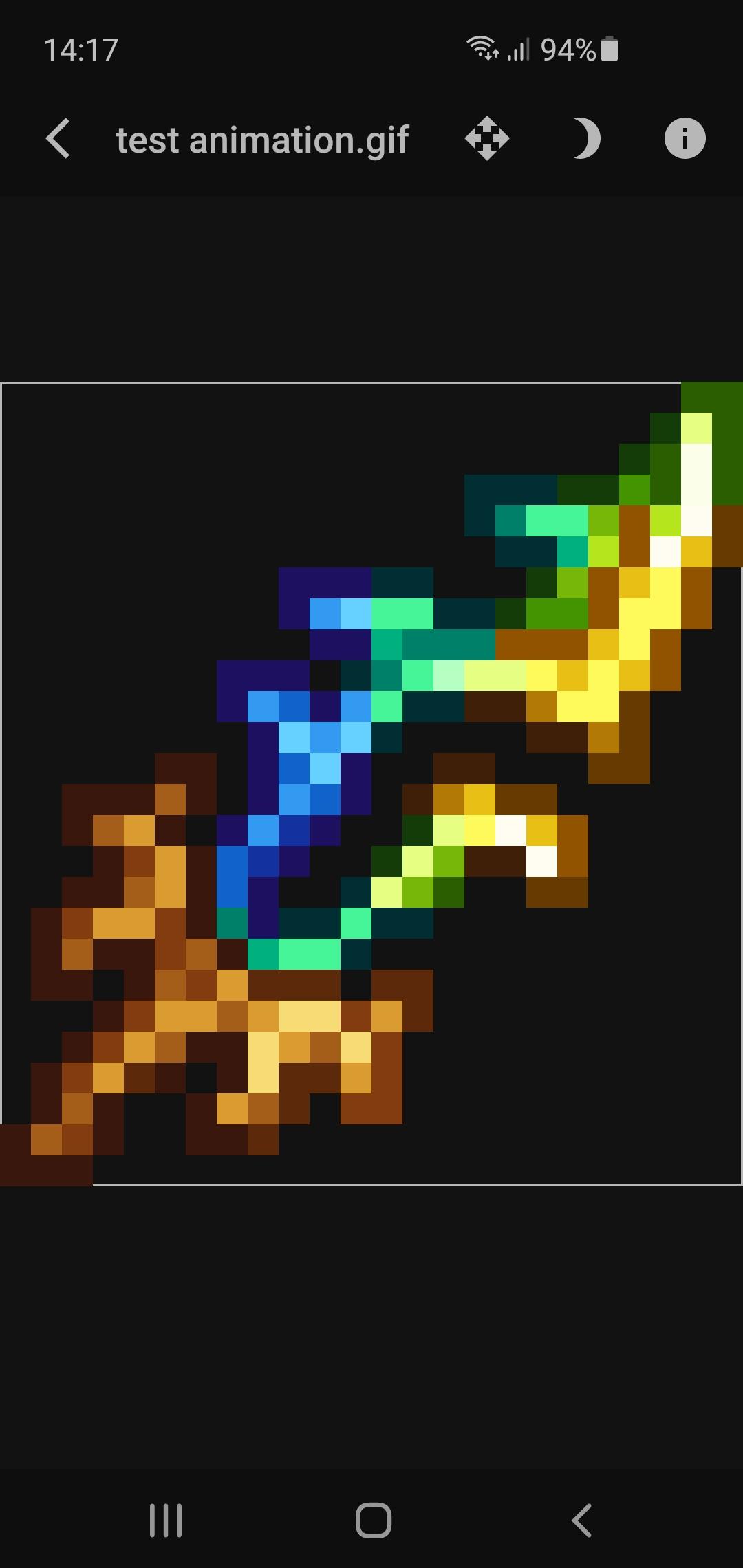
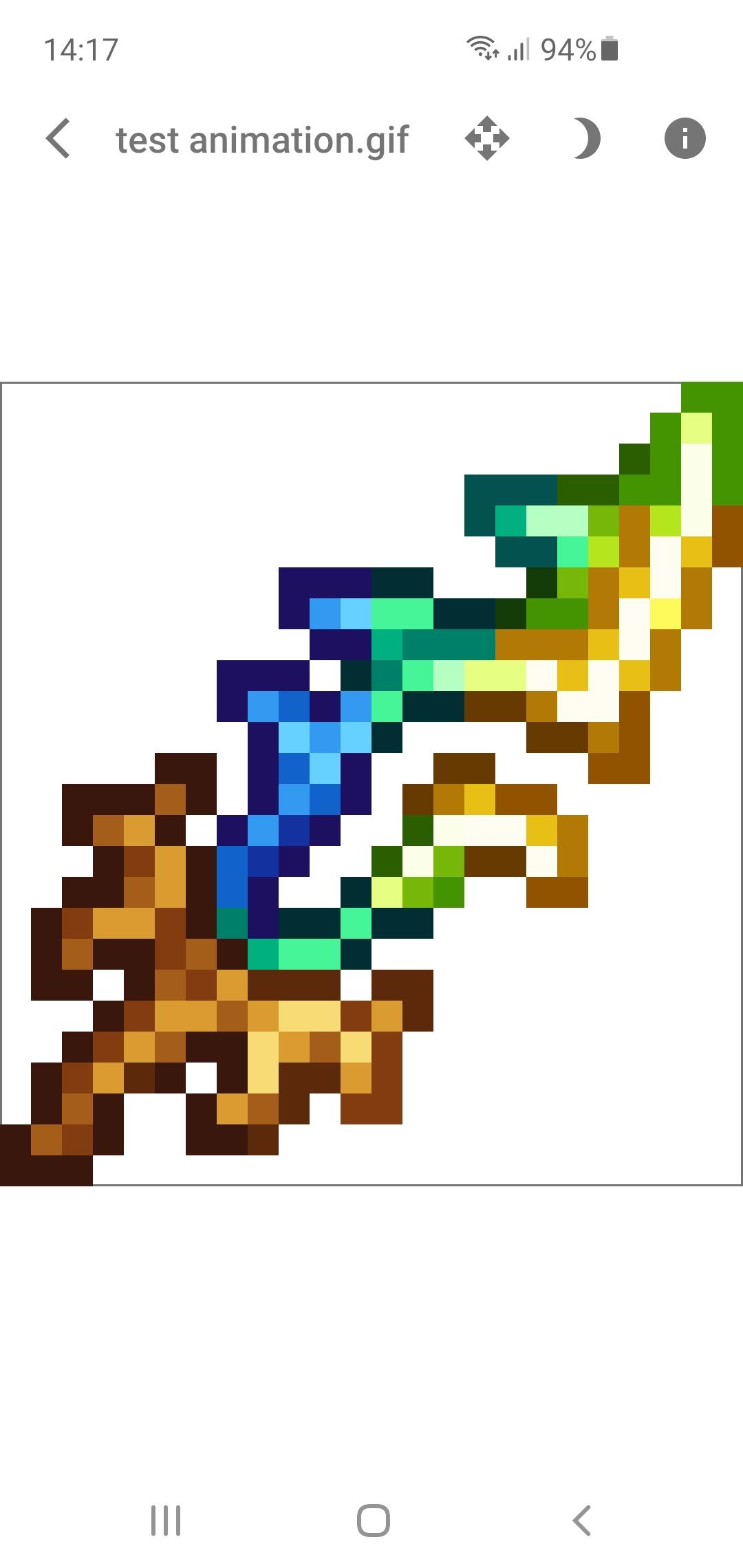
Shows images without antialiasing. Useful for looking at textures from pixelated games.
Supports static images in png, jpg/jpeg, webp formats, and animated in a gif format.
Needs a file explorer installed, which will open images, to work properly. Does not support (and most probably will not support in the future) listing all the folders with images as gallery apps are more suitable for this scenario which is not what this app targets.
Has light + dark themes, displays image dimensions, size, and the number of frames (gif only), supports enabling + disabling image antialiasing.
If you want to work with large images (10+ MB) consider disabling the hardware acceleration in the app settings. You can encounter visual artifacts on some devices after disabling that (that is why it is enabled by default) but the size of the images will be limited only by your device capabilities.
پیش نظارہ
ٹیگز
فوٹوگرافیمعلومات
ڈویلپر
Andrey Skobtsov
تازہ ترین ورژن
1.7.1
آخری تازہ کاری
2025-07-28
قسم
فوٹوگرافی
پر دستیاب ہے۔
Google Play
مزید دکھائیں
پی سی پر گیم لوپ کے ساتھ Pixel Image Viewer کیسے کھیلا جائے۔
1. آفیشل ویب سائٹ سے گیم لوپ ڈاؤن لوڈ کریں، پھر گیم لوپ انسٹال کرنے کے لیے exe فائل چلائیں۔
2. گیم لوپ کھولیں اور "Pixel Image Viewer" تلاش کریں، تلاش کے نتائج میں Pixel Image Viewer تلاش کریں اور "انسٹال کریں" پر کلک کریں۔
3. گیم لوپ پر Pixel Image Viewer کھیلنے کا لطف اٹھائیں۔
Minimum requirements
OS
Windows 8.1 64-bit or Windows 10 64-bit
GPU
GTX 1050
CPU
i3-8300
Memory
8GB RAM
Storage
1GB available space
Recommended requirements
OS
Windows 8.1 64-bit or Windows 10 64-bit
GPU
GTX 1050
CPU
i3-9320
Memory
16GB RAM
Storage
1GB available space