
PhotoGuru Media Player PC
CMP-Soft, LLC
گیم لوپ ایمولیٹر کے ساتھ PC پر PhotoGuru Media Player ڈاؤن لوڈ کریں۔
پی سی پر PhotoGuru Media Player
PhotoGuru Media Player، جو ڈویلپر CMP-Soft, LLC سے آرہا ہے، ماضی میں اینڈرائیڈ سسٹم پر چل رہا ہے۔
اب، آپ پی سی پر PhotoGuru Media Player آسانی سے GameLoop کے ساتھ چلا سکتے ہیں۔
اسے GameLoop لائبریری یا تلاش کے نتائج میں ڈاؤن لوڈ کریں۔ مزید غلط وقت پر بیٹری یا مایوس کن کالوں پر نظر نہیں ڈالی جائے گی۔
بس بڑی سکرین پر PhotoGuru Media Player PC کا مفت میں لطف اٹھائیں!
PhotoGuru Media Player تعارف
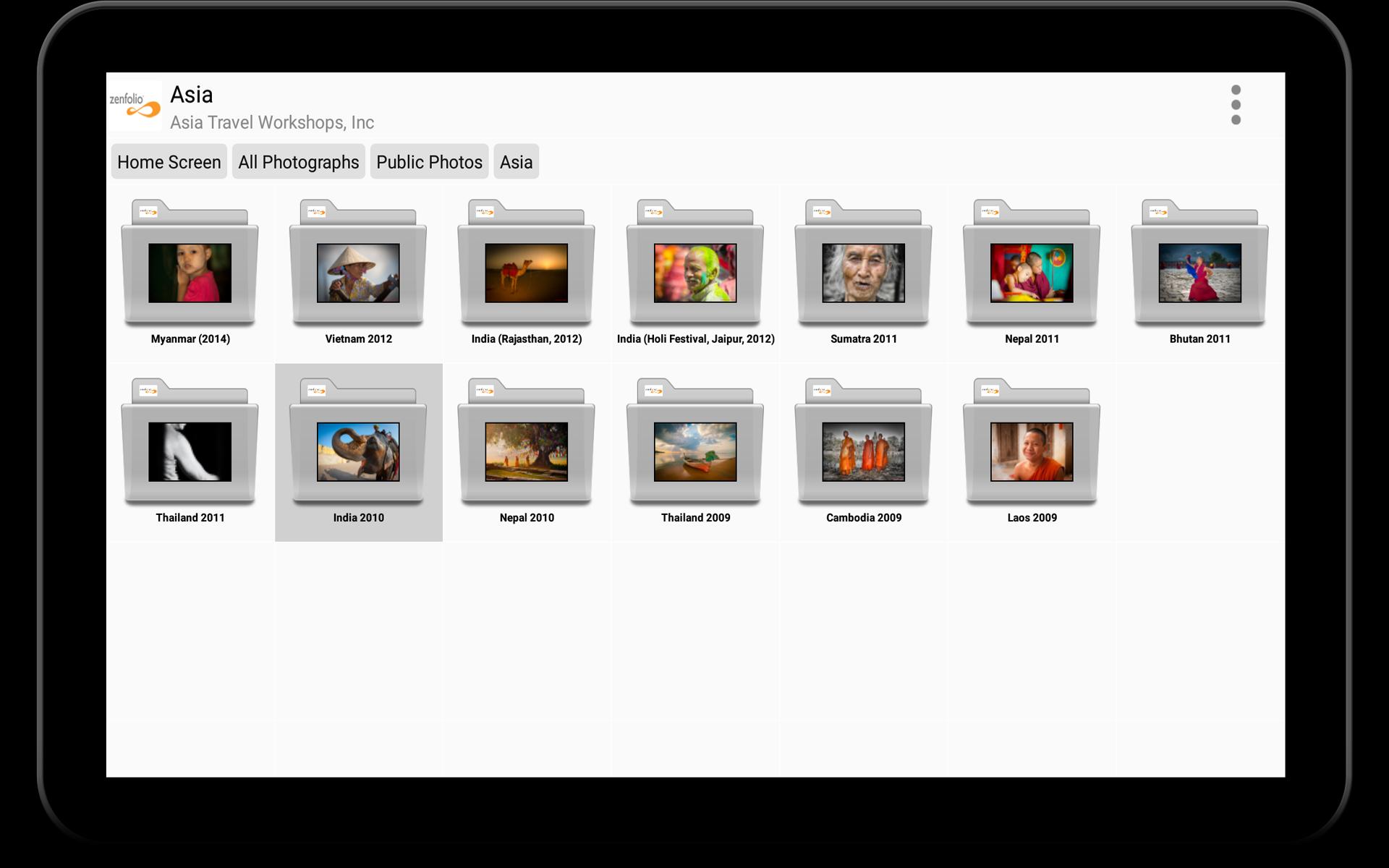
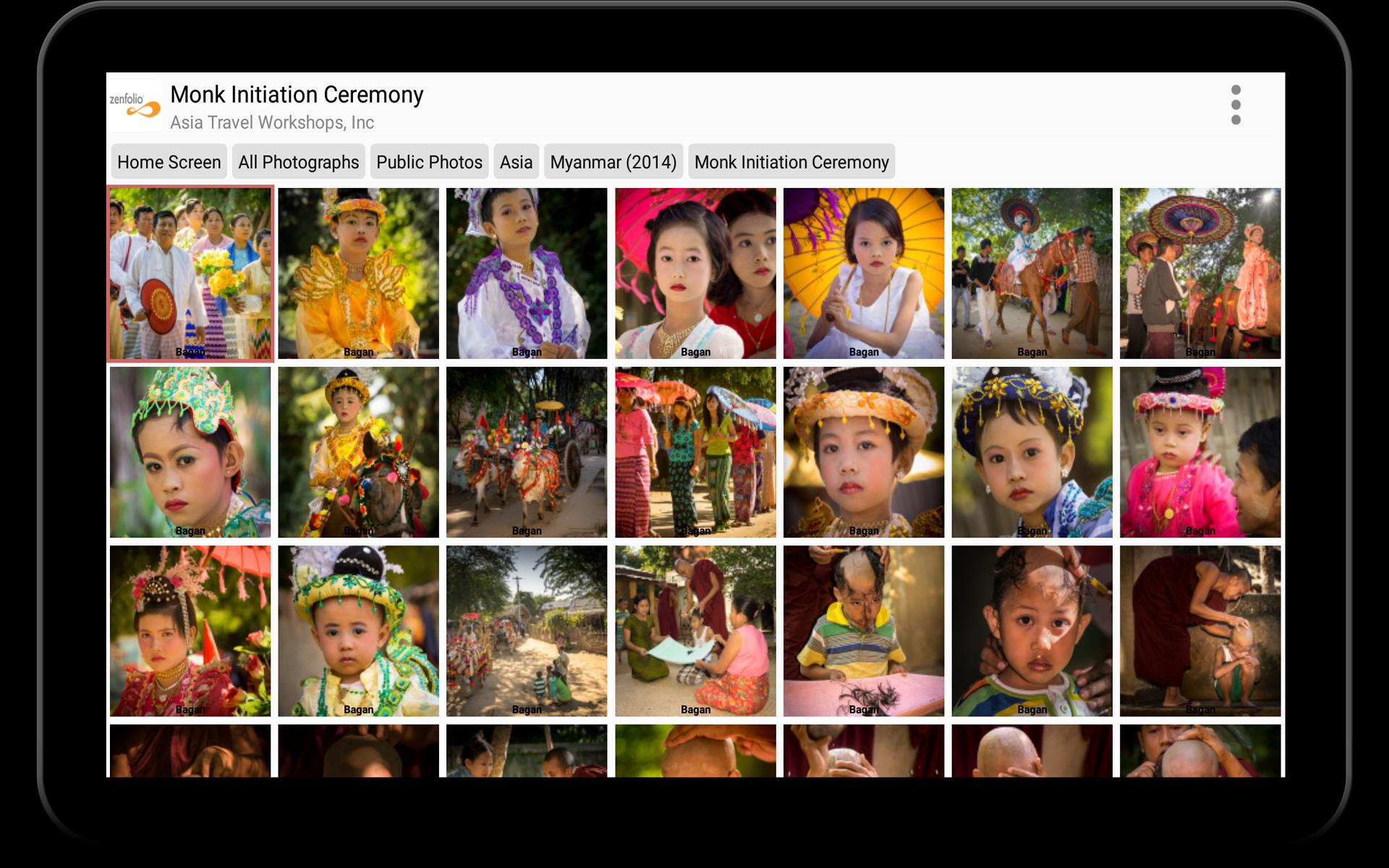
PhotoGuru Media Player is designed to display photos and videos from various file- and photo hosting services on Android-based phones, tablets, smart TVs and set-top boxes. The intuitive and beautiful user interface gives users easy access to the photos and provides an inexpensive way to showcase photos, videos and media presentations in the most professional way possible. PhotoGuru is compatible with Google Android TV devices as well as Amazon’s FireTV media players. 4K/UHD rendering of images is supported on several high-end devices.
The app has been installed >200,000 times from the Google- and Amazon stores and is used in homes, offices and store fronts as well as by promoters during concerts and other events.
PhotoGuru Media Player can access photos and videos from the following cloud-based photo- and file hosting services:
• Dropbox
• Flickr
• Google Drive
• Google Photos
• Local USB Sticks/drives
• Microsoft OneDrive
• SmugMug
• UPnP/DLNA
• Windows Server (Samba, CIFS)
• WebDAV
• Zenfolio
The app supports true 4K/UHD rendering of images on the following devices:
• FireTV 4K (small rectangular box released in 2015)
• FireTV Stick 4K (released in 11/2018)
• NVidia Shield (all versions)
Due to hardware limitations, PhotoGuru does not support 4K rendering on the FireTV 4K dongle that was released in 11/2017.
The app is ad-free and does not cost anything. In order to keep it that way and to remove a trial message within the app, we ask you to purchase the module for the cloud-storage provider that you use for approximately $4.50. Proceeds are used to finance future development of the app and to purchase new equipment for testing.
For more information please visit:
http://www.cmpsoft.com
پیش نظارہ
ٹیگز
فوٹوگرافیمعلومات
ڈویلپر
CMP-Soft, LLC
تازہ ترین ورژن
7.0.0.50902
آخری تازہ کاری
2025-09-13
قسم
فوٹوگرافی
پر دستیاب ہے۔
Google Play
مزید دکھائیں
پی سی پر گیم لوپ کے ساتھ PhotoGuru Media Player کیسے کھیلا جائے۔
1. آفیشل ویب سائٹ سے گیم لوپ ڈاؤن لوڈ کریں، پھر گیم لوپ انسٹال کرنے کے لیے exe فائل چلائیں۔
2. گیم لوپ کھولیں اور "PhotoGuru Media Player" تلاش کریں، تلاش کے نتائج میں PhotoGuru Media Player تلاش کریں اور "انسٹال کریں" پر کلک کریں۔
3. گیم لوپ پر PhotoGuru Media Player کھیلنے کا لطف اٹھائیں۔
Minimum requirements
OS
Windows 8.1 64-bit or Windows 10 64-bit
GPU
GTX 1050
CPU
i3-8300
Memory
8GB RAM
Storage
1GB available space
Recommended requirements
OS
Windows 8.1 64-bit or Windows 10 64-bit
GPU
GTX 1050
CPU
i3-9320
Memory
16GB RAM
Storage
1GB available space