Photo & Shape Collage Maker PC
Isara Inc
گیم لوپ ایمولیٹر کے ساتھ PC پر Photo & Shape Collage Maker ڈاؤن لوڈ کریں۔
پی سی پر Photo & Shape Collage Maker
Photo & Shape Collage Maker، جو ڈویلپر Isara Inc سے آرہا ہے، ماضی میں اینڈرائیڈ سسٹم پر چل رہا ہے۔
اب، آپ پی سی پر Photo & Shape Collage Maker آسانی سے GameLoop کے ساتھ چلا سکتے ہیں۔
اسے GameLoop لائبریری یا تلاش کے نتائج میں ڈاؤن لوڈ کریں۔ مزید غلط وقت پر بیٹری یا مایوس کن کالوں پر نظر نہیں ڈالی جائے گی۔
بس بڑی سکرین پر Photo & Shape Collage Maker PC کا مفت میں لطف اٹھائیں!
Photo & Shape Collage Maker تعارف
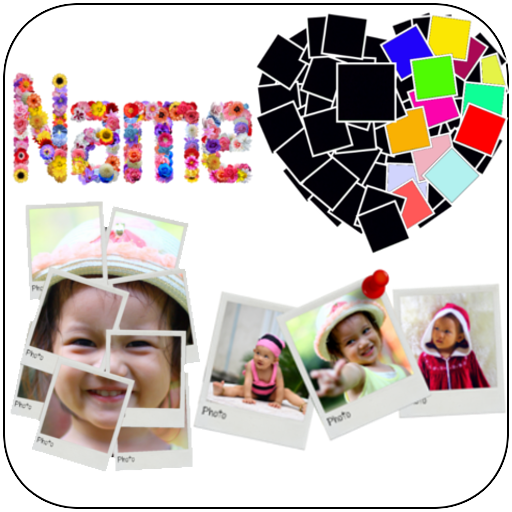
Let’s create your awesome and unique photo by Shape Collage, Frame Collage, Roid Collage and Name Collage.
Shape Collage
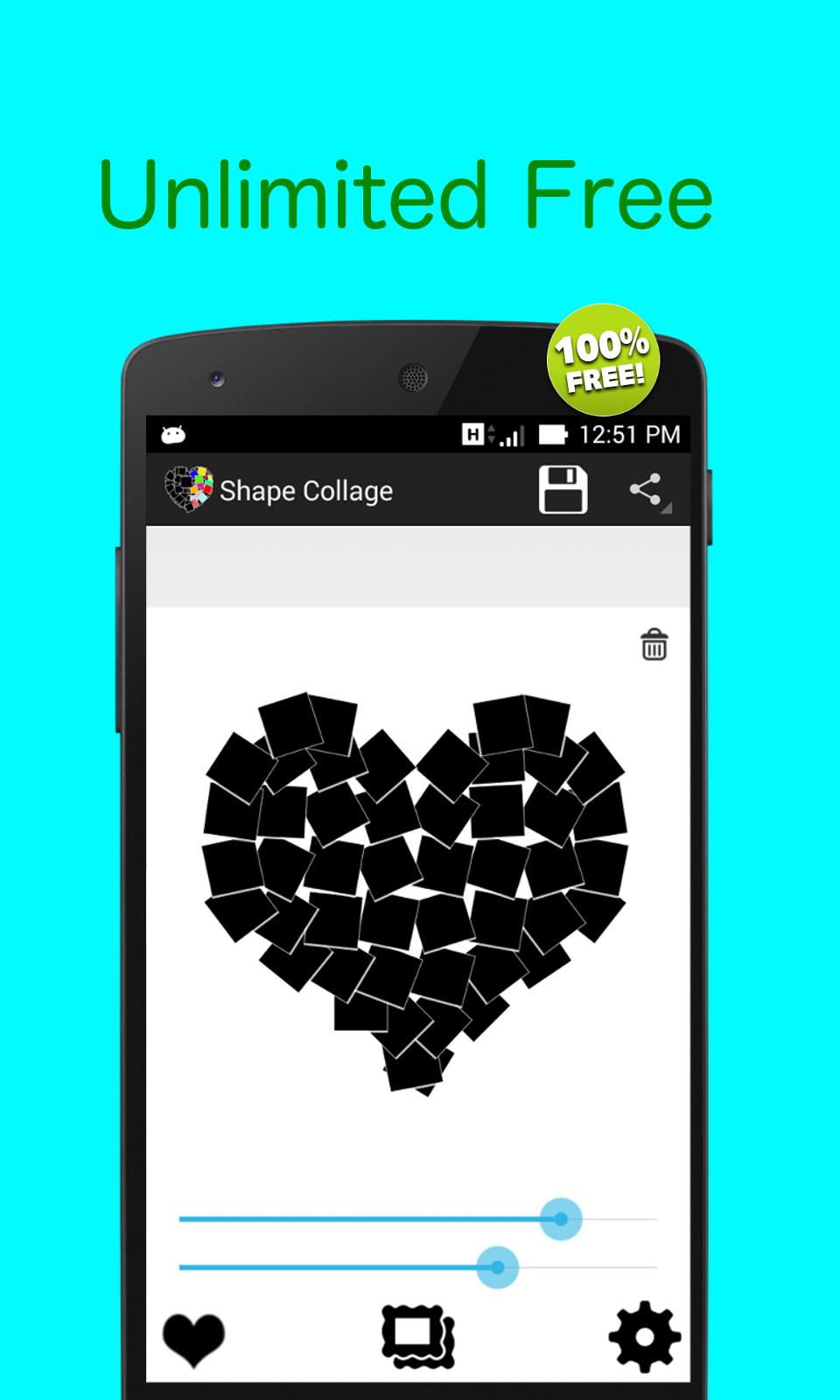
Using Shape Collage to make your own beautiful and unique photo collage in any shape that you want. It’s very easy to get your own Shape Collage.
Features:
★ Select multiple photo from gallery.
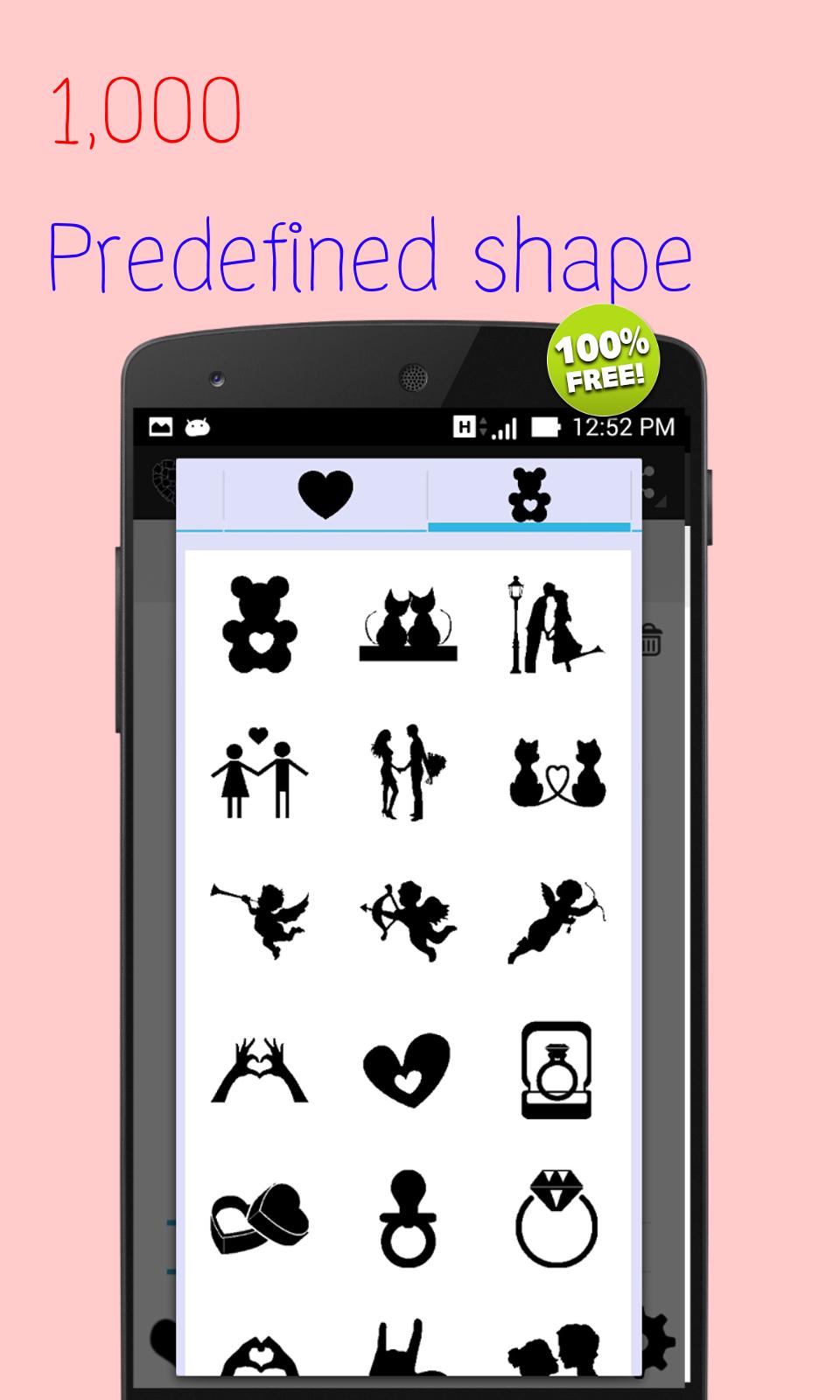
★ Tons of predefined shapes such as heart star rectangle animal map sign etc.
★ Custom shape using text number your name or your face.
★ Adjust collage size by pitch rotate and zoom
★ Adjust frame color and size
★ Change background patterns or any color including transparency background.
★ Great idea for birthday or anniversary gift
★ Add beautiful text art and stickers
★ Share the photo on Facebook, whatsapp, Instagram.
Frame Collage
Create small slide frames of photo and place in on decorated canvas like scrapbook.
Features:
★ Select multiple photo from gallery.
★ Automatically random place, adjust size your photo on canvas.
★ Free move re size, rotate, zoom in/out
★ Change background patterns or any color including transparency background.
★ Add beautiful text art and stickers
★ Further adjustment for slide effect, caption
★ Share the photo on Facebook, whatsapp, Instagram.
Roid Collage
Beautify your photo by adding frame with small slide frames collage together.
★ Select photo either from gallery or camera to create photo frames.
★ Adjust number of frames.
★ Auto adjust size match with your canvas
★ Free move adjust size,rotate, zoom in/out
★ Add beautiful text art and stickers
★ Further adjustment for slide effect, caption
★ Change background patterns or any color including transparency background.
★ Share the photo on Facebook, whatsapp, Instagram.
Name Collage
Arrange beautiful flowers, Coffee beans, heart and so on as your name, your friend's name or any name you love one. Give them as gift.
Features:
★ Just type your name
★ Change font style
★ Choose any flower or coffee bean , heart and a lot more you like
★ Change background patterns or any color including transparency background.
★ Share the photo on Facebook, whatsapp, Instagram.
پیش نظارہ
ٹیگز
فوٹوگرافیمعلومات
ڈویلپر
Isara Inc
تازہ ترین ورژن
2.2.3
آخری تازہ کاری
2020-04-08
قسم
فوٹوگرافی
پر دستیاب ہے۔
Google Play
مزید دکھائیں
پی سی پر گیم لوپ کے ساتھ Photo & Shape Collage Maker کیسے کھیلا جائے۔
1. آفیشل ویب سائٹ سے گیم لوپ ڈاؤن لوڈ کریں، پھر گیم لوپ انسٹال کرنے کے لیے exe فائل چلائیں۔
2. گیم لوپ کھولیں اور "Photo & Shape Collage Maker" تلاش کریں، تلاش کے نتائج میں Photo & Shape Collage Maker تلاش کریں اور "انسٹال کریں" پر کلک کریں۔
3. گیم لوپ پر Photo & Shape Collage Maker کھیلنے کا لطف اٹھائیں۔
Minimum requirements
OS
Windows 8.1 64-bit or Windows 10 64-bit
GPU
GTX 1050
CPU
i3-8300
Memory
8GB RAM
Storage
1GB available space
Recommended requirements
OS
Windows 8.1 64-bit or Windows 10 64-bit
GPU
GTX 1050
CPU
i3-9320
Memory
16GB RAM
Storage
1GB available space