
Me Frame - Digital photo frame PC
Android_media
گیم لوپ ایمولیٹر کے ساتھ PC پر Me Frame - Digital photo frame ڈاؤن لوڈ کریں۔
پی سی پر Me Frame - Digital photo frame
Me Frame - Digital photo frame، جو ڈویلپر Android_media سے آرہا ہے، ماضی میں اینڈرائیڈ سسٹم پر چل رہا ہے۔
اب، آپ پی سی پر Me Frame - Digital photo frame آسانی سے GameLoop کے ساتھ چلا سکتے ہیں۔
اسے GameLoop لائبریری یا تلاش کے نتائج میں ڈاؤن لوڈ کریں۔ مزید غلط وقت پر بیٹری یا مایوس کن کالوں پر نظر نہیں ڈالی جائے گی۔
بس بڑی سکرین پر Me Frame - Digital photo frame PC کا مفت میں لطف اٹھائیں!
Me Frame - Digital photo frame تعارف
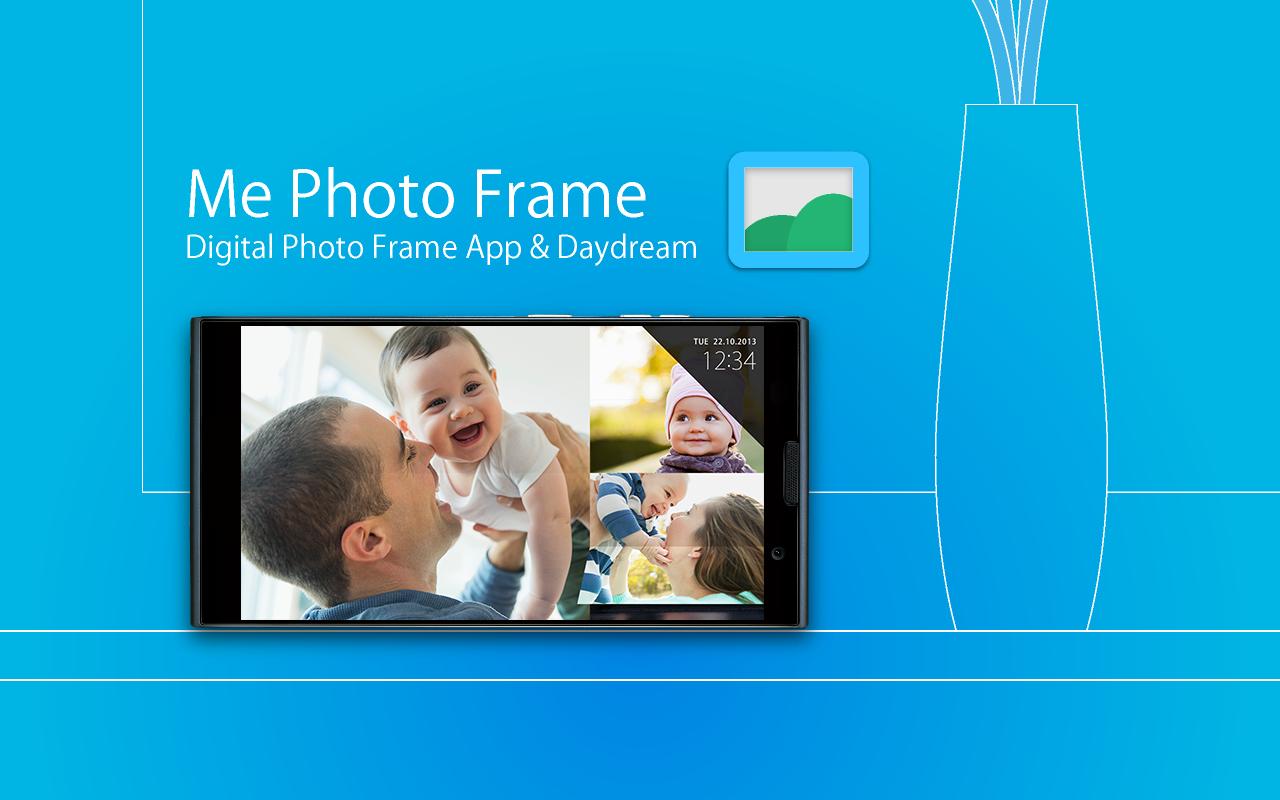
Smartphone and tablet makeover to digital photo frame.
"Me Photo Frame" is a digital photo frame app.
Beautiful design and rich functionality.
- Free and no ads.
- Beautiful slide show themes.(Simple / Flip /Colorful)
- Picasa (Google+ Photo) / External SD card / Internal storage folder.
- Automatic start and end can be at the set time.
- Launch by docked , charge.
- Brightness settings for slide show.
- Supported screen saver function. (Android4.2+ Daydream)
- Analog clock / digital clock display.
How to use: by Application
< Set the folders slide show image >
1. Tap the " Me Photo Frame " from the Apps list.
2. " File location " , select the storage.
3. " Image folder " , select the folder of images.
4. Can see the images at slide show.
How to use: by saver (Android4.2+ Daydream)
< Set the folders slide show image >
1. Android settings.
2. "Display"
3. "Screensaver"
4. Tap the " Me Photo Frame " by the list.
5. Tap the setting icon of " Me Photo Frame ".
6. " File location " , select the storage.
7. " Image folder " , select the folder of images.
8. Can see the images at slide show.
Q / A:
Q: The slide show does not start at the set time.
A: Auto start works when sleep.
Q: There are no settings to automatic start and automatic end of the setting time.
A: The screen saver (Android4.2+ Daydream), there is no auto-start time setting . Please use the application.
Q: Brightness of the screen does not change when i flick up and down during a slideshow
A: The screen saver (Android4.2 Daydream), there is no brightness setting . Please use the application.
Q: Takes a long time to start slide show.
A: If you set the image of Picasa (Google+ ), you may have a slow display depending on the communication state.
Test Devices:
Nexus4 , Nexus7 , Nexus10 , GalaxyNoteII , GalaxyNote3 , Fujitsu F-01F
From the team:
Thank you for using, Please rate it , and send me feedback.
پیش نظارہ

معلومات
ڈویلپر
Android_media
تازہ ترین ورژن
1.0.2
آخری تازہ کاری
2014-07-17
قسم
فوٹوگرافی
پر دستیاب ہے۔
Google Play
مزید دکھائیں
پی سی پر گیم لوپ کے ساتھ Me Frame - Digital photo frame کیسے کھیلا جائے۔
1. آفیشل ویب سائٹ سے گیم لوپ ڈاؤن لوڈ کریں، پھر گیم لوپ انسٹال کرنے کے لیے exe فائل چلائیں۔
2. گیم لوپ کھولیں اور "Me Frame - Digital photo frame" تلاش کریں، تلاش کے نتائج میں Me Frame - Digital photo frame تلاش کریں اور "انسٹال کریں" پر کلک کریں۔
3. گیم لوپ پر Me Frame - Digital photo frame کھیلنے کا لطف اٹھائیں۔
Minimum requirements
OS
Windows 8.1 64-bit or Windows 10 64-bit
GPU
GTX 1050
CPU
i3-8300
Memory
8GB RAM
Storage
1GB available space
Recommended requirements
OS
Windows 8.1 64-bit or Windows 10 64-bit
GPU
GTX 1050
CPU
i3-9320
Memory
16GB RAM
Storage
1GB available space