
Magix Image Editor PC
Wise Shark Software
گیم لوپ ایمولیٹر کے ساتھ PC پر Magix Image Editor ڈاؤن لوڈ کریں۔
پی سی پر Magix Image Editor
Magix Image Editor، جو ڈویلپر Wise Shark Software سے آرہا ہے، ماضی میں اینڈرائیڈ سسٹم پر چل رہا ہے۔
اب، آپ پی سی پر Magix Image Editor آسانی سے GameLoop کے ساتھ چلا سکتے ہیں۔
اسے GameLoop لائبریری یا تلاش کے نتائج میں ڈاؤن لوڈ کریں۔ مزید غلط وقت پر بیٹری یا مایوس کن کالوں پر نظر نہیں ڈالی جائے گی۔
بس بڑی سکرین پر Magix Image Editor PC کا مفت میں لطف اٹھائیں!
Magix Image Editor تعارف
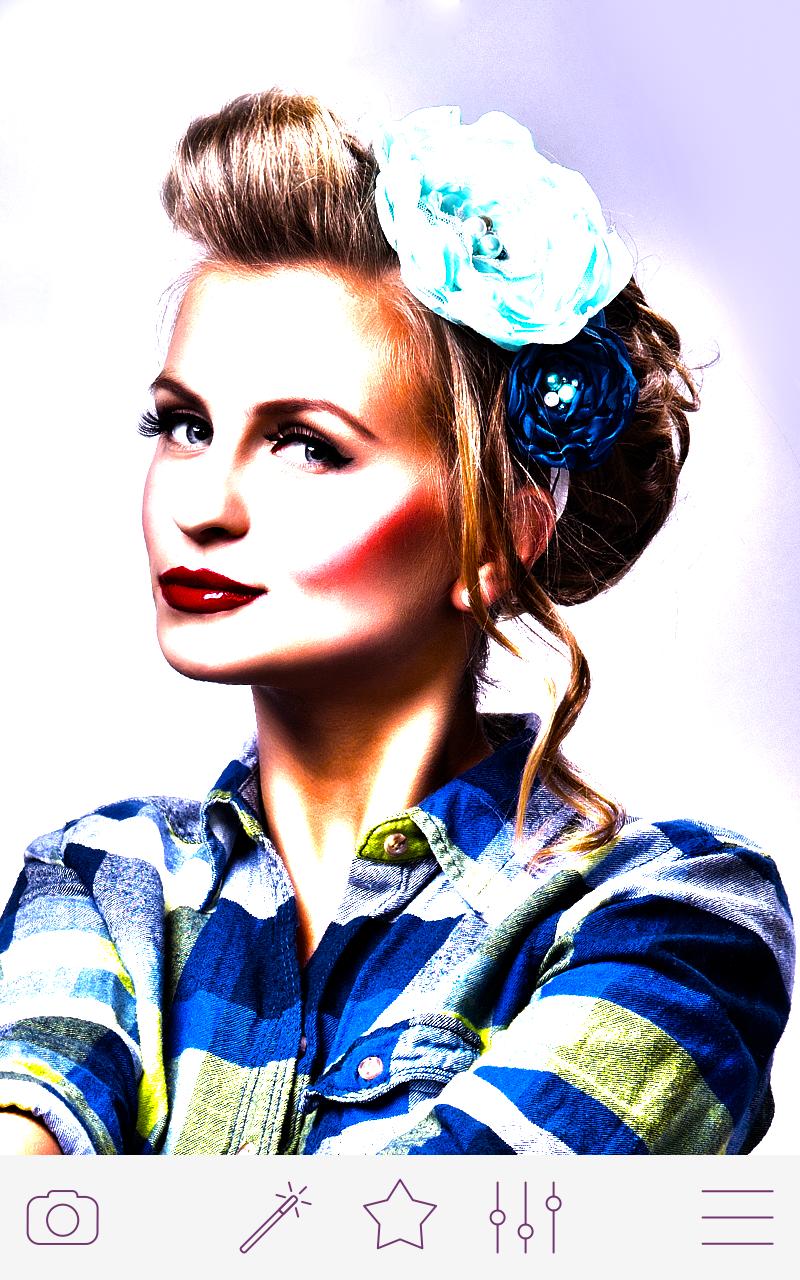
Best photo editor for Android. Awesome alternative to Photoshop
Lomo Effects
Cartoon Effects
Sketches
STICKERS
Tons of adjustments
* Brightness
* Contrast
* HDR
* Fisheye Effects
"Image Editor" is a powerful and easy to use image processing app.
KEY Features:
With a key multi-platform sharing, you can easily share your photos to Sina microblogging, Wechat, QQ, Google, Instagram, Twitter and Facebook, easily retain fond memories of life, so that more people find you and appreciate you.
Our fisheye effect is the best one in the Android.
Application contains the most commonly used all image processing functions and can provide almost all the photo editing functions and photo effects with a incomparable drawing feature.
Through this cool image editor app, pic editing has become a real art: you simply touch with a finger, you can make photo effects localized!
Image Editor is a simple and free image editor for Android. This is a great multiple functional picture editor!
So whether you are a professional personnel or a novice, you can pass this pic editor in less than one minute time, it is easy to make amazing effects.
The "Image Editor" structure is very simple and clear: even a child can use it! However, despite its simple structure, it is for your images to provide a certain quality and a wide range of photo effects.
Photo art and photo design is a passion, now no need to wait, make your own photo lab or photo art studio by this perfect photo app and be a good photo designer and photo maker by using photo effects / photo frame and save all images in your photo gallery. So get ready to be photo painter through this photo organizer. And don't forget about fisheye effect!
پیش نظارہ

معلومات
ڈویلپر
Wise Shark Software
تازہ ترین ورژن
1.6.v7a
آخری تازہ کاری
2017-03-10
قسم
فوٹوگرافی
پر دستیاب ہے۔
Google Play
مزید دکھائیں
پی سی پر گیم لوپ کے ساتھ Magix Image Editor کیسے کھیلا جائے۔
1. آفیشل ویب سائٹ سے گیم لوپ ڈاؤن لوڈ کریں، پھر گیم لوپ انسٹال کرنے کے لیے exe فائل چلائیں۔
2. گیم لوپ کھولیں اور "Magix Image Editor" تلاش کریں، تلاش کے نتائج میں Magix Image Editor تلاش کریں اور "انسٹال کریں" پر کلک کریں۔
3. گیم لوپ پر Magix Image Editor کھیلنے کا لطف اٹھائیں۔
Minimum requirements
OS
Windows 8.1 64-bit or Windows 10 64-bit
GPU
GTX 1050
CPU
i3-8300
Memory
8GB RAM
Storage
1GB available space
Recommended requirements
OS
Windows 8.1 64-bit or Windows 10 64-bit
GPU
GTX 1050
CPU
i3-9320
Memory
16GB RAM
Storage
1GB available space