Magic Brush PC
Avalon Photo Apps
گیم لوپ ایمولیٹر کے ساتھ PC پر Magic Brush ڈاؤن لوڈ کریں۔
پی سی پر Magic Brush
Magic Brush، جو ڈویلپر Avalon Photo Apps سے آرہا ہے، ماضی میں اینڈرائیڈ سسٹم پر چل رہا ہے۔
اب، آپ پی سی پر Magic Brush آسانی سے GameLoop کے ساتھ چلا سکتے ہیں۔
اسے GameLoop لائبریری یا تلاش کے نتائج میں ڈاؤن لوڈ کریں۔ مزید غلط وقت پر بیٹری یا مایوس کن کالوں پر نظر نہیں ڈالی جائے گی۔
بس بڑی سکرین پر Magic Brush PC کا مفت میں لطف اٹھائیں!
Magic Brush تعارف
Magic Brush
Magic Brush is way to make a magical editing with your images.
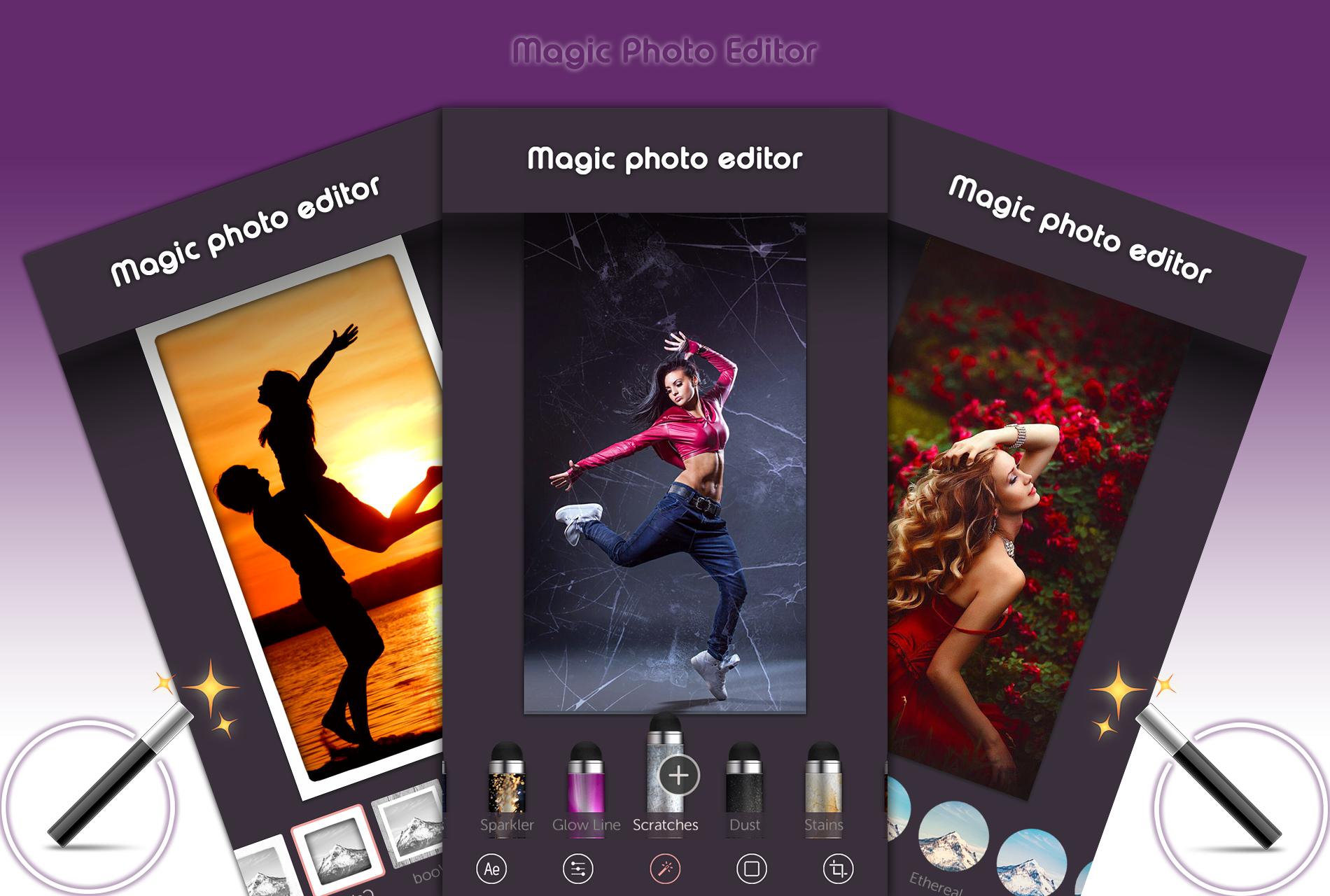
Magic Brush Photo Editor is an easy to use and understand all functionality photo editor with magic brush effects.
Magic brush app is the cutest photo editing app. It is made for all of you who believe in magic and want to bring a magical note to your pictures.Edit photos with various adjustment tools to change brightness, contrast, exposure, hue, saturation, intensity, shadows, mid tones, highlights, temperature, tint and color.
Features:
♦ 30+ Designed professional effect brushes to edit any part of your photo with a finger. Amazing set of Effect , Animation , decorative , and Artistic brushes to add unique touch to your photos
♦ 20+ carefully designed filters
♦ Direct access to all the albums from your phone.
♦ Super Cropping Tool
♦ Amazing spotlight filters
♦ Overlay Photo with Magic Effect
♦ Bokeh Effect with Magic Brush Tools
♦ 25+ beautiful frames to beautify you photos.
♦ this app supports all screen resolutions of mobile and tablet devices.
♦ Set your masterpiece as a HD wallpaper.
♦ No internet connection required.
Note
If you have any suggestion feel free to rate and review the application and we will be happy to update the app and improve "Magic Brush" together!
پیش نظارہ
ٹیگز
فوٹوگرافیمعلومات
ڈویلپر
Avalon Photo Apps
تازہ ترین ورژن
1.1
آخری تازہ کاری
2018-03-22
قسم
فوٹوگرافی
پر دستیاب ہے۔
Google Play
مزید دکھائیں
پی سی پر گیم لوپ کے ساتھ Magic Brush کیسے کھیلا جائے۔
1. آفیشل ویب سائٹ سے گیم لوپ ڈاؤن لوڈ کریں، پھر گیم لوپ انسٹال کرنے کے لیے exe فائل چلائیں۔
2. گیم لوپ کھولیں اور "Magic Brush" تلاش کریں، تلاش کے نتائج میں Magic Brush تلاش کریں اور "انسٹال کریں" پر کلک کریں۔
3. گیم لوپ پر Magic Brush کھیلنے کا لطف اٹھائیں۔
Minimum requirements
OS
Windows 8.1 64-bit or Windows 10 64-bit
GPU
GTX 1050
CPU
i3-8300
Memory
8GB RAM
Storage
1GB available space
Recommended requirements
OS
Windows 8.1 64-bit or Windows 10 64-bit
GPU
GTX 1050
CPU
i3-9320
Memory
16GB RAM
Storage
1GB available space