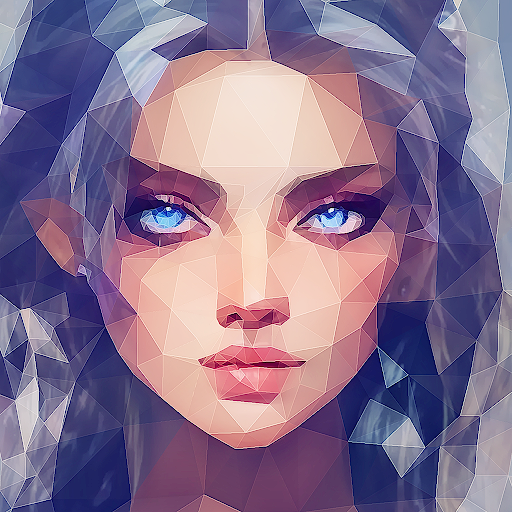
Low Poly - Editor & Photo FX PC
PlayPix
گیم لوپ ایمولیٹر کے ساتھ PC پر Low Poly - Editor & Photo FX ڈاؤن لوڈ کریں۔
پی سی پر Low Poly - Editor & Photo FX
Low Poly - Editor & Photo FX، جو ڈویلپر PlayPix سے آرہا ہے، ماضی میں اینڈرائیڈ سسٹم پر چل رہا ہے۔
اب، آپ پی سی پر Low Poly - Editor & Photo FX آسانی سے GameLoop کے ساتھ چلا سکتے ہیں۔
اسے GameLoop لائبریری یا تلاش کے نتائج میں ڈاؤن لوڈ کریں۔ مزید غلط وقت پر بیٹری یا مایوس کن کالوں پر نظر نہیں ڈالی جائے گی۔
بس بڑی سکرین پر Low Poly - Editor & Photo FX PC کا مفت میں لطف اٹھائیں!
Low Poly - Editor & Photo FX تعارف
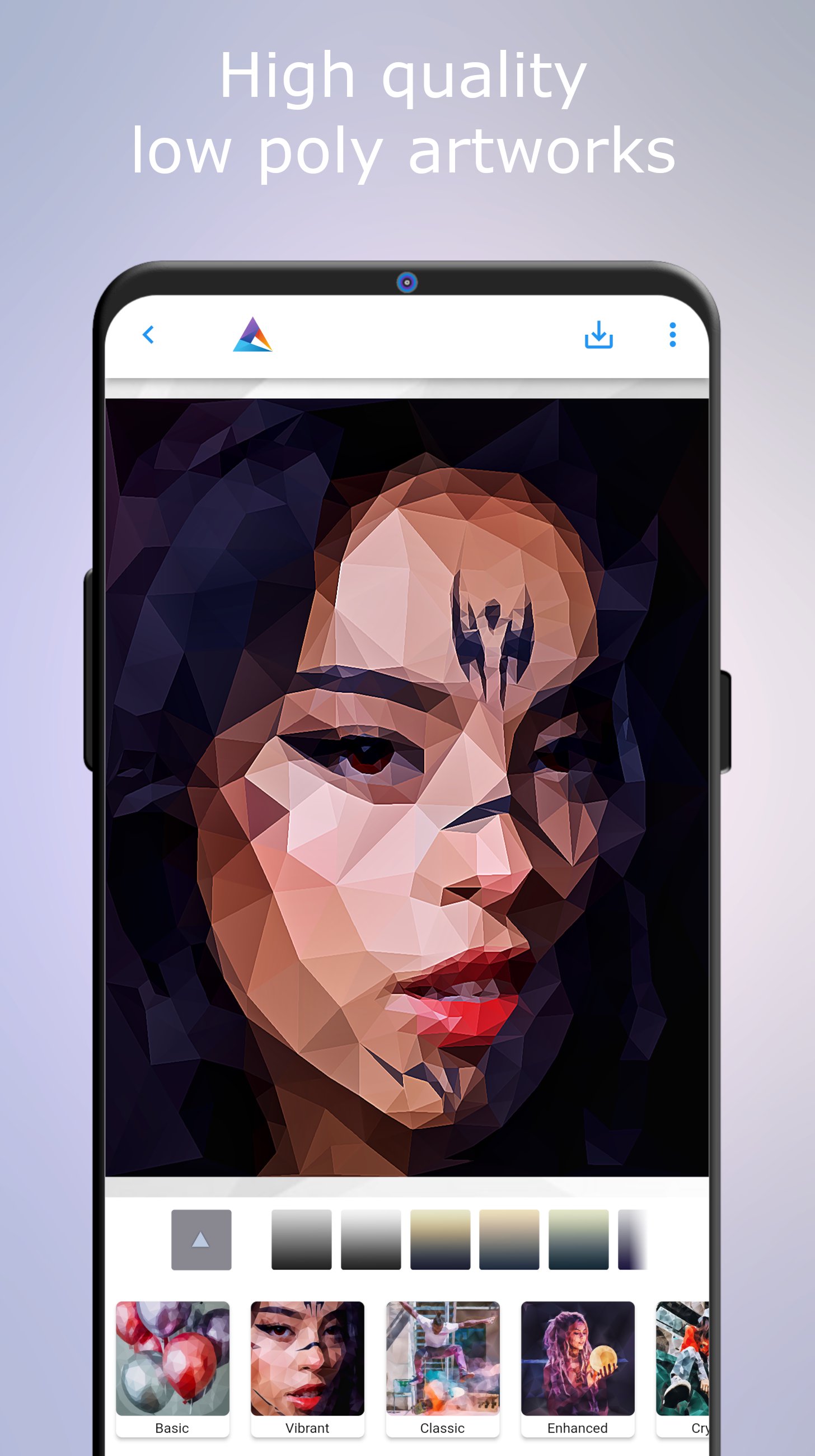
With Low Poly - Editor & Photo FX, you can effortlessly craft stunning low-poly renderings from your photographs. From portraits to landscapes to street photography, there are a vast number of genres to have fun with. Explore different rendering styles and apply color filters to create unique artworks. Save your amazing production as a JPEG file, share it with your preferred social apps (*), or export the mesh as an SVG vector file.
What are you waiting for? Download Low Poly now and start crafting beautiful renderings!
[Low Poly Mesh Editor]
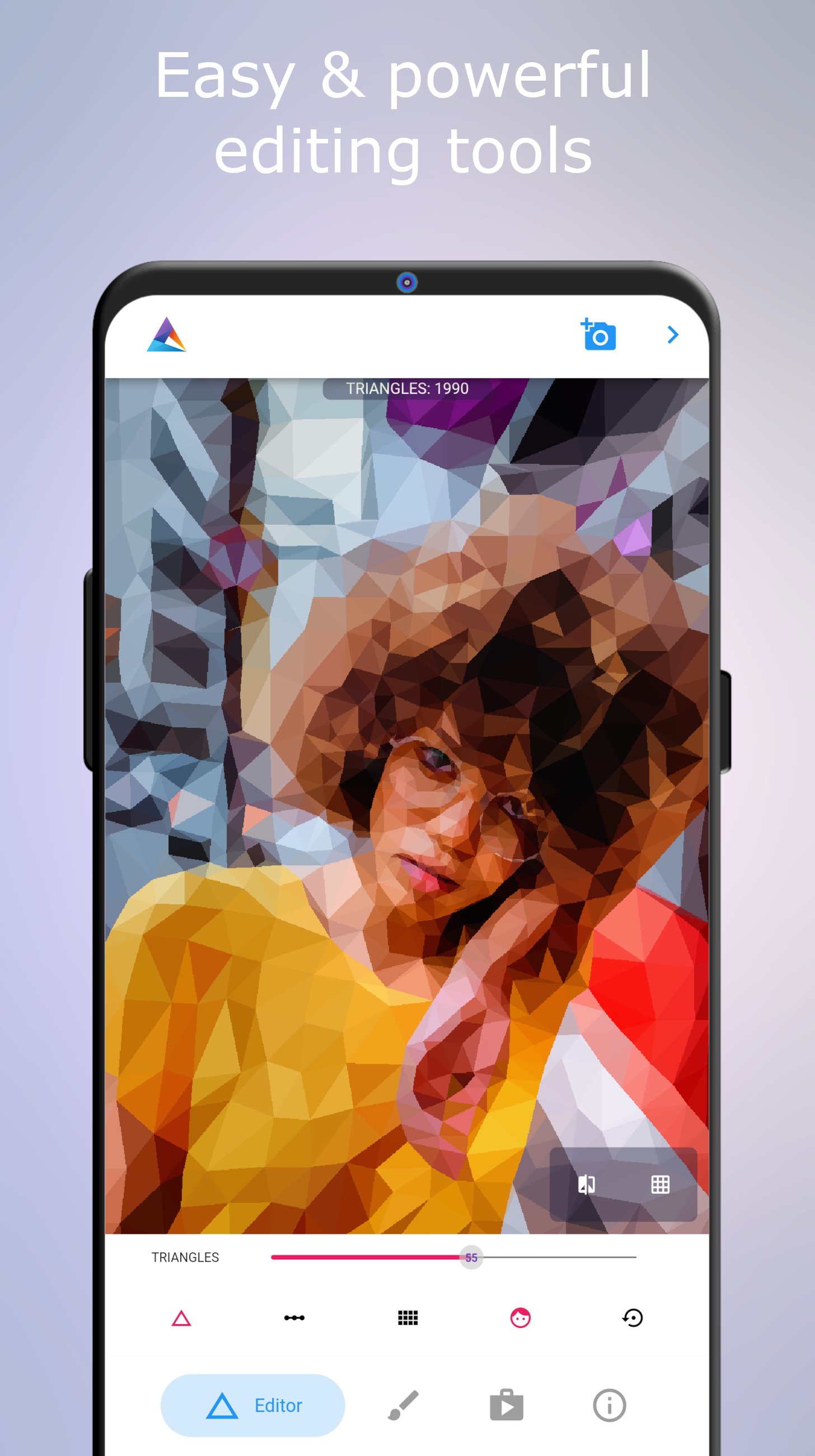
The editor automatically generates high-quality low polygonal artwork from your photos, allowing you to customize:
* the number of mesh triangles
* the regularity of the mesh
* the starting mesh subdivision.
More triangles enhance fidelity, while fewer triangles achieve a true low-poly aesthetic. Mesh regularity controls adaptability to the image, and the subdivision resolution sets the initial triangle count. Experiment to achieve optimal results.
Low Poly intelligently recognizes faces, increasing triangle count in areas such as eyes, nose, and mouth. This feature can be disabled for manual editing.
To manually refine the mesh, navigate to the Mask page, select brush size, and paint the screen where additional triangles are desired. Adjust detail, display the detail map, zoom in/out while editing, and reset changes as needed.
[Low Poly Effect Editor]
Low Poly offers various rendering styles, including flat shading, linear shading for a 3D effect, and more complex styles such as:
* Cutout
Abstract image vectorization effect.
* Crystal
Shattered glass linear shading effect.
* Enhanced
Linear shading with stunning post-processing effects for enhanced shading and colors.
* Gleam
Elegant low-poly rendering style.
* Glow
Post-processed with soft lights.
* Holo
Holographic effect simulating CRT scanlines, chromatic aberration, and zoom blur.
* Shiny
Ultra-sharp and detailed rendering style.
* Futuristic
Complex rendering style you have to try to believe!
* Toon & Toon II
Imparts a cartoon look to your artwork.
* Cool
Stylish, beautiful, and unique low-poly rendering style.
* Prismatic
Different grayscale gradings with stunning lighting effects.
Each rendering style supports several color filters, including classic and hard black and white, gradient mappings, tonality filters, and RGB curve filters.
----------------
OS: Android API level 21+
Import formats: JPEG/PNG/GIF/WebP/BMP, and more
Export formats: JPEG, SVG
Language: English
(* Sharing functionality requires native client apps)
پیش نظارہ
ٹیگز
فوٹوگرافیمعلومات
ڈویلپر
PlayPix
تازہ ترین ورژن
1.1.0
آخری تازہ کاری
2025-11-11
قسم
فوٹوگرافی
پر دستیاب ہے۔
Google Play
مزید دکھائیں
پی سی پر گیم لوپ کے ساتھ Low Poly - Editor & Photo FX کیسے کھیلا جائے۔
1. آفیشل ویب سائٹ سے گیم لوپ ڈاؤن لوڈ کریں، پھر گیم لوپ انسٹال کرنے کے لیے exe فائل چلائیں۔
2. گیم لوپ کھولیں اور "Low Poly - Editor & Photo FX" تلاش کریں، تلاش کے نتائج میں Low Poly - Editor & Photo FX تلاش کریں اور "انسٹال کریں" پر کلک کریں۔
3. گیم لوپ پر Low Poly - Editor & Photo FX کھیلنے کا لطف اٹھائیں۔
Minimum requirements
OS
Windows 8.1 64-bit or Windows 10 64-bit
GPU
GTX 1050
CPU
i3-8300
Memory
8GB RAM
Storage
1GB available space
Recommended requirements
OS
Windows 8.1 64-bit or Windows 10 64-bit
GPU
GTX 1050
CPU
i3-9320
Memory
16GB RAM
Storage
1GB available space