
Profile Picture 4 Social Media PC
MAMAT
گیم لوپ ایمولیٹر کے ساتھ PC پر Profile Picture 4 Social Media ڈاؤن لوڈ کریں۔
پی سی پر Profile Picture 4 Social Media
Profile Picture 4 Social Media، جو ڈویلپر MAMAT سے آرہا ہے، ماضی میں اینڈرائیڈ سسٹم پر چل رہا ہے۔
اب، آپ پی سی پر Profile Picture 4 Social Media آسانی سے GameLoop کے ساتھ چلا سکتے ہیں۔
اسے GameLoop لائبریری یا تلاش کے نتائج میں ڈاؤن لوڈ کریں۔ مزید غلط وقت پر بیٹری یا مایوس کن کالوں پر نظر نہیں ڈالی جائے گی۔
بس بڑی سکرین پر Profile Picture 4 Social Media PC کا مفت میں لطف اٹھائیں!
Profile Picture 4 Social Media تعارف
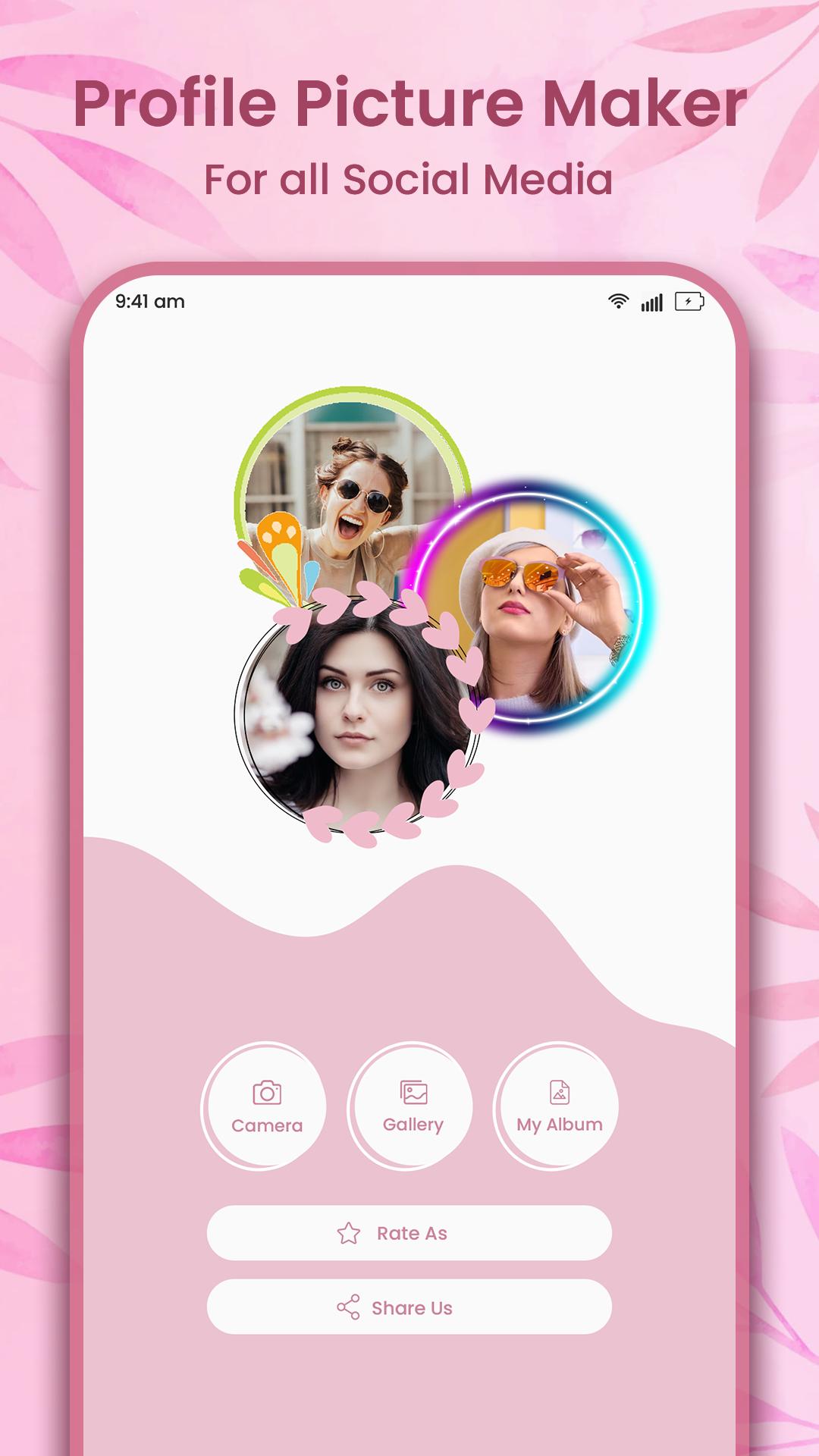
DP Maker is the ultimate photo editing app that can transform your regular images into stunning circular profile pictures. Whether you’re looking to jazz up your social media profile picture or create a unique avatar for your gaming or chat accounts, DP Maker has got you covered. With its easy-to-use interface and a wide range of features, DP Maker is the perfect app for anyone who wants to add some pizzazz to their online presence.
But that's just the beginning - DP Maker also lets you customize your image with a wide variety of borders and frames. One of the main features of DP Maker is the circular crop tool, which allows you to easily crop your image into a perfect circle. This is especially useful if you want to create a professional-looking profile picture for your business or brand. The app also offers a wide range of borders and frames that you can use to customize your profile picture. With over 450+ borders and frames to choose from, including basic, patterned, gradient, neon, minimal, black, and more, you can create a truly unique and personalized profile picture that stands out from the crowd.
But DP Maker doesn't stop there. You can also add filters to your image, with a wide variety of options to choose from. In addition to borders and frames, DP Maker also offers a range of filters that can be applied to your image to enhance its colors and style. From vintage to modern, you can choose from a wide range of filters to give your image a professional, polished look. And if that wasn’t enough, and if you really want to make a statement, you can add text to your image. DP Maker also provides over 100+ stickers and various text fonts to help you further personalize your profile picture. You can easily adjust the size, color, and font of the text to make it fit perfectly with your image.
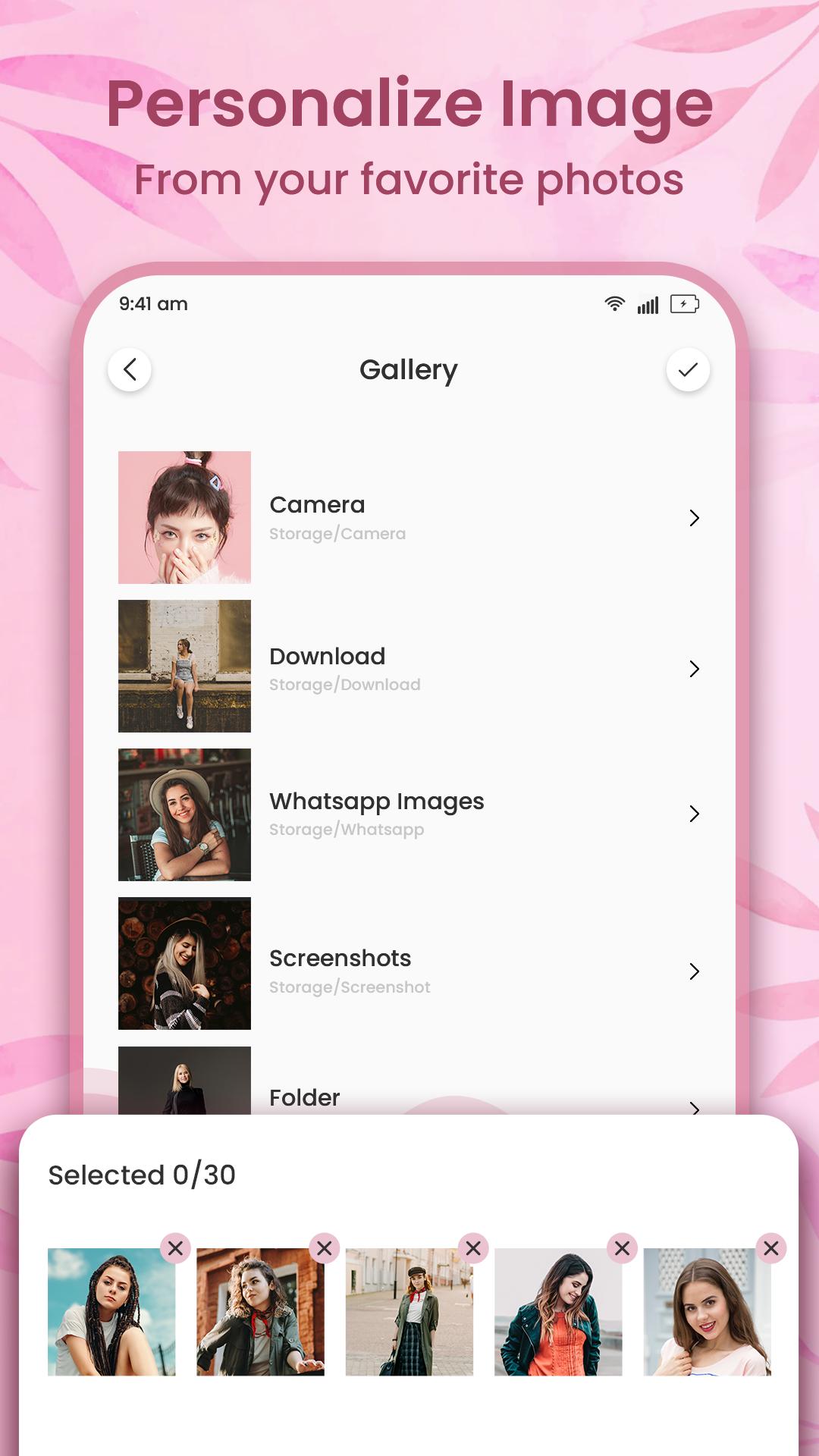
DP Maker is a great choice for those who want to create stunning circular profile pictures for their social media accounts, and it’s also a fantastic tool for those who want to create custom images for other purposes. The app allows you to easily resize, flip, and rotate your image, and you can also rotate the borders and frames to suit your needs.Once you're happy with your image, it's easy to save it to your gallery. And here's where DP Maker really shines - you have two options for saving your image. You can save it with a white background, perfect for use as a profile picture. Or, you can save it with a transparent background, which means you can use your circular image for invitations, business cards, resumes, and more.
DP Maker offers two subscription options - monthly and yearly - that give you access to even more borders, stickers, and filters. But even if you stick with the free version, you'll have plenty of options to create a unique and eye-catching profile picture.
With its beautiful modern interface design and easy-to-use features, DP Maker is the perfect app for anyone who wants to make a statement with their profile picture. Download it today and start creating!
Hope you enjoy this application :)
In case of any query or suggestion, please feel free to contact us on clubzxae218@gmail.com
پیش نظارہ
ٹیگز
فوٹوگرافیمعلومات
ڈویلپر
MAMAT
تازہ ترین ورژن
12.0
آخری تازہ کاری
2023-05-31
قسم
فوٹوگرافی
پر دستیاب ہے۔
Google Play
مزید دکھائیں
پی سی پر گیم لوپ کے ساتھ Profile Picture 4 Social Media کیسے کھیلا جائے۔
1. آفیشل ویب سائٹ سے گیم لوپ ڈاؤن لوڈ کریں، پھر گیم لوپ انسٹال کرنے کے لیے exe فائل چلائیں۔
2. گیم لوپ کھولیں اور "Profile Picture 4 Social Media" تلاش کریں، تلاش کے نتائج میں Profile Picture 4 Social Media تلاش کریں اور "انسٹال کریں" پر کلک کریں۔
3. گیم لوپ پر Profile Picture 4 Social Media کھیلنے کا لطف اٹھائیں۔
Minimum requirements
OS
Windows 8.1 64-bit or Windows 10 64-bit
GPU
GTX 1050
CPU
i3-8300
Memory
8GB RAM
Storage
1GB available space
Recommended requirements
OS
Windows 8.1 64-bit or Windows 10 64-bit
GPU
GTX 1050
CPU
i3-9320
Memory
16GB RAM
Storage
1GB available space