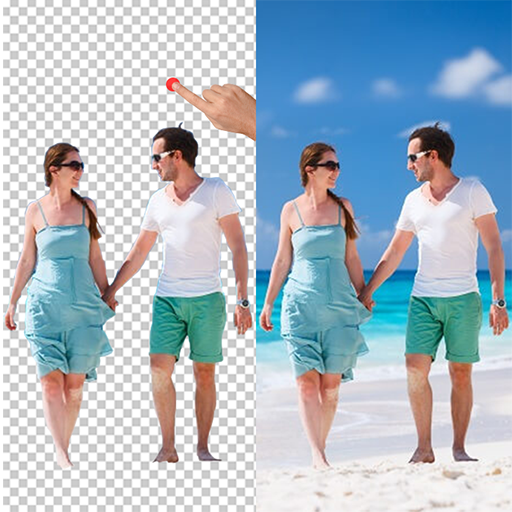
Cut Paste Photo Changer Editor PC
Style photo studio Apps
گیم لوپ ایمولیٹر کے ساتھ PC پر Cut Paste Photo Changer Editor ڈاؤن لوڈ کریں۔
پی سی پر Cut Paste Photo Changer Editor
Cut Paste Photo Changer Editor، جو ڈویلپر Style photo studio Apps سے آرہا ہے، ماضی میں اینڈرائیڈ سسٹم پر چل رہا ہے۔
اب، آپ پی سی پر Cut Paste Photo Changer Editor آسانی سے GameLoop کے ساتھ چلا سکتے ہیں۔
اسے GameLoop لائبریری یا تلاش کے نتائج میں ڈاؤن لوڈ کریں۔ مزید غلط وقت پر بیٹری یا مایوس کن کالوں پر نظر نہیں ڈالی جائے گی۔
بس بڑی سکرین پر Cut Paste Photo Changer Editor PC کا مفت میں لطف اٹھائیں!
Cut Paste Photo Changer Editor تعارف
Ω Want to Remove People from Photos?
Ω Don't like unwanted objects in your photo background ? Ω Do you want to change photo background ?
Ω If you want to change background of photo to a very attractive and beautiful background .Then check our best featured app Cut Paste photo Background Eraser Changer Editor.
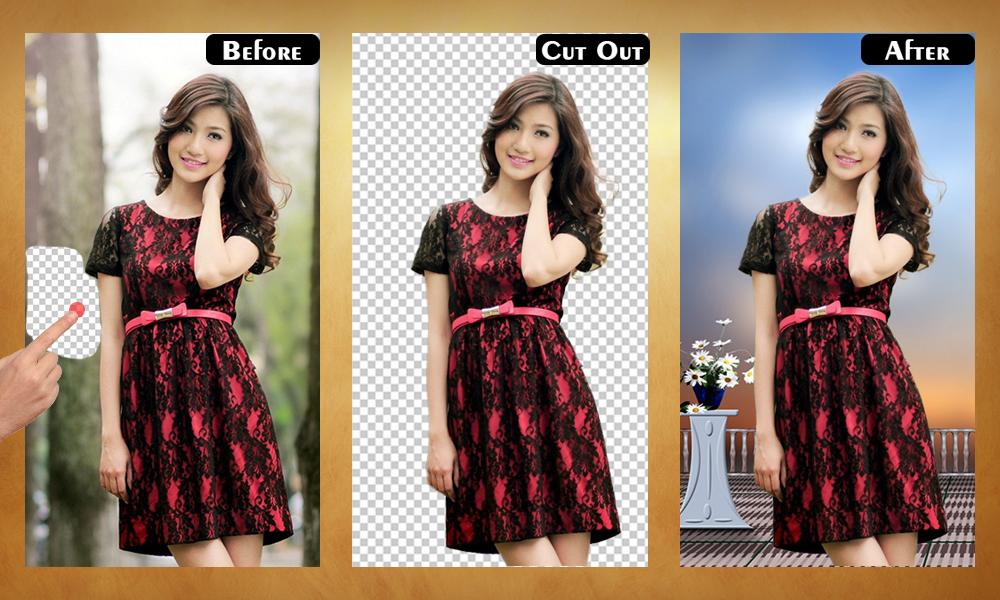
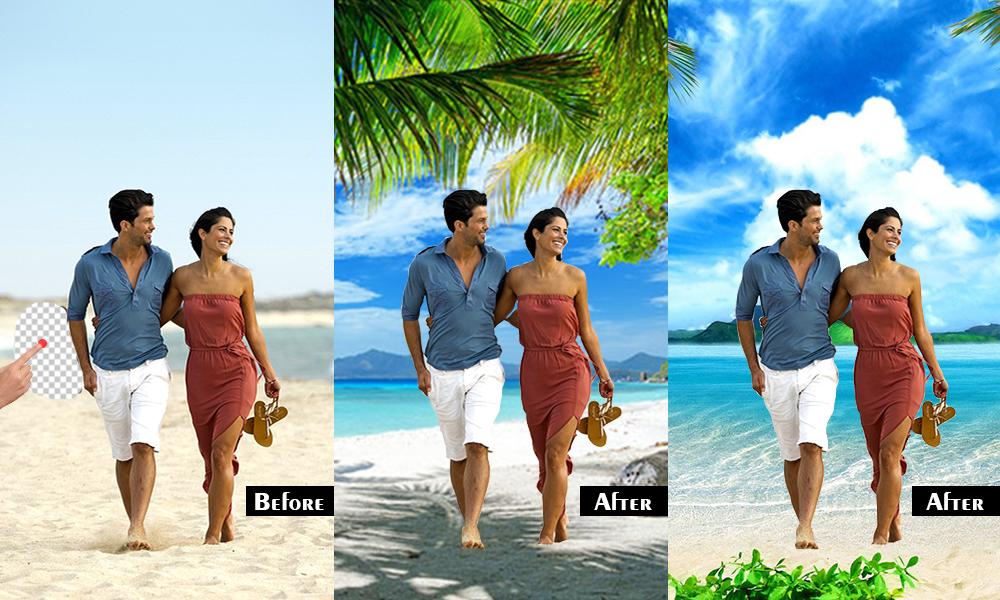
Ω Cut Paste photo Background Eraser Changer Editor lets you extract Photos from existing photos without backgrounds so that you can change the backgrounds. Cut Paste photo Background Eraser Changer Editor is the most advanced photos editor tool for replacing photo backgrounds.
Ω Cut Paste photo Background Eraser Changer Editor provides a fast and easy way to create amazing custom pictures.Changing photo background was never been so easy. It is very easy to remove or replace your photo background using this awesome app.
Ω Cut Paste photo Background Eraser Changer Editor has so many edit options like text , stickers , photo effects and many more. Create custom photos by cutting from photos and paste the content in other photos.
How To Use :
Ω Select image from gallery
Ω Apply crop feature and crop your image as you want.
Ω Cut your whole photo and past it on other place where you want to set.
Ω Apply various type stunning effect on image. Ω Add different types of filter, effect and stickers on your photo.
Ω Save & share edited photo.
Key Feature :
Ω Select photo from gallery or take a picture. Ω Paste content to other photo very quickly. Ω Lots of Variety of HD Beautiful Background with some amazing custom designs.
Ω Choose from Multiple effects to make your photo look realistic. Ω For manual erase with figure is very easy and smooth. Ω Single tap to Adjust Photos, pic size, rotate, zoom etc. Ω Smart Crop option. Ω Photo can be cropped in multiple shape. Ω Change the size of brush. Ω Adjust brightness, contrast, and opacity of your photo. Ω Emoji smiles & sticker will make your photos more fun. Ω Easily save and share your creation via social media to friend’s n family.
Disclaimer :
Ω Please email us if your device is not supported or for any other problem, we will try our best to support you.
پیش نظارہ
ٹیگز
فوٹوگرافیمعلومات
ڈویلپر
Style photo studio Apps
تازہ ترین ورژن
2.6
آخری تازہ کاری
2022-03-10
قسم
فوٹوگرافی
پر دستیاب ہے۔
Google Play
مزید دکھائیں
پی سی پر گیم لوپ کے ساتھ Cut Paste Photo Changer Editor کیسے کھیلا جائے۔
1. آفیشل ویب سائٹ سے گیم لوپ ڈاؤن لوڈ کریں، پھر گیم لوپ انسٹال کرنے کے لیے exe فائل چلائیں۔
2. گیم لوپ کھولیں اور "Cut Paste Photo Changer Editor" تلاش کریں، تلاش کے نتائج میں Cut Paste Photo Changer Editor تلاش کریں اور "انسٹال کریں" پر کلک کریں۔
3. گیم لوپ پر Cut Paste Photo Changer Editor کھیلنے کا لطف اٹھائیں۔
Minimum requirements
OS
Windows 8.1 64-bit or Windows 10 64-bit
GPU
GTX 1050
CPU
i3-8300
Memory
8GB RAM
Storage
1GB available space
Recommended requirements
OS
Windows 8.1 64-bit or Windows 10 64-bit
GPU
GTX 1050
CPU
i3-9320
Memory
16GB RAM
Storage
1GB available space