Auto blur: blur background PC
Judi Studio
گیم لوپ ایمولیٹر کے ساتھ PC پر Auto blur: blur background ڈاؤن لوڈ کریں۔
پی سی پر Auto blur: blur background
Auto blur: blur background، جو ڈویلپر Judi Studio سے آرہا ہے، ماضی میں اینڈرائیڈ سسٹم پر چل رہا ہے۔
اب، آپ پی سی پر Auto blur: blur background آسانی سے GameLoop کے ساتھ چلا سکتے ہیں۔
اسے GameLoop لائبریری یا تلاش کے نتائج میں ڈاؤن لوڈ کریں۔ مزید غلط وقت پر بیٹری یا مایوس کن کالوں پر نظر نہیں ڈالی جائے گی۔
بس بڑی سکرین پر Auto blur: blur background PC کا مفت میں لطف اٹھائیں!
Auto blur: blur background تعارف
Auto blur background is fast and easy to use app to create amazing blur background effect pictures.
--Features---
- Smart focus area selection application automatically recognize the focus area.
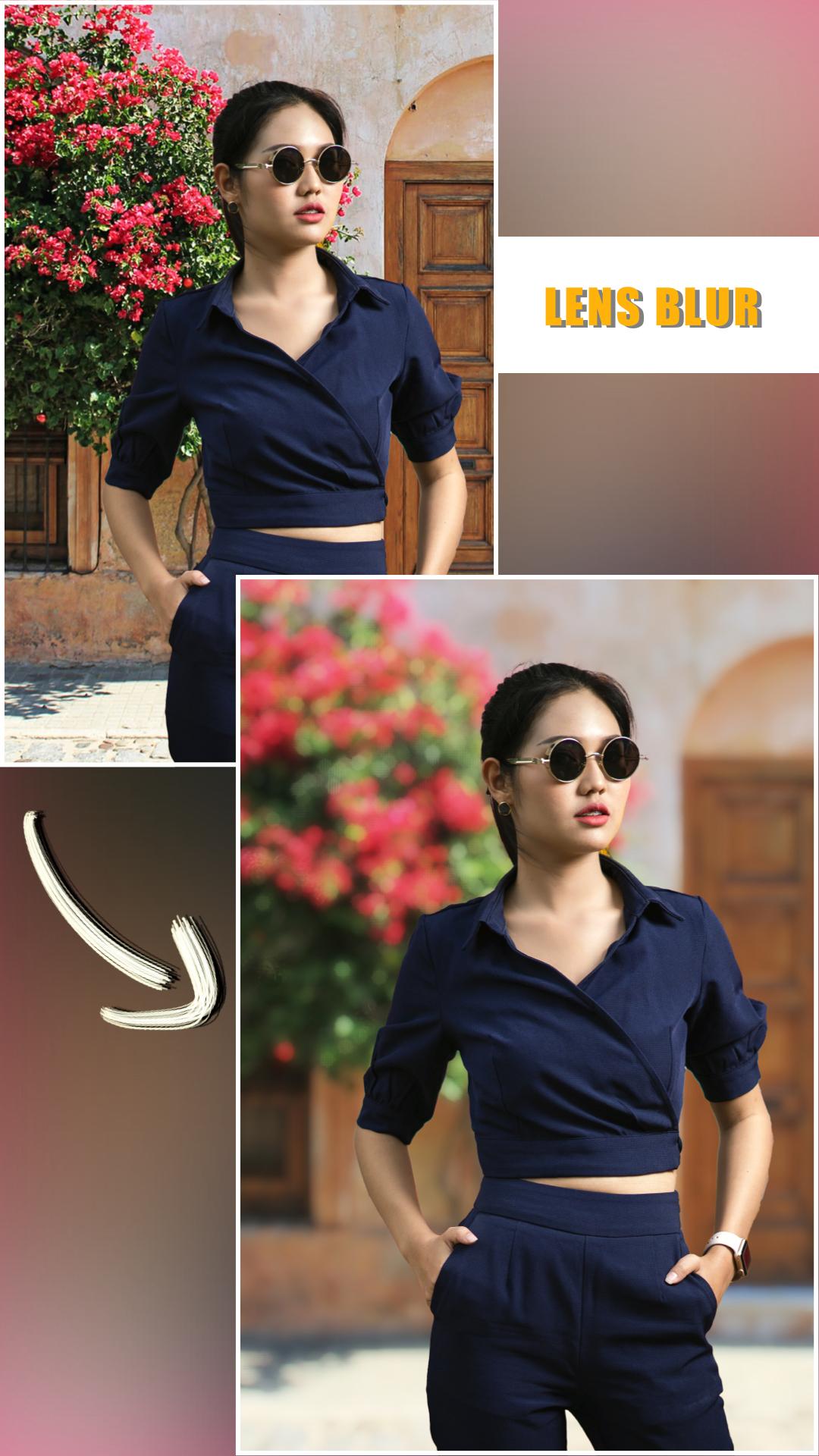
- Background Blur effect app offers dozens of blur effects
- Picture Blur intensity adjustment adjust the image blur intensity, in order, to give a bigger blur effect, to the picture to be blurred, using this blur pic editor or speed blur app.
- Create the most realistic blur effect with various aperture styles just like DSLR camera.
- You can emphasize the light spot on the background using Bokeh effect and overlay effect like snow, feathers,...
- Portrait photography app has lots of photo blurring, bokeh tools. Using them you can easily make your own DSLR Bokeh Effect.
- Blur image background is an effective blur photo editor, which can be used blur unwanted portions of a pic effectively. It will make your picture to look same as obscure dslr camera yield
- Bokeh Effects app is your ultimate blur effect app. Now, you don't need a DSLR camera or you don't need be a professional photographer to make a DSLR Style Blur Background effect on your photo.
- DSLR Camera Blur Effects is perfect combination of beauty and functionality. And it is Ideal for creating AfterFocus Photo or Blur Background Pictures. Try Now!!
پیش نظارہ

ٹیگز
فوٹوگرافیمعلومات
ڈویلپر
Judi Studio
تازہ ترین ورژن
2.7.2
آخری تازہ کاری
2025-03-31
قسم
فوٹوگرافی
پر دستیاب ہے۔
Google Play
مزید دکھائیں
پی سی پر گیم لوپ کے ساتھ Auto blur: blur background کیسے کھیلا جائے۔
1. آفیشل ویب سائٹ سے گیم لوپ ڈاؤن لوڈ کریں، پھر گیم لوپ انسٹال کرنے کے لیے exe فائل چلائیں۔
2. گیم لوپ کھولیں اور "Auto blur: blur background" تلاش کریں، تلاش کے نتائج میں Auto blur: blur background تلاش کریں اور "انسٹال کریں" پر کلک کریں۔
3. گیم لوپ پر Auto blur: blur background کھیلنے کا لطف اٹھائیں۔
Minimum requirements
OS
Windows 8.1 64-bit or Windows 10 64-bit
GPU
GTX 1050
CPU
i3-8300
Memory
8GB RAM
Storage
1GB available space
Recommended requirements
OS
Windows 8.1 64-bit or Windows 10 64-bit
GPU
GTX 1050
CPU
i3-9320
Memory
16GB RAM
Storage
1GB available space