WiVIEW PC
Wiko Mobile
گیم لوپ ایمولیٹر کے ساتھ PC پر WiVIEW ڈاؤن لوڈ کریں۔
پی سی پر WiVIEW
WiVIEW، جو ڈویلپر Wiko Mobile سے آرہا ہے، ماضی میں اینڈرائیڈ سسٹم پر چل رہا ہے۔
اب، آپ پی سی پر WiVIEW آسانی سے GameLoop کے ساتھ چلا سکتے ہیں۔
اسے GameLoop لائبریری یا تلاش کے نتائج میں ڈاؤن لوڈ کریں۔ مزید غلط وقت پر بیٹری یا مایوس کن کالوں پر نظر نہیں ڈالی جائے گی۔
بس بڑی سکرین پر WiVIEW PC کا مفت میں لطف اٹھائیں!
WiVIEW تعارف
The specially designed WiVIEW App, exclusively for WIM, provides you with direct access to your most used features on a full screen interface. It is designed to work in harmony with the WiVIEW Smart folio for uninhibited access with 360° protection in an elegant, leather finish.
WiVIEW App summary:
Upon pressing your smartphone’s power button, you are greeted by its intuitive and customisable interface. Without even opening the WiVIEW folio, a simple swipe up on the clear front cover allows you to:
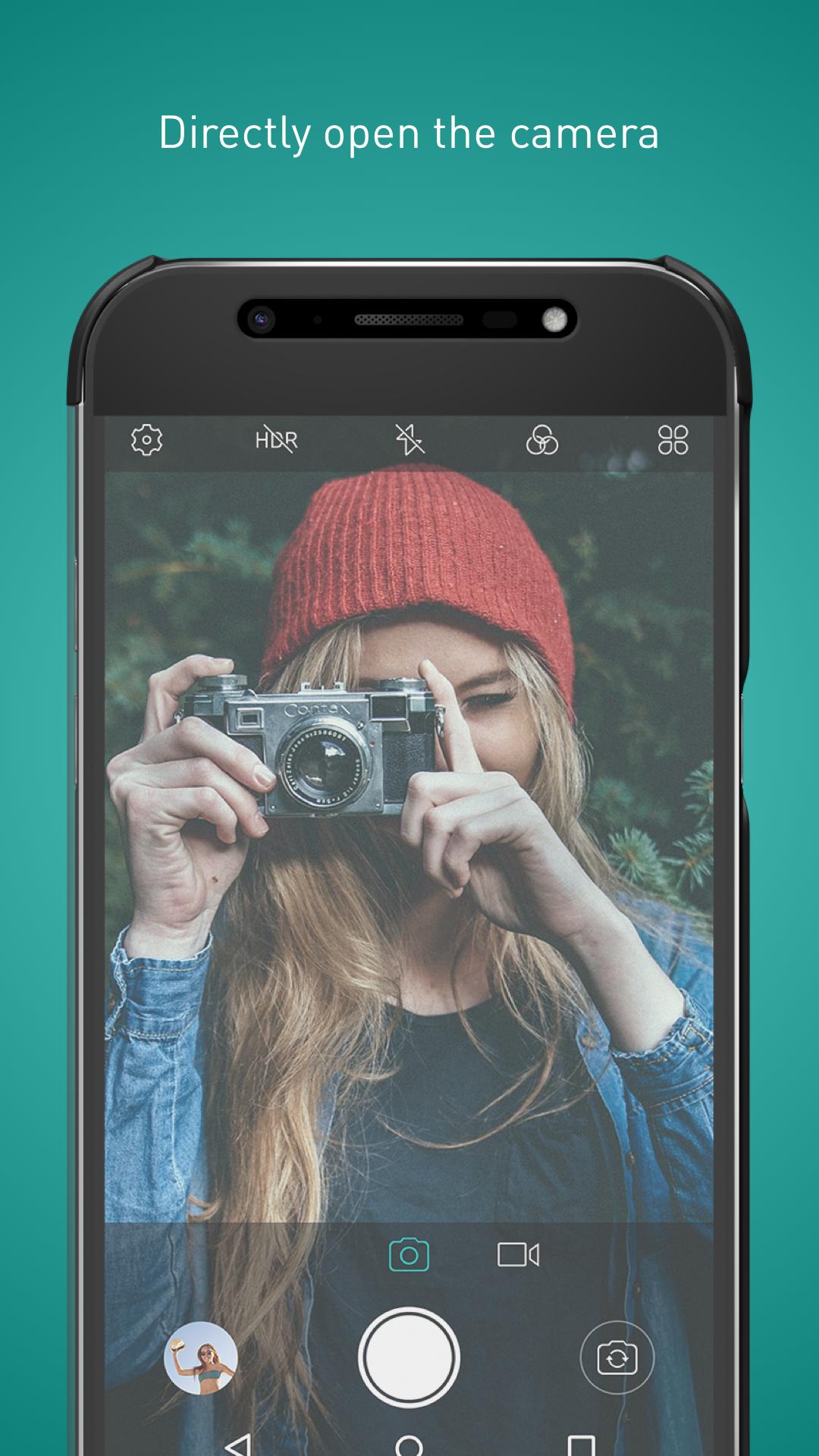
• Open the camera directly and take a stunning photo or record a quality clip.
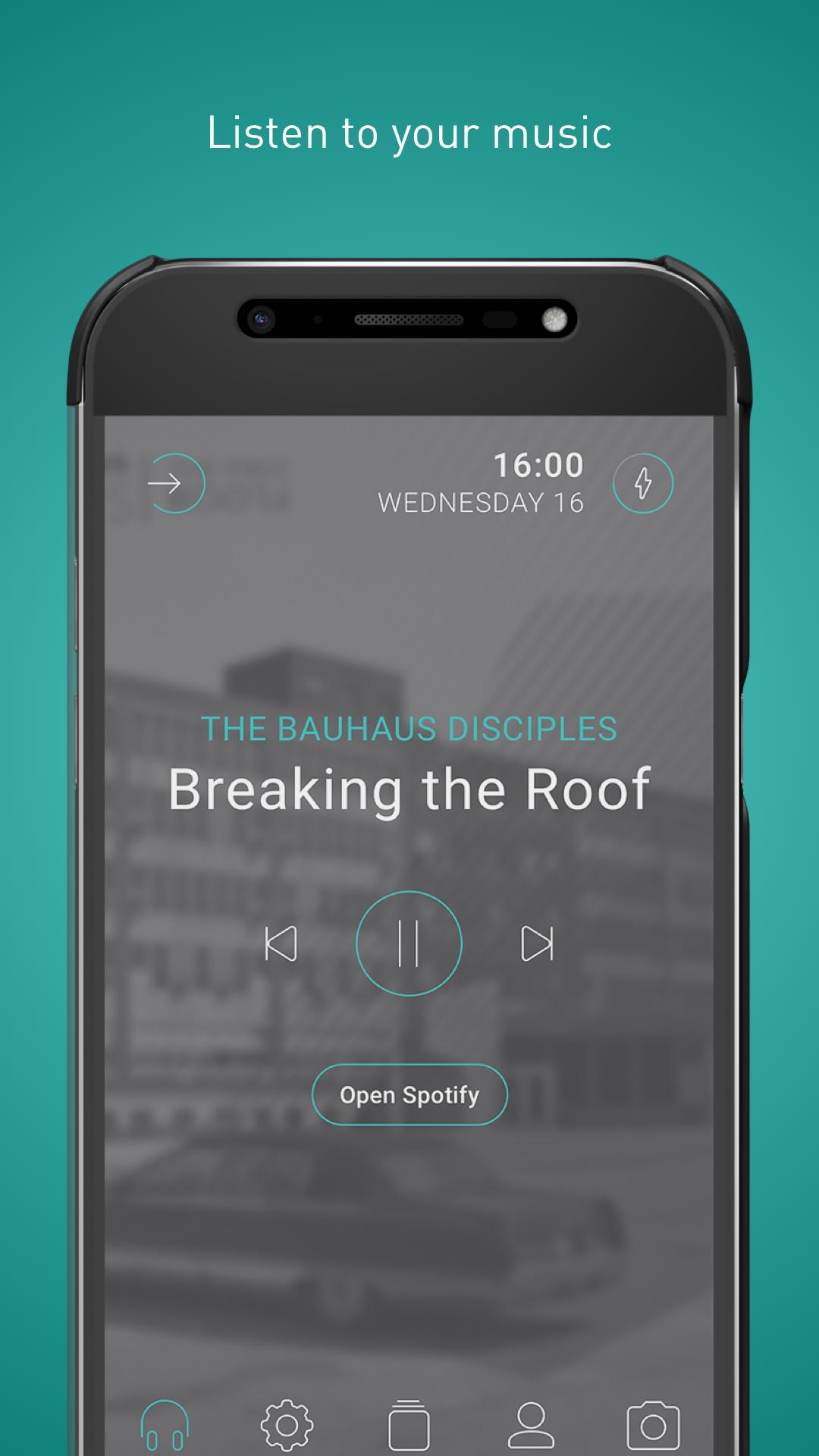
• Add or remove your playlists and listen to your tunes on the dedicated music player.
• Shortcut to your main settings, like Theme colour change, Airplane mode, Bluetooth, Wifi, Geo mode, Torchlight and more.
• Check your notifications and quickly reply to messages with tons of fun Emojis.
• Add a new number or look up a contact and make calls without delay.
WiVIEW smart folio is available in two different models, for WIM and WIM Lite.
Don’t forget to come say hello! Join the Wikommunity on Facebook and Twitter and share your WiVIEW experience.
This app uses the Device Administrator permission.
پیش نظارہ
ٹیگز
پرسنلائزیشنمعلومات
ڈویلپر
Wiko Mobile
تازہ ترین ورژن
1.1.1
آخری تازہ کاری
2019-03-07
قسم
پرسنلائزیشن
پر دستیاب ہے۔
Google Play
مزید دکھائیں
پی سی پر گیم لوپ کے ساتھ WiVIEW کیسے کھیلا جائے۔
1. آفیشل ویب سائٹ سے گیم لوپ ڈاؤن لوڈ کریں، پھر گیم لوپ انسٹال کرنے کے لیے exe فائل چلائیں۔
2. گیم لوپ کھولیں اور "WiVIEW" تلاش کریں، تلاش کے نتائج میں WiVIEW تلاش کریں اور "انسٹال کریں" پر کلک کریں۔
3. گیم لوپ پر WiVIEW کھیلنے کا لطف اٹھائیں۔
Minimum requirements
OS
Windows 8.1 64-bit or Windows 10 64-bit
GPU
GTX 1050
CPU
i3-8300
Memory
8GB RAM
Storage
1GB available space
Recommended requirements
OS
Windows 8.1 64-bit or Windows 10 64-bit
GPU
GTX 1050
CPU
i3-9320
Memory
16GB RAM
Storage
1GB available space