
Video Wallpaper Maker HD PC
In TechLab
گیم لوپ ایمولیٹر کے ساتھ PC پر Video Wallpaper Maker HD ڈاؤن لوڈ کریں۔
پی سی پر Video Wallpaper Maker HD
Video Wallpaper Maker HD، جو ڈویلپر In TechLab سے آرہا ہے، ماضی میں اینڈرائیڈ سسٹم پر چل رہا ہے۔
اب، آپ پی سی پر Video Wallpaper Maker HD آسانی سے GameLoop کے ساتھ چلا سکتے ہیں۔
اسے GameLoop لائبریری یا تلاش کے نتائج میں ڈاؤن لوڈ کریں۔ مزید غلط وقت پر بیٹری یا مایوس کن کالوں پر نظر نہیں ڈالی جائے گی۔
بس بڑی سکرین پر Video Wallpaper Maker HD PC کا مفت میں لطف اٹھائیں!
Video Wallpaper Maker HD تعارف
Can a video be set as a wallpaper?
Looking for something to replace your default Android wallpaper with? Maybe something that looks fresher on your lock screen and on your home screen?
Your screen needs a video live wallpapers maker
Do you get tired of boring, lifeless wallpapers? Would you like to replace it with something more interesting? Video Live Wallpapers Maker is an app that lets you use your video as a wallpaper.
With Video Live Wallpapers Maker | Fix Wallpaper, the unchained wallpaper app for Android, you can turn a video into a live wallpaper. Video Live wallpapers maker apps turn video files into Video live wallpapers Maker so you can create your own moving background.Live video wallpapers maker allows you to create your own beautiful moving wallpapers and customize your phone.
Make a video into live wallpaper and you'll have a moving background. Make custom moving backgrounds with our video wallpaper maker!
Set 4K wallpaper and UHD video to wallpaper
Live Video wallpapers maker - super wallpaper app for Android devices with an intuitive interface that you can get the hang of once you set up the first video as your lock screen or home screen background.
Video Wallpapers Maker Live - Video to Wallpapers Features
Turn a video into live wallpapers
Set fix wallpaper or live backgrounds to both lock screen and home screen
Cool backgrounds support 4K wallpapers format
Support Enable or disable audio
Support online video wallpaper
Support 4k wallpaper
HD wallpapers adjust perfectly to your screen
Pause live video wallpaper lock screen by double clicking on the screen
Apply personal video wallpapers by selecting of your Select from gallery
Explore wallpapers and set the one you loved
Update daily Wallpapers
Use video Live wallpapers maker at liberty as there is no in-app purchases
how background wallpaper app works?
The Video Live Wallpapers Maker allows you to set unique images and videos as your lock screen and home screen wallpapers. Simply choose a video from your library, apply the necessary adjustments, and set your video as a live wallpaper.
Live Video wallpapers Background Wallpaper - Video Lock Screen enables you to make your favorite videos the background of your device! Just a few clicks and you'll have a unique device with moving wallpaper!
Live wallpapers can be configured to display all kinds of videos. Choose a topic you like and set a background that suits your taste.
Your video can be converted to an animated background on your device using our Video wallpaper maker! Check out the benefits of moving wallpapers!
Set Video Wallpaper maker Live :-
Create wallpapers in 4K, HD, 3D, live wallpaper, or whatever you want with your device! Exclusive wallpapers of the highest quality are available from us.
Video Wallpaper Maker Live is awaiting its arrival on your device. you use a Video wallpaper maker Live or set fix HD wallpapers that’s up to you.
پیش نظارہ
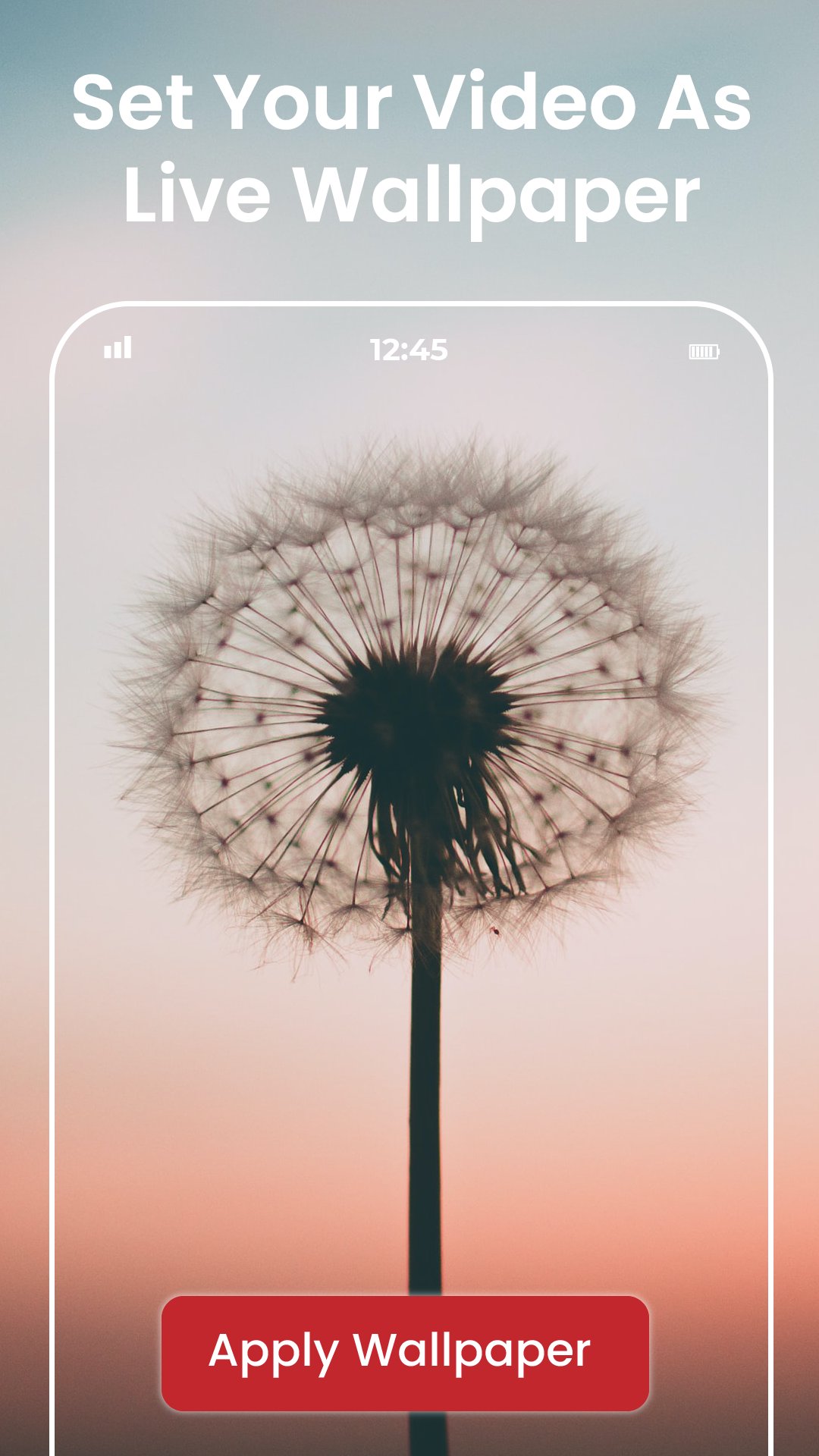
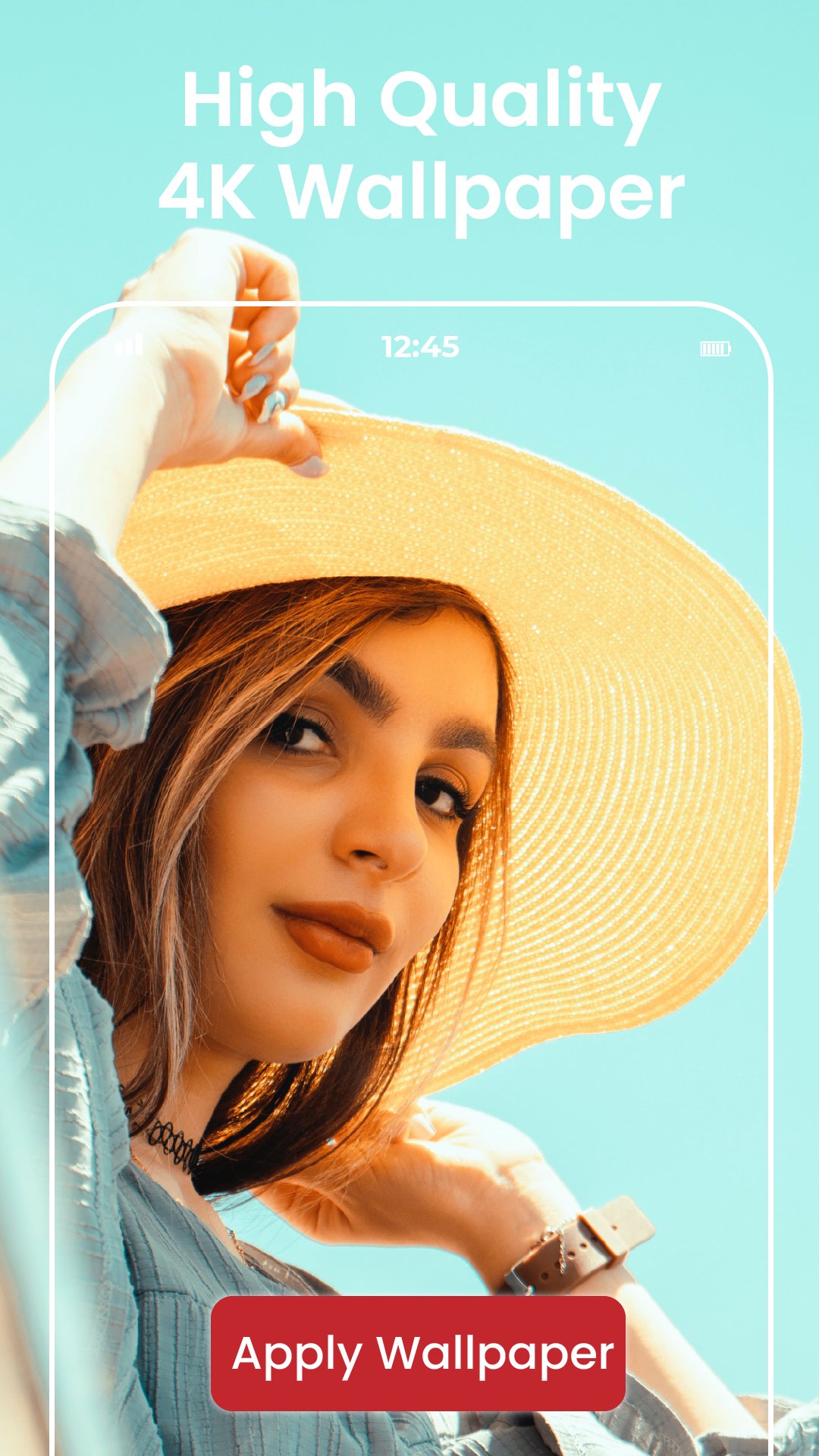
ٹیگز
پرسنلائزیشنمعلومات
ڈویلپر
In TechLab
تازہ ترین ورژن
1.0.1
آخری تازہ کاری
2025-11-13
قسم
پرسنلائزیشن
پر دستیاب ہے۔
Google Play
مزید دکھائیں
پی سی پر گیم لوپ کے ساتھ Video Wallpaper Maker HD کیسے کھیلا جائے۔
1. آفیشل ویب سائٹ سے گیم لوپ ڈاؤن لوڈ کریں، پھر گیم لوپ انسٹال کرنے کے لیے exe فائل چلائیں۔
2. گیم لوپ کھولیں اور "Video Wallpaper Maker HD" تلاش کریں، تلاش کے نتائج میں Video Wallpaper Maker HD تلاش کریں اور "انسٹال کریں" پر کلک کریں۔
3. گیم لوپ پر Video Wallpaper Maker HD کھیلنے کا لطف اٹھائیں۔
Minimum requirements
OS
Windows 8.1 64-bit or Windows 10 64-bit
GPU
GTX 1050
CPU
i3-8300
Memory
8GB RAM
Storage
1GB available space
Recommended requirements
OS
Windows 8.1 64-bit or Windows 10 64-bit
GPU
GTX 1050
CPU
i3-9320
Memory
16GB RAM
Storage
1GB available space