Trippy Art Neon Launcher PC
Arika Asxza
گیم لوپ ایمولیٹر کے ساتھ PC پر Trippy Art Neon Launcher ڈاؤن لوڈ کریں۔
پی سی پر Trippy Art Neon Launcher
Trippy Art Neon Launcher، جو ڈویلپر Arika Asxza سے آرہا ہے، ماضی میں اینڈرائیڈ سسٹم پر چل رہا ہے۔
اب، آپ پی سی پر Trippy Art Neon Launcher آسانی سے GameLoop کے ساتھ چلا سکتے ہیں۔
اسے GameLoop لائبریری یا تلاش کے نتائج میں ڈاؤن لوڈ کریں۔ مزید غلط وقت پر بیٹری یا مایوس کن کالوں پر نظر نہیں ڈالی جائے گی۔
بس بڑی سکرین پر Trippy Art Neon Launcher PC کا مفت میں لطف اٹھائیں!
Trippy Art Neon Launcher تعارف
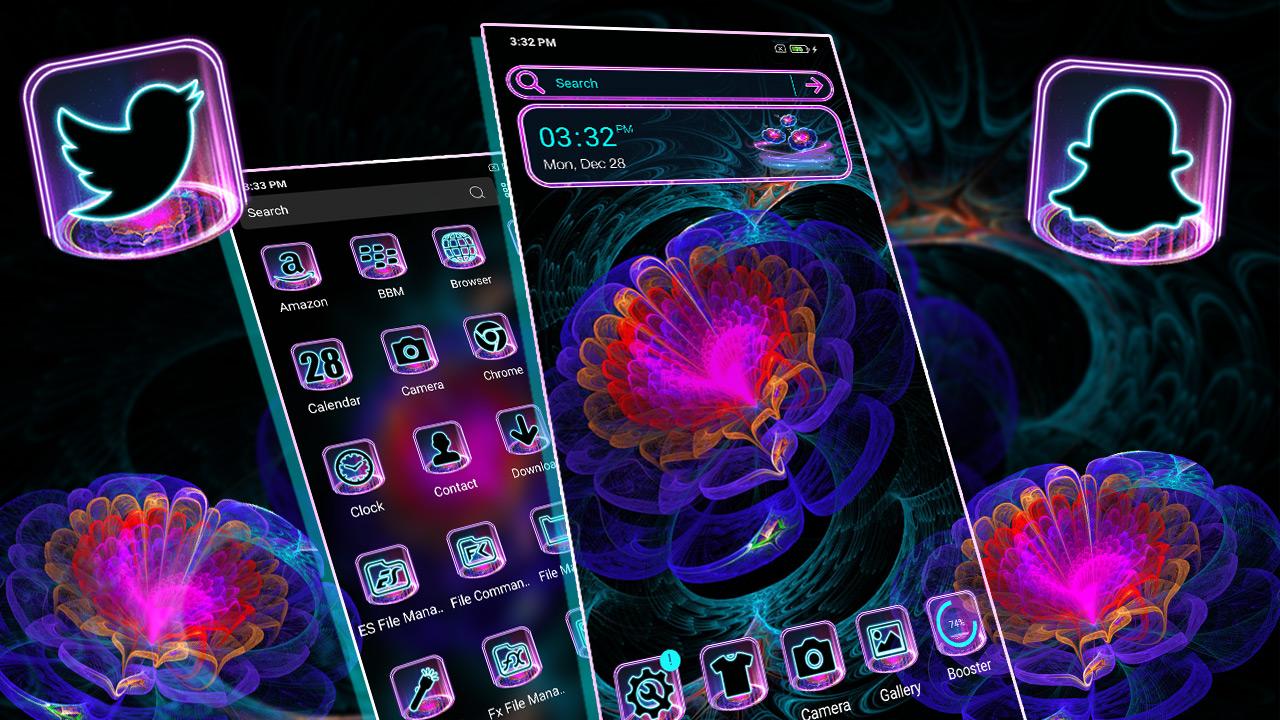
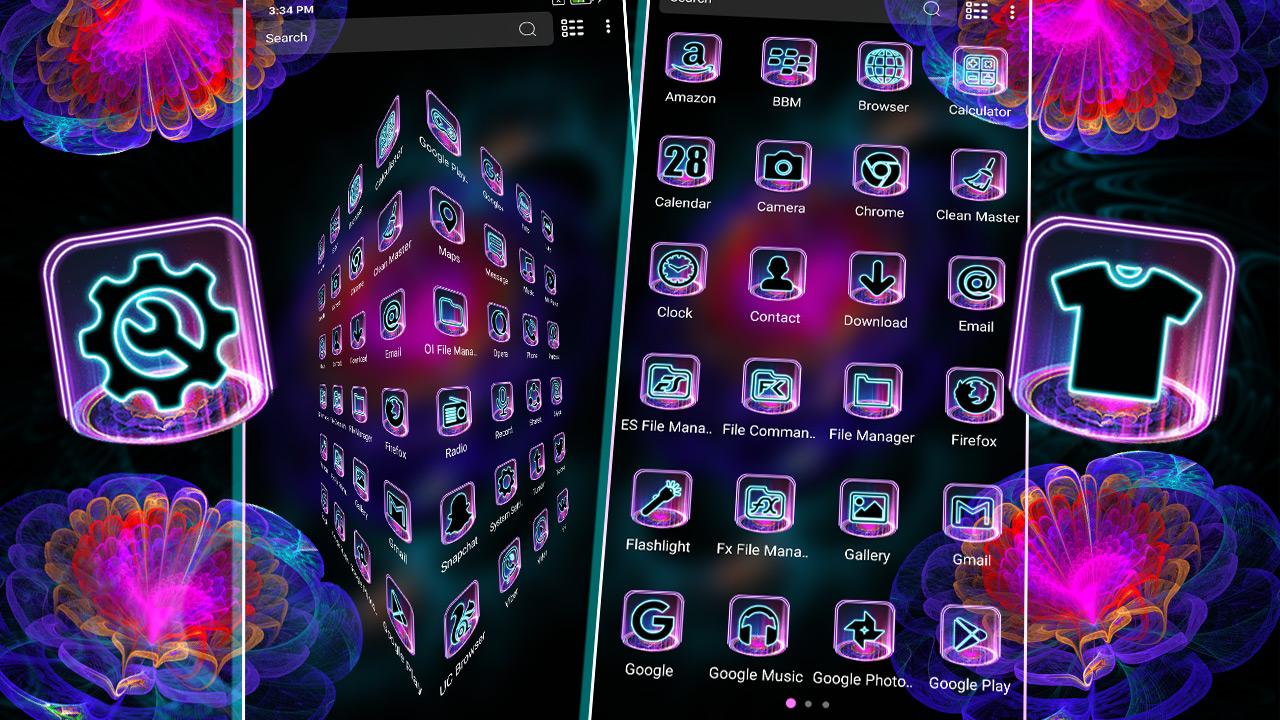
Do you want to change the look of phone without spending a penny? Yes It's possible; Right! No need to buy a new phone to change look of your phone. Just install this Trippy Art Neon Theme, It will personalize your smartphone phonescreen in a way that suits better. Trippy Art Neon theme consists of variety of icon packs & HD Trippy Neon Flower Wallpaper, also it will be applied automatically in a seconds and don't need to customize manually. This Theme's icon set is crafted by world's top designers.
Trippy Art Neon Launcher theme also contains personalized lock screen elements which let you feel amazed everytime you wake your phone. Also it has listed variety of our free themes to choose and apply to change look of your phone everyday. Trippy Art Neon Theme will make your device succinct design and Neon icon pack with customized app icon pack, organized folders, sliding 3D screen effects, HD wallpapers and widgets.You will love this Neon icon pack Trippy Art Neon Theme to customize your android home screen.
Top Features :-
- Trippy Art Neon Theme with succinct black Neon icon pack HD live wallpaper.
- Trippy Neon Flower HD wallpaper with Neon style gives you a visual experience you've never seen before.
- Trippy Art Neon Theme provides advanced security system. Your android system will be protected, safe, secure, fast and convenient, with less power consumption.
- A true collections of upcoming themes that updated everyday.
How to apply?
-Trippy Art Neon Theme is specially designed for Launcher. Install our partner launcher first and apply it successfully. Trippy Art Neon Theme does not support any other Launcher app. In case If you do not like this Trippy Art Neon Theme you can try our other themes also you can uninstall it anytime, you can always find your favourite themes on 3D Launcher.
We are always striving to provide the best user experience for our users. We are also looking for your feedback, suggestion or recommendation. Please, feel free to write us so we can continue to bring you the best experiences and updates.
پیش نظارہ
ٹیگز
پرسنلائزیشنمعلومات
ڈویلپر
Arika Asxza
تازہ ترین ورژن
3.1
آخری تازہ کاری
2022-11-11
قسم
پرسنلائزیشن
پر دستیاب ہے۔
Google Play
مزید دکھائیں
پی سی پر گیم لوپ کے ساتھ Trippy Art Neon Launcher کیسے کھیلا جائے۔
1. آفیشل ویب سائٹ سے گیم لوپ ڈاؤن لوڈ کریں، پھر گیم لوپ انسٹال کرنے کے لیے exe فائل چلائیں۔
2. گیم لوپ کھولیں اور "Trippy Art Neon Launcher" تلاش کریں، تلاش کے نتائج میں Trippy Art Neon Launcher تلاش کریں اور "انسٹال کریں" پر کلک کریں۔
3. گیم لوپ پر Trippy Art Neon Launcher کھیلنے کا لطف اٹھائیں۔
Minimum requirements
OS
Windows 8.1 64-bit or Windows 10 64-bit
GPU
GTX 1050
CPU
i3-8300
Memory
8GB RAM
Storage
1GB available space
Recommended requirements
OS
Windows 8.1 64-bit or Windows 10 64-bit
GPU
GTX 1050
CPU
i3-9320
Memory
16GB RAM
Storage
1GB available space