Red Keyboard PC
C10 Studio
گیم لوپ ایمولیٹر کے ساتھ PC پر Red Keyboard ڈاؤن لوڈ کریں۔
پی سی پر Red Keyboard
Red Keyboard، جو ڈویلپر C10 Studio سے آرہا ہے، ماضی میں اینڈرائیڈ سسٹم پر چل رہا ہے۔
اب، آپ پی سی پر Red Keyboard آسانی سے GameLoop کے ساتھ چلا سکتے ہیں۔
اسے GameLoop لائبریری یا تلاش کے نتائج میں ڈاؤن لوڈ کریں۔ مزید غلط وقت پر بیٹری یا مایوس کن کالوں پر نظر نہیں ڈالی جائے گی۔
بس بڑی سکرین پر Red Keyboard PC کا مفت میں لطف اٹھائیں!
Red Keyboard تعارف
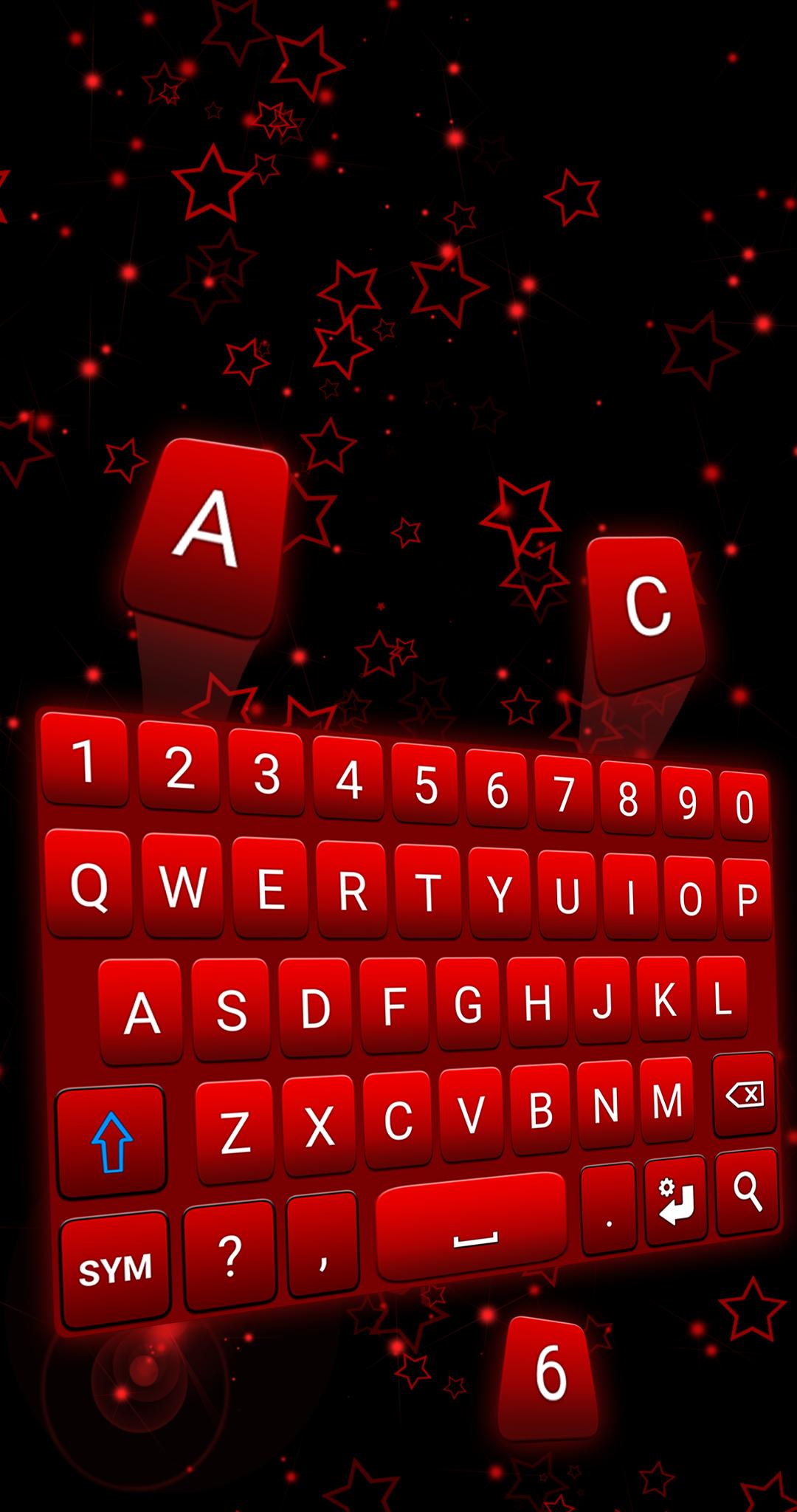
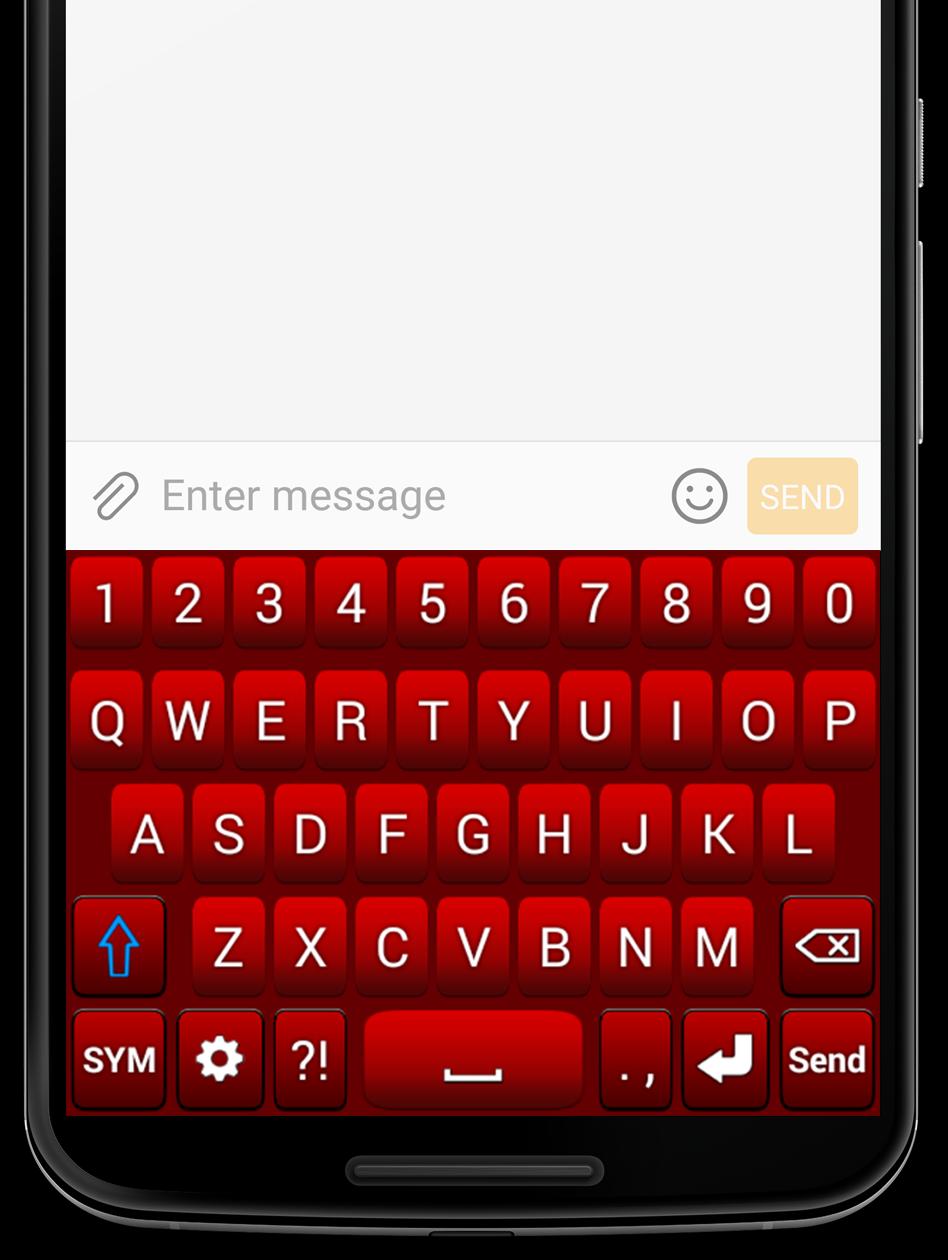
Red Keyboard is the perfect keyboard app for anyone who values both style and simplicity. With its trendy design and extra symbols, this keyboard is sure to impress. Download and install Red Keyboard for Android today and enjoy its amazing features for free!
One of the best features of Red Keyboard is the ability to customize the keyboard's layout to your preference. You can choose the format of the keyboard when it's on landscape orientation, either to the normal keyboard or the two-hand keyboard format. Additionally, the background color of the keyboard can be easily changed from the settings, giving you the freedom to change your keyboard style any time you want.
In addition to the customization options, Red Keyboard offers several practical features such as the ability to adjust the vibration intensity, and the swipe left function which deletes everything in one go. With just a swipe left, you can clear your screen and start fresh. To activate this function, simply check the "Swipe Left" box in the keyboard settings.
Please note that Red Keyboard currently supports only Latin languages, including English, French, German, Portuguese, Spanish, and more.
Installing Red Keyboard is easy. Just follow these steps: go to your phone's settings, tap on General Management, then Language and Input, and finally On-Screen Keyboard (or Virtual Keyboard). From there, go to Manage Keyboards, check the Red Keyboard box, and set Red Keyboard as your default keyboard in the "Default Keyboard" section. Please note that the steps may differ depending on your phone model and Android version.
We value your privacy and assure you that our keyboard does NOT store or collect any kind of information. However, if you have any suggestions or bug reports, feel free to send us an email at support@c10studio.com. We are always happy to hear from our users!
پیش نظارہ
ٹیگز
پرسنلائزیشنمعلومات
ڈویلپر
C10 Studio
تازہ ترین ورژن
1.5.3
آخری تازہ کاری
2022-12-20
قسم
پرسنلائزیشن
پر دستیاب ہے۔
Google Play
مزید دکھائیں
پی سی پر گیم لوپ کے ساتھ Red Keyboard کیسے کھیلا جائے۔
1. آفیشل ویب سائٹ سے گیم لوپ ڈاؤن لوڈ کریں، پھر گیم لوپ انسٹال کرنے کے لیے exe فائل چلائیں۔
2. گیم لوپ کھولیں اور "Red Keyboard" تلاش کریں، تلاش کے نتائج میں Red Keyboard تلاش کریں اور "انسٹال کریں" پر کلک کریں۔
3. گیم لوپ پر Red Keyboard کھیلنے کا لطف اٹھائیں۔
Minimum requirements
OS
Windows 8.1 64-bit or Windows 10 64-bit
GPU
GTX 1050
CPU
i3-8300
Memory
8GB RAM
Storage
1GB available space
Recommended requirements
OS
Windows 8.1 64-bit or Windows 10 64-bit
GPU
GTX 1050
CPU
i3-9320
Memory
16GB RAM
Storage
1GB available space