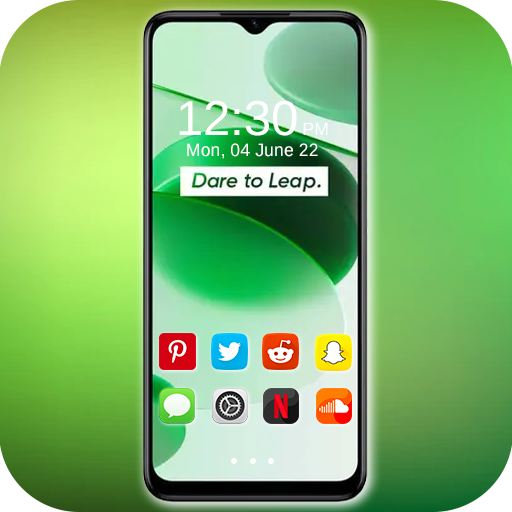
Realme C35 Launcher PC
Adorable Launcher
گیم لوپ ایمولیٹر کے ساتھ PC پر Realme C35 Launcher ڈاؤن لوڈ کریں۔
پی سی پر Realme C35 Launcher
Realme C35 Launcher، جو ڈویلپر Adorable Launcher سے آرہا ہے، ماضی میں اینڈرائیڈ سسٹم پر چل رہا ہے۔
اب، آپ پی سی پر Realme C35 Launcher آسانی سے GameLoop کے ساتھ چلا سکتے ہیں۔
اسے GameLoop لائبریری یا تلاش کے نتائج میں ڈاؤن لوڈ کریں۔ مزید غلط وقت پر بیٹری یا مایوس کن کالوں پر نظر نہیں ڈالی جائے گی۔
بس بڑی سکرین پر Realme C35 Launcher PC کا مفت میں لطف اٹھائیں!
Realme C35 Launcher تعارف
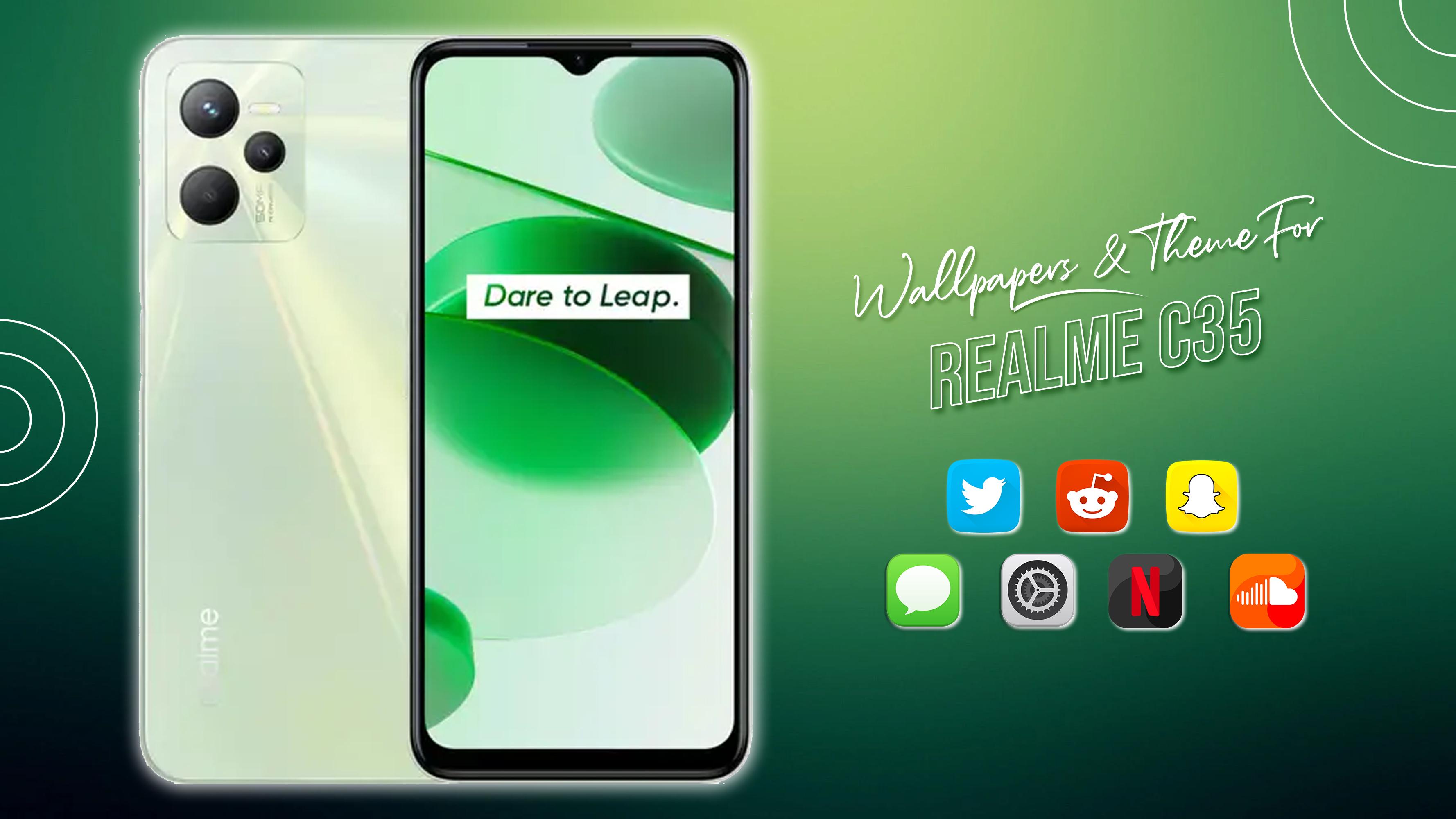
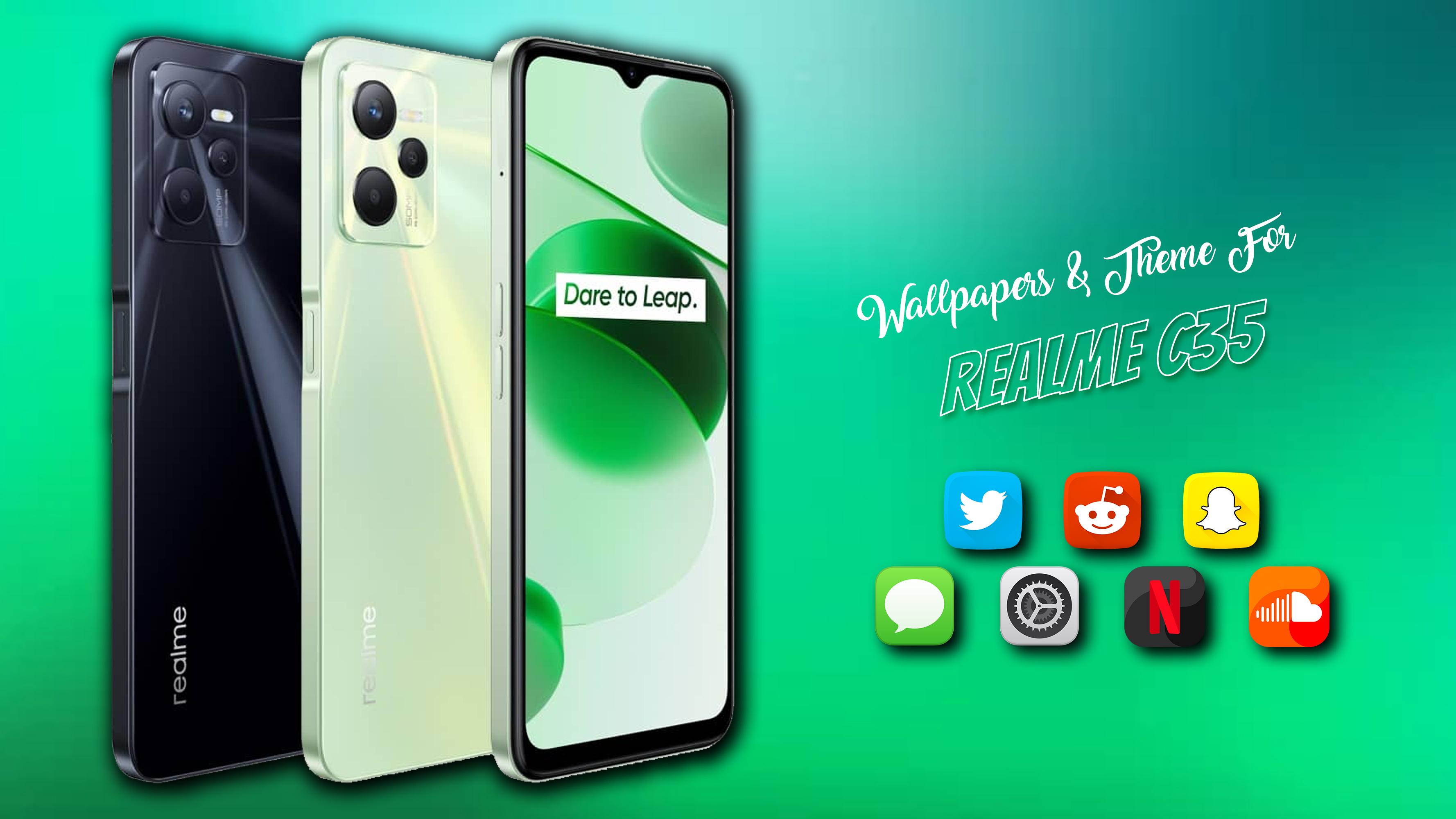
Realme C35 is a mobile phone that many people want to have, but not everyone has the resources to own it, now Theme for Realme C35 app can make your dream come true as you can experience the latest features of Realme C35 Launcher.
While our smartphones are new we tend to use them for years but after a while, our smartphones seem boring to us. Why not remove the old and common stock launcher?
We daily check our phone hundred times a day and the first thing that we see is the home screen with beautiful wallpaper. Good wallpapers/icon pack can really influence our mood and it also expresses our unique personality. You can download and apply Realme C35 wallpapers/icon pack right here using this app. Realme C35 launcher will give a unique and attractive look to your edge to edge display phones.
Theme for Realme C35 launcher provides full icon pack for Realme C35. Some major launchers supported by Theme for Realme C35 are listed below:
• Google Now Launcher
• Nova Launcher
• ADW Launcher
• TSF Launcher
• Go Launcher
• Apex Launcher
• Action Launcher
• ADW1 Launcher
• Aviate launcher
• Lucid Launcher
• Line Launcher
• Mini Launcher
• Zero Launcher
• Holo Launcher
• Holo HD Launcher
• KK Launcher
• Launcher Smart
• Smart Pro Launcher
• Solo Launcher
• Next Launcher
Please Note: This icon pack can be applied on selective launchers which includes: Realme C35 Launcher, Nova launcher, Apex launcher, Action launcher, Solo launcher, ADW launcher, Holo Launcher, N+ Launcher.
Applying Icon pack is as easy as few clicks; just pick your launcher from the list of launchers and icon pack will be applied on that launcher.
How to use the Realme C35 Launcher App:
1. Download and Install them Realme C35 Theme App from Play Store.
2. Run the App
3. Select a category from available categories on dashboard (e.g., Apply theme, Apply Wallpaper. etc.)
4. Select the wallpaper of your choice and click apply wallpaper
5. Enjoy the new look of your mobile
پیش نظارہ
ٹیگز
پرسنلائزیشنمعلومات
ڈویلپر
Adorable Launcher
تازہ ترین ورژن
3.7.53
آخری تازہ کاری
2022-10-09
قسم
پرسنلائزیشن
پر دستیاب ہے۔
Google Play
مزید دکھائیں
پی سی پر گیم لوپ کے ساتھ Realme C35 Launcher کیسے کھیلا جائے۔
1. آفیشل ویب سائٹ سے گیم لوپ ڈاؤن لوڈ کریں، پھر گیم لوپ انسٹال کرنے کے لیے exe فائل چلائیں۔
2. گیم لوپ کھولیں اور "Realme C35 Launcher" تلاش کریں، تلاش کے نتائج میں Realme C35 Launcher تلاش کریں اور "انسٹال کریں" پر کلک کریں۔
3. گیم لوپ پر Realme C35 Launcher کھیلنے کا لطف اٹھائیں۔
Minimum requirements
OS
Windows 8.1 64-bit or Windows 10 64-bit
GPU
GTX 1050
CPU
i3-8300
Memory
8GB RAM
Storage
1GB available space
Recommended requirements
OS
Windows 8.1 64-bit or Windows 10 64-bit
GPU
GTX 1050
CPU
i3-9320
Memory
16GB RAM
Storage
1GB available space