
Pix Launcher - Pixel Edition PC
Inspire Theme Team
گیم لوپ ایمولیٹر کے ساتھ PC پر Pix Launcher - Pixel Edition ڈاؤن لوڈ کریں۔
پی سی پر Pix Launcher - Pixel Edition
Pix Launcher - Pixel Edition، جو ڈویلپر Inspire Theme Team سے آرہا ہے، ماضی میں اینڈرائیڈ سسٹم پر چل رہا ہے۔
اب، آپ پی سی پر Pix Launcher - Pixel Edition آسانی سے GameLoop کے ساتھ چلا سکتے ہیں۔
اسے GameLoop لائبریری یا تلاش کے نتائج میں ڈاؤن لوڈ کریں۔ مزید غلط وقت پر بیٹری یا مایوس کن کالوں پر نظر نہیں ڈالی جائے گی۔
بس بڑی سکرین پر Pix Launcher - Pixel Edition PC کا مفت میں لطف اٹھائیں!
Pix Launcher - Pixel Edition تعارف
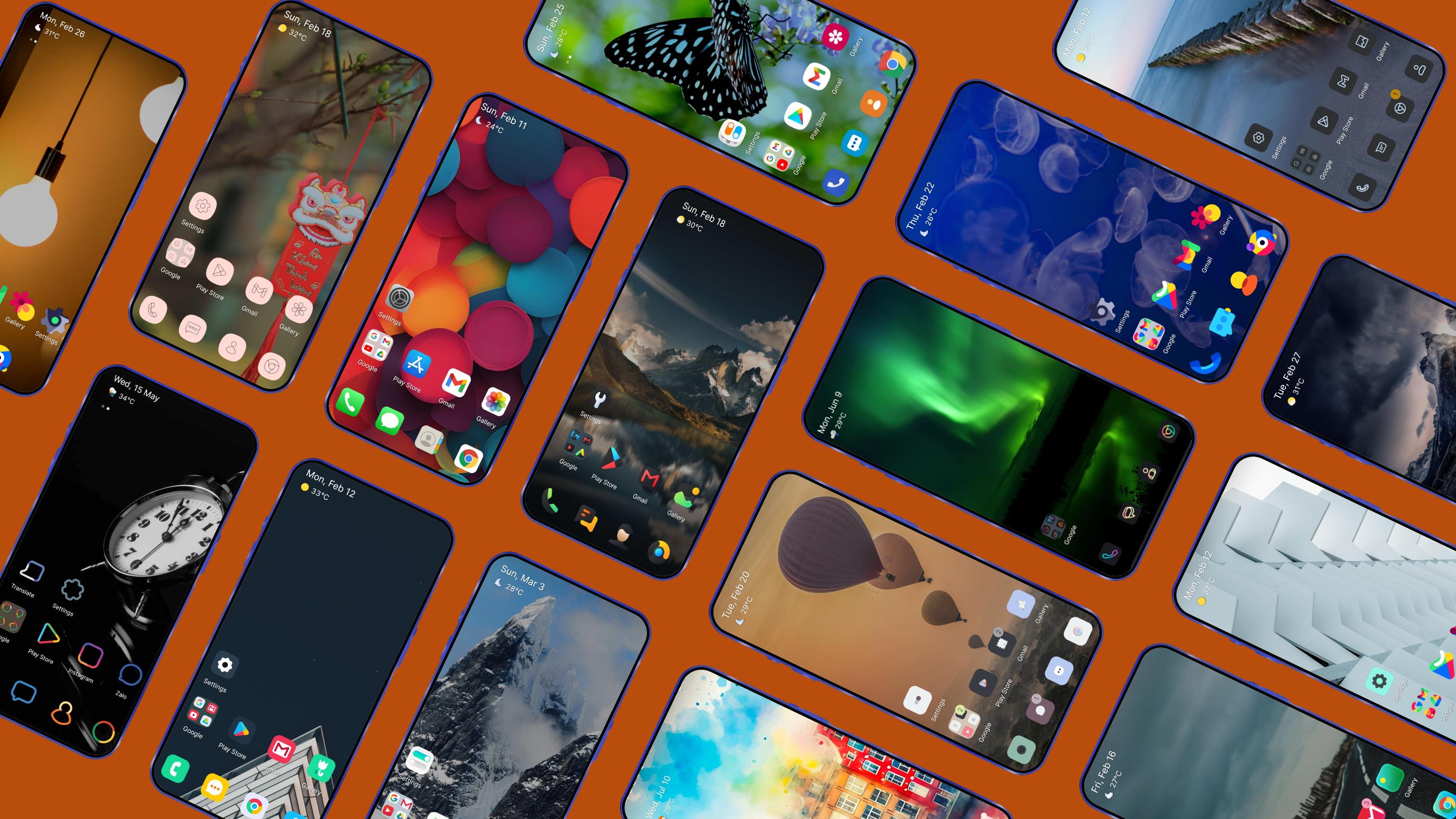
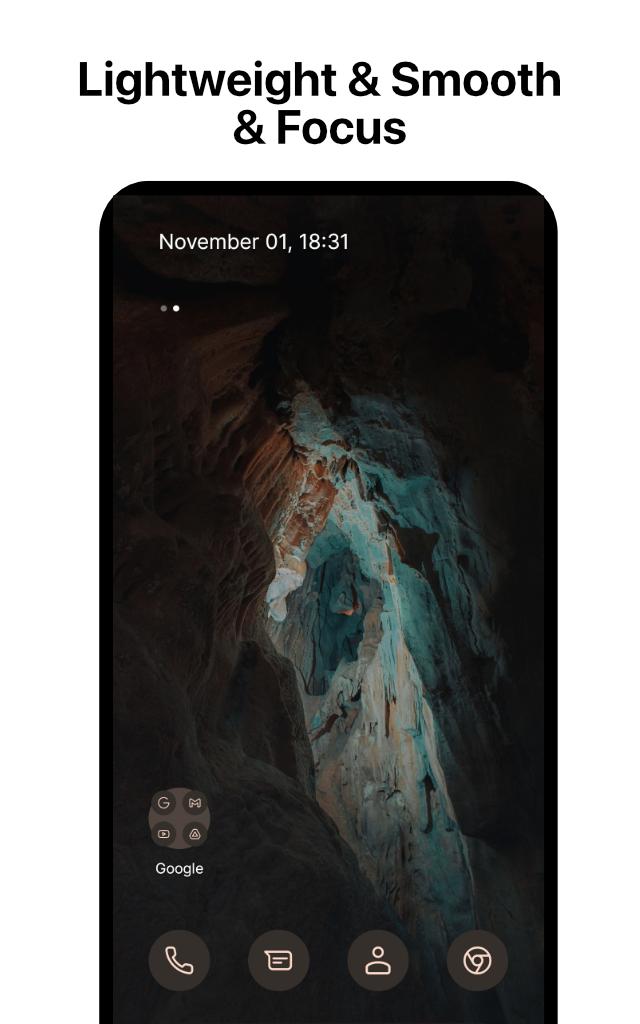
Pix Launcher provides a new home screen experience like Android Pixel Launcher that allow you to be more customize your Android device.
This version of Pix Launcher has been rebuilt on a new codebase to make new features possible, including dark mode, and numerous performance improvements (improved load time, less memory use, better battery performance, and fluent animation).
PIX LAUNCHER FEATURES
- Customizable pixel icons and adaptive icons (change icons color base on background color).
- Give your phone a consistent look and feel with custom pixel icon packs and pixel adaptive icons. You can feel comfortable to choose any icon pack you like.
- Customize Notification dots with number
- Customize dock bar on home screen with pixel corner and radius
- Customize folder icon on home screen
- Variant gestures, you can easily to customize and use them
- At A Glance Widgets
- Customization launcher font with your love
- Customization recent feature
- Customize columns and rows, icon sizes on App Drawer
- Support use adaptive icons (For example: https://play.google.com/store/apps/details?id=com.donnnno.arcticons&hl=en_US)
- Support use another dock server (Google, Bing, Wikipedia, DuckDuckGo)
- Custom dock icons
- Beautiful Wallpapers from Unsplash
Google Feed:
Install it with these steps:
1. Download and install Pixel Bridge (https://github.com/amirzaidi/AIDLBridge/releases/download/v3/pixelbridge.apk)
2. Restart launcher from Launcher Settings
Thanks Amir Zaidi
Fix glancer did not show Google Weather by Smartspacer:
How to use Smartspacer (Thanks KieronQuinn)
Go to launcher settings -> At a Glance -> Enable "At a Glance Provider selection" -> Download and install Smartspacer at link https://github.com/KieronQuinn/Smartspacer/releases/tag/1.2.2 and click "At a Glance Provider" -> Choose Smartspacer.
Dark theme:
· Comfortably use your phone at night or in low light environments with dark theme. This feature is compatible with Android’s dark mode settings.
Backup and Restore:
· Easily move between your phones or try Home Screen setups through Pix Launcher’s Backup and Restore feature. Backups can be stored locally or saved to the cloud for easy transfers.
Improved performance:
· Pix Launcher now loads faster, uses less memory, is more battery efficient, and offers fluent animations.
ACCESSIBILITY
The application commits not to collect or share any user information about this accessibility right.
App need accessibility permission to use functions: go home, recent apps, go back, set up the lock and display the Control Center, Listen to the open application to use the "Animation App" function.
Permission
- BIND_ACCESSIBILITY_SERVICE: To allow apps to draw gestures in HOME SCREEN. App does not use the permission for any other purpose. The application is only allowed to use this permission with the consent of the user.
- We never publicly disclose any personal or sensitive user data related to financial or payment activities or any government identification numbers, photos and contacts, etc.
This app uses Accessibility services.
This video demo how to we use accessibility permissions: https://www.youtube.com/shorts/k6Yud387ths
Thanks for assets from Pixabay, Unsplash
Contact us:
Email: phuctc.freelancer@gmail.com
Facebook: https://www.facebook.com/profile.php?id=100094232618606
پیش نظارہ
ٹیگز
پرسنلائزیشنمعلومات
ڈویلپر
Inspire Theme Team
تازہ ترین ورژن
2.27
آخری تازہ کاری
2025-09-04
قسم
پرسنلائزیشن
پر دستیاب ہے۔
Google Play
مزید دکھائیں
پی سی پر گیم لوپ کے ساتھ Pix Launcher - Pixel Edition کیسے کھیلا جائے۔
1. آفیشل ویب سائٹ سے گیم لوپ ڈاؤن لوڈ کریں، پھر گیم لوپ انسٹال کرنے کے لیے exe فائل چلائیں۔
2. گیم لوپ کھولیں اور "Pix Launcher - Pixel Edition" تلاش کریں، تلاش کے نتائج میں Pix Launcher - Pixel Edition تلاش کریں اور "انسٹال کریں" پر کلک کریں۔
3. گیم لوپ پر Pix Launcher - Pixel Edition کھیلنے کا لطف اٹھائیں۔
Minimum requirements
OS
Windows 8.1 64-bit or Windows 10 64-bit
GPU
GTX 1050
CPU
i3-8300
Memory
8GB RAM
Storage
1GB available space
Recommended requirements
OS
Windows 8.1 64-bit or Windows 10 64-bit
GPU
GTX 1050
CPU
i3-9320
Memory
16GB RAM
Storage
1GB available space