Nepali English Keyboard PC
khantechnology
گیم لوپ ایمولیٹر کے ساتھ PC پر Nepali English Keyboard ڈاؤن لوڈ کریں۔
پی سی پر Nepali English Keyboard
Nepali English Keyboard، جو ڈویلپر khantechnology سے آرہا ہے، ماضی میں اینڈرائیڈ سسٹم پر چل رہا ہے۔
اب، آپ پی سی پر Nepali English Keyboard آسانی سے GameLoop کے ساتھ چلا سکتے ہیں۔
اسے GameLoop لائبریری یا تلاش کے نتائج میں ڈاؤن لوڈ کریں۔ مزید غلط وقت پر بیٹری یا مایوس کن کالوں پر نظر نہیں ڈالی جائے گی۔
بس بڑی سکرین پر Nepali English Keyboard PC کا مفت میں لطف اٹھائیں!
Nepali English Keyboard تعارف
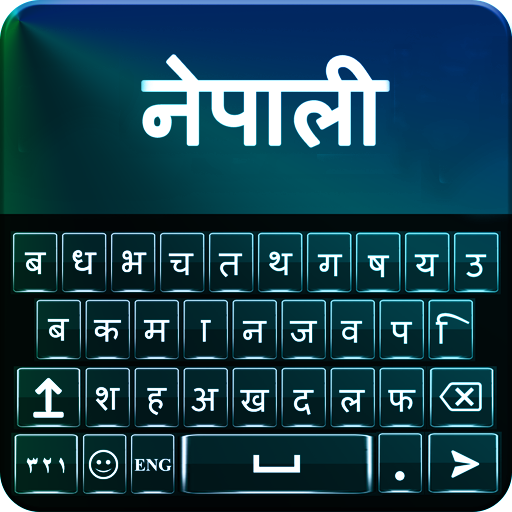
Nepali English Keyboard to make you best student of Nepali. Nepali console English which causes you to type messages in Nepali. It is console Nepali English change that empowers you to switch English dialect .
Best Nepali English console is set apart with English and Nepali letters all the while that empower you to appreciate composing with keypad Nepali English.
Adapt your new Nepali console for android with new looks. In excess of 20 styles to change foundation shade of Nepali English console. Wonderful pictures for console foundation and diverse sound choices for simple go console composing background.
Nepali English Keyboard Features:
Distinctive console skins with styling choices
All Nepali letter sets, letters and word in Nepali keypad effortlessly.
Support for both English and Nepali composing
Customize vivid subjects, textual styles and foundations
Sounds and vibration setting for composing
Auto amend spellings with English Nepali text composing and emoticon prediction
Smiley included
Brilliant tweaking console Nepali English skins for android mobile
How It Works:
Download and Install Nepali English Keyboard on your cell phone from Store.
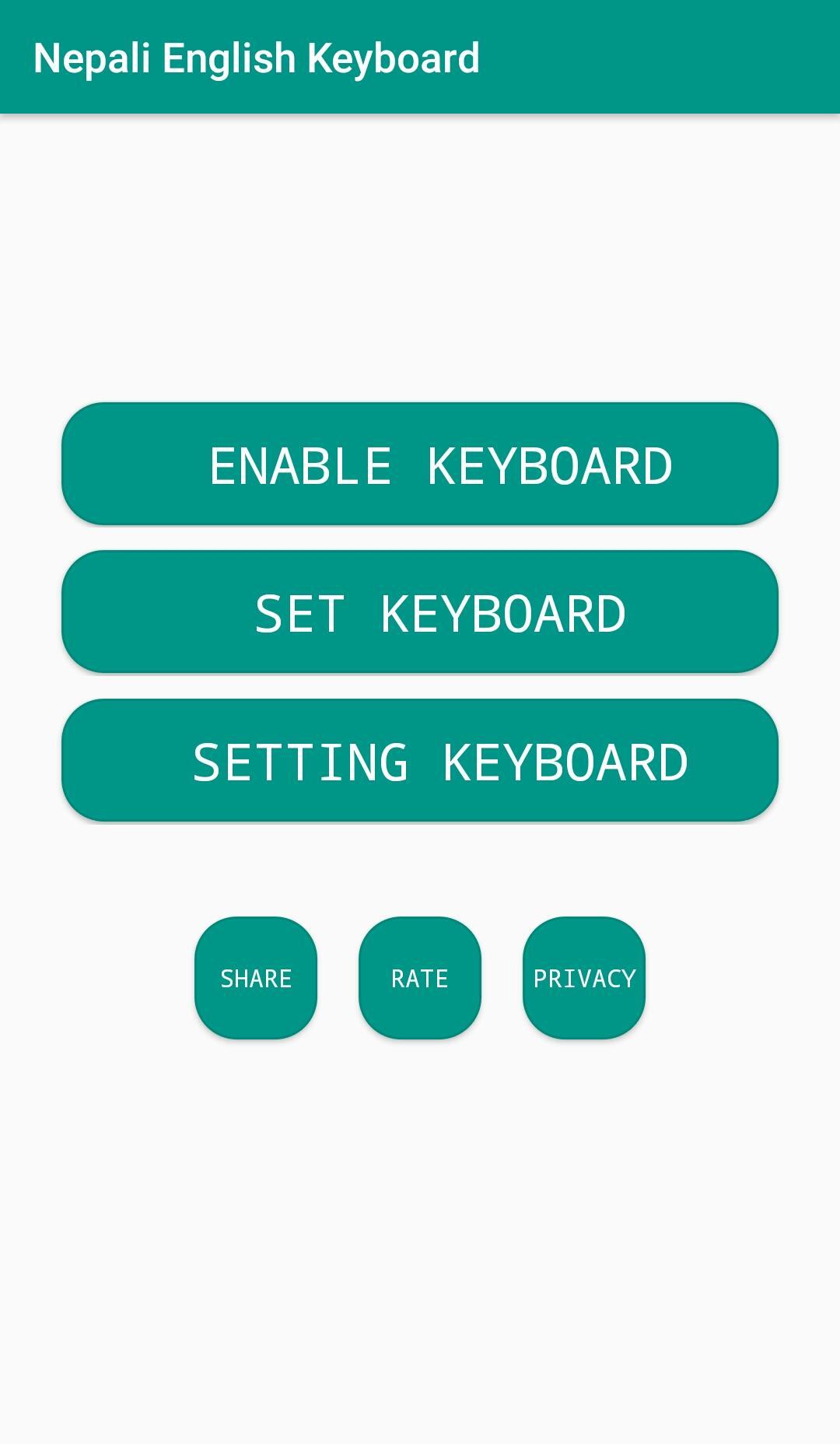
Go to the settings and pick the choice of empowering.
Appreciate the new keypad with a lot of subjects and emoticons.
پیش نظارہ
ٹیگز
پرسنلائزیشنمعلومات
ڈویلپر
khantechnology
تازہ ترین ورژن
1.2.2
آخری تازہ کاری
2024-07-31
قسم
پرسنلائزیشن
پر دستیاب ہے۔
Google Play
مزید دکھائیں
پی سی پر گیم لوپ کے ساتھ Nepali English Keyboard کیسے کھیلا جائے۔
1. آفیشل ویب سائٹ سے گیم لوپ ڈاؤن لوڈ کریں، پھر گیم لوپ انسٹال کرنے کے لیے exe فائل چلائیں۔
2. گیم لوپ کھولیں اور "Nepali English Keyboard" تلاش کریں، تلاش کے نتائج میں Nepali English Keyboard تلاش کریں اور "انسٹال کریں" پر کلک کریں۔
3. گیم لوپ پر Nepali English Keyboard کھیلنے کا لطف اٹھائیں۔
Minimum requirements
OS
Windows 8.1 64-bit or Windows 10 64-bit
GPU
GTX 1050
CPU
i3-8300
Memory
8GB RAM
Storage
1GB available space
Recommended requirements
OS
Windows 8.1 64-bit or Windows 10 64-bit
GPU
GTX 1050
CPU
i3-9320
Memory
16GB RAM
Storage
1GB available space