Theme for Huawei Pura 80 PC
Launchers Mania
گیم لوپ ایمولیٹر کے ساتھ PC پر Theme for Huawei Pura 80 ڈاؤن لوڈ کریں۔
پی سی پر Theme for Huawei Pura 80
Theme for Huawei Pura 80، جو ڈویلپر Launchers Mania سے آرہا ہے، ماضی میں اینڈرائیڈ سسٹم پر چل رہا ہے۔
اب، آپ پی سی پر Theme for Huawei Pura 80 آسانی سے GameLoop کے ساتھ چلا سکتے ہیں۔
اسے GameLoop لائبریری یا تلاش کے نتائج میں ڈاؤن لوڈ کریں۔ مزید غلط وقت پر بیٹری یا مایوس کن کالوں پر نظر نہیں ڈالی جائے گی۔
بس بڑی سکرین پر Theme for Huawei Pura 80 PC کا مفت میں لطف اٹھائیں!
Theme for Huawei Pura 80 تعارف
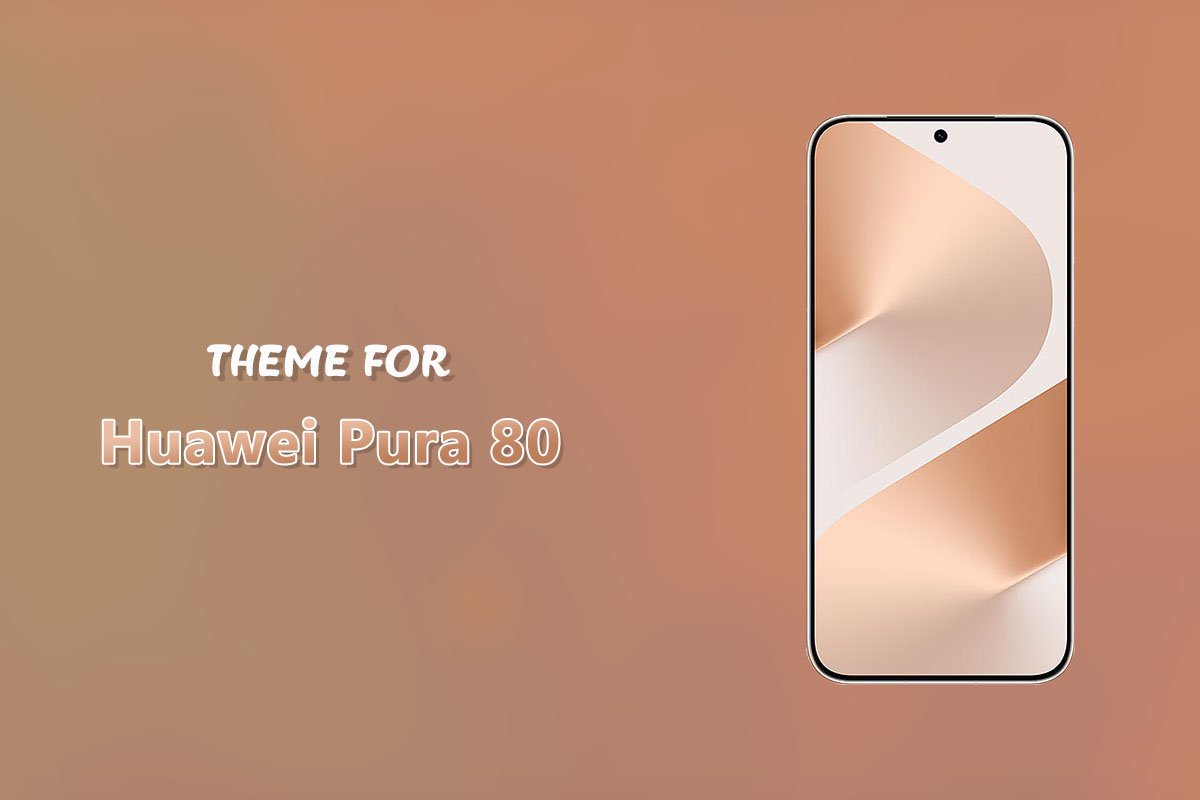
Give your mobile an incredible, next-generation upgrade with the Theme for Huawei Pura 80 app! This theme is meticulously crafted to deliver a complete visual and functional refresh, making your device feel brand new.
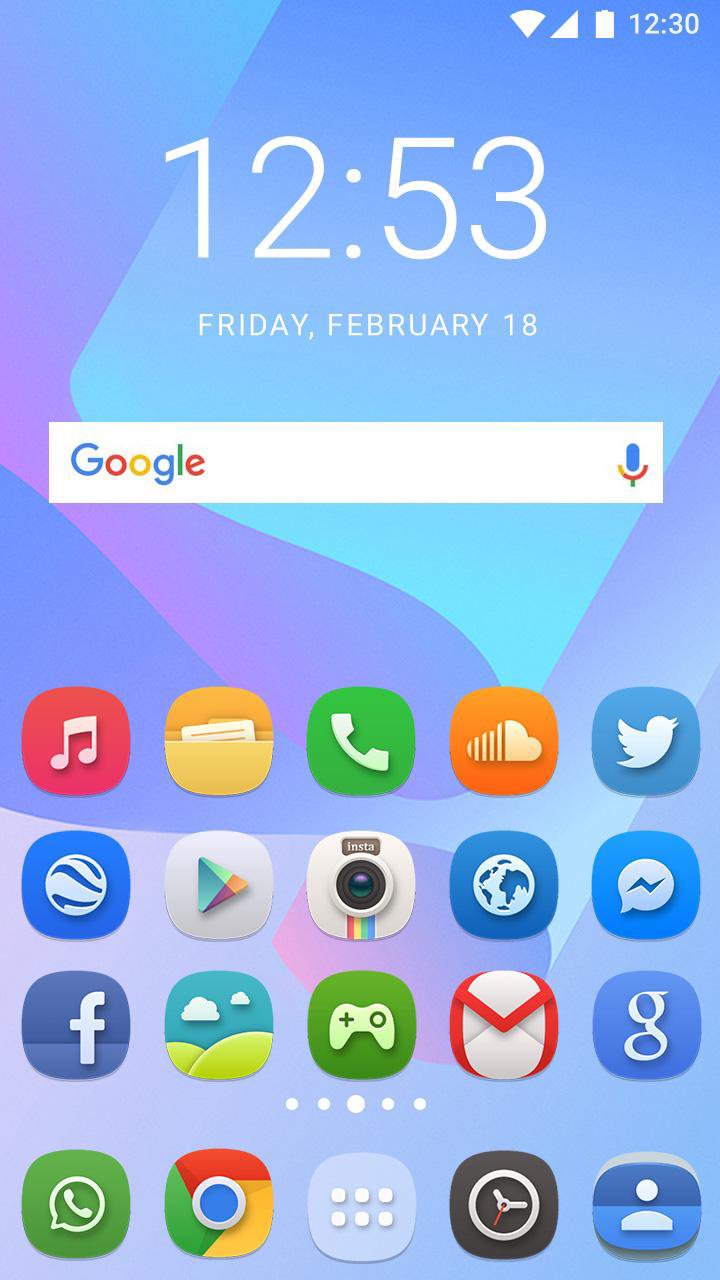
✨ Elevate Your Mobile Experience Stunning Visuals: Enjoy a beautifully customized interface with attractive and lavish HD wallpapers and a distinctive set of modern menu icons.
New Animations: Experience a complete transformation with stunning new animation styles that change the feel of your mobile UI interactions.
Efficient Interface: Our design brings an innovative look that makes the User Interface (UI) clear, efficient, and exceptionally stylish.
The Ultimate Refresh: If you're tired of your old-fashioned mobile screen, this is the perfect solution. Download this theme to get a heart-touching and attractive new look for your device.
🛠️ Seamless Integration with Top Launchers
This Theme App is an Android mobile theme that supports a wide range of popular launchers, allowing you to choose the experience you want. It includes stylish effects, gadgets, and comprehensive icon packs.
Supported Launchers:
Nova Launcher
Action Launcher
Smart Launcher
Apex Launcher
ADW Launcher
Holo Launcher and many more...
How to Use:
Download the Theme App.
Open the App and select your favorite Launcher from the comprehensive list.
Apply the desired Launcher to your device and enjoy the new, stylish UI.
You can also easily set any of the beautiful, included HD wallpapers directly from the stock selection.
Your Feedback is Valuable! We are committed to continuous improvement. Please download the app, share your precious reviews, and kindly rate us on the Play Store. Your feedback helps us further enhance our app. If anything is missing, please contact us via the Developer email address. Thanks and Regards!
Disclaimer:
This App is a customization tool and is not affiliated with or endorsed by the brand name mentioned in the title.
This App is also not affiliated with or endorsed by Android.
پیش نظارہ
ٹیگز
پرسنلائزیشنمعلومات
ڈویلپر
Launchers Mania
تازہ ترین ورژن
1.1.1
آخری تازہ کاری
2025-07-29
قسم
پرسنلائزیشن
پر دستیاب ہے۔
Google Play
مزید دکھائیں
پی سی پر گیم لوپ کے ساتھ Theme for Huawei Pura 80 کیسے کھیلا جائے۔
1. آفیشل ویب سائٹ سے گیم لوپ ڈاؤن لوڈ کریں، پھر گیم لوپ انسٹال کرنے کے لیے exe فائل چلائیں۔
2. گیم لوپ کھولیں اور "Theme for Huawei Pura 80" تلاش کریں، تلاش کے نتائج میں Theme for Huawei Pura 80 تلاش کریں اور "انسٹال کریں" پر کلک کریں۔
3. گیم لوپ پر Theme for Huawei Pura 80 کھیلنے کا لطف اٹھائیں۔
Minimum requirements
OS
Windows 8.1 64-bit or Windows 10 64-bit
GPU
GTX 1050
CPU
i3-8300
Memory
8GB RAM
Storage
1GB available space
Recommended requirements
OS
Windows 8.1 64-bit or Windows 10 64-bit
GPU
GTX 1050
CPU
i3-9320
Memory
16GB RAM
Storage
1GB available space