
LWP+ - Live Wallpaper Plus PC
AndroidDeveloperLB
گیم لوپ ایمولیٹر کے ساتھ PC پر LWP+ - Live Wallpaper Plus ڈاؤن لوڈ کریں۔
پی سی پر LWP+ - Live Wallpaper Plus
LWP+ - Live Wallpaper Plus، جو ڈویلپر AndroidDeveloperLB سے آرہا ہے، ماضی میں اینڈرائیڈ سسٹم پر چل رہا ہے۔
اب، آپ پی سی پر LWP+ - Live Wallpaper Plus آسانی سے GameLoop کے ساتھ چلا سکتے ہیں۔
اسے GameLoop لائبریری یا تلاش کے نتائج میں ڈاؤن لوڈ کریں۔ مزید غلط وقت پر بیٹری یا مایوس کن کالوں پر نظر نہیں ڈالی جائے گی۔
بس بڑی سکرین پر LWP+ - Live Wallpaper Plus PC کا مفت میں لطف اٹھائیں!
LWP+ - Live Wallpaper Plus تعارف
With this app you can choose to use any wallpaper you wish, and still have some control of the dynamic colors, independent on what your wallpaper has!
Features :
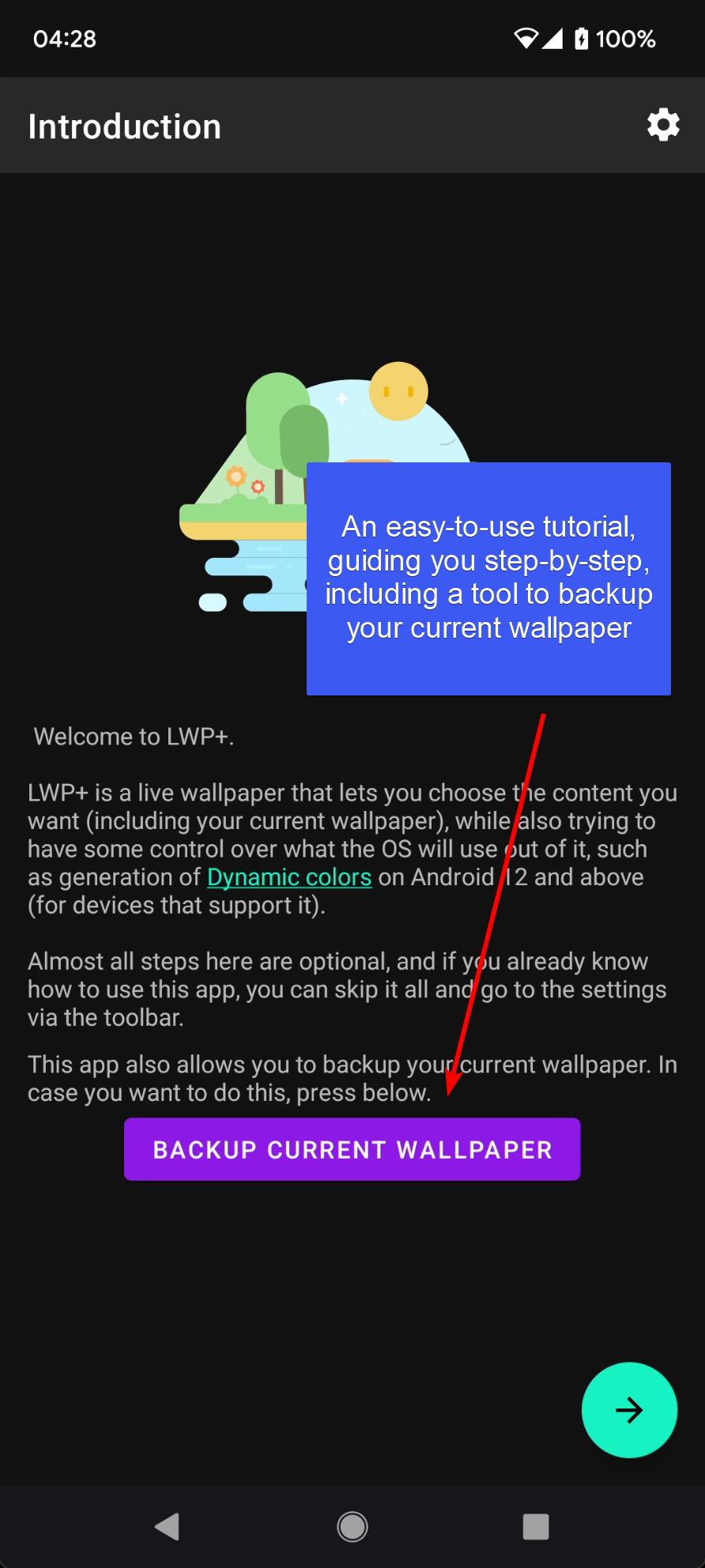
1. A tutorial explaining you how to use it, including about Dynamic colors.
2. Choose the content (image/animation).
3. Choose what to do on double-tap : lock device or turn off display.
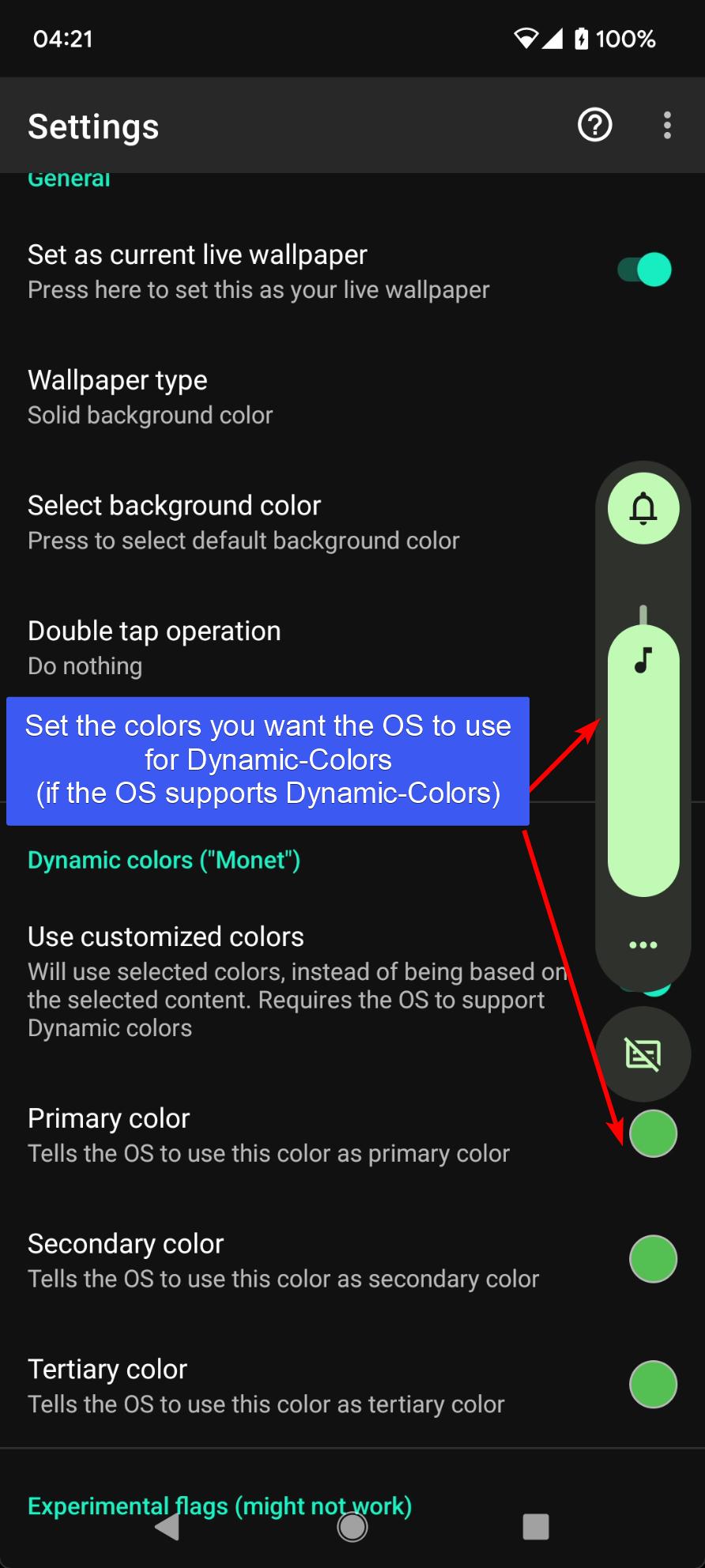
4. Choose the colors to request the OS to generate Dynamic colors from.
5. Some experimental flags.
Notes:
- It works by hosting your wallpaper inside itself, as it's a live wallpaper app.
- If you set the app as a live wallpaper app, it means you can't use another live wallpaper app that shows its content, within it. Only one live wallpaper app can be active. This is how Android works. I can't do anything about it.
You can still choose any other wallpaper for the lock-screen, though, instead of this one.
- For Dynamic colors to do anything, the OS must support it. If the OS doesn't support it, there is nothing I can do about it.
- The app's usage of accessibility is only for its feature of locking the screen, and does not collect any information and does not send any information.
For more information, questions and answers, visit the website.
پیش نظارہ
ٹیگز
پرسنلائزیشنمعلومات
ڈویلپر
AndroidDeveloperLB
تازہ ترین ورژن
3.42
آخری تازہ کاری
2025-10-20
قسم
پرسنلائزیشن
پر دستیاب ہے۔
Google Play
مزید دکھائیں
پی سی پر گیم لوپ کے ساتھ LWP+ - Live Wallpaper Plus کیسے کھیلا جائے۔
1. آفیشل ویب سائٹ سے گیم لوپ ڈاؤن لوڈ کریں، پھر گیم لوپ انسٹال کرنے کے لیے exe فائل چلائیں۔
2. گیم لوپ کھولیں اور "LWP+ - Live Wallpaper Plus" تلاش کریں، تلاش کے نتائج میں LWP+ - Live Wallpaper Plus تلاش کریں اور "انسٹال کریں" پر کلک کریں۔
3. گیم لوپ پر LWP+ - Live Wallpaper Plus کھیلنے کا لطف اٹھائیں۔
Minimum requirements
OS
Windows 8.1 64-bit or Windows 10 64-bit
GPU
GTX 1050
CPU
i3-8300
Memory
8GB RAM
Storage
1GB available space
Recommended requirements
OS
Windows 8.1 64-bit or Windows 10 64-bit
GPU
GTX 1050
CPU
i3-9320
Memory
16GB RAM
Storage
1GB available space