
Icon Changer - Walls & Widgets PC
Lutech Ltd
گیم لوپ ایمولیٹر کے ساتھ PC پر Icon Changer - Walls & Widgets ڈاؤن لوڈ کریں۔
پی سی پر Icon Changer - Walls & Widgets
Icon Changer - Walls & Widgets، جو ڈویلپر Lutech Ltd سے آرہا ہے، ماضی میں اینڈرائیڈ سسٹم پر چل رہا ہے۔
اب، آپ پی سی پر Icon Changer - Walls & Widgets آسانی سے GameLoop کے ساتھ چلا سکتے ہیں۔
اسے GameLoop لائبریری یا تلاش کے نتائج میں ڈاؤن لوڈ کریں۔ مزید غلط وقت پر بیٹری یا مایوس کن کالوں پر نظر نہیں ڈالی جائے گی۔
بس بڑی سکرین پر Icon Changer - Walls & Widgets PC کا مفت میں لطف اٹھائیں!
Icon Changer - Walls & Widgets تعارف
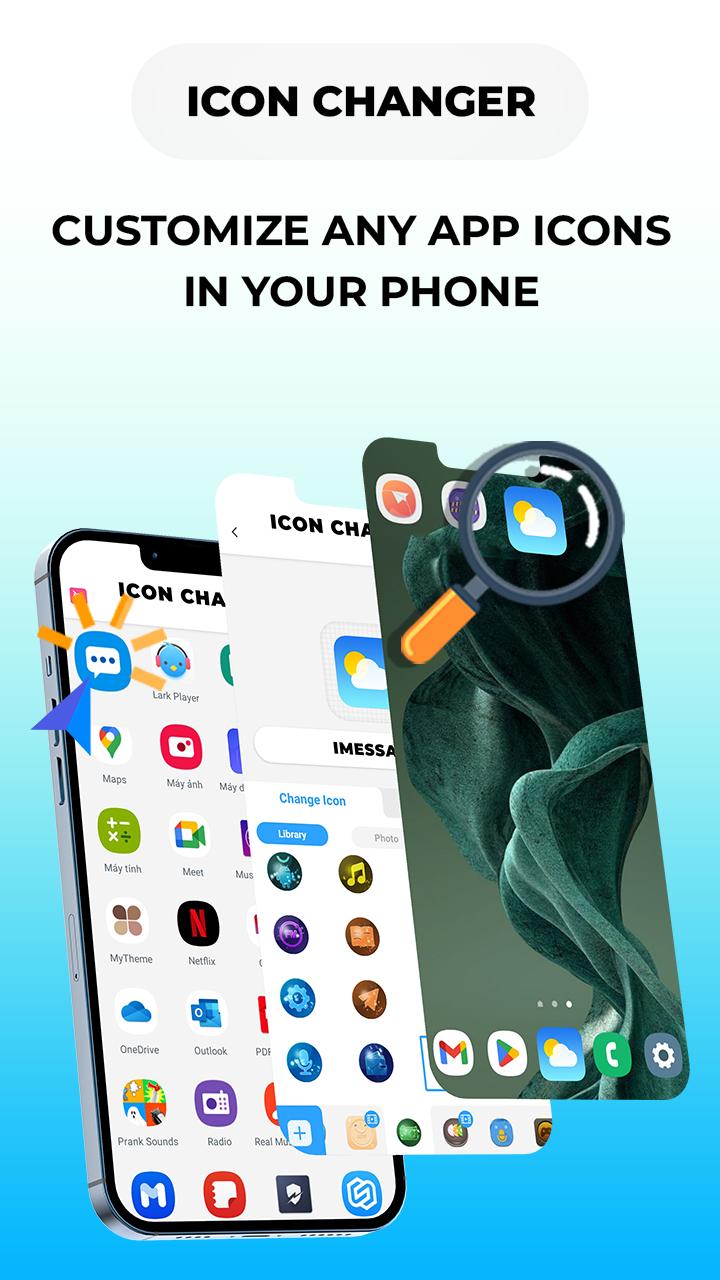
Icon Changer: Change App Icons: Easy to make your own home screen!
Are you tired of looking at old app icons on your phone or do you want to hide app icons? Do you want to add a little personality to your device? Look no further than Icon Changer - App Icons Customizer.
Discover why this is the Best Icon Changer App👇👇👇
KEY FEATURE OF ICON CHANGER
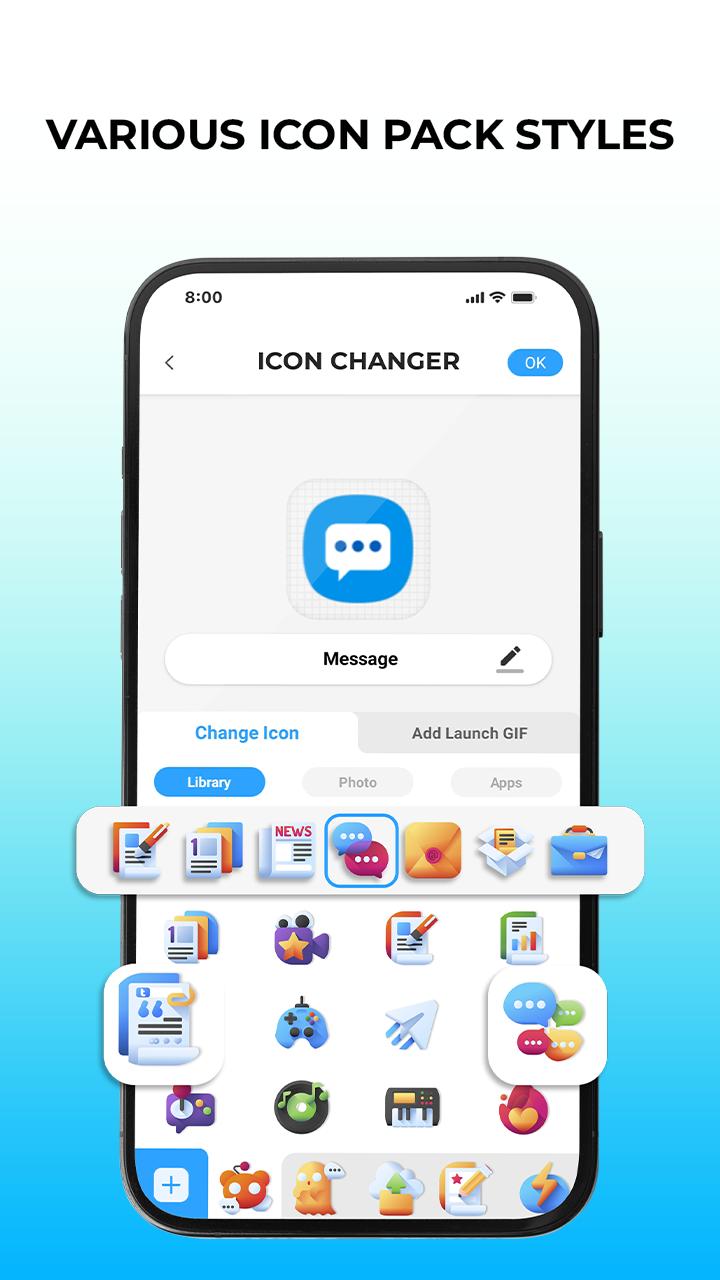
🌈 Set new icon from icon pack
Free Icon Changer & App Icon Modifications offers a wide variety of beautifully designed icons pack, themes to change and customize icons to favicon according to your personality and interests, and app icon changer that will make your home screen look aesthetic and make it easy to distinguish similar apps.
🌆 Set new icon from photo gallery
With the custom icons feature, you can set your own photo with replacement for the app's original icon images by choosing your favorite pictures and photos from the album to change app icons and lots of personalized icon pack to decorate your android phone interface.
📲 Set new icon from another app icons
Especially in this aesthetic Icon Changer, you can freely change icons app to another app icons in your phone such as social media icons pattern (convert whatsapp icons pattern to facebook icons pattern). This makes you look more unique. Well, it can help you disguise icon apps that you don't want others to click on.
⭐ Best App Icon Themer
Free Icon Changer App provides a wealth of app icon sets, themes in different styles to every taste: naruto, anime icon maker, flowers, aesthetics, fresh, sci-fi, landscape, cute cat, universe, liveliness, neon and many more. Inside these free icon pack are 1000+ Customize App Icon Changer, wallpapers and widgets waiting for you to discover!
In addition, App Icon Changer Pro support:
- Modifying app name for any apps.
- Add GIF maker to play an interesting GIF animation of a free app icons editor: happy birthday gif, good morning gif, kiss gif, merry christmas gif, meme gif, etc.
- Avoid Watermark Icons: Change app icons without any watermarks using widget technology.
*How to use:
1. Download Icon Changer & App Icon Pack.
2. Choose an app to change icon.
3. Select a new icon pattern from built-in best icon pack library, your photo gallery or convert icons app to another app icons.
4. Change app name for the app (if you want).
5. Go to the home screen to see the new app icons shortcut.
5. Add interesting GIF animation to set icons animated when launching (if you want).
Beautiful icons themes come in different colors and styles that are designed to help you feel happier, reduce stress, and fight fatigue in your daily life. We believe that an aesthetic phone can not only look better but also have a positive impact on your overall well-being.
Just Download Icon Changer & App Icon Pack Android now, goodbye to depleting screen!👋
💌Contact: teammarketing@lutech.ltd
پیش نظارہ
ٹیگز
پرسنلائزیشنمعلومات
ڈویلپر
Lutech Ltd
تازہ ترین ورژن
16.0
آخری تازہ کاری
2024-01-15
قسم
پرسنلائزیشن
پر دستیاب ہے۔
Google Play
مزید دکھائیں
پی سی پر گیم لوپ کے ساتھ Icon Changer - Walls & Widgets کیسے کھیلا جائے۔
1. آفیشل ویب سائٹ سے گیم لوپ ڈاؤن لوڈ کریں، پھر گیم لوپ انسٹال کرنے کے لیے exe فائل چلائیں۔
2. گیم لوپ کھولیں اور "Icon Changer - Walls & Widgets" تلاش کریں، تلاش کے نتائج میں Icon Changer - Walls & Widgets تلاش کریں اور "انسٹال کریں" پر کلک کریں۔
3. گیم لوپ پر Icon Changer - Walls & Widgets کھیلنے کا لطف اٹھائیں۔
Minimum requirements
OS
Windows 8.1 64-bit or Windows 10 64-bit
GPU
GTX 1050
CPU
i3-8300
Memory
8GB RAM
Storage
1GB available space
Recommended requirements
OS
Windows 8.1 64-bit or Windows 10 64-bit
GPU
GTX 1050
CPU
i3-9320
Memory
16GB RAM
Storage
1GB available space