DashClock Widget PC
Roman Nurik and Ian Lake
گیم لوپ ایمولیٹر کے ساتھ PC پر DashClock Widget ڈاؤن لوڈ کریں۔
پی سی پر DashClock Widget
DashClock Widget، جو ڈویلپر Roman Nurik and Ian Lake سے آرہا ہے، ماضی میں اینڈرائیڈ سسٹم پر چل رہا ہے۔
اب، آپ پی سی پر DashClock Widget آسانی سے GameLoop کے ساتھ چلا سکتے ہیں۔
اسے GameLoop لائبریری یا تلاش کے نتائج میں ڈاؤن لوڈ کریں۔ مزید غلط وقت پر بیٹری یا مایوس کن کالوں پر نظر نہیں ڈالی جائے گی۔
بس بڑی سکرین پر DashClock Widget PC کا مفت میں لطف اٹھائیں!
DashClock Widget تعارف
** NOTE: this app is no longer being maintained. **
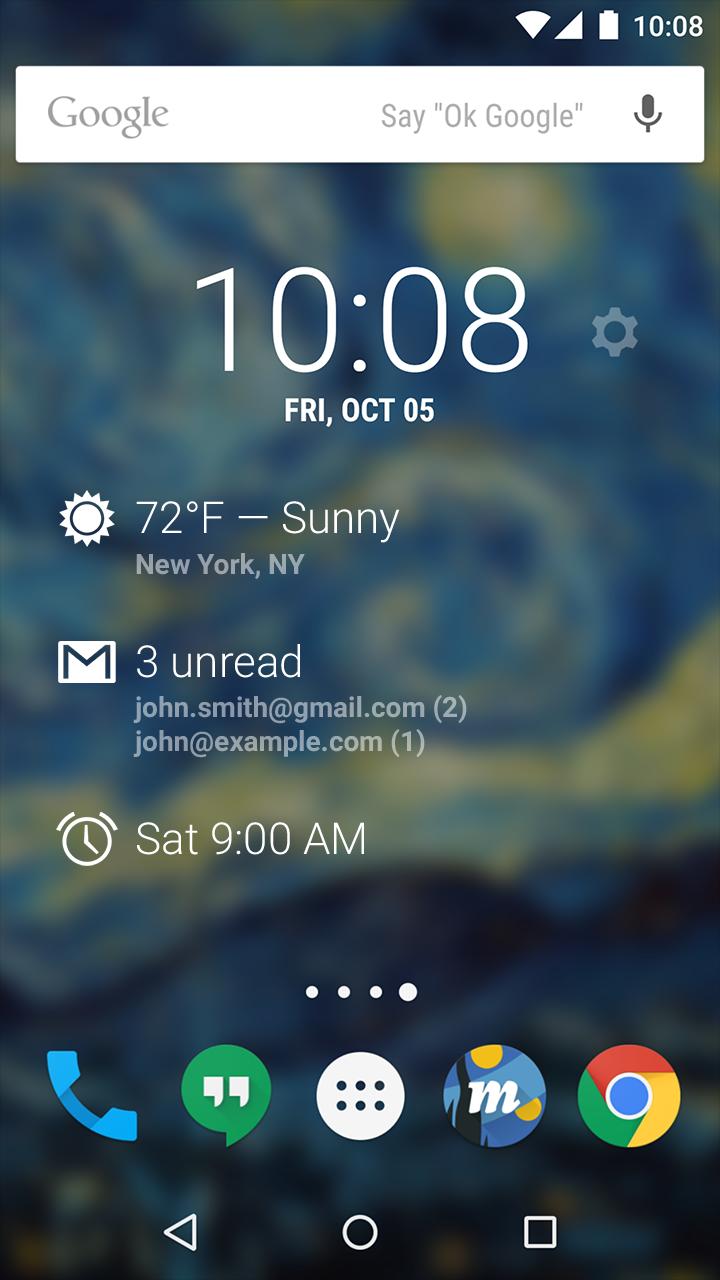
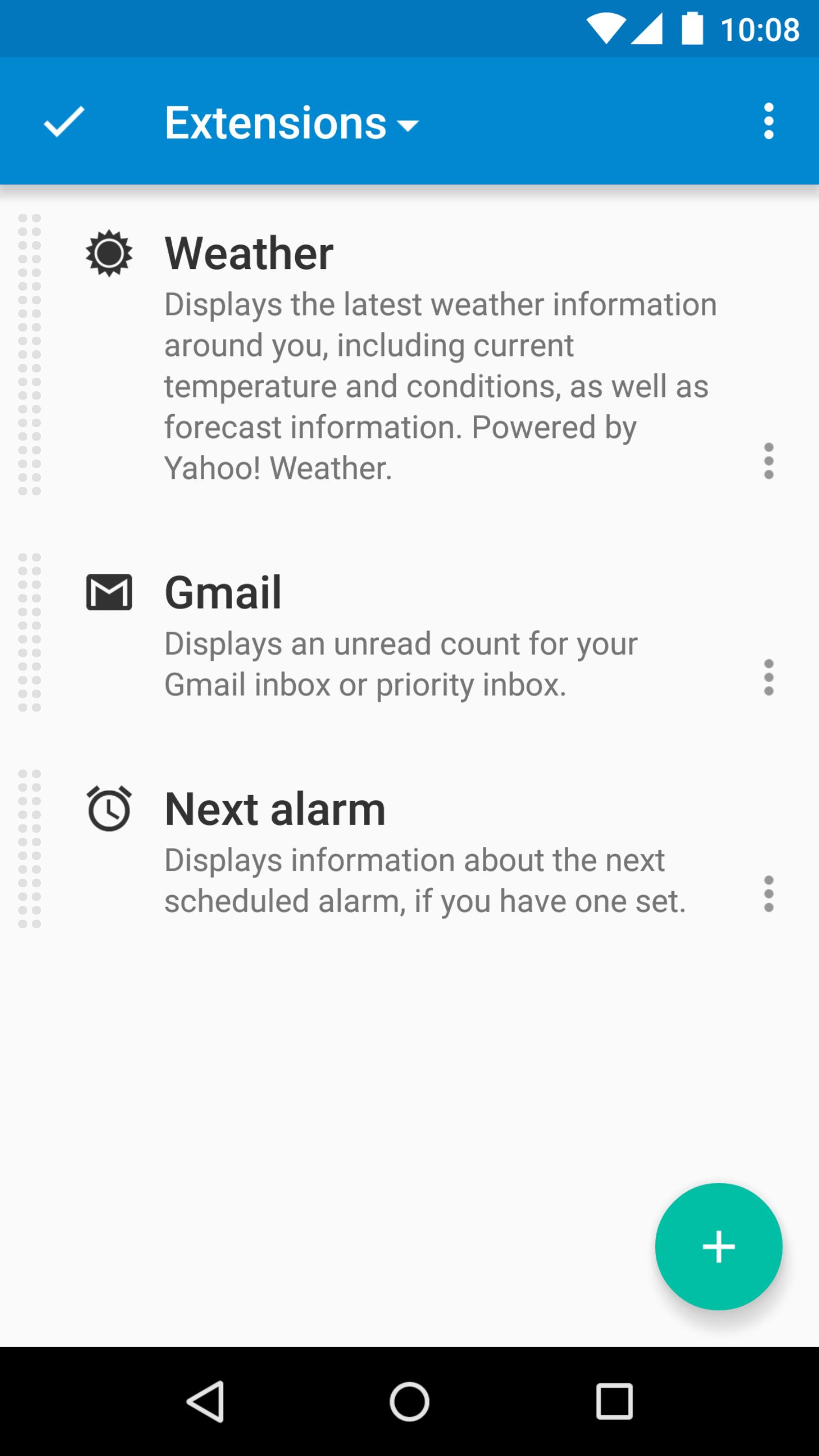
DashClock is a home screen clock widget for Android 4.2+ phones and tablets, with lock screen support for Android 4.2-4.4. It also exposes additional status items called extensions. The widget comes bundled with extensions that give you instant access to:
• Your current local weather
• Missed calls and unread text messages
• Your next calendar appointment
• Unread Gmail inbox or priority inbox conversations
• Your next scheduled alarm
To add the widget to your Android 4.2 device's lock screen, first make sure that "Enable widgets" is turned on in your security settings. Then, simply swipe to the left-most page of your lock screen and touch the "+" icon. Finally, select "DashClock" to customize and add the widget. You can make this the primary lock screen widget, replacing the default clock, by first touching-and-holding it and then dragging it horizontally to the very rightmost position.
Developers: DashClock is extensible! Visit the open source project at https://github.com/romannurik/dashclock to learn more or just check out the source.
پیش نظارہ
معلومات
ڈویلپر
Roman Nurik and Ian Lake
تازہ ترین ورژن
1.7.2
آخری تازہ کاری
2016-05-11
قسم
پرسنلائزیشن
پر دستیاب ہے۔
Google Play
مزید دکھائیں
پی سی پر گیم لوپ کے ساتھ DashClock Widget کیسے کھیلا جائے۔
1. آفیشل ویب سائٹ سے گیم لوپ ڈاؤن لوڈ کریں، پھر گیم لوپ انسٹال کرنے کے لیے exe فائل چلائیں۔
2. گیم لوپ کھولیں اور "DashClock Widget" تلاش کریں، تلاش کے نتائج میں DashClock Widget تلاش کریں اور "انسٹال کریں" پر کلک کریں۔
3. گیم لوپ پر DashClock Widget کھیلنے کا لطف اٹھائیں۔
Minimum requirements
OS
Windows 8.1 64-bit or Windows 10 64-bit
GPU
GTX 1050
CPU
i3-8300
Memory
8GB RAM
Storage
1GB available space
Recommended requirements
OS
Windows 8.1 64-bit or Windows 10 64-bit
GPU
GTX 1050
CPU
i3-9320
Memory
16GB RAM
Storage
1GB available space