Black Wallpapers 4K AMOLED PC
Walloop
گیم لوپ ایمولیٹر کے ساتھ PC پر Black Wallpapers 4K AMOLED ڈاؤن لوڈ کریں۔
پی سی پر Black Wallpapers 4K AMOLED
Black Wallpapers 4K AMOLED، جو ڈویلپر Walloop سے آرہا ہے، ماضی میں اینڈرائیڈ سسٹم پر چل رہا ہے۔
اب، آپ پی سی پر Black Wallpapers 4K AMOLED آسانی سے GameLoop کے ساتھ چلا سکتے ہیں۔
اسے GameLoop لائبریری یا تلاش کے نتائج میں ڈاؤن لوڈ کریں۔ مزید غلط وقت پر بیٹری یا مایوس کن کالوں پر نظر نہیں ڈالی جائے گی۔
بس بڑی سکرین پر Black Wallpapers 4K AMOLED PC کا مفت میں لطف اٹھائیں!
Black Wallpapers 4K AMOLED تعارف
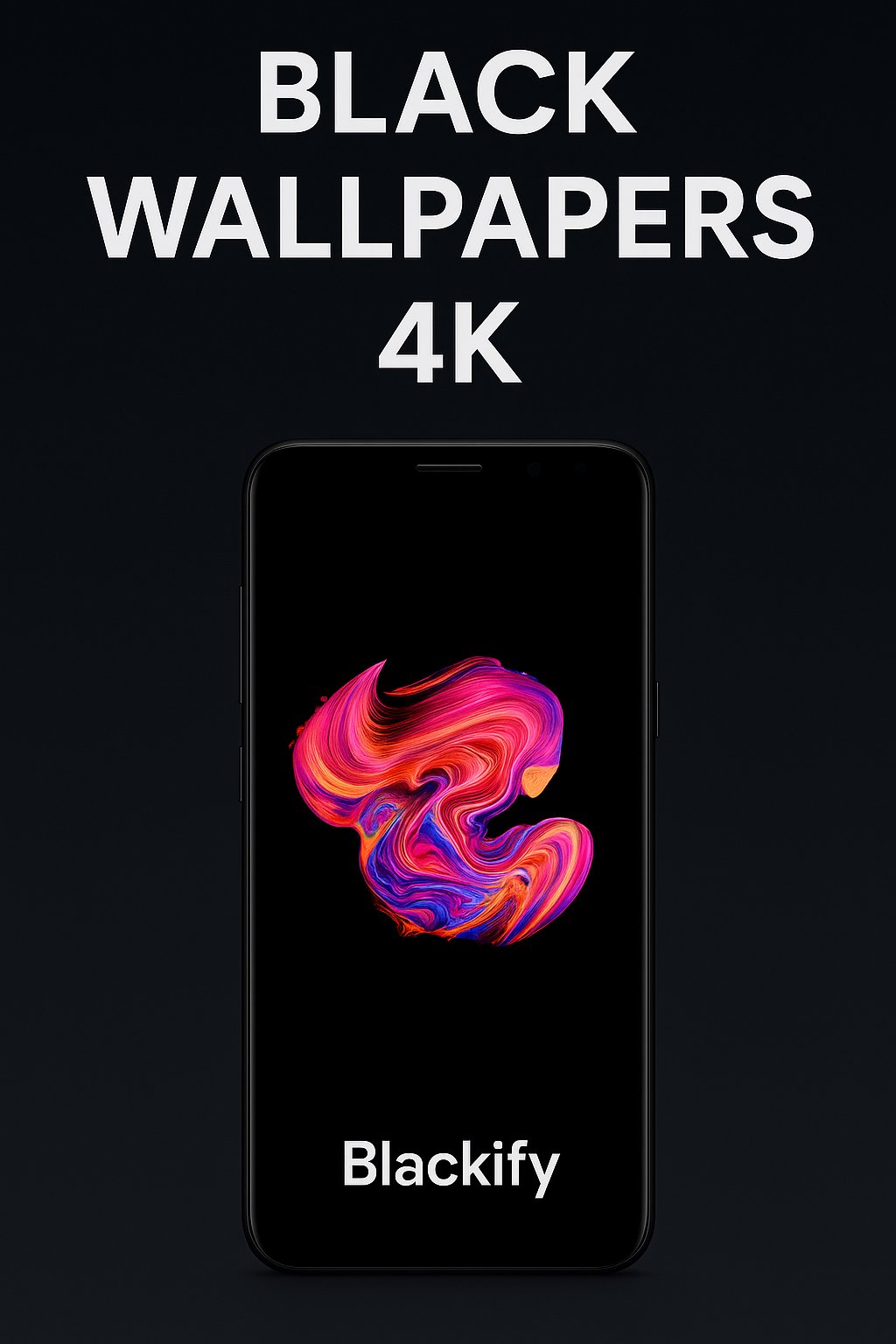
Blackify – Black Wallpapers 4K & AMOLED Backgrounds
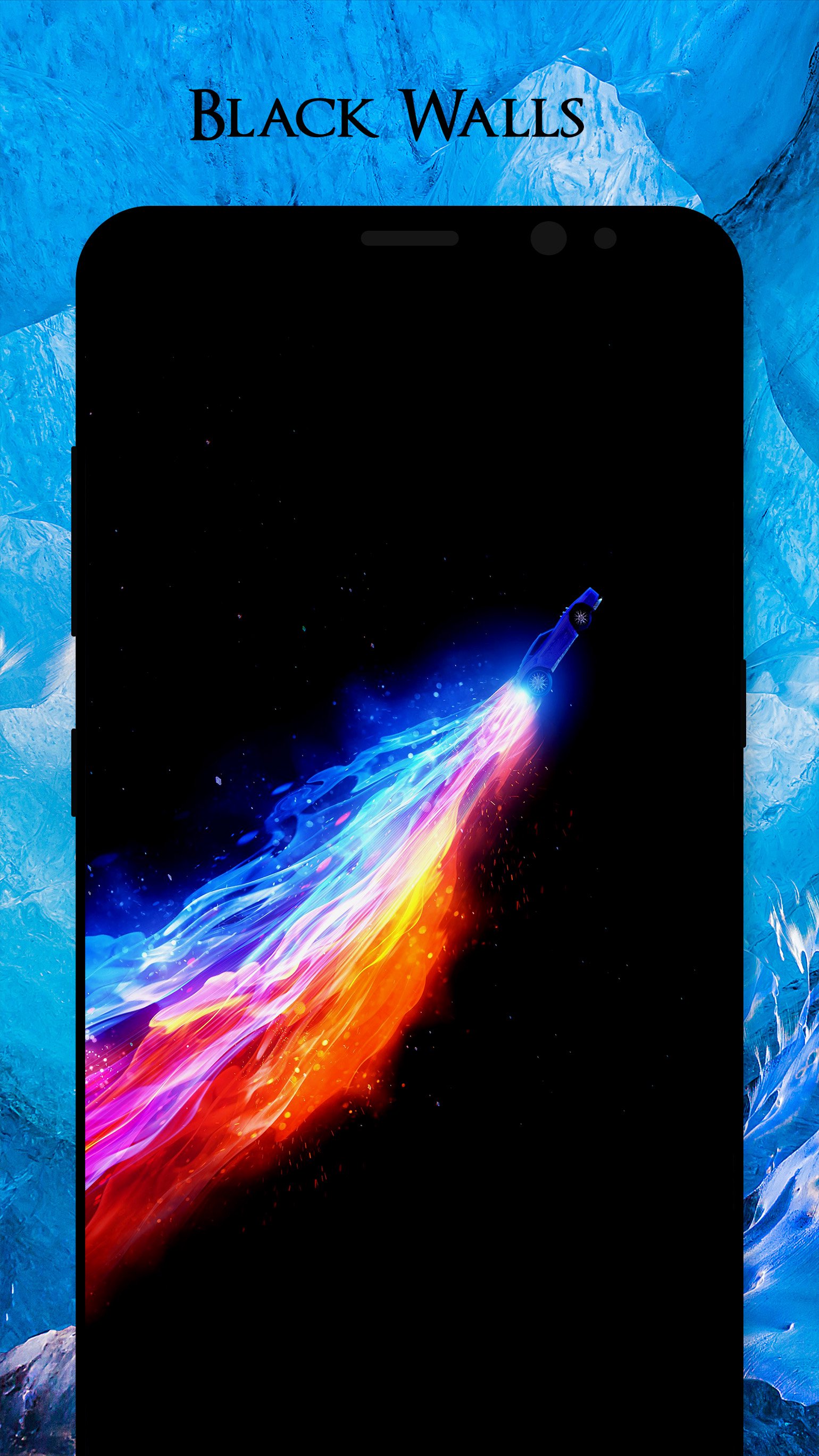
Blackify is a modern Android app for smartphones and tablets that offers a premium selection of black wallpapers, dark backgrounds, and AMOLED 4K images. Perfect for Super AMOLED or OLED screens, every wallpaper is designed to look stunning and help save battery on dark displays.
With Blackify, you can easily set wallpapers, save them, or share with friends via WhatsApp, Facebook, Telegram, or Twitter.
🔥 Features:
Simple & Fast UI – clean and easy to use.
HD & 4K Quality – only high-resolution black wallpapers.
Battery Saver – darker wallpapers reduce energy consumption.
Free Download – enjoy all wallpapers at no cost.
Regular Updates – new black & dark wallpapers added often.
Save & Share – store wallpapers on your device or share instantly.
🎨 Why choose Blackify?
Optimized for all popular resolutions: 2160x3840, 1440x2560, 1080x1920, 720x1280, 540x960, 480x800.
Works great on Samsung, Sony, LG, Huawei, Xiaomi, HTC, OnePlus, Asus, Lenovo and more.
Specially designed for AMOLED and OLED screens, with deep #000000 black tones.
📥 Download Blackify now and enjoy the best black wallpapers, dark backgrounds, and AMOLED 4K images to customize your Android device with style.
We’re always improving Blackify. Please send us your feedback or suggestions at luzapplications@gmail.com
so we can keep making it better for you.
پیش نظارہ
ٹیگز
پرسنلائزیشنمعلومات
ڈویلپر
Walloop
تازہ ترین ورژن
2.1
آخری تازہ کاری
2025-08-28
قسم
پرسنلائزیشن
پر دستیاب ہے۔
Google Play
مزید دکھائیں
پی سی پر گیم لوپ کے ساتھ Black Wallpapers 4K AMOLED کیسے کھیلا جائے۔
1. آفیشل ویب سائٹ سے گیم لوپ ڈاؤن لوڈ کریں، پھر گیم لوپ انسٹال کرنے کے لیے exe فائل چلائیں۔
2. گیم لوپ کھولیں اور "Black Wallpapers 4K AMOLED" تلاش کریں، تلاش کے نتائج میں Black Wallpapers 4K AMOLED تلاش کریں اور "انسٹال کریں" پر کلک کریں۔
3. گیم لوپ پر Black Wallpapers 4K AMOLED کھیلنے کا لطف اٹھائیں۔
Minimum requirements
OS
Windows 8.1 64-bit or Windows 10 64-bit
GPU
GTX 1050
CPU
i3-8300
Memory
8GB RAM
Storage
1GB available space
Recommended requirements
OS
Windows 8.1 64-bit or Windows 10 64-bit
GPU
GTX 1050
CPU
i3-9320
Memory
16GB RAM
Storage
1GB available space