BB Freebies for KLWP/KWGT/KLCK PC
BaconBits
گیم لوپ ایمولیٹر کے ساتھ PC پر BB Freebies for KLWP/KWGT/KLCK ڈاؤن لوڈ کریں۔
پی سی پر BB Freebies for KLWP/KWGT/KLCK
BB Freebies for KLWP/KWGT/KLCK، جو ڈویلپر BaconBits سے آرہا ہے، ماضی میں اینڈرائیڈ سسٹم پر چل رہا ہے۔
اب، آپ پی سی پر BB Freebies for KLWP/KWGT/KLCK آسانی سے GameLoop کے ساتھ چلا سکتے ہیں۔
اسے GameLoop لائبریری یا تلاش کے نتائج میں ڈاؤن لوڈ کریں۔ مزید غلط وقت پر بیٹری یا مایوس کن کالوں پر نظر نہیں ڈالی جائے گی۔
بس بڑی سکرین پر BB Freebies for KLWP/KWGT/KLCK PC کا مفت میں لطف اٹھائیں!
BB Freebies for KLWP/KWGT/KLCK تعارف
YOU NEED TO HAVE THE PRO VERSION OF KUSTOM KLWP INSTALLED ON YOUR PHONE TO USE THE WALLPAPERS/KOMPONENTS - https://goo.gl/UkHJ99
YOU NEED TO HAVE THE PRO VERSION OF KUSTOM KWGT INSTALLED ON YOUR PHONE TO USE THE WIDGETS - https://goo.gl/ABJVXq
YOU NEED TO HAVE THE PRO VERSION OF KUSTOM KLCK INSTALLED ON YOUR PHONE TO USE THE LOCKSCREEN PRESETS - https://goo.gl/ABJVXq
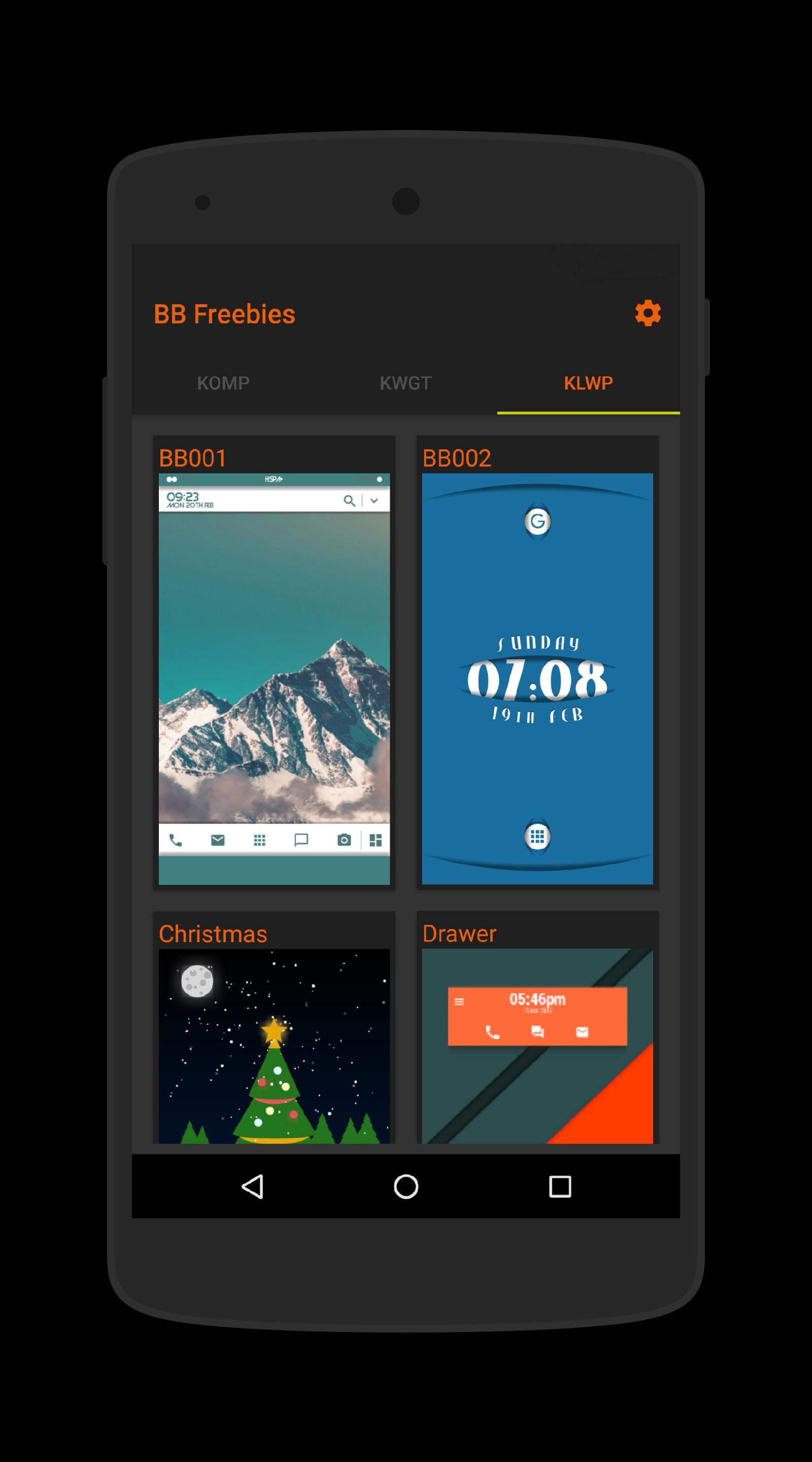
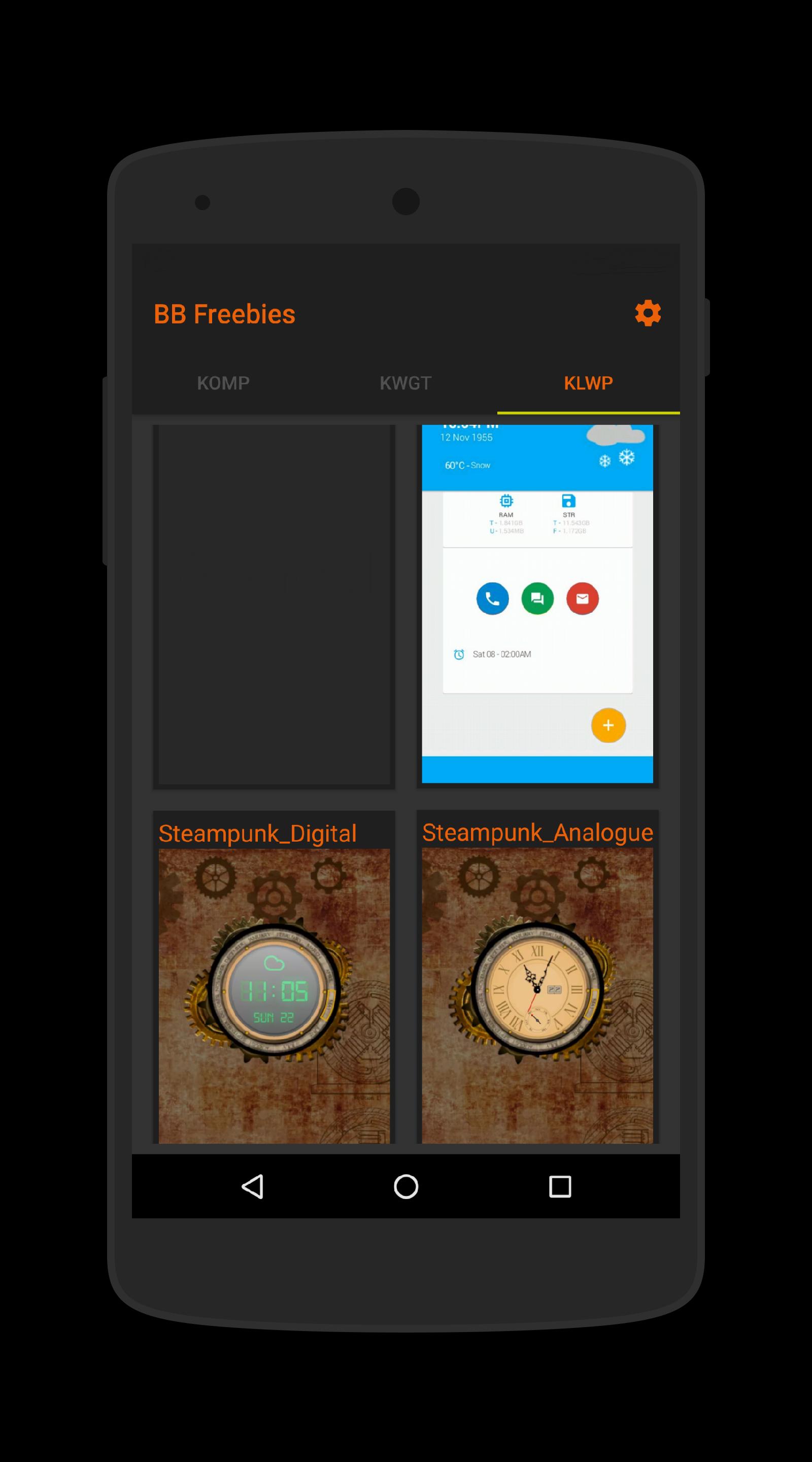
This is a kollection of all my freely shared Wallpaper Presets, Komponents, Widgets and Lockscreens for the Kustom KLWP, KWGT & KLCK apps
Twenty Seven Komponents, Fifteen Live Wallpapers, Three Widgets, Lockscreens and a number of Wallpaper Images
INSTRUCTIONS
- Make sure you have KLWP Pro and/or KWGT Pro and/or KLCK Pro installed
- Open the BB Freebies app and select one of the tabs 'KOMP', 'KLWP', 'KWGT', 'KLCK' or 'WALLS'
- For KLWP, KWGT & KLCK, tap on a preset and it will load it into the editor
- For KOMP, you must open KLWP, KWGT or KLCK then tap on + and select komponent
- Save the preset and return to your homescreen
Adding the presets and Komponents from within the KLWP/KWGT apps
Using a Live Wallpaper
- Open the Kustom KLWP app
- Tap on the Menu Icon
- Select Load Preset
- Tap on the Installed Tab
- Select BB Freebies
- Select one wallpapers you wish to use
- Tap the Save Icon
- Make Kustom the default wallpaper
- Return to homescreen
Using a komponent
- Open the Kustom KWLP app or KWGT app
- Load a preset or start a new one
- Tap the + icon
- Select BB Freebies
- Select the komponent you wish to use
- Tap on save icon
- Return to homescreen
Using a Widget
- Longpress on homescreen and select Widget
- Scroll down and select a KWGT widget
- Resize widget and tap on it
- KWGT app will open
- Select load preset from menu
- Tap on Installed and select BB Freebies
- Select the widget you which to use and press save
- Return to the homescreen
Using a Lockscreen
- Open the Kustom KLCK app
- Tap on the Menu Icon
- Select Load Preset
- Tap on the Installed Tab
- Select BB Freebies
- Select one of the Lockscreens you wish to use
- Tap the Menu Icon and switch on the toggle at the top of the Menu to enable KLCK
- Tap the Save Icon
- Press power button twice to lock and then unlock the device, KLCK screen will be displayed
Using a Wallpaper Image
- Tap on an image to preview
- Tap the save icon to download to your device
- Tap the Tick Icon to set it as your wallpaper (This will remove the KLWP Live Wallpaper if you have one set)
NEW PERMISSIONS ARE FOR ACCESS TO THE INTERNET TO BE ABLE TO LOAD/SET/DOWNLOAD THE WALLPAPER IMAGES
If you have any queries, please email me instead of leaving 1* reviews
Enjoy & Thankyou
Find me on Reddit - https://www.reddit.com/user/BaconBitsNI/
or Twitter - https://twitter.com/baconbitskustom
for more Bacon
پیش نظارہ
ٹیگز
پرسنلائزیشنمعلومات
ڈویلپر
BaconBits
تازہ ترین ورژن
3.3
آخری تازہ کاری
2021-07-17
قسم
پرسنلائزیشن
پر دستیاب ہے۔
Google Play
مزید دکھائیں
پی سی پر گیم لوپ کے ساتھ BB Freebies for KLWP/KWGT/KLCK کیسے کھیلا جائے۔
1. آفیشل ویب سائٹ سے گیم لوپ ڈاؤن لوڈ کریں، پھر گیم لوپ انسٹال کرنے کے لیے exe فائل چلائیں۔
2. گیم لوپ کھولیں اور "BB Freebies for KLWP/KWGT/KLCK" تلاش کریں، تلاش کے نتائج میں BB Freebies for KLWP/KWGT/KLCK تلاش کریں اور "انسٹال کریں" پر کلک کریں۔
3. گیم لوپ پر BB Freebies for KLWP/KWGT/KLCK کھیلنے کا لطف اٹھائیں۔
Minimum requirements
OS
Windows 8.1 64-bit or Windows 10 64-bit
GPU
GTX 1050
CPU
i3-8300
Memory
8GB RAM
Storage
1GB available space
Recommended requirements
OS
Windows 8.1 64-bit or Windows 10 64-bit
GPU
GTX 1050
CPU
i3-9320
Memory
16GB RAM
Storage
1GB available space