
Device Info Tool: System Scan PC
ThemesJoy
گیم لوپ ایمولیٹر کے ساتھ PC پر Device Info Tool: System Scan ڈاؤن لوڈ کریں۔
پی سی پر Device Info Tool: System Scan
Device Info Tool: System Scan، جو ڈویلپر ThemesJoy سے آرہا ہے، ماضی میں اینڈرائیڈ سسٹم پر چل رہا ہے۔
اب، آپ پی سی پر Device Info Tool: System Scan آسانی سے GameLoop کے ساتھ چلا سکتے ہیں۔
اسے GameLoop لائبریری یا تلاش کے نتائج میں ڈاؤن لوڈ کریں۔ مزید غلط وقت پر بیٹری یا مایوس کن کالوں پر نظر نہیں ڈالی جائے گی۔
بس بڑی سکرین پر Device Info Tool: System Scan PC کا مفت میں لطف اٹھائیں!
Device Info Tool: System Scan تعارف
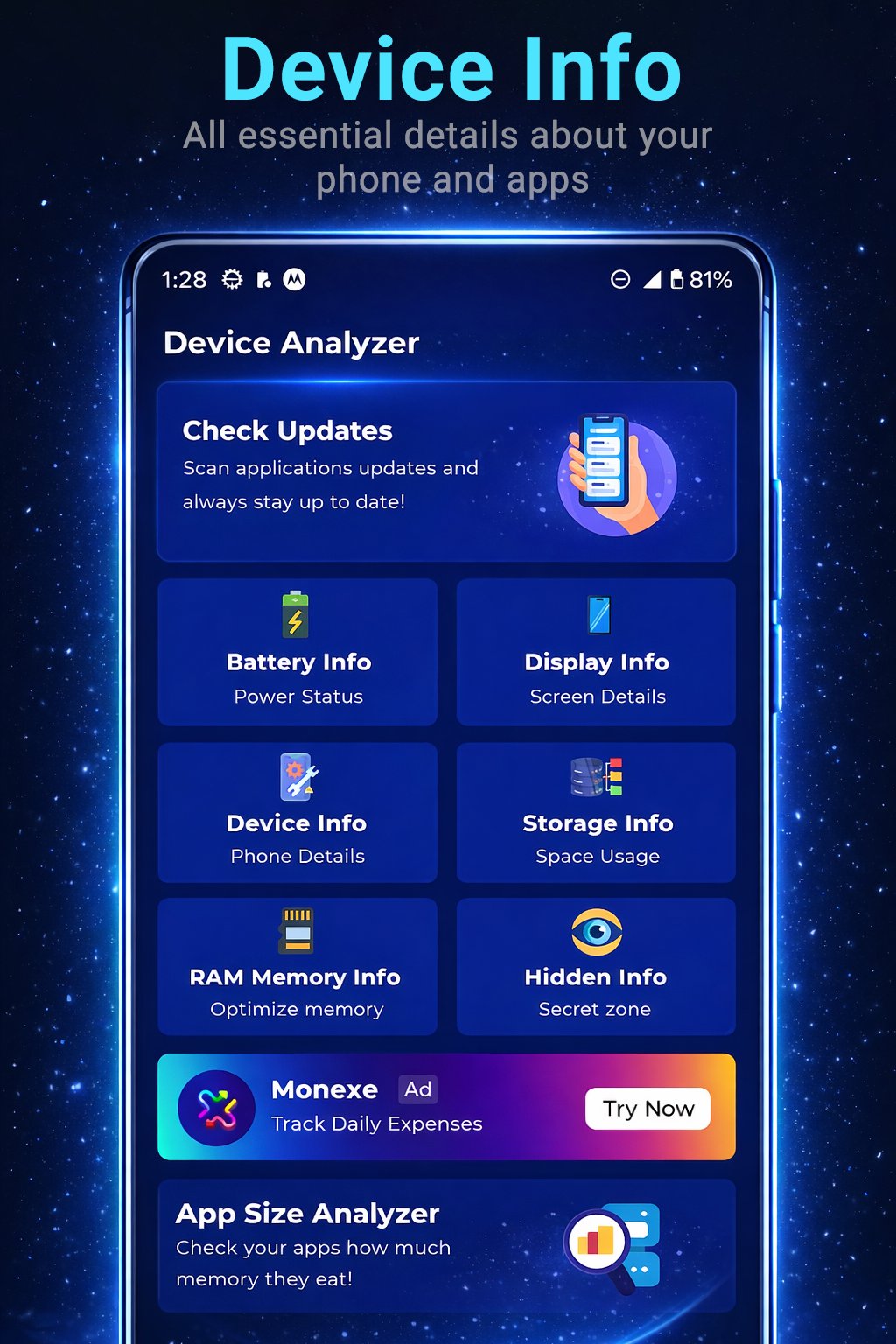
Ever wondered exactly what’s happening under the hood of your phone? Device Info Tool: System Scan is your comprehensive digital assistant, providing a detailed real-time X-ray of your hardware and software.
Whether you're a tech enthusiast or just want to monitor your battery health, our app puts all the technical data at your fingertips through a clean and intuitive interface.
🚀 Key Features:
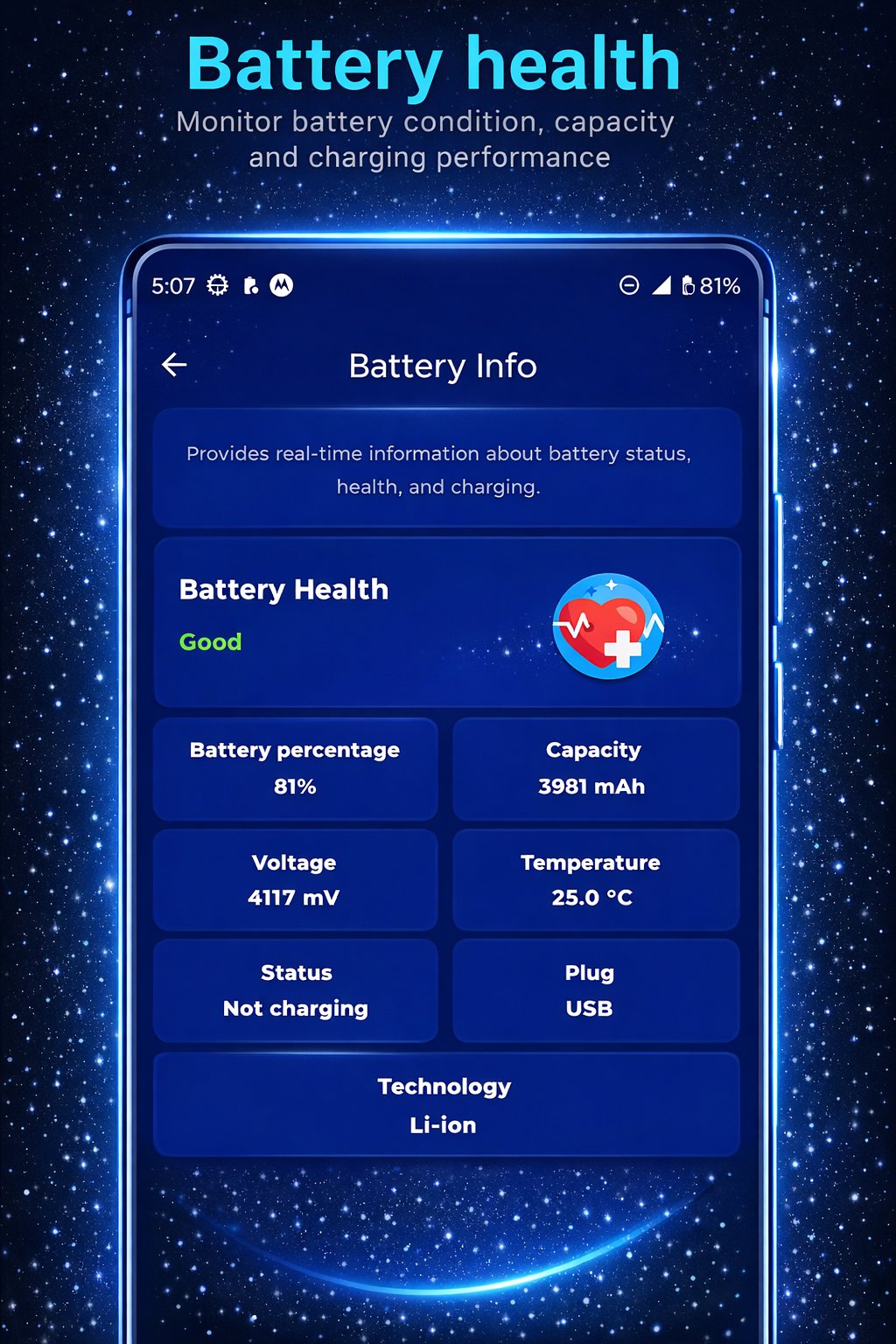
🔋 Battery Monitor: Check charge levels, battery health, temperature, voltage, and capacity (mAh).
🖥️ Display Info: Find out exact resolution, pixel density (DPI), refresh rate (Hz), and screen technology.
⚙️ System Info: Get deep insights into your model, manufacturer, Android version, security patch level, and CPU specifications.
💾 Storage & RAM Management: View real-time storage availability and track how your RAM is being utilized by the system.
🔍 Apps Analyzer & Updates: Scan installed apps, analyze their permissions, and quickly check for available updates to keep your phone secure.
📟 Hidden Commands: Access secret menus and Android diagnostic codes that manufacturers usually keep hidden.
💡 Why Choose Device Info Tool?
User-Friendly: Seamless navigation between all technical categories.
Lightweight: Small footprint that won't drain your resources or slow down your device.
Precise Data: Information pulled directly from the device kernel for maximum accuracy.
🛠️ Technical Note
Some "Hidden Commands" (secret codes) depend on the device manufacturer (Samsung, Xiaomi, Pixel, etc.) and may not be accessible on all models.
پیش نظارہ
ٹیگز
پرسنلائزیشنمعلومات
ڈویلپر
ThemesJoy
تازہ ترین ورژن
4.0
آخری تازہ کاری
2026-02-14
قسم
پرسنلائزیشن
پر دستیاب ہے۔
Google Play
مزید دکھائیں
پی سی پر گیم لوپ کے ساتھ Device Info Tool: System Scan کیسے کھیلا جائے۔
1. آفیشل ویب سائٹ سے گیم لوپ ڈاؤن لوڈ کریں، پھر گیم لوپ انسٹال کرنے کے لیے exe فائل چلائیں۔
2. گیم لوپ کھولیں اور "Device Info Tool: System Scan" تلاش کریں، تلاش کے نتائج میں Device Info Tool: System Scan تلاش کریں اور "انسٹال کریں" پر کلک کریں۔
3. گیم لوپ پر Device Info Tool: System Scan کھیلنے کا لطف اٹھائیں۔
Minimum requirements
OS
Windows 8.1 64-bit or Windows 10 64-bit
GPU
GTX 1050
CPU
i3-8300
Memory
8GB RAM
Storage
1GB available space
Recommended requirements
OS
Windows 8.1 64-bit or Windows 10 64-bit
GPU
GTX 1050
CPU
i3-9320
Memory
16GB RAM
Storage
1GB available space