Aycon (Icon & Shortcut Editor) PC
ts-apps
گیم لوپ ایمولیٹر کے ساتھ PC پر Aycon (Icon & Shortcut Editor) ڈاؤن لوڈ کریں۔
پی سی پر Aycon (Icon & Shortcut Editor)
Aycon (Icon & Shortcut Editor)، جو ڈویلپر ts-apps سے آرہا ہے، ماضی میں اینڈرائیڈ سسٹم پر چل رہا ہے۔
اب، آپ پی سی پر Aycon (Icon & Shortcut Editor) آسانی سے GameLoop کے ساتھ چلا سکتے ہیں۔
اسے GameLoop لائبریری یا تلاش کے نتائج میں ڈاؤن لوڈ کریں۔ مزید غلط وقت پر بیٹری یا مایوس کن کالوں پر نظر نہیں ڈالی جائے گی۔
بس بڑی سکرین پر Aycon (Icon & Shortcut Editor) PC کا مفت میں لطف اٹھائیں!
Aycon (Icon & Shortcut Editor) تعارف
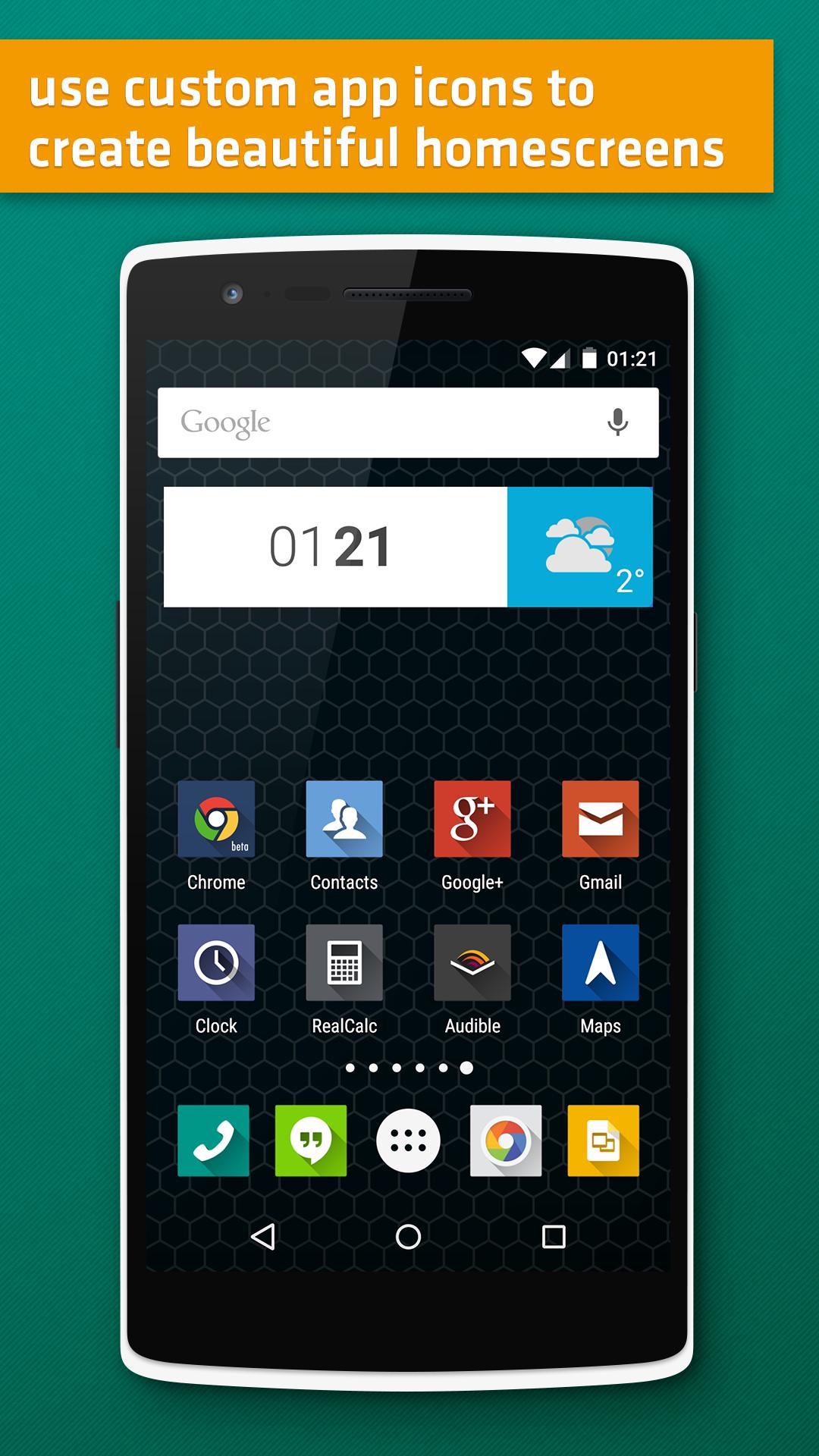
With Aycon you can create custom shortcuts for apps, regular shortcuts and app shortcuts for your home screen. Don’t like the icon of your favorite app or it doesn’t fit to your current wallpaper? Use Aycon to create a custom shortcut on your home screen with a different icon. App shortcuts which have been introduced with the latest Android 7.1 release are also supported.
Main Use Cases:
• Use custom icons for your favorite apps and shortcuts
• Add app-shortcuts (Introduced with Android 7.1) to your home screen
• Create a clean home screen by creating icon-only shortcuts without a label
Main Features:
• Ad-free
• Fast and easy to use
• Modern material design
• Supports most icon Icon Packs available on the Play Store
• Compatible with most available launcher
✔Shortcuts to launch a regular App
There are great apps but some of them have not-so great icons or icons that simply won’t fit to your home screen style. Simply choose a different icon from your one of the thousand icon packs that are available on the Play Store.
✔ Shortcuts
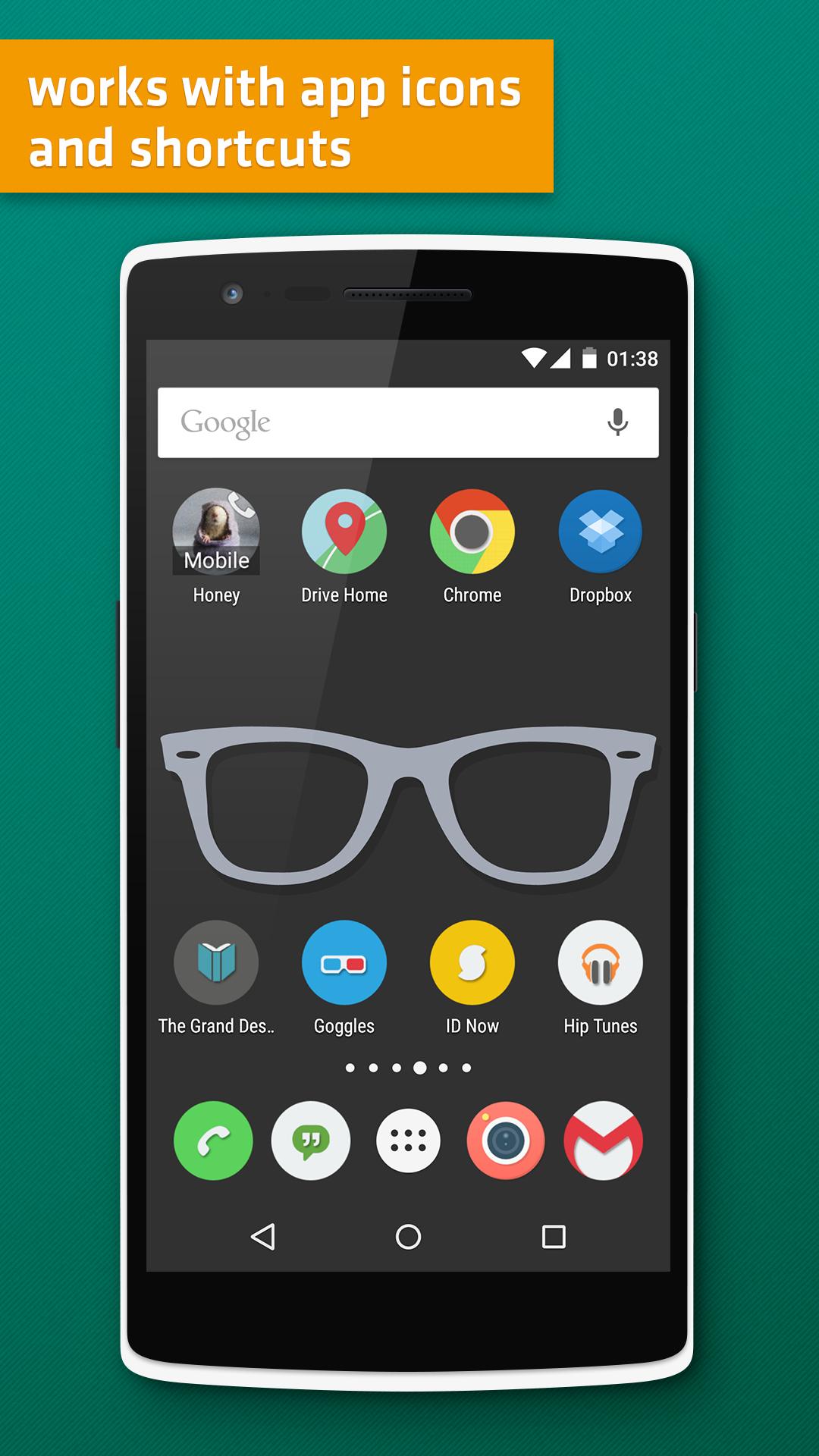
Creating shortcuts is one of the most overlooked features on Android and we think that’s also due to the fact that most apps don’t provide a way to change the appearance of a shortcut. Create a shortcut to make a direct call to your best friend and change the icon of it using Aycon. You can even use a photo from your collection.
✔ App-Shortcuts
App shortcuts can be used to launch a specific action inside a app. Typical examples are: Launch the ‘create a new event’ screen of your calendar or start tracking a new activity with your favorite fitness app.Please note that Aycon only supports ‘static shortcuts’ because ‘Dynamic shortcuts’ are only accessible by launcher apps running on Android 7.1
✔Round Icon
With the launch of the Google Pixel developers can now provide a optional round icon variant but most. With Aycon you can select the round icon variant (if available) and you can also choose the regular icon if your launcher only uses the round icons and you’re not a big fan of them.
✔Custom Label
Use a custom label for every shortcut created with Aycon or use a empty string to create a icon-only home screen.
✔Custom Icons
Aycon let’s you choose between regular icon, round icon, icons from installed icon packs, images from your device or other image apps. App shortcuts also offer a variant with or without a icon-badge (regular or round variant).
Suggestions? Feedback? Just send us an email or leave us a rating / comment here on the Play Store. Thanks!
پیش نظارہ
ٹیگز
پرسنلائزیشنمعلومات
ڈویلپر
ts-apps
تازہ ترین ورژن
2.0
آخری تازہ کاری
2017-02-14
قسم
پرسنلائزیشن
پر دستیاب ہے۔
Google Play
مزید دکھائیں
پی سی پر گیم لوپ کے ساتھ Aycon (Icon & Shortcut Editor) کیسے کھیلا جائے۔
1. آفیشل ویب سائٹ سے گیم لوپ ڈاؤن لوڈ کریں، پھر گیم لوپ انسٹال کرنے کے لیے exe فائل چلائیں۔
2. گیم لوپ کھولیں اور "Aycon (Icon & Shortcut Editor)" تلاش کریں، تلاش کے نتائج میں Aycon (Icon & Shortcut Editor) تلاش کریں اور "انسٹال کریں" پر کلک کریں۔
3. گیم لوپ پر Aycon (Icon & Shortcut Editor) کھیلنے کا لطف اٹھائیں۔
Minimum requirements
OS
Windows 8.1 64-bit or Windows 10 64-bit
GPU
GTX 1050
CPU
i3-8300
Memory
8GB RAM
Storage
1GB available space
Recommended requirements
OS
Windows 8.1 64-bit or Windows 10 64-bit
GPU
GTX 1050
CPU
i3-9320
Memory
16GB RAM
Storage
1GB available space