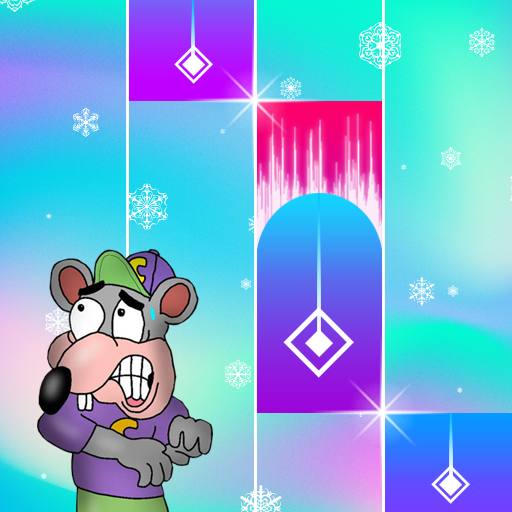
Scary Chuck e Cheese Piano PC
Silopas.Studio
گیم لوپ ایمولیٹر کے ساتھ PC پر Scary Chuck e Cheese Piano ڈاؤن لوڈ کریں۔
پی سی پر Scary Chuck e Cheese Piano
Scary Chuck e Cheese Piano، جو ڈویلپر Silopas.Studio سے آرہا ہے، ماضی میں اینڈرائیڈ سسٹم پر چل رہا ہے۔
اب، آپ پی سی پر Scary Chuck e Cheese Piano آسانی سے GameLoop کے ساتھ چلا سکتے ہیں۔
اسے GameLoop لائبریری یا تلاش کے نتائج میں ڈاؤن لوڈ کریں۔ مزید غلط وقت پر بیٹری یا مایوس کن کالوں پر نظر نہیں ڈالی جائے گی۔
بس بڑی سکرین پر Scary Chuck e Cheese Piano PC کا مفت میں لطف اٹھائیں!
Scary Chuck e Cheese Piano تعارف
This is the best piano game application of all time, you can download it for free.
You can also play this piano wherever you are, this game can be played online and offline
This game is very easy to play and understand.
With this game you can also train your fingers to be able to play a real piano
because we have collaborated on music, rhythm, drums and several other musical instruments
so that when you play this piano, it will be more pleasant to hear.
* As for how to play it, as follows.
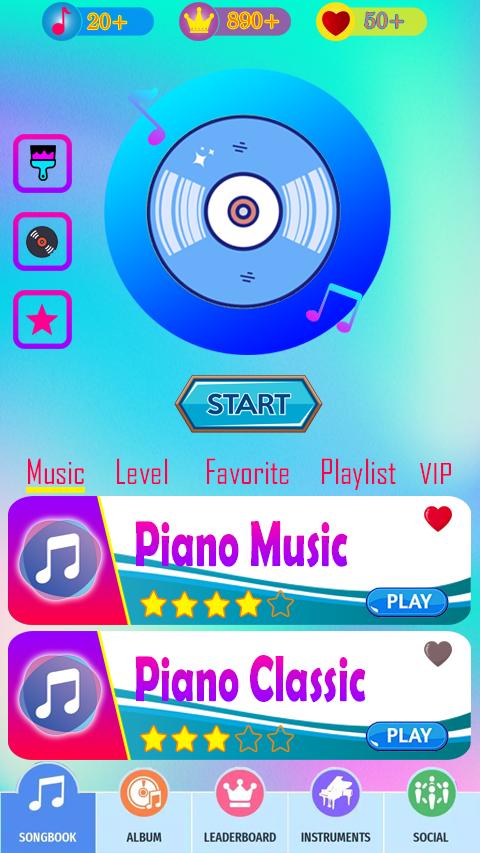
First you open the piano application, a list of songs will appear on your cellphone screen
choose one of the songs that you will play, by pressing the play button
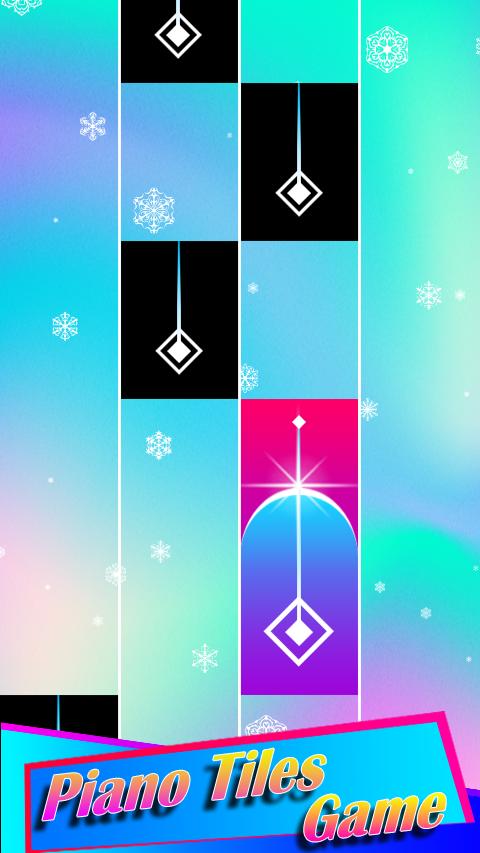
you will enter the piano game, Press the first tile and follow each rhythm and song sequence
adjust to the piano tiles, you will feel like playing a real piano,
and you also have to remember, the longer and the more scores you get, the piano tiles are being
you press will be faster, that's where your toughest challenge.
if you memorize every piano tile that drops, then you can definitely complete this challenge.
* Application Features
- Colored tiles
- Latest songs
- Background options
- Wide range of Disc options
- Favorites Menu
- Attractive View
- Your Favorite Song
Interesting right? You have to try it, collect the highest score and compare it with your friends.
پیش نظارہ
ٹیگز
موسیقیمعلومات
ڈویلپر
Silopas.Studio
تازہ ترین ورژن
1.0
آخری تازہ کاری
2023-03-29
قسم
موسیقی
پر دستیاب ہے۔
Google Play
مزید دکھائیں
پی سی پر گیم لوپ کے ساتھ Scary Chuck e Cheese Piano کیسے کھیلا جائے۔
1. آفیشل ویب سائٹ سے گیم لوپ ڈاؤن لوڈ کریں، پھر گیم لوپ انسٹال کرنے کے لیے exe فائل چلائیں۔
2. گیم لوپ کھولیں اور "Scary Chuck e Cheese Piano" تلاش کریں، تلاش کے نتائج میں Scary Chuck e Cheese Piano تلاش کریں اور "انسٹال کریں" پر کلک کریں۔
3. گیم لوپ پر Scary Chuck e Cheese Piano کھیلنے کا لطف اٹھائیں۔
Minimum requirements
OS
Windows 8.1 64-bit or Windows 10 64-bit
GPU
GTX 1050
CPU
i3-8300
Memory
8GB RAM
Storage
1GB available space
Recommended requirements
OS
Windows 8.1 64-bit or Windows 10 64-bit
GPU
GTX 1050
CPU
i3-9320
Memory
16GB RAM
Storage
1GB available space