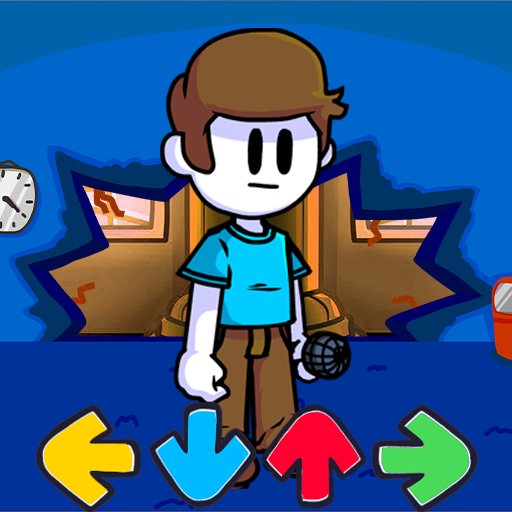
FNF Nonsense Music Battle Mod PC
Trần phú bình
گیم لوپ ایمولیٹر کے ساتھ PC پر FNF Nonsense Music Battle Mod ڈاؤن لوڈ کریں۔
پی سی پر FNF Nonsense Music Battle Mod
FNF Nonsense Music Battle Mod، جو ڈویلپر Trần phú bình سے آرہا ہے، ماضی میں اینڈرائیڈ سسٹم پر چل رہا ہے۔
اب، آپ پی سی پر FNF Nonsense Music Battle Mod آسانی سے GameLoop کے ساتھ چلا سکتے ہیں۔
اسے GameLoop لائبریری یا تلاش کے نتائج میں ڈاؤن لوڈ کریں۔ مزید غلط وقت پر بیٹری یا مایوس کن کالوں پر نظر نہیں ڈالی جائے گی۔
بس بڑی سکرین پر FNF Nonsense Music Battle Mod PC کا مفت میں لطف اٹھائیں!
FNF Nonsense Music Battle Mod تعارف
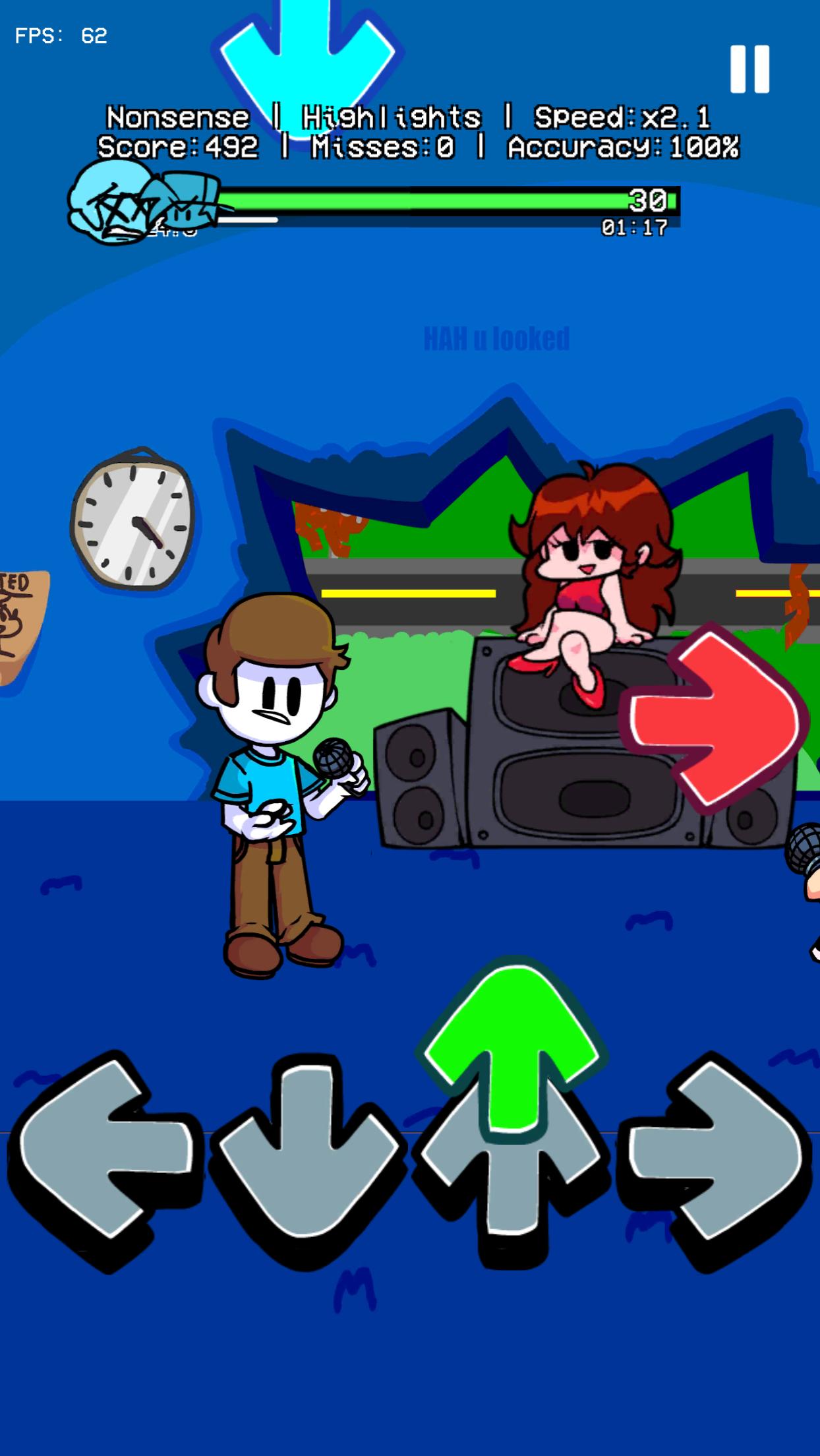
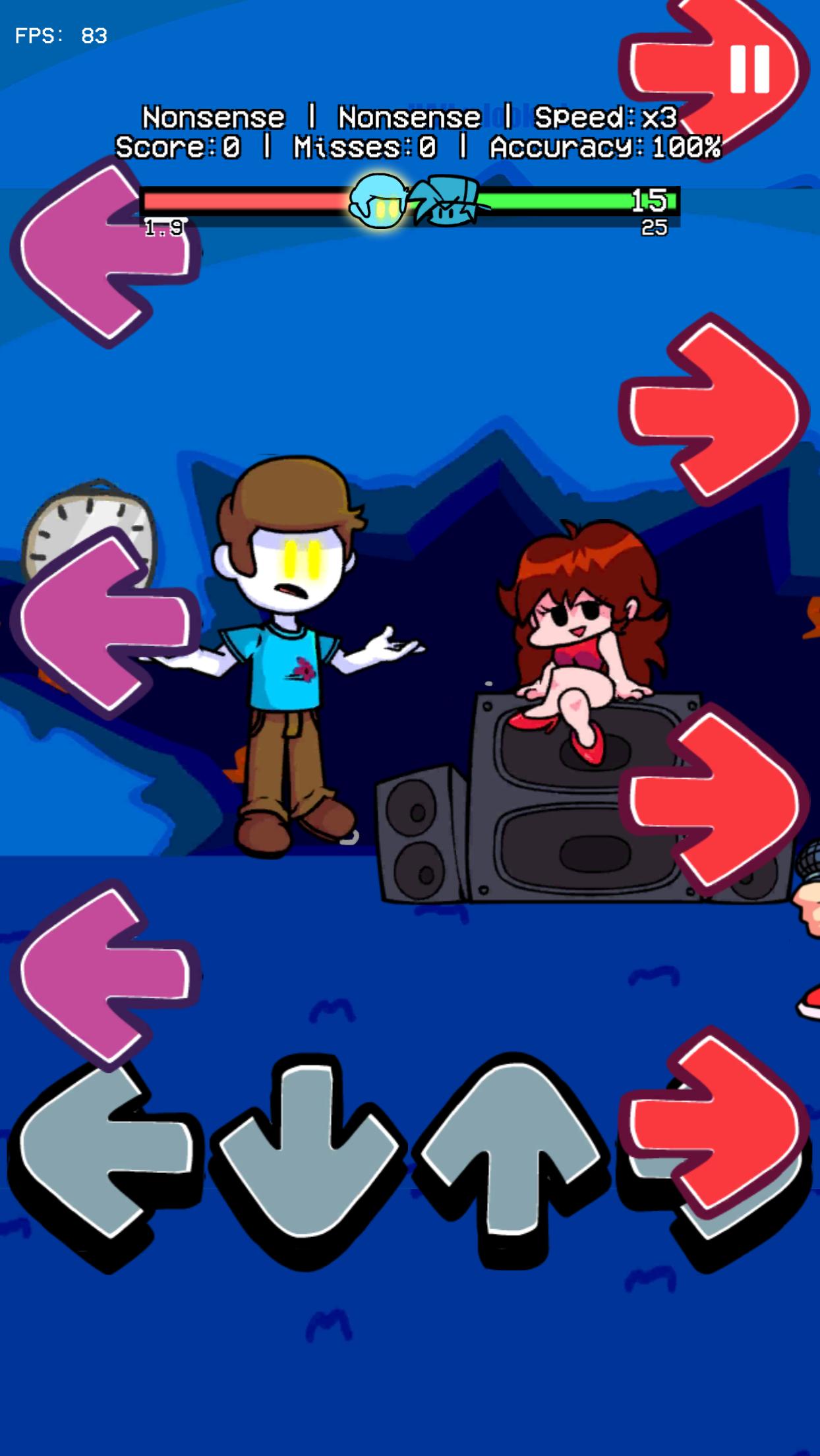
This Friday night, BF and GF broke into Nonsense's house. They made a giant hole in his funkin house's wall. Then, BF and Nonsense did a Funkin rap battle for no reason. It sounds nonsense but really fun. Let's join this funkin music battle now.
HOW TO PLAY?
- Make arrows perfectly match.
- Beat all enemies (Doors monster, Indie cross, Blue V1), climb to the top rank!
- Feel funkin rhythm! Dance with cg5! Rock the beat!
FUNKIN FEATURE
- Arrows fall follow funkin melody
- Full mods Full enemies as you expected (Alphabet, Analog, Herobrine)
- Fantastic background with great sound effects
- Always save your funkin journey while you exit the game
- Not require starting a new mode of play
- Be updated frequently!
Have fun!
Don't forget! Follow us in our media platforms to jump into vibrant FNF game community!
پیش نظارہ
ٹیگز
موسیقیمعلومات
ڈویلپر
Trần phú bình
تازہ ترین ورژن
1.0
آخری تازہ کاری
2023-02-22
قسم
موسیقی
پر دستیاب ہے۔
Google Play
مزید دکھائیں
پی سی پر گیم لوپ کے ساتھ FNF Nonsense Music Battle Mod کیسے کھیلا جائے۔
1. آفیشل ویب سائٹ سے گیم لوپ ڈاؤن لوڈ کریں، پھر گیم لوپ انسٹال کرنے کے لیے exe فائل چلائیں۔
2. گیم لوپ کھولیں اور "FNF Nonsense Music Battle Mod" تلاش کریں، تلاش کے نتائج میں FNF Nonsense Music Battle Mod تلاش کریں اور "انسٹال کریں" پر کلک کریں۔
3. گیم لوپ پر FNF Nonsense Music Battle Mod کھیلنے کا لطف اٹھائیں۔
Minimum requirements
OS
Windows 8.1 64-bit or Windows 10 64-bit
GPU
GTX 1050
CPU
i3-8300
Memory
8GB RAM
Storage
1GB available space
Recommended requirements
OS
Windows 8.1 64-bit or Windows 10 64-bit
GPU
GTX 1050
CPU
i3-9320
Memory
16GB RAM
Storage
1GB available space