Trumpet Fingerings PC
Notely Apps
گیم لوپ ایمولیٹر کے ساتھ PC پر Trumpet Fingerings ڈاؤن لوڈ کریں۔
پی سی پر Trumpet Fingerings
Trumpet Fingerings، جو ڈویلپر Notely Apps سے آرہا ہے، ماضی میں اینڈرائیڈ سسٹم پر چل رہا ہے۔
اب، آپ پی سی پر Trumpet Fingerings آسانی سے GameLoop کے ساتھ چلا سکتے ہیں۔
اسے GameLoop لائبریری یا تلاش کے نتائج میں ڈاؤن لوڈ کریں۔ مزید غلط وقت پر بیٹری یا مایوس کن کالوں پر نظر نہیں ڈالی جائے گی۔
بس بڑی سکرین پر Trumpet Fingerings PC کا مفت میں لطف اٹھائیں!
Trumpet Fingerings تعارف
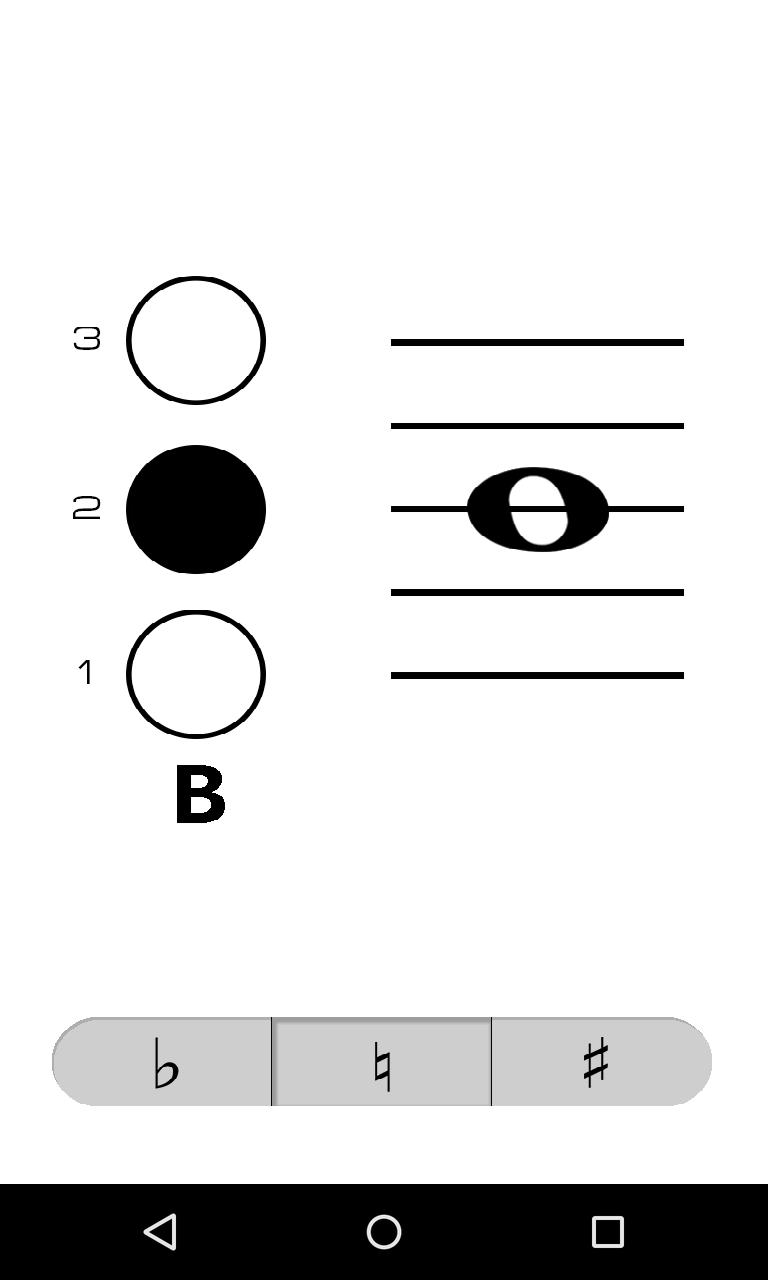
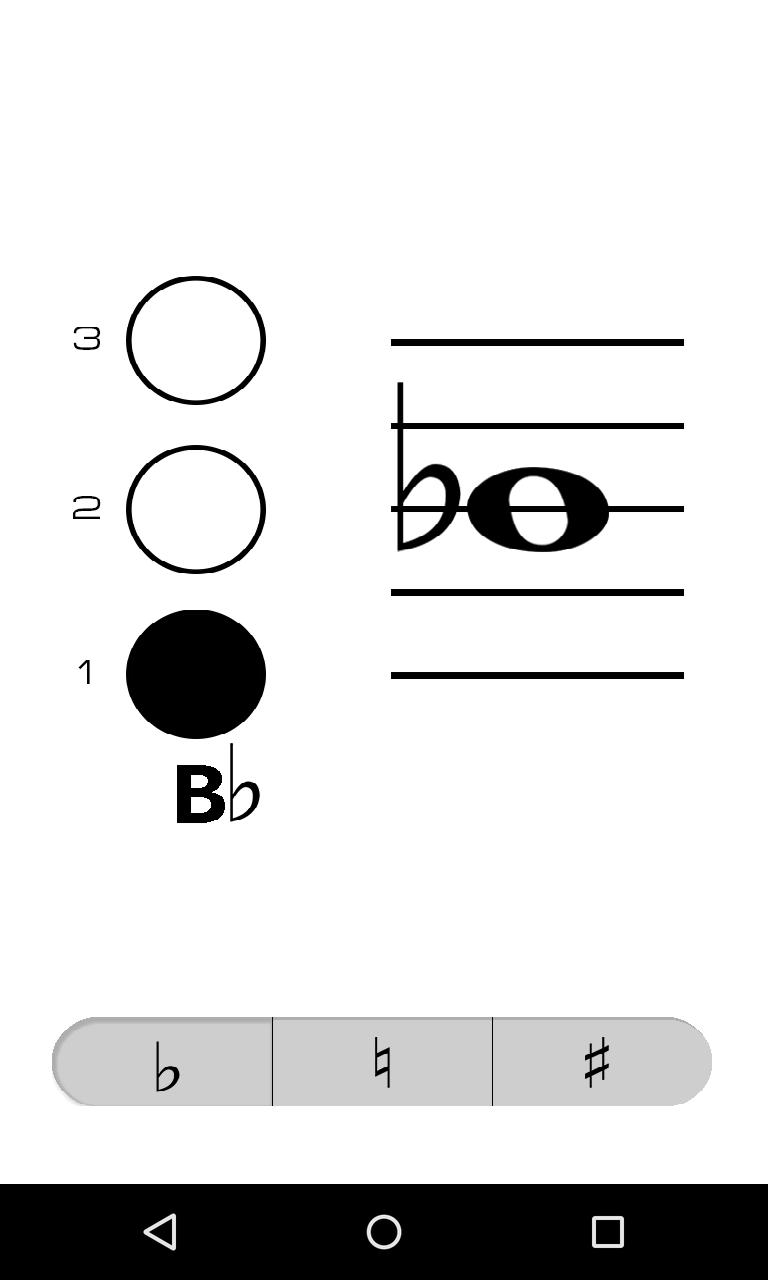
Trumpet Fingerings is a clean and simple virtual fingering chart that makes it fast and easy to look up the fingering and name of a note. No more flipping through clumsy paper fingering charts.
To use Trumpet Fingerings, simply tap the location on the staff of the note you wish to check or drag your finger up or down to the location of the note on the staff. Select whether the pitch of the note is flat, natural, or sharp by tapping the corresponding button on the bottom of the screen, notes are natural by default. The "1" next to the button on the left side of the screen represents the first valve on your trumpet (the one closest to your face when you play).
پیش نظارہ
ٹیگز
Music-&معلومات
ڈویلپر
Notely Apps
تازہ ترین ورژن
1.2
آخری تازہ کاری
2015-05-02
قسم
Music-audio
پر دستیاب ہے۔
Google Play
مزید دکھائیں
پی سی پر گیم لوپ کے ساتھ Trumpet Fingerings کیسے کھیلا جائے۔
1. آفیشل ویب سائٹ سے گیم لوپ ڈاؤن لوڈ کریں، پھر گیم لوپ انسٹال کرنے کے لیے exe فائل چلائیں۔
2. گیم لوپ کھولیں اور "Trumpet Fingerings" تلاش کریں، تلاش کے نتائج میں Trumpet Fingerings تلاش کریں اور "انسٹال کریں" پر کلک کریں۔
3. گیم لوپ پر Trumpet Fingerings کھیلنے کا لطف اٹھائیں۔
Minimum requirements
OS
Windows 8.1 64-bit or Windows 10 64-bit
GPU
GTX 1050
CPU
i3-8300
Memory
8GB RAM
Storage
1GB available space
Recommended requirements
OS
Windows 8.1 64-bit or Windows 10 64-bit
GPU
GTX 1050
CPU
i3-9320
Memory
16GB RAM
Storage
1GB available space