Rocket Player Cloud Expansion PC
JRT Studio Music Players
گیم لوپ ایمولیٹر کے ساتھ PC پر Rocket Player Cloud Expansion ڈاؤن لوڈ کریں۔
پی سی پر Rocket Player Cloud Expansion
Rocket Player Cloud Expansion، جو ڈویلپر JRT Studio Music Players سے آرہا ہے، ماضی میں اینڈرائیڈ سسٹم پر چل رہا ہے۔
اب، آپ پی سی پر Rocket Player Cloud Expansion آسانی سے GameLoop کے ساتھ چلا سکتے ہیں۔
اسے GameLoop لائبریری یا تلاش کے نتائج میں ڈاؤن لوڈ کریں۔ مزید غلط وقت پر بیٹری یا مایوس کن کالوں پر نظر نہیں ڈالی جائے گی۔
بس بڑی سکرین پر Rocket Player Cloud Expansion PC کا مفت میں لطف اٹھائیں!
Rocket Player Cloud Expansion تعارف
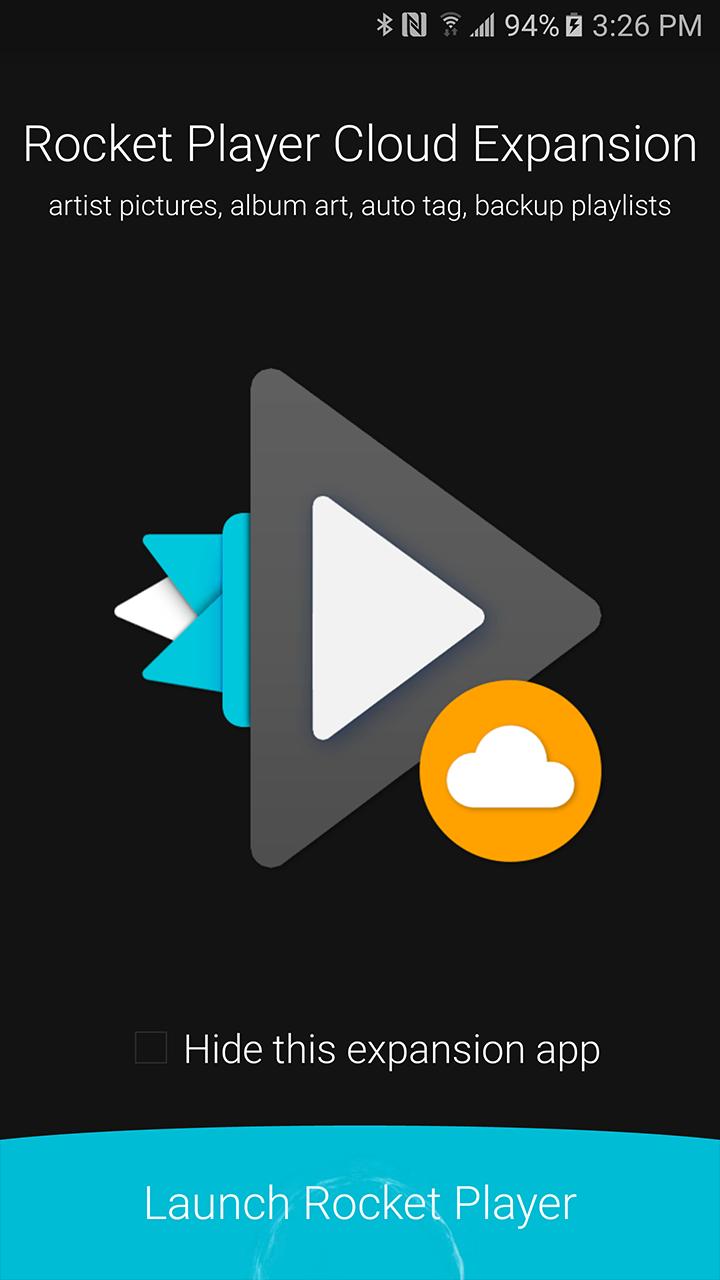
Cloud Expansion is an add-on application for Rocket Player. Purchase of cloud support required within the Rocket Player application. Otherwise this application does nothing. Cloud features include:
-Backup/migrate/restore playlists to devices with playlist edits.
-Auto tag songs with a single press.
-Display Gracenote artist photos for specific artists (not all artists have artwork).
-Download Gracenote album artwork for songs
When upgrading to a new device migrate your old playlists created in Rocket Player. Accidentally make an incorrect edit? Restore from a previous version!
The auto tag songs feature will fill in missing tag information like album, artist, genre and even track number.
Display Gracenote artist photos - get an up close look with your favorite artists! Closer, cleaner, and better than ever before.
Download Gracenote album artwork - manage your songs artwork with a high-quality match from our database.
© 2019 JRT Studio LLC | Rocket Player is a trademark of JRT Studio LLC | Gracenote is a trademark of Gracenote, Inc., registered in the U.S. and other countries.
پیش نظارہ
معلومات
ڈویلپر
JRT Studio Music Players
تازہ ترین ورژن
0.1.24
آخری تازہ کاری
2017-02-16
قسم
Music-audio
پر دستیاب ہے۔
Google Play
مزید دکھائیں
پی سی پر گیم لوپ کے ساتھ Rocket Player Cloud Expansion کیسے کھیلا جائے۔
1. آفیشل ویب سائٹ سے گیم لوپ ڈاؤن لوڈ کریں، پھر گیم لوپ انسٹال کرنے کے لیے exe فائل چلائیں۔
2. گیم لوپ کھولیں اور "Rocket Player Cloud Expansion" تلاش کریں، تلاش کے نتائج میں Rocket Player Cloud Expansion تلاش کریں اور "انسٹال کریں" پر کلک کریں۔
3. گیم لوپ پر Rocket Player Cloud Expansion کھیلنے کا لطف اٹھائیں۔
Minimum requirements
OS
Windows 8.1 64-bit or Windows 10 64-bit
GPU
GTX 1050
CPU
i3-8300
Memory
8GB RAM
Storage
1GB available space
Recommended requirements
OS
Windows 8.1 64-bit or Windows 10 64-bit
GPU
GTX 1050
CPU
i3-9320
Memory
16GB RAM
Storage
1GB available space