
Melody Engineer Lite PC
GyokovSolutions
گیم لوپ ایمولیٹر کے ساتھ PC پر Melody Engineer Lite ڈاؤن لوڈ کریں۔
پی سی پر Melody Engineer Lite
Melody Engineer Lite، جو ڈویلپر GyokovSolutions سے آرہا ہے، ماضی میں اینڈرائیڈ سسٹم پر چل رہا ہے۔
اب، آپ پی سی پر Melody Engineer Lite آسانی سے GameLoop کے ساتھ چلا سکتے ہیں۔
اسے GameLoop لائبریری یا تلاش کے نتائج میں ڈاؤن لوڈ کریں۔ مزید غلط وقت پر بیٹری یا مایوس کن کالوں پر نظر نہیں ڈالی جائے گی۔
بس بڑی سکرین پر Melody Engineer Lite PC کا مفت میں لطف اٹھائیں!
Melody Engineer Lite تعارف
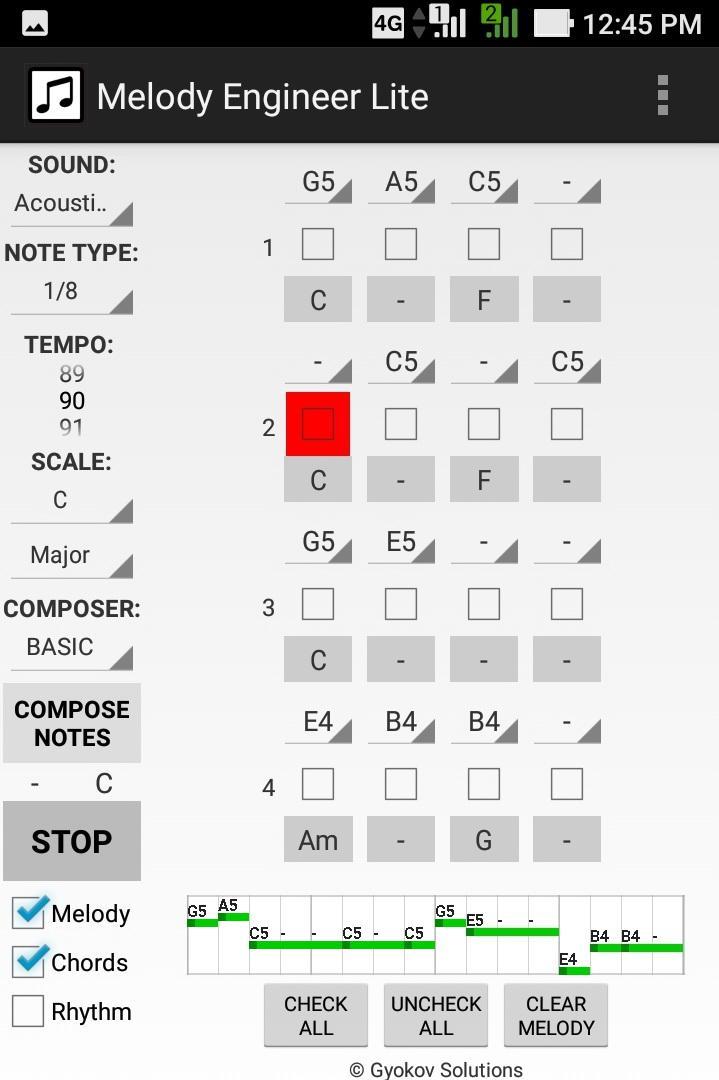
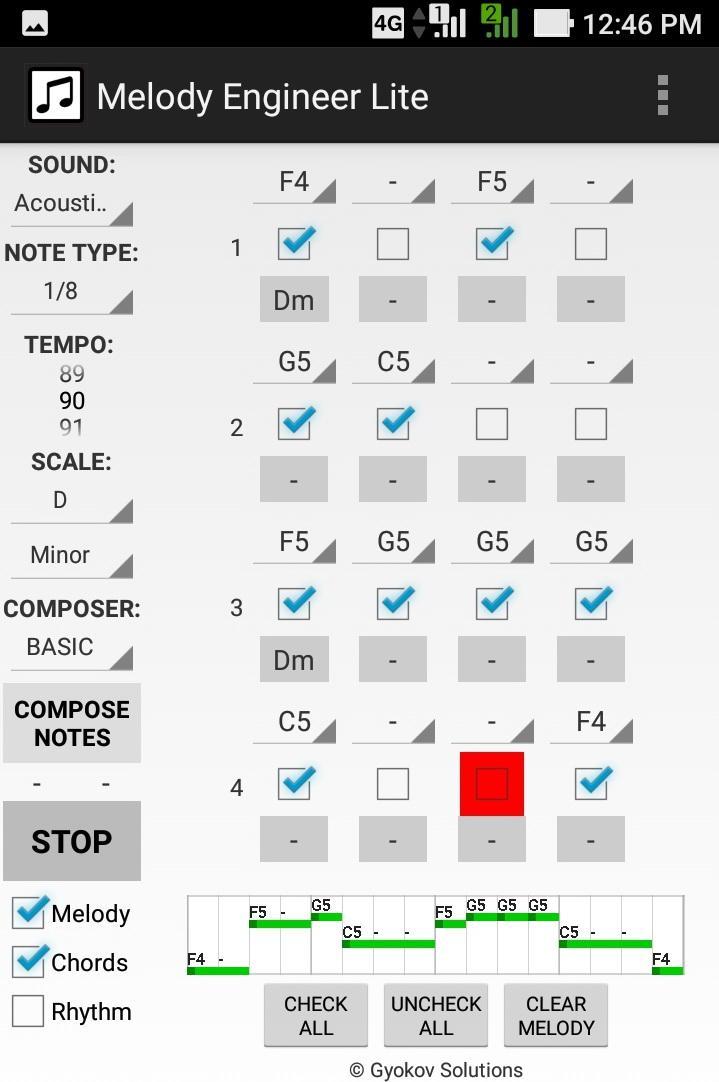
Melody Engineer is a melody auto-composition app. It helps composing melodies and accompanying harmony. Think of the app as calculator for music composition. No matter if you are a professional musician or just music enthusiast it will help you to compose music.
Video demo - https://youtu.be/Jt58aeH4Czc
There are two methods for composition:
- manual - you select notes and chords
- automatic - using the AUTO COMPOSER that chooses "right" notes and chords for you.
You can adjust the AUTO COMPOSER settings in app settings.
Melody Engineer Lite features:
- auto compose new melody and harmony
- auto compose new melody over existing harmony
- auto compose melody with predefined rhythm over existing harmony
- auto compose selected notes from existing melody
- manually change notes in melody
- manually change chords in harmony
- midi out option
Get full version with many additional features: http://play.google.com/store/apps/details?id=com.gyokovsolutions.melodyengineer
- save melody and harmony as midi and text file
- change number of notes up to 64
- harmonize melody - auto compose new harmony chords over existing melody
- AUTO MODE - when this mode is active then composed melody is repeatedly played and auto composed every 4 cycles and the good melodies can be saved while listening
- open saved melody
- many more scales
- AUTO COMPOSER advanced method
- ARTIFICIAL INTELLIGENCE COMPOSER
- option to auto compose chords in auto mode
- control melody range
- transpose melody up and down
- expand and shrink melody
- additional chords - dominant, major 7th, minor 7th, diminished, augmented
The app manual - https://gyokovsolutions.com/manual-melody-engineer
See demo of auto composing feature of Melody Engineer - https://www.youtube.com/watch?v=C6y2VNgFpCE
App privacy policy - https://sites.google.com/view/gyokovsolutions/melody-engineer-lite-privacy-policy
پیش نظارہ
ٹیگز
Music-&معلومات
ڈویلپر
GyokovSolutions
تازہ ترین ورژن
9.1
آخری تازہ کاری
2024-08-10
قسم
Music-audio
پر دستیاب ہے۔
Google Play
مزید دکھائیں
پی سی پر گیم لوپ کے ساتھ Melody Engineer Lite کیسے کھیلا جائے۔
1. آفیشل ویب سائٹ سے گیم لوپ ڈاؤن لوڈ کریں، پھر گیم لوپ انسٹال کرنے کے لیے exe فائل چلائیں۔
2. گیم لوپ کھولیں اور "Melody Engineer Lite" تلاش کریں، تلاش کے نتائج میں Melody Engineer Lite تلاش کریں اور "انسٹال کریں" پر کلک کریں۔
3. گیم لوپ پر Melody Engineer Lite کھیلنے کا لطف اٹھائیں۔
Minimum requirements
OS
Windows 8.1 64-bit or Windows 10 64-bit
GPU
GTX 1050
CPU
i3-8300
Memory
8GB RAM
Storage
1GB available space
Recommended requirements
OS
Windows 8.1 64-bit or Windows 10 64-bit
GPU
GTX 1050
CPU
i3-9320
Memory
16GB RAM
Storage
1GB available space