
Loch Ness Monster Real Sounds PC
Third Age Ai
گیم لوپ ایمولیٹر کے ساتھ PC پر Loch Ness Monster Real Sounds ڈاؤن لوڈ کریں۔
پی سی پر Loch Ness Monster Real Sounds
Loch Ness Monster Real Sounds، جو ڈویلپر Third Age Ai سے آرہا ہے، ماضی میں اینڈرائیڈ سسٹم پر چل رہا ہے۔
اب، آپ پی سی پر Loch Ness Monster Real Sounds آسانی سے GameLoop کے ساتھ چلا سکتے ہیں۔
اسے GameLoop لائبریری یا تلاش کے نتائج میں ڈاؤن لوڈ کریں۔ مزید غلط وقت پر بیٹری یا مایوس کن کالوں پر نظر نہیں ڈالی جائے گی۔
بس بڑی سکرین پر Loch Ness Monster Real Sounds PC کا مفت میں لطف اٹھائیں!
Loch Ness Monster Real Sounds تعارف
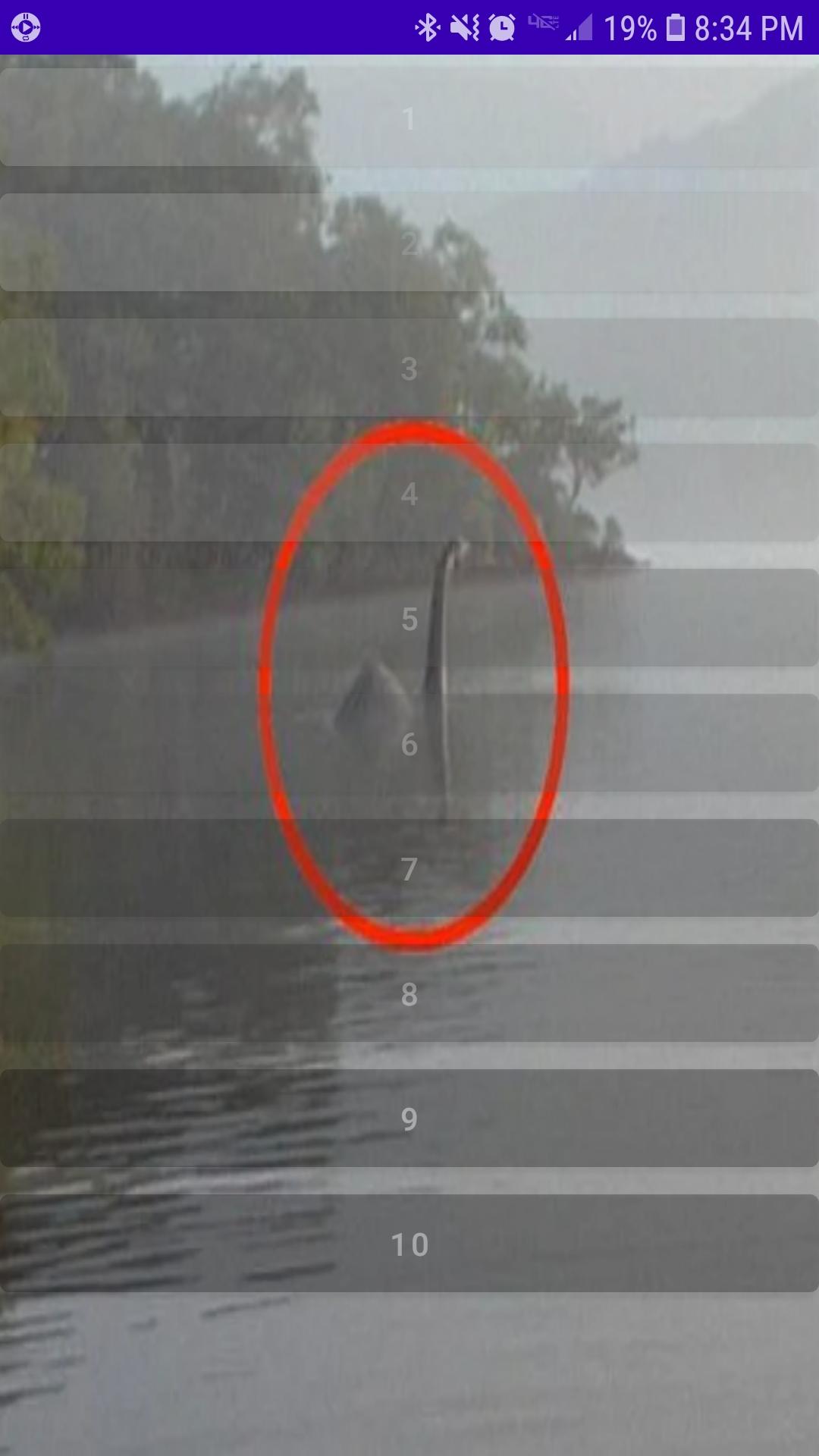
Loch Ness Monster Real Sounds features a collection of recently released sound recordings taken in the Northwest region of the lake. While Loch Ness is already well known for many strange appearances, the Loch Ness Monster continues to puzzle many sceptic, scientist and enthusiast alike. Many want to believe, yet even more remain unsure. Most just want the truth.
Recently released to the public comes a collection of audio recordings highly anticipated by most as factual proof the Loch Ness Monster lives and still inhabits the lake peacefully alongside many a brave fishermen.
What you hear may disturb you. Possibly even leave you feeling void of all purpose in response. Please take caution before glimpsing inside at what you may find. Loch Ness Monster Real Sounds is not for the faint hearted.
پیش نظارہ
ٹیگز
Music-&معلومات
ڈویلپر
Third Age Ai
تازہ ترین ورژن
3.0
آخری تازہ کاری
2022-11-19
قسم
Music-audio
پر دستیاب ہے۔
Google Play
مزید دکھائیں
پی سی پر گیم لوپ کے ساتھ Loch Ness Monster Real Sounds کیسے کھیلا جائے۔
1. آفیشل ویب سائٹ سے گیم لوپ ڈاؤن لوڈ کریں، پھر گیم لوپ انسٹال کرنے کے لیے exe فائل چلائیں۔
2. گیم لوپ کھولیں اور "Loch Ness Monster Real Sounds" تلاش کریں، تلاش کے نتائج میں Loch Ness Monster Real Sounds تلاش کریں اور "انسٹال کریں" پر کلک کریں۔
3. گیم لوپ پر Loch Ness Monster Real Sounds کھیلنے کا لطف اٹھائیں۔
Minimum requirements
OS
Windows 8.1 64-bit or Windows 10 64-bit
GPU
GTX 1050
CPU
i3-8300
Memory
8GB RAM
Storage
1GB available space
Recommended requirements
OS
Windows 8.1 64-bit or Windows 10 64-bit
GPU
GTX 1050
CPU
i3-9320
Memory
16GB RAM
Storage
1GB available space