
Lk Player PC
Lakmini International
گیم لوپ ایمولیٹر کے ساتھ PC پر Lk Player ڈاؤن لوڈ کریں۔
پی سی پر Lk Player
Lk Player، جو ڈویلپر Lakmini International سے آرہا ہے، ماضی میں اینڈرائیڈ سسٹم پر چل رہا ہے۔
اب، آپ پی سی پر Lk Player آسانی سے GameLoop کے ساتھ چلا سکتے ہیں۔
اسے GameLoop لائبریری یا تلاش کے نتائج میں ڈاؤن لوڈ کریں۔ مزید غلط وقت پر بیٹری یا مایوس کن کالوں پر نظر نہیں ڈالی جائے گی۔
بس بڑی سکرین پر Lk Player PC کا مفت میں لطف اٹھائیں!
Lk Player تعارف
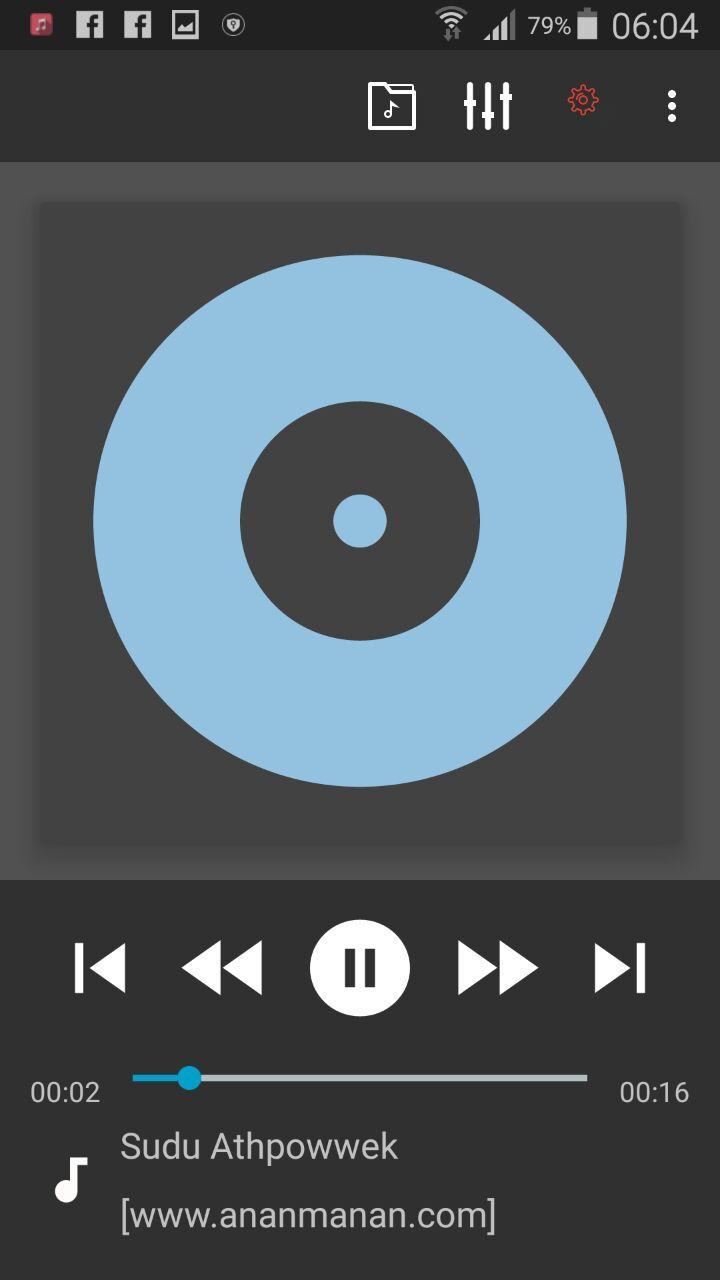
Please check Common features below in the description.
Key Features:
- plays mp3, mp4/m4a (incl. alac), ogg, wma*, flac, wav, ape, wv, tta, mpc, aiff
- 10 band optimized graphical equalizer for all supported formats, presets, custom presets
- separate powerful Bass and Treble adjustment
- stereo eXpansion, mono mixing, balance
- crossfade
- gapless
- replay gain
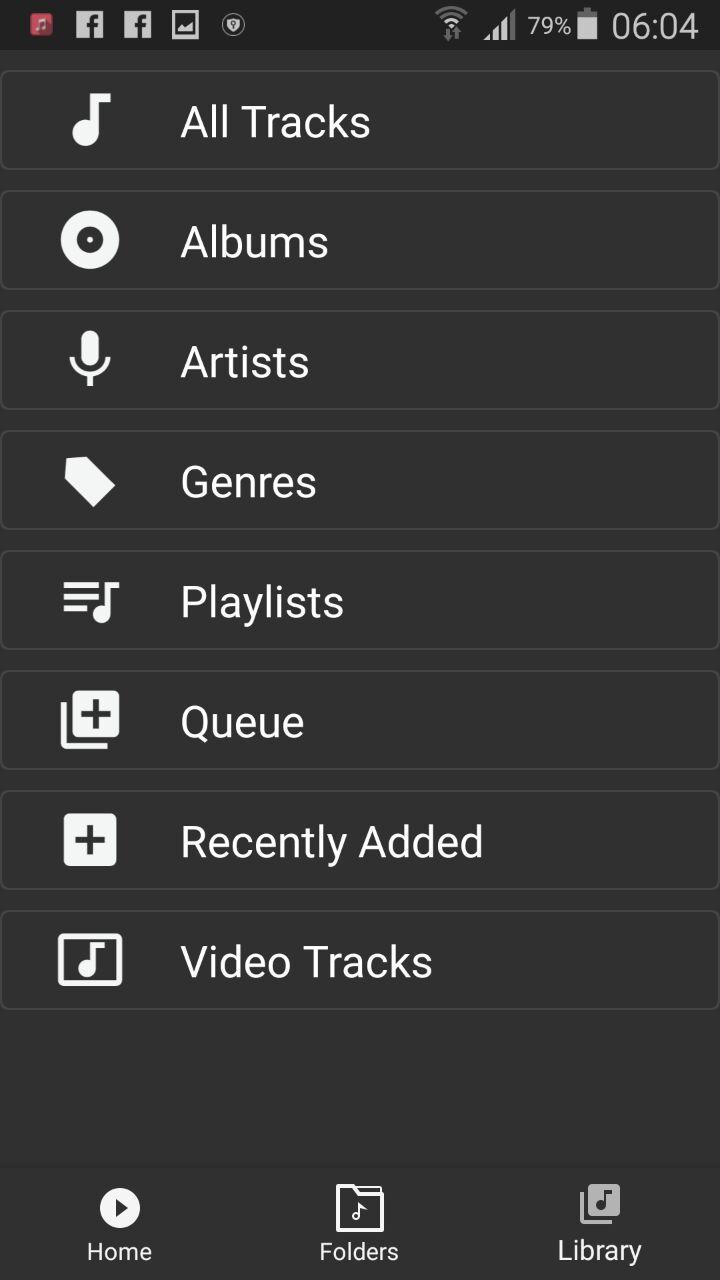
- plays songs from folders and from own library
- dynamic queue
- lyrics support, including lyrics search via musiXmatch plugin
- embed and standalone .cue files support
- support for m3u, m3u8, pls, wpl playlists
- OpenGL based cover art animation
- downloads missing album art
- custom visual themes, lot of skins available on Play
- 4 widget types with many selectable styles, advanced customization; Android 4.2 lock screen widgets
- configurable lock screen
- headset support, automatic Resume on headset and/or BT connection (can be disabled in settings)
- scrobbling
- tag editor
- fast library scan
- high level of customization via settings
پیش نظارہ
معلومات
ڈویلپر
Lakmini International
تازہ ترین ورژن
1.1
آخری تازہ کاری
2018-04-25
قسم
Music-audio
پر دستیاب ہے۔
Google Play
مزید دکھائیں
پی سی پر گیم لوپ کے ساتھ Lk Player کیسے کھیلا جائے۔
1. آفیشل ویب سائٹ سے گیم لوپ ڈاؤن لوڈ کریں، پھر گیم لوپ انسٹال کرنے کے لیے exe فائل چلائیں۔
2. گیم لوپ کھولیں اور "Lk Player" تلاش کریں، تلاش کے نتائج میں Lk Player تلاش کریں اور "انسٹال کریں" پر کلک کریں۔
3. گیم لوپ پر Lk Player کھیلنے کا لطف اٹھائیں۔
Minimum requirements
OS
Windows 8.1 64-bit or Windows 10 64-bit
GPU
GTX 1050
CPU
i3-8300
Memory
8GB RAM
Storage
1GB available space
Recommended requirements
OS
Windows 8.1 64-bit or Windows 10 64-bit
GPU
GTX 1050
CPU
i3-9320
Memory
16GB RAM
Storage
1GB available space