
IMRO PC
IMRO
گیم لوپ ایمولیٹر کے ساتھ PC پر IMRO ڈاؤن لوڈ کریں۔
پی سی پر IMRO
IMRO، جو ڈویلپر IMRO سے آرہا ہے، ماضی میں اینڈرائیڈ سسٹم پر چل رہا ہے۔
اب، آپ پی سی پر IMRO آسانی سے GameLoop کے ساتھ چلا سکتے ہیں۔
اسے GameLoop لائبریری یا تلاش کے نتائج میں ڈاؤن لوڈ کریں۔ مزید غلط وقت پر بیٹری یا مایوس کن کالوں پر نظر نہیں ڈالی جائے گی۔
بس بڑی سکرین پر IMRO PC کا مفت میں لطف اٹھائیں!
IMRO تعارف
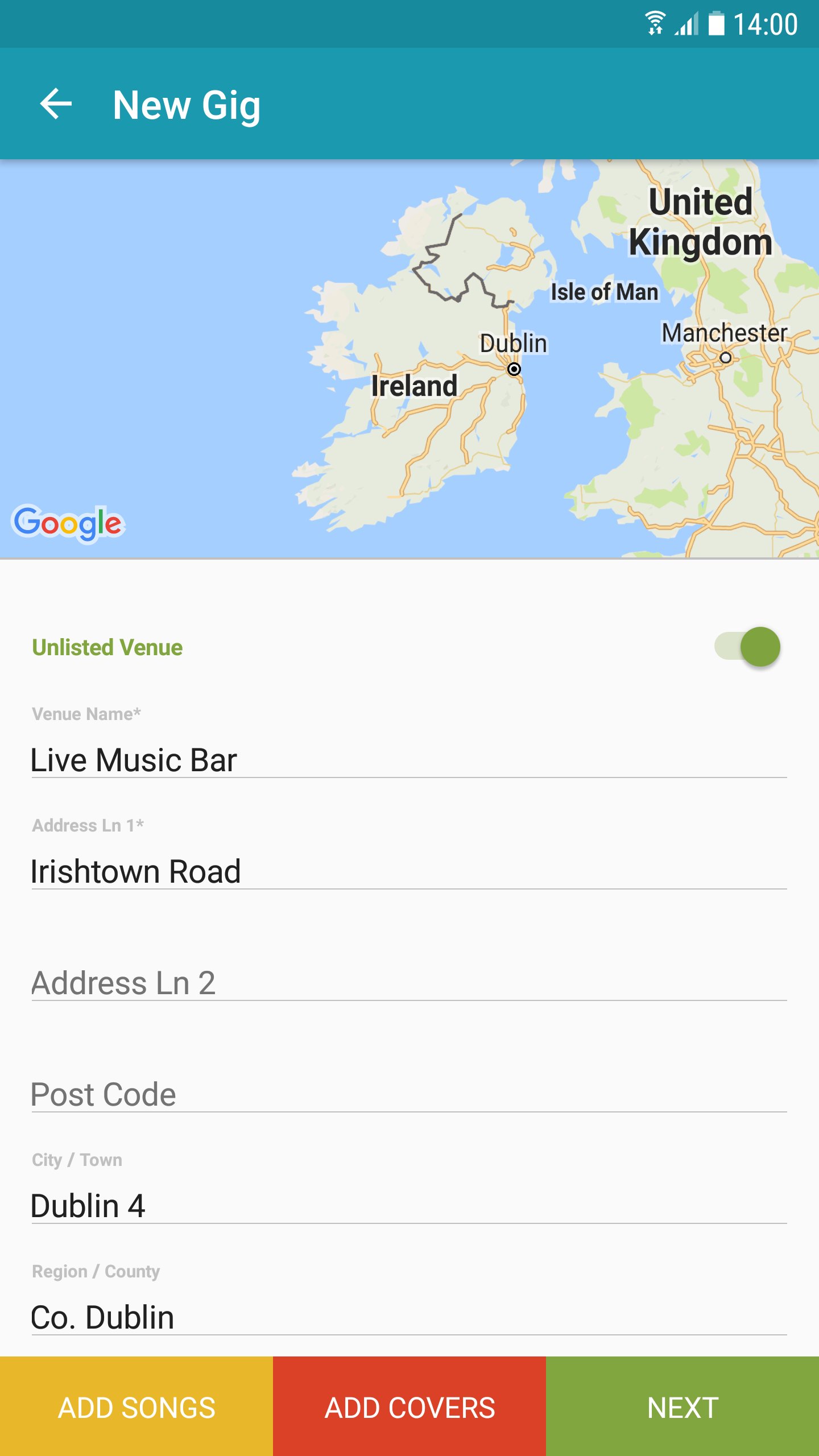
The IMRO App provides for improved on-the-go access to essential business tools for IMRO songwriters, composers and copyright owners. The new mobile app makes registering your gigs and set lists on-the-go, efficient and easy thereby speeding up the process of claiming royalties for your live performances.
Key Features:
- Manage all your live performances notifications, including setlists and gig dates.
- Locate venue details using GPS functionality.
- Search your works catalog for information on songs you have registered with IMRO.
- Detailed FAQs on all functions.
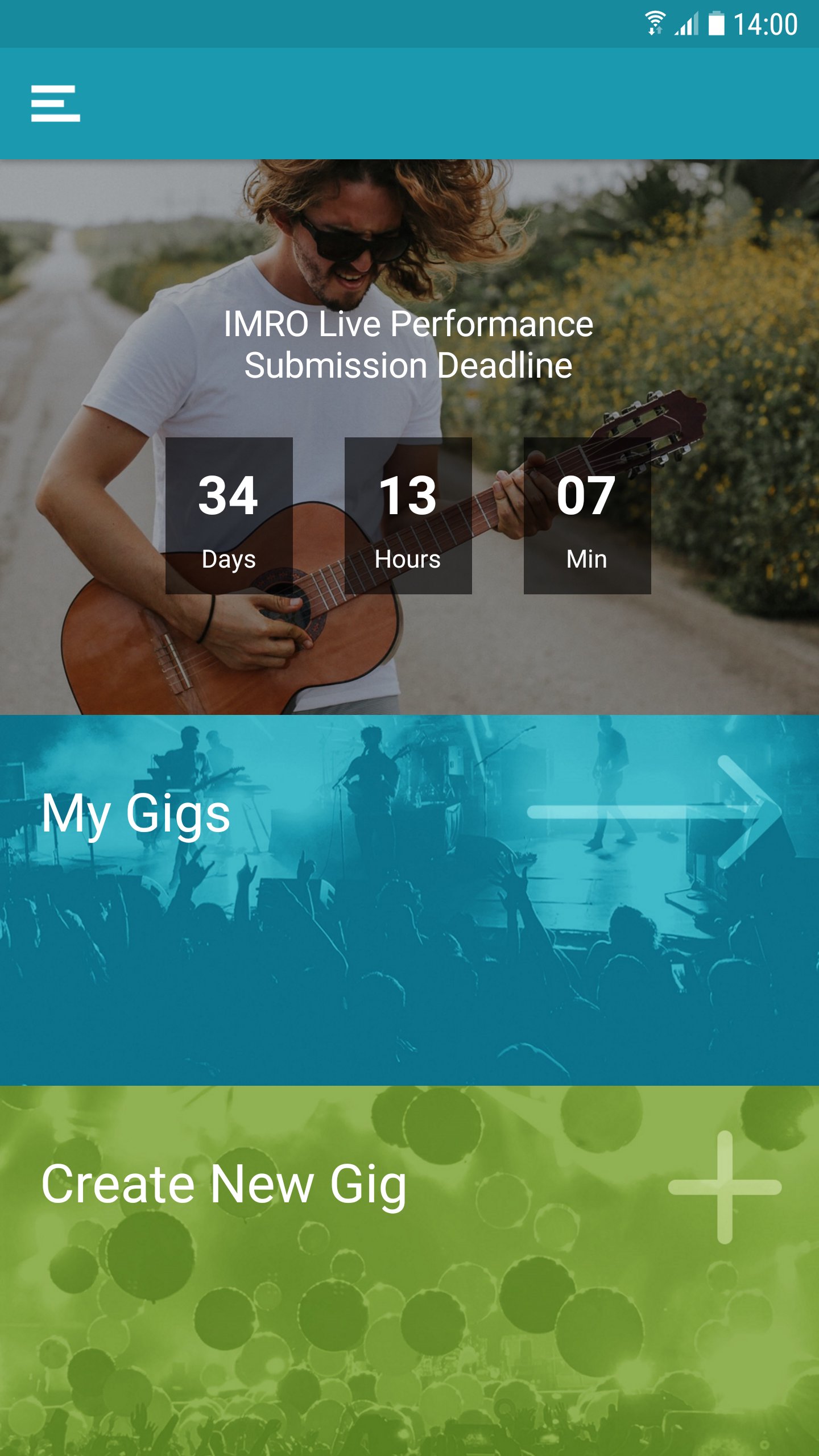
- Gig submission date deadline notification.
The IMRO App is designed specifically for quick access using a mobile environment, drawing on content from IMRO’s multi award nominated website www.imro.ie
IMRO is dedicated to bringing the benefits of cutting-edge technology to its members, wherever they may be.
Support: distributions@imro.ie
Marketing: membership@imro.ie
© IMRO, 2019
پیش نظارہ
ٹیگز
Music-&معلومات
ڈویلپر
IMRO
تازہ ترین ورژن
6.0.17
آخری تازہ کاری
2025-12-08
قسم
Music-audio
پر دستیاب ہے۔
Google Play
مزید دکھائیں
پی سی پر گیم لوپ کے ساتھ IMRO کیسے کھیلا جائے۔
1. آفیشل ویب سائٹ سے گیم لوپ ڈاؤن لوڈ کریں، پھر گیم لوپ انسٹال کرنے کے لیے exe فائل چلائیں۔
2. گیم لوپ کھولیں اور "IMRO" تلاش کریں، تلاش کے نتائج میں IMRO تلاش کریں اور "انسٹال کریں" پر کلک کریں۔
3. گیم لوپ پر IMRO کھیلنے کا لطف اٹھائیں۔
Minimum requirements
OS
Windows 8.1 64-bit or Windows 10 64-bit
GPU
GTX 1050
CPU
i3-8300
Memory
8GB RAM
Storage
1GB available space
Recommended requirements
OS
Windows 8.1 64-bit or Windows 10 64-bit
GPU
GTX 1050
CPU
i3-9320
Memory
16GB RAM
Storage
1GB available space