Audio Switch Disable Headphone PC
Miled Apps Studio
گیم لوپ ایمولیٹر کے ساتھ PC پر Audio Switch Disable Headphone ڈاؤن لوڈ کریں۔
پی سی پر Audio Switch Disable Headphone
Audio Switch Disable Headphone، جو ڈویلپر Miled Apps Studio سے آرہا ہے، ماضی میں اینڈرائیڈ سسٹم پر چل رہا ہے۔
اب، آپ پی سی پر Audio Switch Disable Headphone آسانی سے GameLoop کے ساتھ چلا سکتے ہیں۔
اسے GameLoop لائبریری یا تلاش کے نتائج میں ڈاؤن لوڈ کریں۔ مزید غلط وقت پر بیٹری یا مایوس کن کالوں پر نظر نہیں ڈالی جائے گی۔
بس بڑی سکرین پر Audio Switch Disable Headphone PC کا مفت میں لطف اٹھائیں!
Audio Switch Disable Headphone تعارف
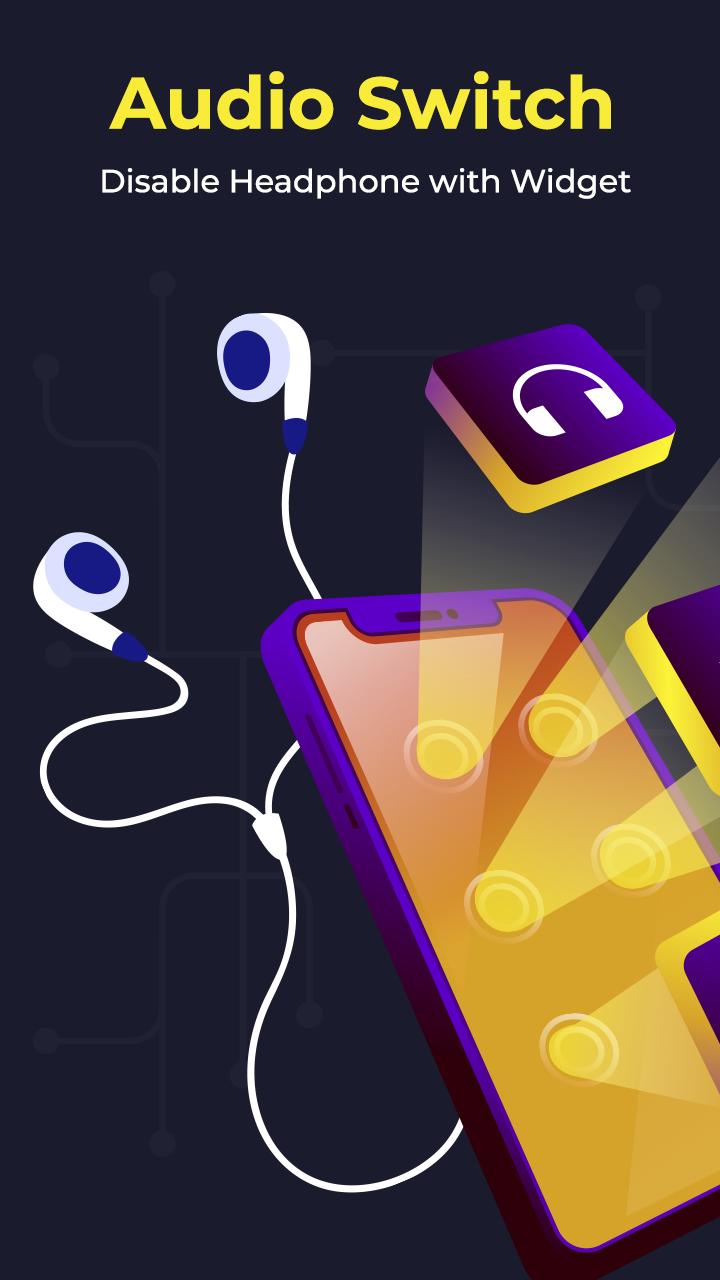
Audio Switch or Earphone Mode Off or Disable Headphone app is very helpful to all users experiencing problems with their headphone jack. With this app you can very easily play all your audio through your built in smartphone speakers bypassing the connected headphones just with the flick of a switch.
Some mobiles shows earphone's plugged in but we cannot connect earphone to our device but Disable Headphone app has a solution for this problem. When your headset still shows plugged in, you can switch to the speaker mode and the sound will come from the phone speaker.
Application Features :-
- This apps main purpose is to manage audio output or control audio output.
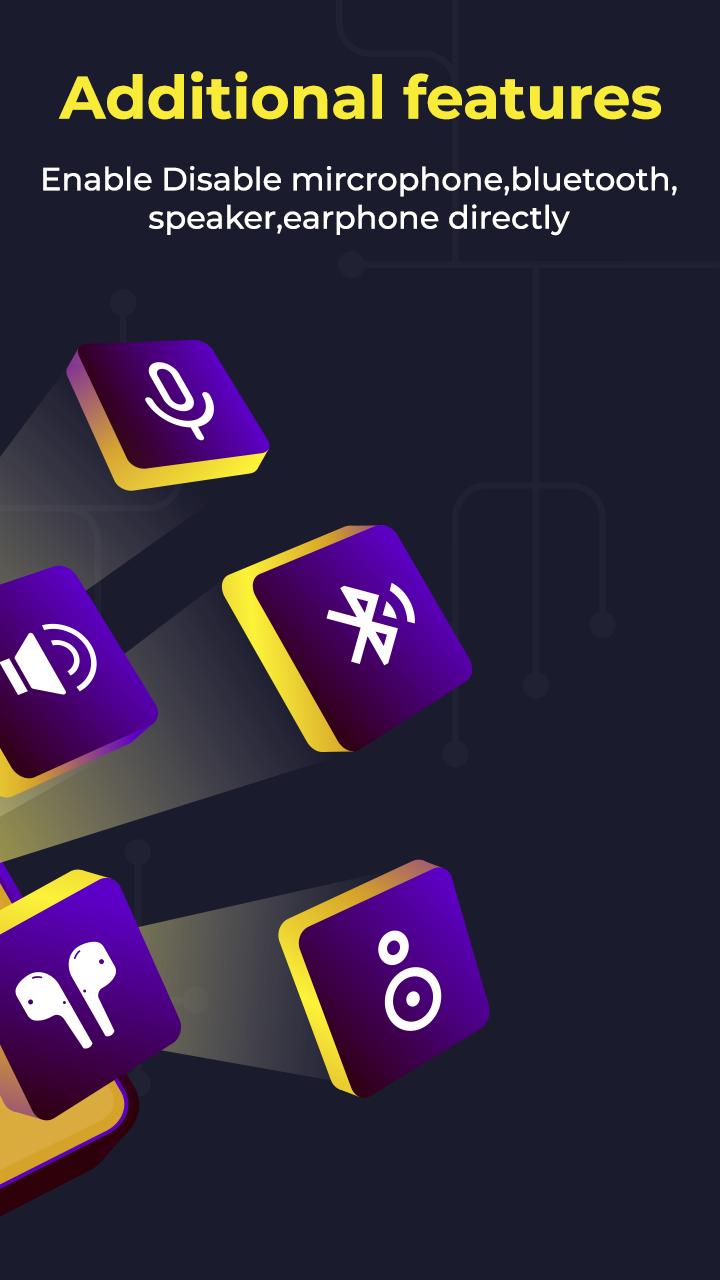
- We can force or set audio output to followings:
- Microphone (Enable or disable)
- Speaker (Enable or disable)
- Wired Headphone (Earphone) (Enable or disable)
- Bluetooth support (Enable or disable)
- Wireless Headphone (Earphone) (Enable or disable)
- Disable all types of earphone or headphones connectivity (Enable or disable)
- Switch to default device mode
- We are providing floating action button for easy use of app from anywhere in device by only enabling floating action button.
- We can also use this app when device headphone jack is not working properly and force audio to specific audio output.
Download the all new Audio Switch - Disable Headphone with Widget App for FREE!!!
پیش نظارہ
ٹیگز
Music-&معلومات
ڈویلپر
Miled Apps Studio
تازہ ترین ورژن
1.3
آخری تازہ کاری
2023-09-02
قسم
Music-audio
پر دستیاب ہے۔
Google Play
مزید دکھائیں
پی سی پر گیم لوپ کے ساتھ Audio Switch Disable Headphone کیسے کھیلا جائے۔
1. آفیشل ویب سائٹ سے گیم لوپ ڈاؤن لوڈ کریں، پھر گیم لوپ انسٹال کرنے کے لیے exe فائل چلائیں۔
2. گیم لوپ کھولیں اور "Audio Switch Disable Headphone" تلاش کریں، تلاش کے نتائج میں Audio Switch Disable Headphone تلاش کریں اور "انسٹال کریں" پر کلک کریں۔
3. گیم لوپ پر Audio Switch Disable Headphone کھیلنے کا لطف اٹھائیں۔
Minimum requirements
OS
Windows 8.1 64-bit or Windows 10 64-bit
GPU
GTX 1050
CPU
i3-8300
Memory
8GB RAM
Storage
1GB available space
Recommended requirements
OS
Windows 8.1 64-bit or Windows 10 64-bit
GPU
GTX 1050
CPU
i3-9320
Memory
16GB RAM
Storage
1GB available space