
Ohio State MyHealth PC
The Ohio State University
گیم لوپ ایمولیٹر کے ساتھ PC پر Ohio State MyHealth ڈاؤن لوڈ کریں۔
پی سی پر Ohio State MyHealth
Ohio State MyHealth، جو ڈویلپر The Ohio State University سے آرہا ہے، ماضی میں اینڈرائیڈ سسٹم پر چل رہا ہے۔
اب، آپ پی سی پر Ohio State MyHealth آسانی سے GameLoop کے ساتھ چلا سکتے ہیں۔
اسے GameLoop لائبریری یا تلاش کے نتائج میں ڈاؤن لوڈ کریں۔ مزید غلط وقت پر بیٹری یا مایوس کن کالوں پر نظر نہیں ڈالی جائے گی۔
بس بڑی سکرین پر Ohio State MyHealth PC کا مفت میں لطف اٹھائیں!
Ohio State MyHealth تعارف
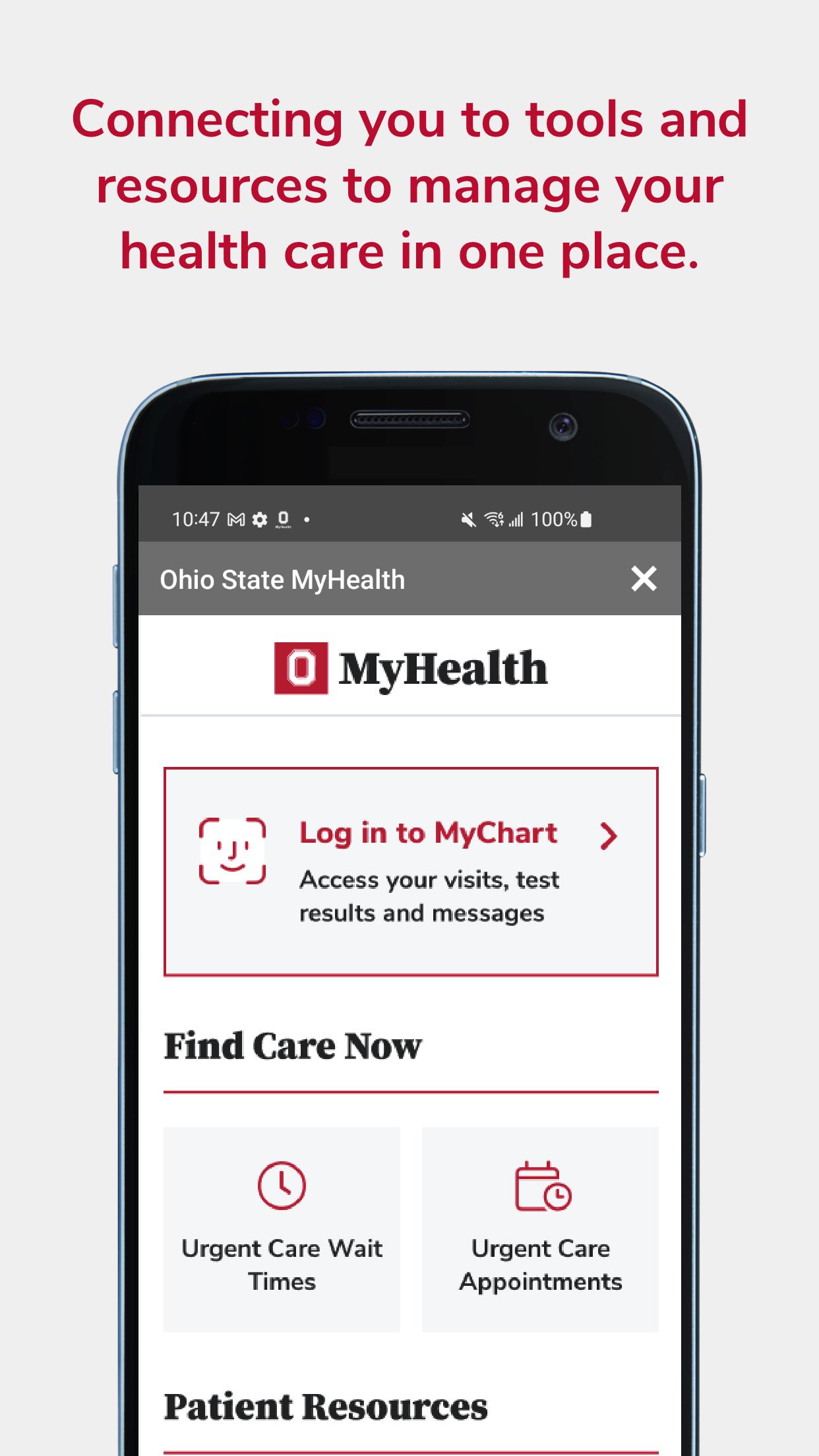
The Ohio State MyHealth app gives you the tools and resources to manage your healthcare at The Ohio State University Wexner Medical Center anywhere, anytime.
MYCHART
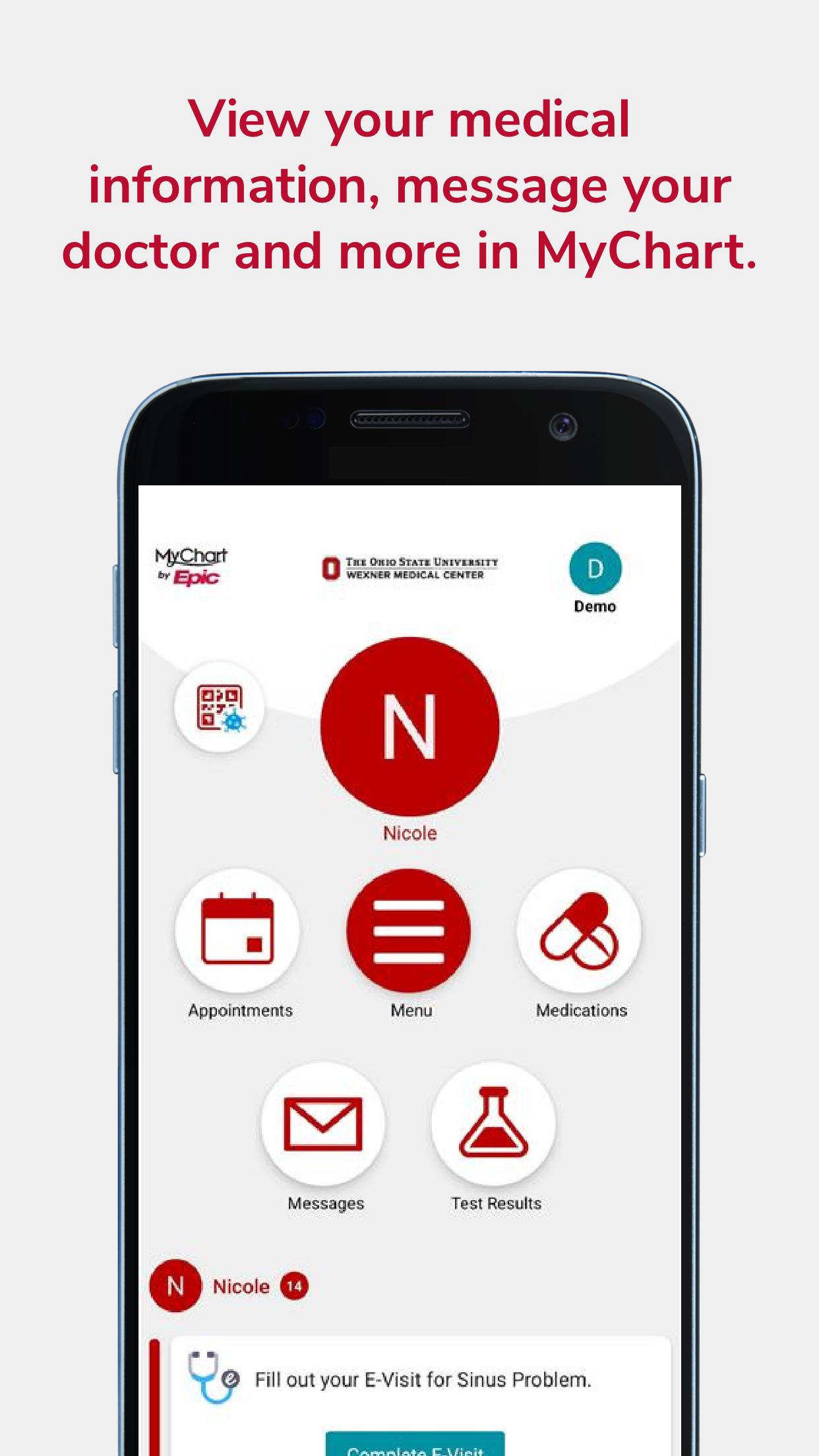
Sign up or log in to your MyChart patient portal account to access:
• Schedule and manage in-person appointments and video visits
• Preregister for your visit, fill out paperwork online and save time at registration
• View visit preparation and follow-up care instructions
• Get test result notifications and standard ranges for lab results
• Send secure messages to your care team
• Reminders for routine care; annual physical, flu shot, and other preventive care
• Share access to health information with children, family members, and caregivers
• Get a price estimate, pay your bill, manage your payment plan or schedule financial assistance counseling
• View your COVID-19 vaccination history, status, and test results
• Integrates with Apple Health and Apple Watch
• Set up your Communication Preferences
For help with your MyChart account visit go.osu.edu/mychartfaq or contact MyChartTechSupport@osumc.edu.
WEXNER MEDICAL CENTER LOCATIONS
• Find a healthcare location near you
• Search locations by name or specialty
• Get directions, see construction updates and find parking
• Look up hospital visitation hours and policies
• View healthcare services and providers by location
FIND A DOCTOR
• View provider ratings and reviews from real patients
• Choose the right healthcare provider for you
• Search for healthcare services by specialty, condition, location or name
• Filter results by providers accepting new patients
• Schedule online with select providers
PATIENT RESOURCES
• View Urgent Care wait times
• Schedule as a new patient without a MyChart account
• Get a price estimate or pay your bill as a guest
• Recover your MyChart username or password
• Share feedback on your experience as a patient
WELLNESS RESOURCES
• Advice and news from medical experts
• Recipes and wellness tips from nutritionists and providers
• Learn about breakthrough research, innovations, and clinical trials
پیش نظارہ
ٹیگز
طبیمعلومات
ڈویلپر
The Ohio State University
تازہ ترین ورژن
11.4.2
آخری تازہ کاری
2025-07-21
قسم
طبی
پر دستیاب ہے۔
Google Play
مزید دکھائیں
پی سی پر گیم لوپ کے ساتھ Ohio State MyHealth کیسے کھیلا جائے۔
1. آفیشل ویب سائٹ سے گیم لوپ ڈاؤن لوڈ کریں، پھر گیم لوپ انسٹال کرنے کے لیے exe فائل چلائیں۔
2. گیم لوپ کھولیں اور "Ohio State MyHealth" تلاش کریں، تلاش کے نتائج میں Ohio State MyHealth تلاش کریں اور "انسٹال کریں" پر کلک کریں۔
3. گیم لوپ پر Ohio State MyHealth کھیلنے کا لطف اٹھائیں۔
Minimum requirements
OS
Windows 8.1 64-bit or Windows 10 64-bit
GPU
GTX 1050
CPU
i3-8300
Memory
8GB RAM
Storage
1GB available space
Recommended requirements
OS
Windows 8.1 64-bit or Windows 10 64-bit
GPU
GTX 1050
CPU
i3-9320
Memory
16GB RAM
Storage
1GB available space