
Micromedex Drug Interactions PC
Mobile Micromedex
گیم لوپ ایمولیٹر کے ساتھ PC پر Micromedex Drug Interactions ڈاؤن لوڈ کریں۔
پی سی پر Micromedex Drug Interactions
Micromedex Drug Interactions، جو ڈویلپر Mobile Micromedex سے آرہا ہے، ماضی میں اینڈرائیڈ سسٹم پر چل رہا ہے۔
اب، آپ پی سی پر Micromedex Drug Interactions آسانی سے GameLoop کے ساتھ چلا سکتے ہیں۔
اسے GameLoop لائبریری یا تلاش کے نتائج میں ڈاؤن لوڈ کریں۔ مزید غلط وقت پر بیٹری یا مایوس کن کالوں پر نظر نہیں ڈالی جائے گی۔
بس بڑی سکرین پر Micromedex Drug Interactions PC کا مفت میں لطف اٹھائیں!
Micromedex Drug Interactions تعارف
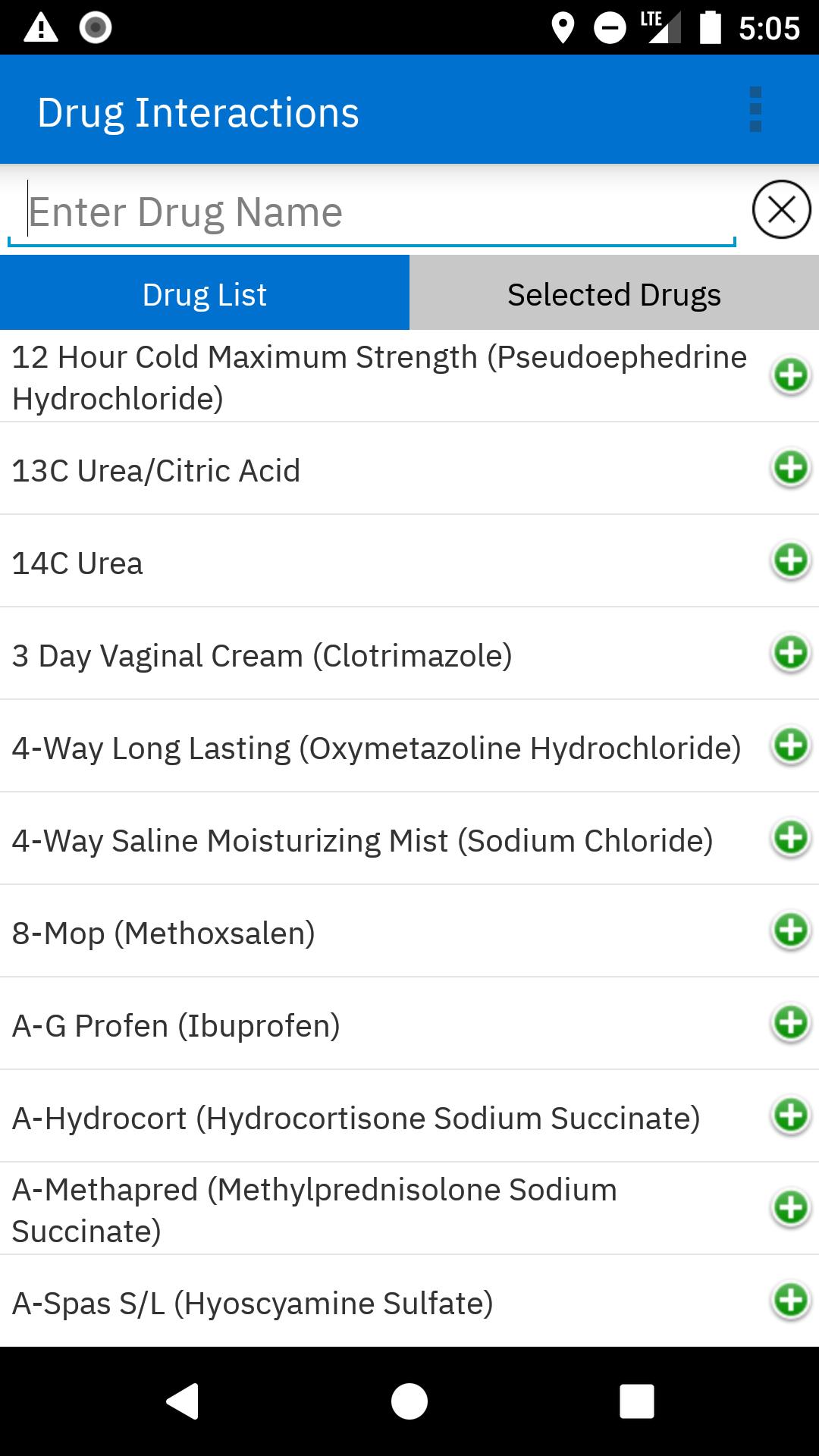
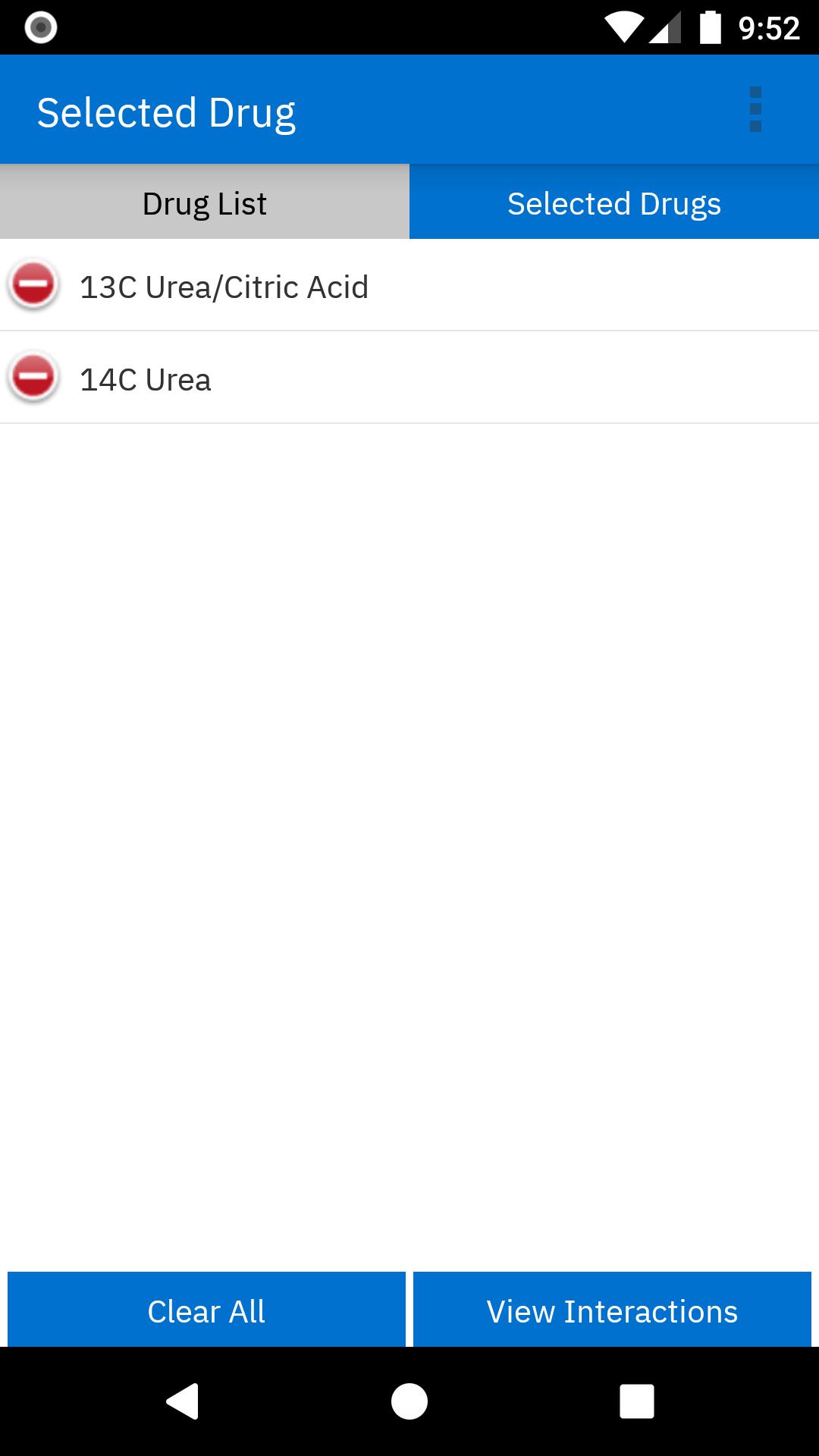
Micromedex Drug Interactions provides insight into:
• Why the drugs in question interact.
• How the results of those interactions will present in the patient.
• Recommendations for monitoring patient outcomes.
Micromedex Drug Interactions is a reliable resource for mobile access to healthcare’s most trusted drug interactions information, providing users with more informed treatment decisions at the point of care. An internet connection is not required, allowing you to make decisions with confidence at anytime, from anywhere.
Merative Micromedex® customers, follow these steps to obtain a password:
1. Login to Merative Micromedex through your subscribing facility.
2. Click the grey "Mobile Application Access" button in the middle of the homepage .
3. Refer to the detailed downloading instructions, which include your password for activating this application at no charge.
Not sure if your institution subscribes to Micromedex Drug Interactions? Check with your Director of Pharmacy, Medical Librarian, or anyone else at your facility responsible for clinical reference information.
If you cannot locate the "Mobile Application Access" button or are having problems with your password, please contact your local representative or the Merative Micromedex Support team at https://merative.my.site.com/mysupport/s/micromedex-support-request
پیش نظارہ
ٹیگز
طبیمعلومات
ڈویلپر
Mobile Micromedex
تازہ ترین ورژن
5.1.0
آخری تازہ کاری
2024-06-13
قسم
طبی
پر دستیاب ہے۔
Google Play
مزید دکھائیں
پی سی پر گیم لوپ کے ساتھ Micromedex Drug Interactions کیسے کھیلا جائے۔
1. آفیشل ویب سائٹ سے گیم لوپ ڈاؤن لوڈ کریں، پھر گیم لوپ انسٹال کرنے کے لیے exe فائل چلائیں۔
2. گیم لوپ کھولیں اور "Micromedex Drug Interactions" تلاش کریں، تلاش کے نتائج میں Micromedex Drug Interactions تلاش کریں اور "انسٹال کریں" پر کلک کریں۔
3. گیم لوپ پر Micromedex Drug Interactions کھیلنے کا لطف اٹھائیں۔
Minimum requirements
OS
Windows 8.1 64-bit or Windows 10 64-bit
GPU
GTX 1050
CPU
i3-8300
Memory
8GB RAM
Storage
1GB available space
Recommended requirements
OS
Windows 8.1 64-bit or Windows 10 64-bit
GPU
GTX 1050
CPU
i3-9320
Memory
16GB RAM
Storage
1GB available space